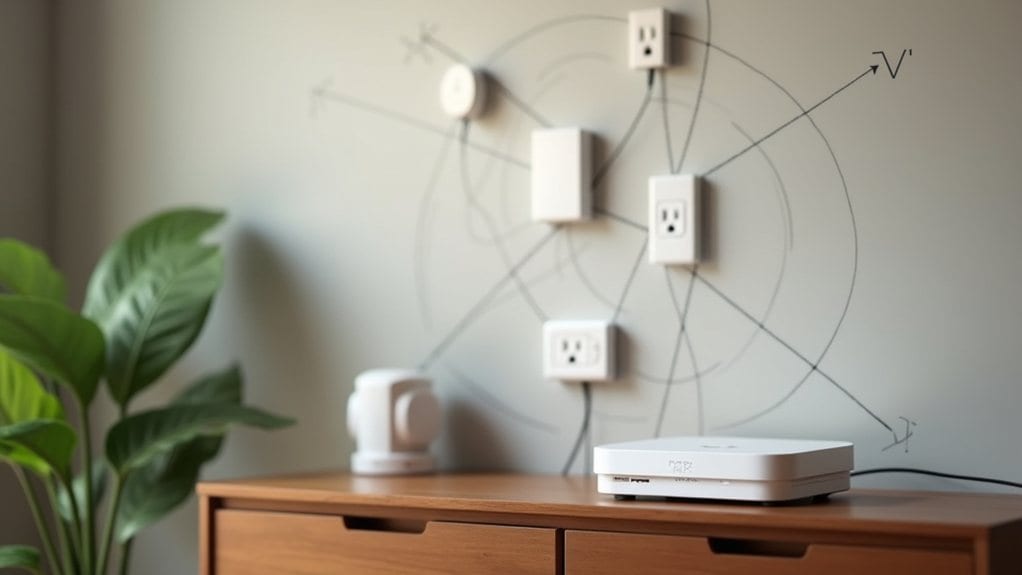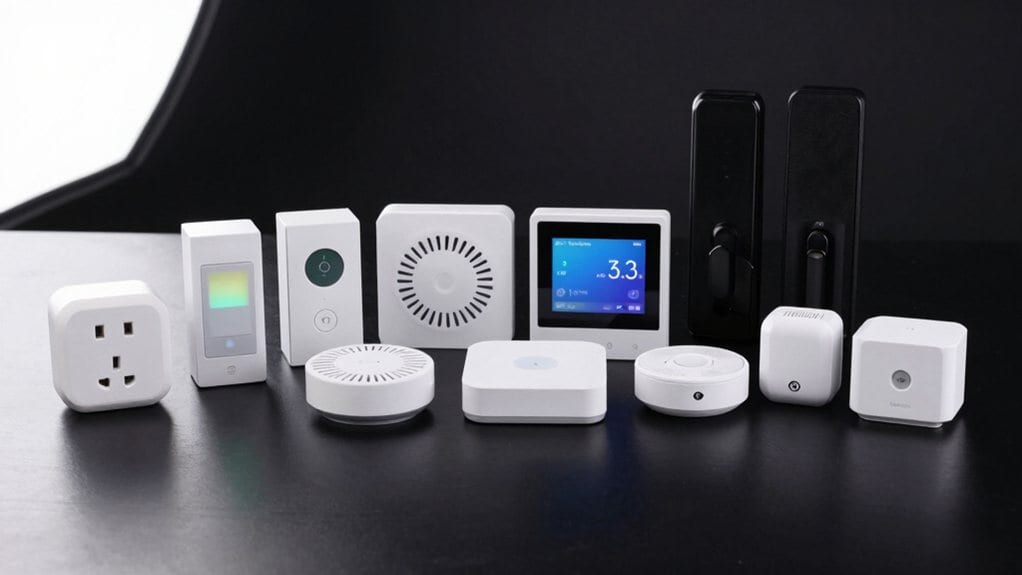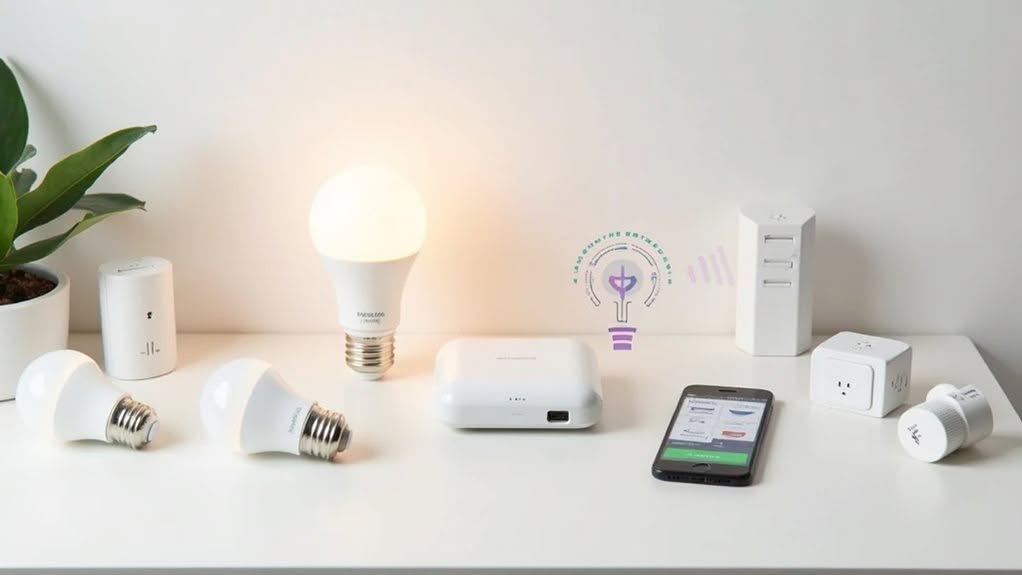
To set up Zigbee devices, you’ll need a Zigbee hub (coordinator) that’s compatible with your preferred smart home platform, router devices to extend your network, and end devices like sensors or switches. Your hub should support AES-128 encryption for security and have sufficient capacity for your planned device count. Position mains-powered routers strategically throughout your home to create a reliable mesh network with 75-100 meter range outdoors. The following sections explore crucial components and setup strategies in greater detail.
Understanding Zigbee Network Roles
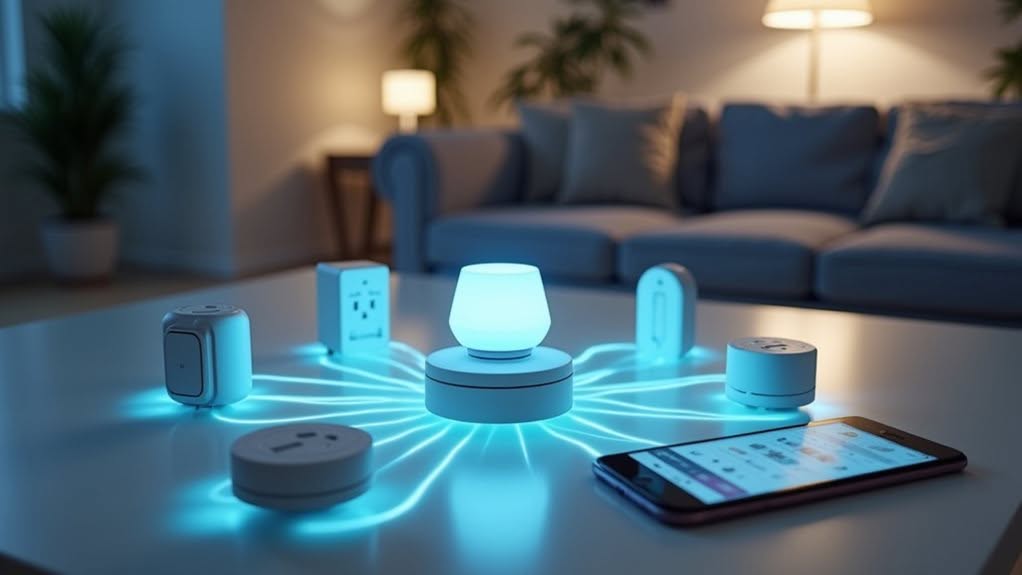
Network architecture forms the foundation of any Zigbee deployment, with three distinct device roles working together to create a functional system.
The Coordinator serves as the brain of your network. It’s responsible for forming the network, selecting channels, managing security, and handling central routing functions with a fixed address of 0x0000. These devices establish and manage the PAN networks as part of their core network layer functions.
Routers act as network extenders and traffic managers. They forward data packets between devices, maintain routing tables, and can assign network addresses to their child devices, effectively expanding your network’s reach. This mesh topology enables devices to relay data for enhanced reliability throughout your home.
End Devices represent your sensors and controllers. They’re designed for energy efficiency and don’t route traffic, instead communicating through parent routers or the coordinator.
These devices can sleep between transmissions, making them ideal for battery-powered applications.
Essential Hardware Components for Zigbee Implementation
Building a functional Zigbee device requires several vital hardware components working in harmony to create reliable wireless communication.
At the core of every Zigbee device is a microcontroller (MCU) that handles data processing and protocol management. This works alongside an RF transceiver operating in the 2.4 GHz band that enables wireless communication.
The brain of any Zigbee ecosystem is its MCU, partnered with a 2.4 GHz RF transceiver to enable seamless wireless connectivity.
Power management components are fundamental, including batteries for end devices and voltage regulators to guarantee stable operation. The antenna design greatly impacts communication range and reliability. The durability of these components must be considered as enclosures and mounting hardware need to withstand various environmental conditions.
Hardware requirements vary by network role. Coordinators need continuous power and robust processing capabilities. Routers require mains power to extend network range. End devices use minimal components to conserve battery life.
USB adapters and gateways serve as bridges between your Zigbee network and other systems. The network can support up to 65,000 devices in a single implementation, making it highly scalable for various applications.
Choosing the Right Zigbee Hub or Gateway
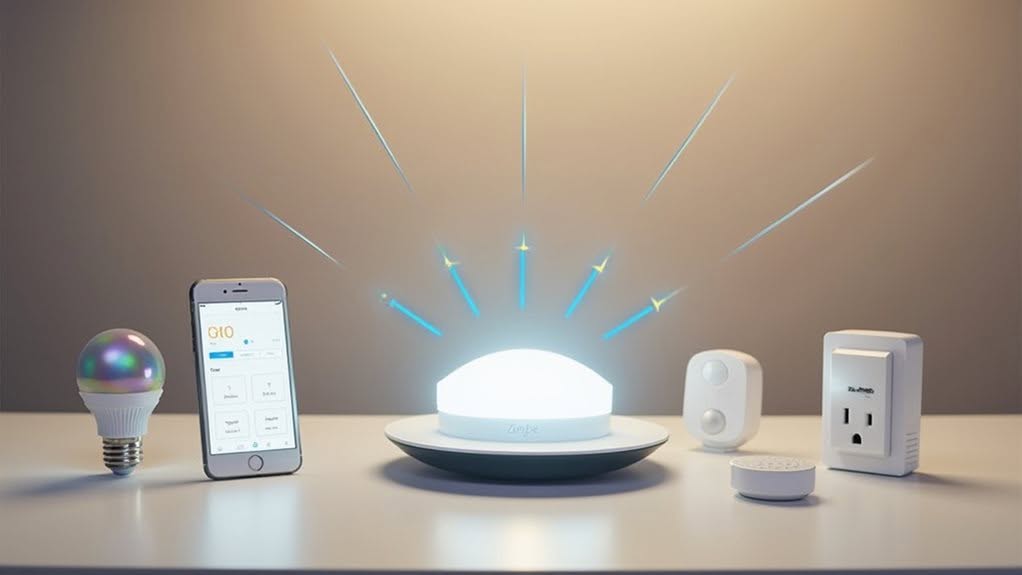
With your hardware components selected, finding the right Zigbee hub or gateway becomes your next critical step in creating a functional smart home network.
Consider your specific needs before making a decision.
Several hub types serve different purposes. USB dongles work best for DIY enthusiasts comfortable with open-source platforms, while Wi-Fi bridges offer simpler app-based control for beginners. SONOFF’s ZBDongle-P provides excellent compatibility with platforms like Zigbee2MQTT and ZHA for those seeking more technical control.
When evaluating options, focus on:
- Stability – Confirm the hub has reliable firmware and hardware for uninterrupted connectivity
- Device capacity – Verify it supports your planned number of devices (most handle 40-256 devices)
- Ecosystem compatibility – Choose hubs that work with your preferred systems like Matter, HomeKit, or Alexa
Multi-protocol gateways like the Develco Squid Link 2B provide flexibility if you’re using multiple wireless standards in your smart home.
For enhanced security in your smart home network, select hubs that utilize AES-128 encryption at both network and application layers.
Power Requirements for Different Zigbee Device Types
Understanding Zigbee’s power requirements helps you select the right devices for your smart home ecosystem.
Battery-powered end devices like sensors and remotes conserve energy through sleep cycles, while mains-powered routers and coordinators form the always-on backbone of your network.
For specialized applications, you’ll find energy harvesting options like Green Power devices that can operate without batteries by capturing kinetic energy from button presses or using solar cells. These Green Power devices can harness energy from motion and vibration to power low-energy IoT devices without requiring battery replacements. Green Power devices require a Green Power proxy to translate their messages for communication with normal Zigbee devices in the network.
Battery-Powered End Devices
Power efficiency lies at the heart of Zigbee battery-powered end devices, which represent the most common device type in many smart home deployments. These devices, typically operating as sensors or controllers, are designed to run for years on simple batteries like AAA NiMH cells.
To achieve extended battery life, these devices employ several power-saving strategies:
- Deep sleep modes that minimize power consumption when not actively communicating.
- Efficient wake-sleep cycles that balance functionality with power conservation.
- Direct communication with routers or coordinators without routing responsibilities.
When designing or selecting battery-powered Zigbee devices, you’ll need to take into account voltage requirements (usually 2-3.6V) and current consumption patterns. Adding buck converters like the TPS62730 can significantly improve power efficiency by delivering lower voltage during active mode.
Most end devices consume around 7.5mA when active but considerably less during sleep states, allowing them to operate for up to 10 years on a single set of batteries. For accurate battery charge measurement, many devices implement pulsed consumption patterns where maximum current is drawn briefly followed by minimal consumption periods.
Mains-Powered Network Backbone
While battery-powered end devices offer flexibility in placement, a robust Zigbee network relies on its mains-powered backbone for dependable operation and extended coverage.
Your network requires a mains-powered coordinator (central hub) that must remain continuously powered to manage connections and security. This device serves as the primary control point for your entire system.
Mains-powered routers form the critical infrastructure of your mesh network. Position these devices approximately 10 meters apart throughout your home to guarantee reliable connectivity. They relay messages between end devices and the coordinator, extending your network’s reach.
Power interruptions to coordinators or routers can disrupt your entire network, potentially requiring manual reconnection of devices.
For peak performance, use quality power supplies and maintain continuous power to these backbone devices.
Many Zigbee users find that integrating smart home security solutions provides additional benefits while enhancing the overall functionality of their network ecosystem.
Energy Harvesting Options
As devices become increasingly miniaturized and distributed, energy harvesting technologies offer Zigbee implementers a path to truly maintenance-free installations.
These solutions capture ambient energy from the environment to power your devices without batteries.
Different Zigbee device types have varying energy harvesting feasibility:
- Battery-free switches work well with kinetic or solar harvesting for their low-power bursts.
- Environmental sensors benefit from stable trickle charging methods with capacitor storage.
- High-frequency transmission devices may require hybrid approaches combining harvesting with battery backup.
Your implementation options include solar cells, kinetic converters, thermal energy converters, and RF harvesters.
These systems typically incorporate rectifiers and storage capacitors (~56 μF) that store energy for communication pulses.
Zigbee Green Power specifications support this approach through ultra-low-power operation and mesh networking capabilities.
Network Topology and Coverage Planning
Understanding Zigbee network topology is essential for creating reliable smart home and industrial systems.
You’ll need to choose between three main topologies: star, tree, or mesh.
For small spaces, the star topology connects all devices directly to one Coordinator node. This works well but creates a single point of failure.
Tree topology extends your range through hierarchical Routers but remains vulnerable if parent nodes fail.
Most Zigbee implementations use mesh topology, offering multiple communication pathways and self-healing capabilities when devices fail.
Your devices will typically reach 75-100 meters outdoors but less indoors due to walls.
Strategic Router placement is important for eliminating dead zones.
While Zigbee theoretically supports up to 65,000 nodes, practical networks typically max out around 240 devices for peak performance.
Security Considerations for Your Zigbee Network
Your Zigbee network’s security begins with AES-128 encryption, which protects all data transmissions from unauthorized access.
You’ll need to manage network keys carefully, avoiding default settings and implementing regular key updates to maintain strong protection.
Device authentication serves as your network’s gatekeeper, verifying each device’s identity before granting access and preventing potential security breaches.
Encryption and Keys
Security in Zigbee networks relies heavily on sophisticated encryption protocols that protect your connected devices from unauthorized access. Your Zigbee system uses AES-128 encryption to secure all network communications, making data unreadable to unauthorized parties.
Your Zigbee network employs three key types for different security functions:
- Network Key – Encrypts all network-level data shared between devices
- Link Key – Secures the transmission of Network Keys during device joining
- Application Key – Protects data exchanged between specific device pairs
The system automatically generates a Message Integrity Code (MIC) for each communication, guaranteeing data hasn’t been tampered with during transmission.
Additionally, frame counters are embedded in messages to prevent replay attacks, where attackers might capture and resend previous communications.
Device Authentication Process
When devices join your Zigbee network, they must undergo a robust authentication process to uphold security integrity. This process typically involves the Trust Center, which serves as the gatekeeper for your network.
Your network’s Trust Center authenticates devices and distributes security credentials to guarantee only authorized devices gain access. During this process, unique link keys are generated between device pairs to secure data transmission.
For improved security, you’ll want to implement certificate-based authentication using X.509 certificates, which provides stronger device identity verification.
If your devices use preconfigured link keys not recognized by the Trust Center, you’ll need to perform out-of-band registration.
Install codes offer another secure method for registering devices with the Trust Center, creating a more protected environment for your Zigbee network.
Device Compatibility and Interoperability
Understanding device compatibility and interoperability forms the cornerstone of creating a reliable Zigbee smart home ecosystem. Different devices adhere to varying profiles and standards, which directly impacts how they’ll work together in your setup.
Most Zigbee devices follow either Zigbee Light Link (ZLL) or Zigbee Home Automation (ZHA) profiles, with newer devices supporting the unified Zigbee 3.0 standard.
When selecting devices, consider:
- Check if your gateway supports the device’s Zigbee profile
- Verify the device is certified for Zigbee 3.0 for maximum compatibility
- Research community forums for compatibility reports with your specific hub
Despite standardization, some devices may require custom handlers or “quirks” to function properly.
Open-source implementations like Home Assistant’s ZHA integration and Zigbee2MQTT offer broad device support across manufacturers.
Setting Up Your First Zigbee System
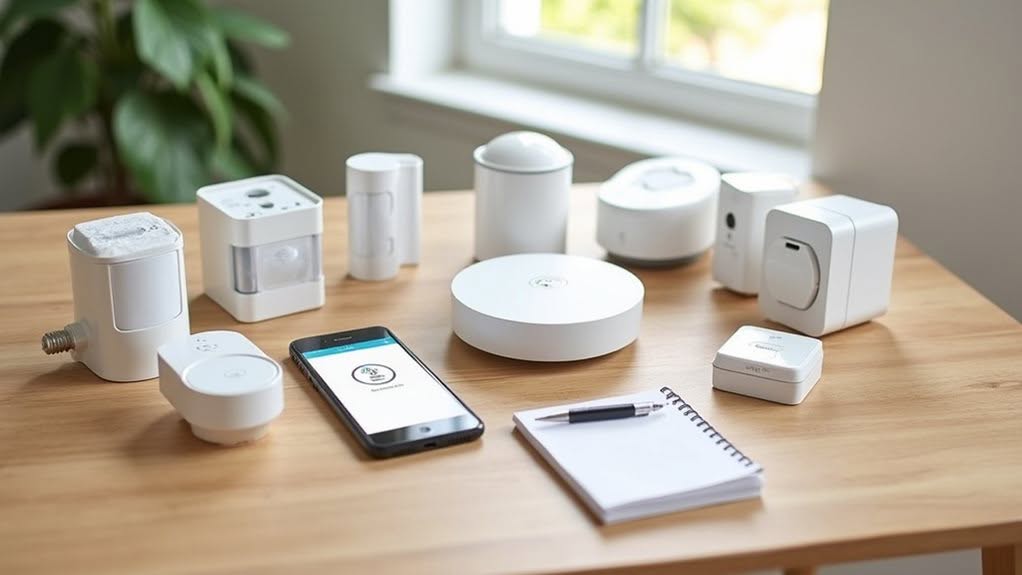
When building your first Zigbee system, selecting the right coordinator is your vital initial decision as this central device will manage all network communications and security protocols.
Your coordinator options typically include USB dongles that connect to a computer running home automation software, or dedicated hubs like SmartThings, Hubitat, or Homey Pro that offer more user-friendly interfaces.
Once you’ve chosen your coordinator, you’ll need to establish a reliable network backbone using mains-powered router devices strategically placed throughout your home to guarantee complete coverage and maintain strong connections between all devices.
Coordinator Selection Essentials
Selecting the right Zigbee coordinator forms the foundation of your entire smart home ecosystem. This central device initiates your network, manages security, and routes data between connected devices.
For peak performance, choose a coordinator with a 32-bit microcontroller. 8-bit and 16-bit MCUs often lack the processing power needed for complex network management tasks.
Current recommended coordinators include:
- USB dongles like Sonoff ZBDongle-E or SMLight SLZB-07 (both with EFR32MG21 chipsets)
- LAN/PoE options such as SMLight SLZB-06M for networked deployments
- Texas Instruments CC2652P-based coordinators for excellent compatibility
Zigbee Network Backbone
Building a robust Zigbee network backbone requires understanding the three distinct device roles that form your smart home’s communication infrastructure.
Your network needs one coordinator hub acting as the central brain, managing device joining and communication pathways.
Routers, typically mains-powered devices like smart plugs and switches, form the actual mesh by relaying signals throughout your home. These workhorses extend your network’s range and capacity.
Battery-powered end devices, such as sensors and remotes, don’t relay messages and depend on nearby routers for communication.
For peak performance, place your coordinator centrally and strategically position routers throughout your home before adding multiple end devices.
Keep devices within about 10 feet of a router to guarantee reliable connections.
Adding more routers extends your network’s reach and allows you to connect more end devices.
Troubleshooting Common Zigbee Connectivity Issues
Despite Zigbee’s reliability, connectivity issues can frustrate even experienced smart home enthusiasts. Weak signals, electromagnetic interference, and outdated firmware are the most common culprits behind device connection failures.
When troubleshooting pairing problems, first reset your devices and position them closer to the hub during initial setup. For persistent issues, consider scanning for channel interference from nearby WiFi networks.
To improve your Zigbee network’s stability:
- Strategically place mains-powered router devices throughout your home to strengthen the mesh network
- Regularly update both hub and device firmware to guarantee compatibility
- Monitor for problematic devices sending excessive messages that might be overwhelming your network
Battery-powered devices rely on nearby routers for communication, so maintaining proper router density is crucial for reliable connections throughout your smart home.
Expanding Your Zigbee Ecosystem
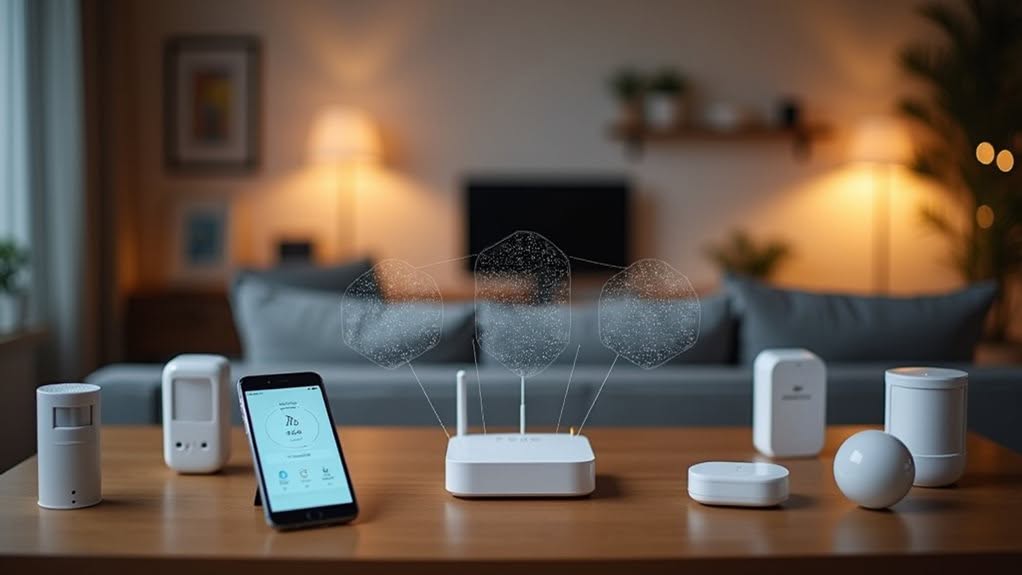
As your Zigbee network matures, you’ll want to expand it strategically to maximize coverage and functionality throughout your home.
Position new devices to create multiple communication paths, avoiding bottlenecks that could disrupt your network. Place your hub centrally to improve routing flexibility and network resilience.
When adding devices, follow the manufacturer’s pairing instructions and implement systematic naming conventions to keep your ecosystem organized. This approach simplifies voice commands and automation setup.
Zigbee 3.0’s improved interoperability allows you to integrate devices from different manufacturers seamlessly. The protocol’s compatibility mechanisms guarantee newer devices can communicate with older ones while benefiting from advanced features.
You can add devices progressively without disrupting your existing setup, creating a scalable smart home system that grows with your needs.
Frequently Asked Questions
Can Zigbee Devices Work During Internet Outages?
Yes, your Zigbee devices will work during internet outages. They communicate through a local mesh network managed by a hub, allowing you to maintain automation and control without internet connectivity.
How Does Zigbee Battery Life Compare to Wi-Fi Devices?
Zigbee devices offer considerably longer battery life than Wi-Fi devices. You’ll enjoy months or even years of operation without replacement, while Wi-Fi devices typically need daily recharging due to their higher power consumption.
What’s the Typical Range Between Zigbee Devices?
Zigbee devices typically reach 10-100 meters indoors and up to 300 meters outdoors with line-of-sight. You’ll get better range with sub-GHz devices (up to 1km). Mesh networking extends coverage by allowing devices to relay signals.
Can I Migrate Zigbee Devices Between Different Brand Hubs?
Yes, you can migrate Zigbee devices between different brand hubs. You’ll need to factory reset each device before pairing with the new hub, and you may need to rebuild your automations afterward.
Do Zigbee Frequencies Interfere With My Home Wi-Fi Network?
Yes, Zigbee can interfere with your Wi-Fi since both use the 2.4 GHz band. You’ll want to set your Zigbee to channels 15, 20, or 25 to avoid overlap with common Wi-Fi channels 1, 6, and 11.
Final Thoughts
You’ve now got a clear roadmap for implementing Zigbee technology in your home. With the right hub, compatible devices, and proper network planning, you’ll enjoy reliable smart home automation. Remember to check power requirements, consider your space’s layout, and follow setup instructions carefully. When issues arise, use the troubleshooting techniques we’ve covered. Your Zigbee system will grow seamlessly as you add more devices to your connected ecosystem.