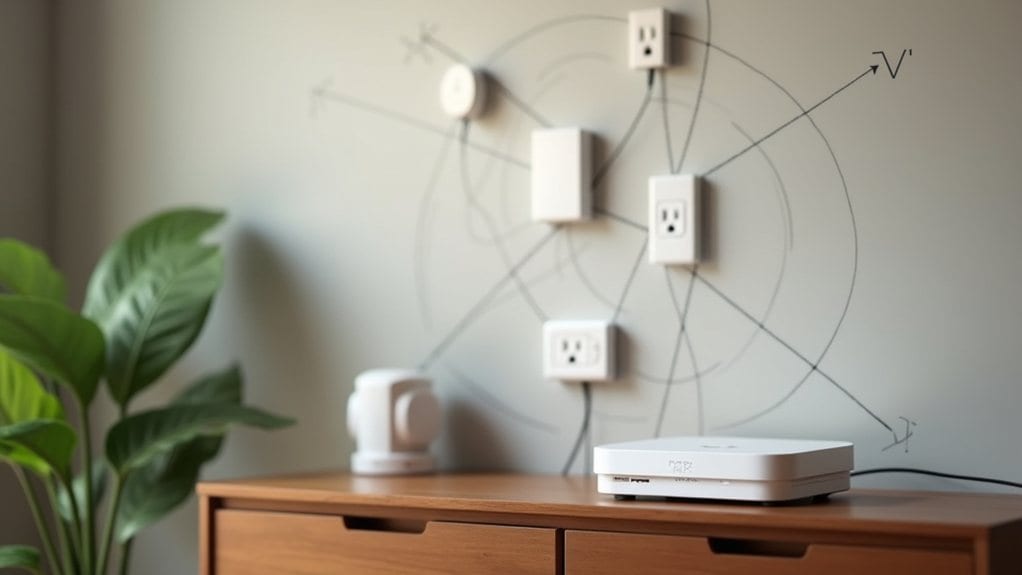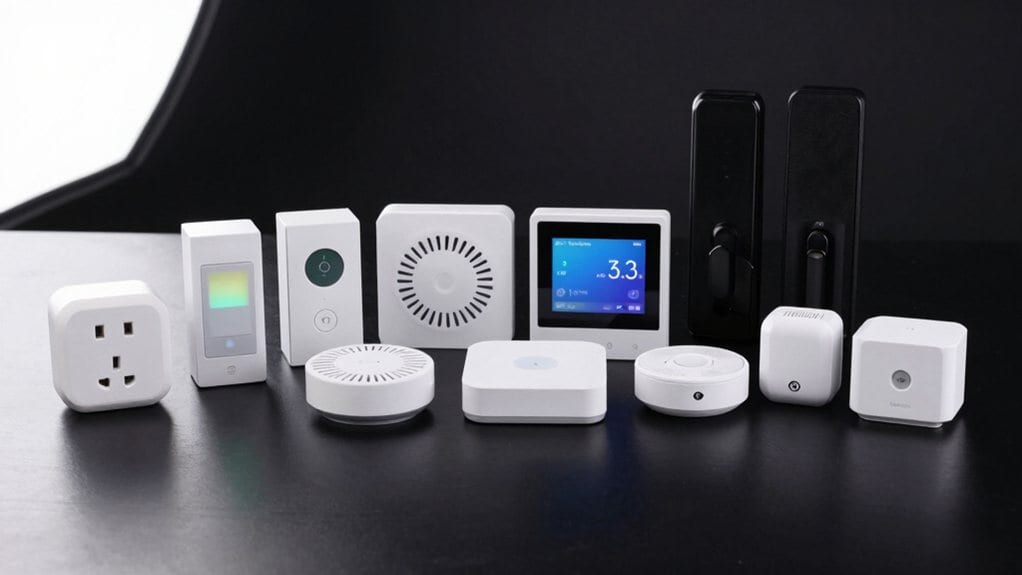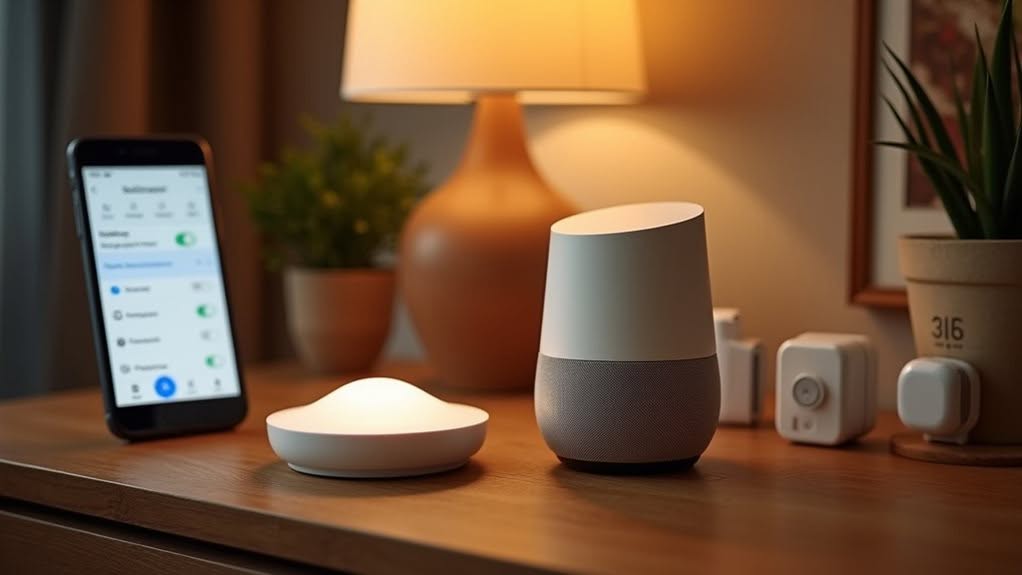
You can’t connect Zigbee devices directly to Google Home, as they use different communication protocols. Instead, you’ll need a compatible hub like Samsung SmartThings, Philips Hue Bridge, or Aeotec Smart Home Hub to bridge the connection. Once set up, you can control your Zigbee devices through Google Assistant voice commands. The integration process involves adding your hub to the Google Home app under “Works with Google.” The right hub selection determines which advanced features and commands will be available for your smart home setup.
Understanding Zigbee and Google Home Compatibility
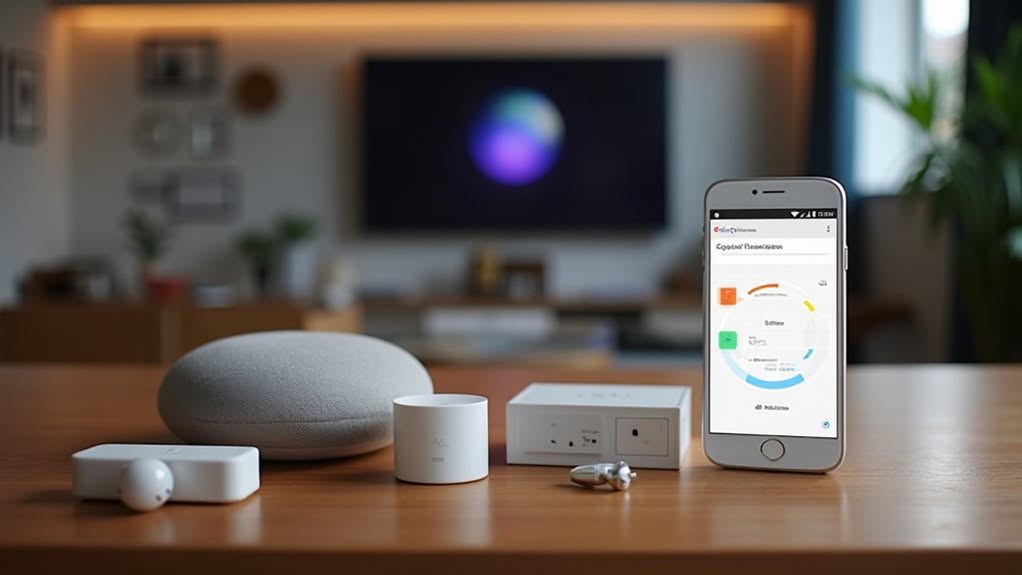
While Zigbee has become a popular protocol in smart home automation, it doesn’t communicate directly with Google Home systems. This fundamental limitation means you’ll need a compatible hub to bridge the connection between these two technologies.
The compatibility issue stems from Google Home’s inability to interpret Zigbee’s wireless protocol, which operates on the IEEE 802.15.4 standard. A hub or coordinator device serves as a translator, allowing your Google ecosystem to communicate with Zigbee devices. Similar to Z-Wave devices, Zigbee products require a Z-Wave hub to facilitate communication with Google Home.
Interestingly, you might notice that Google Assistant can control your Zigbee devices through voice commands even when they appear inactive in the Google Home app. This discrepancy is common and highlights the indirect nature of the integration. Users typically experience frustrating connectivity issues when attempting to link their Zigbee-controlled devices to Google Home.
Many users successfully integrate Zigbee with Google Home using hubs from brands like Samsung SmartThings or Phillips Hue.
Required Hardware for Zigbee-Google Home Integration
To bridge the gap between Zigbee devices and Google Home, you’ll need specific hardware components that enable communication between these two different technologies.
A compatible Zigbee hub serves as the crucial mediator. Popular options include the Samsung SmartThings Hub, Aeotec Smart Home Hub, or Philips Hue Bridge, which can connect to Google Home’s ecosystem. These hubs can manage multiple devices simultaneously, reducing overall network congestion in your smart home setup. Remember that adding your ST Hub to Google Home will automatically include compatible SmartThings devices in your Google Home setup.
Alternatively, you can use Zigbee coordinators like Conbee II or Sonoff Zigbee dongles paired with Home Assistant for indirect Google integration. These coordinators must support Zigbee Home Automation (ZHA) protocol.
Zigbee coordinators paired with Home Assistant create flexible pathways for Google integration when native solutions aren’t available.
For future-proofing your setup, consider Matter-enabled devices that improve compatibility through this universal smart home standard. Matter bridges can connect Zigbee devices to Google Home with enhanced reliability through Thread networking technology.
Step-by-Step Connection Process
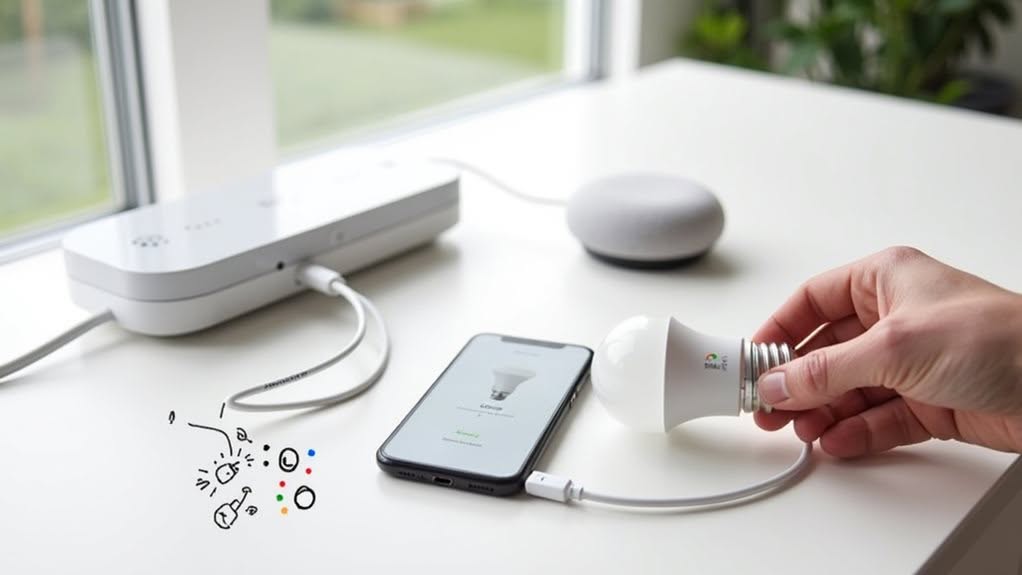
Connecting your Zigbee devices to Google Home requires following a specific sequence of steps that guarantee proper communication between these different smart home technologies.
The process involves linking your Zigbee hub to Google Home since direct Zigbee connectivity isn’t supported. While Google Home relies on cloud services, many users prefer local control for reliability and privacy when managing their smart home ecosystem.
- Open the Google Home app and select the Add icon (+) followed by Set up device > Works with Google
- Search for your Zigbee hub’s brand (SmartThings, Philips Hue, etc.) in the supported services list
- Sign in with your hub account credentials to authorize the connection
- Wait for Google Home to discover all Zigbee devices connected to your hub
- Assign devices to rooms and customize their names for easier voice control
After linking, you can manage your Zigbee devices through Google Home’s interface or voice commands with Google Assistant. For newly added devices, you may need to say “sync devices” to Google Assistant to ensure they appear properly in your Google Home app.
Common Challenges and Troubleshooting
Once you’ve completed the setup process, you might encounter several challenges when using Zigbee devices with Google Home.
Compatibility issues are common, especially with RGBW bulbs that may miss attributes like saturation. Your devices might appear as “Inactive” or disappear from integration lists altogether.
Since Google Home lacks native Zigbee support, you’re relying on third-party hubs like SmartThings or Sonoff iHost, which adds complexity. Device names may display as generic labels like Outlet 1 instead of the custom names you’ve assigned in your hub.
Account linking between these hubs and Google Home can be unstable, causing device synchronization problems.
To troubleshoot effectively, try switching device drivers on your hub (e.g., changing from RGBW to dimmer). Trying a device-specific RGBW driver rather than a generic one often resolves integration issues.
You might also need to delete and re-add devices, though this isn’t always effective due to underlying incompatibilities.
Check hub logs to identify specific rejection reasons, which often relate to unsupported device types.
Best Hub Options for Seamless Integration
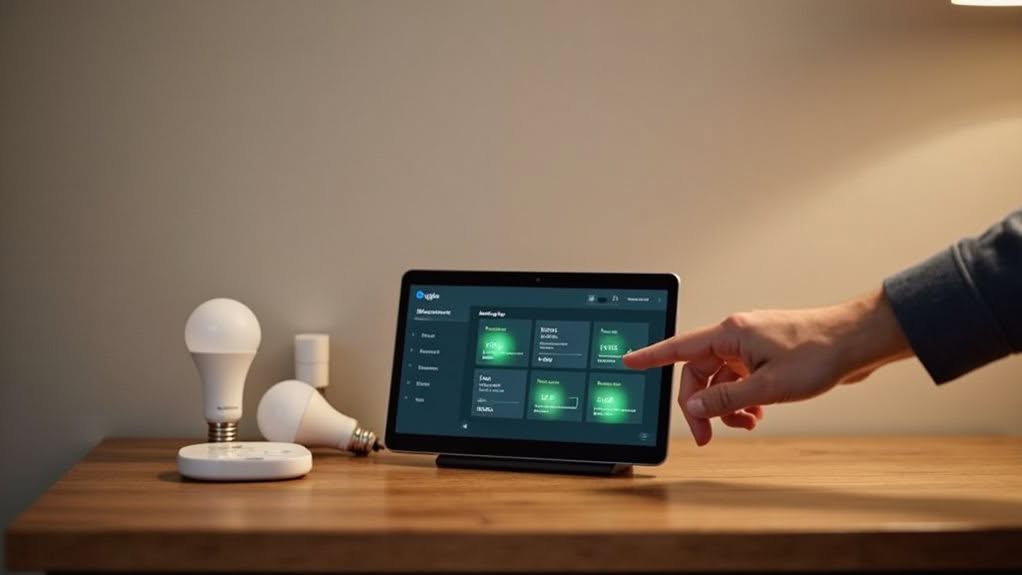
Selecting the right hub forms the foundation of a successful Zigbee-Google Home integration, as different hubs offer varying levels of compatibility and features.
Your choice should align with your technical comfort level and specific smart home needs.
- Aqara Hub M3 excels with Matter support, guaranteeing cross-platform compatibility with Google Home.
- Hubitat Elevation C-8 Pro offers local processing for faster response times and reliable automation.
- Samsung SmartThings hub seamlessly adds supported Zigbee devices directly to Google Home.
- Amazon Echo devices with built-in Zigbee capability provide an all-in-one solution.
- Google Nest Hub Max works well for Thread devices but requires intermediate hubs for Zigbee integration.
For the most straightforward setup, consider the Aqara M3 or SmartThings hub, which provide the most direct path to Google Home compatibility with minimal configuration hurdles.
The Home Assistant SkyConnect offers excellent privacy features with its local control capabilities, ensuring your smart home data remains secure and on your network.
Many users find that Zigbee2MQTT provides broader device support than ZHA when connecting Zigbee devices to smart home platforms.
A comprehensive smart home hub system can centralize control of all your connected devices, simplifying management regardless of which communication protocol they use.
Voice Control Capabilities With Zigbee Devices
Voice control for your Zigbee devices through Google Home relies entirely on having a compatible hub like SmartThings or Home Assistant properly configured.
You’ll be able to control most integrated Zigbee devices with voice commands after setup, though command recognition and execution success may vary by device type and brand.
Features like dimming lights, adjusting thermostats, or activating scenes work with specific voice phrases that Google Assistant recognizes for your particular Zigbee devices.
Voice Control Capabilities With Zigbee Devices
Through Google Home’s integration with Zigbee devices, you’ll gain powerful voice command capabilities that transform how you interact with your smart home.
When connected via compatible hubs or bridges that support Matter protocol, your Zigbee devices become accessible through Google Assistant voice commands.
- Turn lights on/off, adjust brightness, or change colors using simple voice instructions
- Control multiple Zigbee devices across different rooms with a single command
- Create custom routines (like “Good night”) to manage several Zigbee devices simultaneously
- Operate fans, blinds, and garden systems hands-free when carrying items or cooking
- Access your Zigbee devices through Google Assistant on your phone, smart speakers, or displays
This integration works particularly well for lighting, switches, and plugs, though some advanced features like voice-unlocking door locks remain disabled for security reasons.
Hub-Dependent Command Support
The support for voice commands across your Zigbee devices depends heavily on which hub you’re using as the bridge to Google Home.
Basic commands like “turn on,” “turn off,” and “dim to 50%” typically work well across most hub integrations. However, more advanced features vary greatly between platforms.
SmartThings and Hubitat users can generally expect better voice command recognition compared to less mainstream hubs. Color control commands may work with compatible RGBW bulbs, but only if your hub properly exposes these features to Google Home.
Device status synchronization can sometimes lag, causing Google Assistant to report incorrect information about your Zigbee device states. This happens because all commands must travel through both your hub’s cloud service and Google’s servers before reaching your devices.
Device-Specific Voice Features
When properly integrated with your Google Home ecosystem, Zigbee devices offer a range of voice control capabilities that vary considerably by device type. The voice command functionality depends on both the device’s capabilities and Google’s security policies.
- Smart lights respond to commands for brightness, color, and on/off status.
- Thermostats accept temperature adjustments and mode changes.
- Door locks require PIN codes for security and don’t support voice access.
- Irrigation systems can be scheduled or manually activated.
- Window coverings respond to open/close/position commands.
Security-sensitive devices implement additional protection layers, such as requiring PIN verification before executing certain commands.
For thorough control, you can create Google Home routines that incorporate multiple Zigbee devices triggered by a single voice command.
Different device categories maintain unique voice interaction models that align with their practical functions and safety requirements.
Future-Proofing Your Smart Home Setup
As smart home technologies rapidly evolve, future-proofing your Zigbee-based Google Home setup requires strategic planning and informed device selection.
Choose Zigbee hubs that support emerging standards like Matter and Thread, which will improve cross-platform compatibility as the industry evolves. SmartThings and Home Assistant are particularly strong options with regular updates and broad device support.
Prioritize hubs with local processing capabilities to guarantee your devices continue functioning during internet outages. This reduces reliance on cloud services that may change or discontinue.
Select devices from established manufacturers with proven records of firmware updates and active community support. This minimizes the risk of abandonment as technologies advance.
Document your setup thoroughly—including device models, hub configurations, and integration steps—to simplify troubleshooting and facilitate seamless shifts between platforms when necessary.
Frequently Asked Questions
Will Google Nest Hub Replace My Zigbee Hub?
No, your Google Nest Hub won’t replace your Zigbee hub. It lacks built-in Zigbee radio hardware to directly connect or control Zigbee devices. You’ll still need a dedicated Zigbee hub for proper device connectivity.
Can I Use Zigbee Sensors to Trigger Google Home Routines?
No, you can’t use Zigbee sensors directly to trigger Google Home routines. You’ll need workarounds like Home Assistant or compatible hubs, as Google Home lacks native Zigbee sensor trigger support for automations.
Do Zigbee Remotes Work With Google Home?
Zigbee remotes won’t work directly with Google Home. You’ll need a compatible hub like SmartThings or Home Assistant to bridge them, and even then, button functions may have limited support in Google’s ecosystem.
Does Google Home Support Zigbee Green Power Devices?
No, Google Home doesn’t natively support Zigbee Green Power devices. You’ll need a compatible hub like Philips Hue Bridge that functions as a Green Power Sink to control battery-less or energy-harvesting Zigbee devices.
Can I Use Google Home With Zigbee Home Security Devices?
You can’t directly use Zigbee security devices with Google Home. You’ll need a compatible third-party hub like SmartThings that supports both your specific security devices and Google Home integration as an intermediary.
Final Thoughts
You can successfully connect Zigbee devices to Google Home, though it requires a compatible hub as the bridge between these technologies. With the right setup, you’ll enjoy voice control and automation features that make your smart home more convenient. As both ecosystems continue to evolve, your integration options will likely expand, making your current investment more valuable over time.