
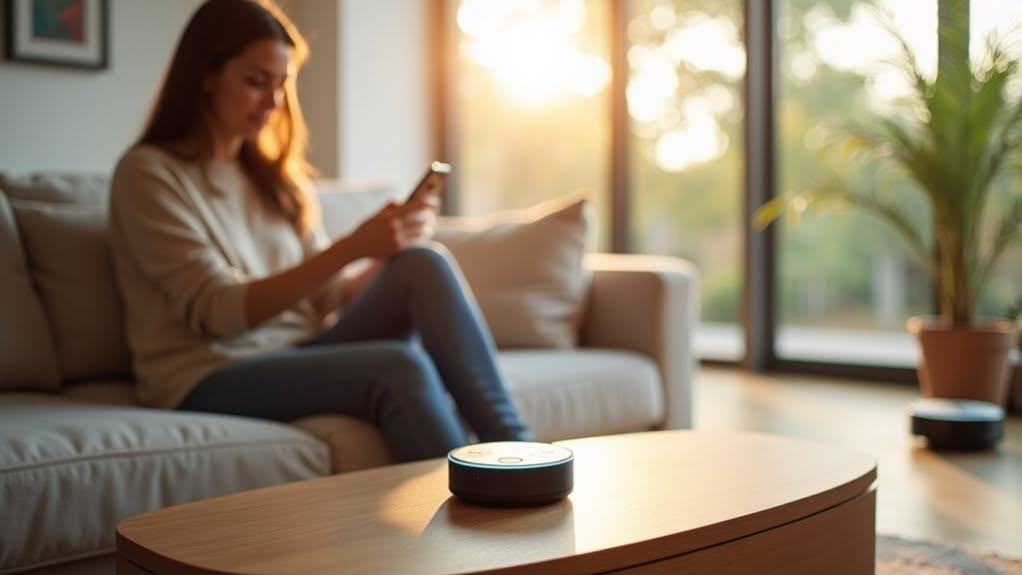
To automate your home with Alexa, start with an Echo device and reliable Wi-Fi (minimum 512 Kbps). Add compatible smart products like plugs and lights, then enable their corresponding Alexa Skills. Create custom routines to trigger multiple actions with a single command, such as “Good morning” to start your coffee maker and raise blinds. Organize devices into room-based groups for easier control. Regular maintenance and strategic device placement will guarantee your smart home system runs efficiently.
The Essential Components of an Alexa Smart Home System
Four key components form the foundation of any effective Alexa-powered smart home system.
These elements work together to create a seamless automation experience in your home. The ability to control multiple devices simultaneously using Alexa’s single command group feature makes daily routines more efficient and convenient.
First, you’ll need an Alexa-enabled device, such as an Echo or Echo Dot, to process your voice commands.
For improved functionality, consider models with built-in hubs like the Echo Plus, which supports Zigbee protocol for direct device communication. As of June 2020, there are over 100,000 compatible devices that work with Alexa’s ecosystem.
Second, compatible smart devices—including lights, plugs, thermostats, and security cameras—provide the functionality you’ll control with your voice.
Third, Alexa Skills serve as the software bridge between your voice commands and your devices.
You’ll need to activate specific Skills for each brand of device you own.
Finally, a reliable Wi-Fi network guarantees all components communicate effectively throughout your home.
For enhanced protection, integrate a smart security system that connects with Alexa to monitor your home and provide alerts about potential threats.
Setting Up Your Home Network for Seamless Alexa Integration
A reliable home network serves as the foundation for any successful Alexa smart home system. Your connection should maintain at least 512 Kbps speed to guarantee Alexa responds properly to your commands.
Connect all your Alexa devices to the same network as your other smart home products. For improved security and performance, consider creating a dedicated SSID specifically for your Alexa ecosystem.
Position your router strategically to maximize coverage throughout your home. This prevents connectivity issues that can disrupt Alexa’s functionality. When changing WiFi networks, you can put Alexa devices into setup mode by pressing and holding the Action button for 15 seconds.
Configure your firewall to allow necessary ports for Alexa communication, and implement network segmentation to keep smart devices separate from other traffic. Use strong WiFi passwords and keep all devices regularly updated with security patches.
For troubleshooting, use the “Alexa, discover devices” command to confirm all products are properly detected. Using the TP-Link Tether app, you can enable Alexa Integration by tapping the button and selecting Smart Life Assistants.
Choosing the Right Alexa-Compatible Devices for Your Needs
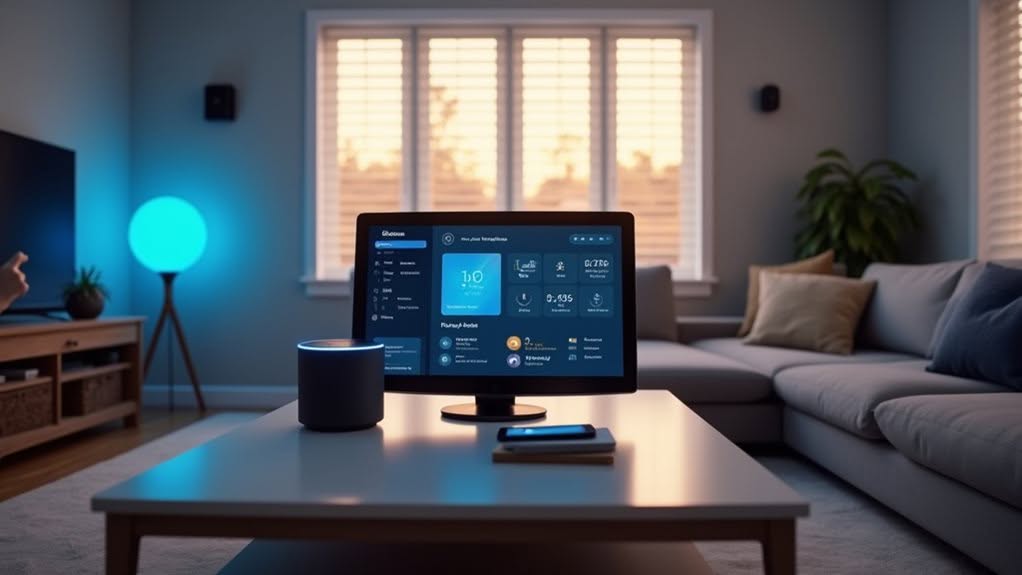
When building your Alexa-powered smart home, you’ll get better results by starting with a few crucial devices before expanding your collection.
You can begin with budget-friendly options like smart plugs and bulbs, which offer excellent functionality without breaking the bank.
For security needs, SimpliSafe offers affordable packages that integrate well with Alexa while providing reliable home protection.
As your comfort with smart home technology grows, you might consider investing in premium devices like Ecobee thermostats or Ring security systems that provide advanced features and more reliable performance.
Starting Smart, Building Gradually
Starting your Alexa-powered smart home adventure doesn’t require an immediate investment in dozens of devices.
Begin with foundational elements like an Echo Dot speaker and a few smart plugs, which provide immediate functionality with minimal setup.
Select devices that offer both voice and manual controls to guarantee usability even when Alexa isn’t available.
Smart plugs with physical switches are perfect examples of this dual-control approach.
The Echo Dot (5th Generation) offers impressive sound quality and peerless Alexa integration at an affordable price point of $34.99, making it ideal for smart home beginners.
As you gain comfort, expand your system with security cameras featuring day/night vision or smart displays that improve visual control of your growing network.
Prioritize products from brands with strong Alexa Skill support and regular updates.
This secures your devices maintain compatibility as Amazon’s ecosystem evolves.
For best results, choose devices explicitly labeled “Works with Alexa” and those supporting Alexa routines for future automation possibilities.
Budget vs. Premium Options
Building your Alexa-powered smart home doesn’t require emptying your bank account, as the market offers options across every price range.
For budget-conscious consumers, starter devices like the $30 Wemo WiFi Smart Plug or entry-level smart bulbs provide simple automation without complex setup.
SimpliSafe’s DIY security package at $250 offers affordable protection with basic Alexa integration.
Premium options deliver improved capabilities at higher price points. Systems from ADT or Vivint ($350-$600) include professional installation and thorough integration of lights, locks, and security devices. Brands like Yale and Kwikset offer sophisticated smart locks that integrate seamlessly with Alexa voice commands.
High-end entertainment centers like LG OLED TVs feature built-in Alexa with superior image quality.
For kitchen automation, consider the bundle of Alexa-compatible devices that includes air fryers, kettles, and microwaves for a comprehensive smart cooking experience.
Your choice ultimately depends on specific needs. Budget devices allow gradual expansion, while premium systems offer more seamless experiences with touchscreens and multi-device coordination.
Consider future compatibility and potential subscription costs when making your selections.
Creating Custom Routines and Groups to Simplify Daily Tasks
Alexa custom routines can transform your morning by automating multiple actions with a single command or trigger.
You’ll save time and streamline your day when your “Good Morning” routine simultaneously opens blinds, starts coffee brewing, and reads your calendar appointments. Setting an evening routine to adjust smart lights and control your thermostat at specific times ensures your home is always comfortable when you need it.
Creating room-based control groups lets you organize your smart devices logically, which means you can turn off all bedroom lights or adjust multiple kitchen appliances with one simple instruction. You can enhance home security by using routines that arm systems and lock doors with a single voice command.
Morning Routine Magic
When you harness the power of Alexa’s morning routines, your entire wake-up experience transforms into a streamlined sequence of automated actions.
Start your day efficiently by triggering multiple smart devices with a single command or alarm dismissal. Your lights can turn on, thermostat can adjust, and weather report can play simultaneously without separate instructions.
Personalize your routine by incorporating calendar updates, news briefings, and your favorite music playlist to energize your morning. Alexa’s voice recognition feature enables customized responses depending on who’s speaking.
Group your smart devices logically and create custom actions for complex commands that would be cumbersome to remember. This allows for more sophisticated automation flows.
Consider creating multiple segmented routines for different parts of your morning—wake-up, breakfast, and departure—for modular control over your day’s beginning.
Room-Based Control Groups
Organizing your smart home into strategic room-based groups transforms how you manage connected devices throughout your living space.
These groups enable you to control multiple devices with a single command.
Creating room groups is straightforward in the Alexa app. Access Devices > + > Add Group, then select “Smart Home Group.” Name your group after the room it represents, like “Kitchen” or “Bedroom,” and select the devices to include.
Once configured, you can issue commands like “Alexa, turn on the kitchen lights” or “Alexa, play music in the living room.”
This functionality extends to all grouped devices, whether they’re lights, speakers, or window shades.
For more sophisticated control, integrate groups into Alexa Routines. This allows you to trigger multiple group actions with custom phrases or schedules, further streamlining your smart home experience.
Advanced Automation Features That Transform Home Living

Today’s advanced Alexa features go far beyond simple voice commands, transforming ordinary homes into intelligent living spaces that anticipate your needs.
Alexa+ integrates generative AI for natural, multi-turn conversations that handle complex tasks like booking appointments or scheduling events. The system’s Hunches technology proactively predicts your behavior and suggests automation actions before you even ask.
Experience Alexa+ AI magic: natural conversations for complex tasks while intelligent predictions automate your life before you ask.
Create powerful Alexa Routines that combine multiple smart device actions into single voice-triggered sequences. Your “Movie Time” routine can dim lights, lower blinds, and turn on your TV simultaneously.
For improved security, integrate smart locks and cameras to enable keyless entry, voice-controlled locking, and real-time monitoring streamed directly to your Echo Show devices.
Smart thermostats and lighting systems adjust automatically based on your routines, reducing energy waste while optimizing comfort.
Troubleshooting Common Issues and Maintaining Your Smart Home
Even the most sophisticated Alexa-powered smart home will encounter occasional hiccups that require troubleshooting. Power issues often occur first, so check your adapters and cables for damage, or try different outlets to pinpoint the problem.
Wi-Fi connectivity problems can disrupt your entire smart home ecosystem. Position your router centrally and limit connected devices to reduce network congestion. Regularly update router firmware for peak performance.
Prevent device overheating by keeping Alexa products in well-ventilated areas away from direct sunlight and heat sources. Clean dust regularly to maintain proper airflow.
For software glitches, verify both your Alexa devices and app stay updated. If problems persist, try logging out and back into your Amazon account, or perform a factory reset as a last resort.
Frequently Asked Questions
Can Alexa Control Devices When I’m Away From Home?
Yes, you can control all your Alexa-connected devices remotely through the Alexa app on your smartphone. You’ll have full access to manage lights, thermostats, cameras, and other smart devices from anywhere with internet connection.
Does Alexa Work During Internet Outages?
No, Alexa won’t work properly during internet outages. You’ll lose most functionality since it relies on cloud processing. Basic features like timers or local media may work, but smart home controls typically fail without connectivity.
How Do I Protect My Smart Home From Hackers?
Update all device firmware regularly, use strong unique passwords, separate IoT devices on their own network, review privacy policies of all third-party skills, enable two-factor authentication, and avoid using default settings on your smart devices.
Can Alexa Distinguish Between Different People’s Voices?
Yes, Alexa can distinguish between different people’s voices. You’ll need to set up voice profiles in the Alexa app, which creates custom voice models for each household member, enabling personalized responses and content for everyone.
Will Alexa Devices Work With My Existing Home Assistant?
Yes, your existing Home Assistant will work with Alexa devices. You’ll need to set up the integration through Home Assistant Cloud or create a Smart Home skill, then select which entities Alexa can control.
Final Thoughts
You’ve now gained the crucial knowledge to transform your home with Alexa automation. By selecting compatible devices, configuring your network properly, and creating personalized routines, you’ve built a system that responds to your specific needs. Remember to maintain your smart home regularly and troubleshoot issues promptly. With these foundations in place, you’ll continue to discover new ways Alexa can make your daily life more efficient and enjoyable.


