You’ll save considerable energy with smart climate automation through strategic sensor placement, geofencing, and weather integration. Position temperature sensors at eye level away from windows and heat sources to create accurate comfort zones. Set up smartphone geofencing to automatically adjust temperatures when you leave or return home. Integrate weather forecasts to pre-condition your home before temperature changes, and utilize time-of-use rate optimization to shift HVAC operation to lower-cost periods. These simple adjustments can reduce your energy bills by 10-15%.
Strategic Placement of Temperature Sensors for Zone-Based Control
When implementing smart home temperature control, proper sensor placement becomes critical for achieving both comfort and energy efficiency.
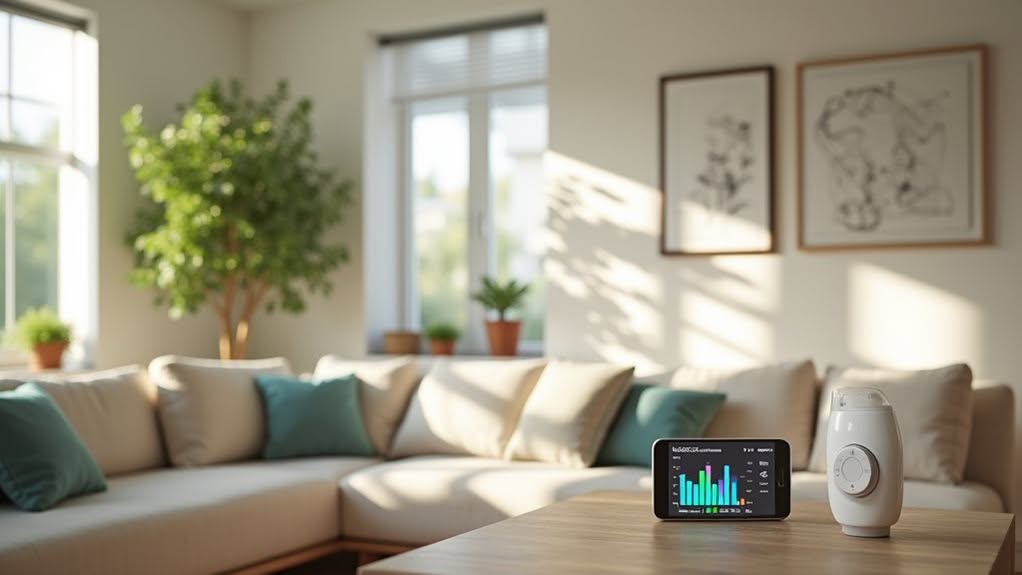
Mount sensors at eye level, between 4 to 5 feet above the floor, to prevent reading biases from rising heat or settling cool air. Avoid placing sensors near windows, exterior walls, or heat-generating appliances, as these create misleading temperature readings. Modern technology allows these sensors to be connected to real-time monitoring apps for better visibility and control of your system’s performance. WiFi programmable thermostats provide seamless integration with your home network for remote temperature adjustments from anywhere. For optimal performance, keep sensors away from HVAC supply vents that can cause false readings.
For effective zone-based control, position sensors in central, frequently used areas of each room. This provides the most representative readings of actual occupant comfort.
You’ll achieve maximum energy savings by preventing your HVAC system from “hunting” – repeatedly cycling on and off due to inaccurate readings.
With properly placed wireless sensors, you can create customized comfort zones that reduce energy waste by not heating or cooling unoccupied spaces.
Setting Up Geofencing for Dynamic Temperature Adjustments
Since modern homeowners often follow irregular schedules, geofencing offers an elegant solution for automatic temperature management without requiring manual adjustments. This technology uses your smartphone’s location to determine when you’re home or away, then adjusts your thermostat accordingly.
Setting up geofencing is straightforward through your smart thermostat’s dedicated app. You’ll create a virtual boundary around your home that triggers temperature changes when crossed. The system automatically activates when you travel 3 miles away from your home. To enable this feature in Honeywell systems, simply navigate to options in the schedule menu of your Honeywell Home app.
- Customize your geofence radius from 500 feet to several miles depending on your thermostat model
- Define separate temperature setpoints for “Home” and “Away” modes
- Enable multiple users to guarantee the system only switches to Away when everyone has left
- Adjust the boundary center and edge to prevent false triggers from nearby roads
- Grant your smartphone the necessary location permissions for reliable operation
Integrating Weather Forecasts Into Your Heating and Cooling Schedule
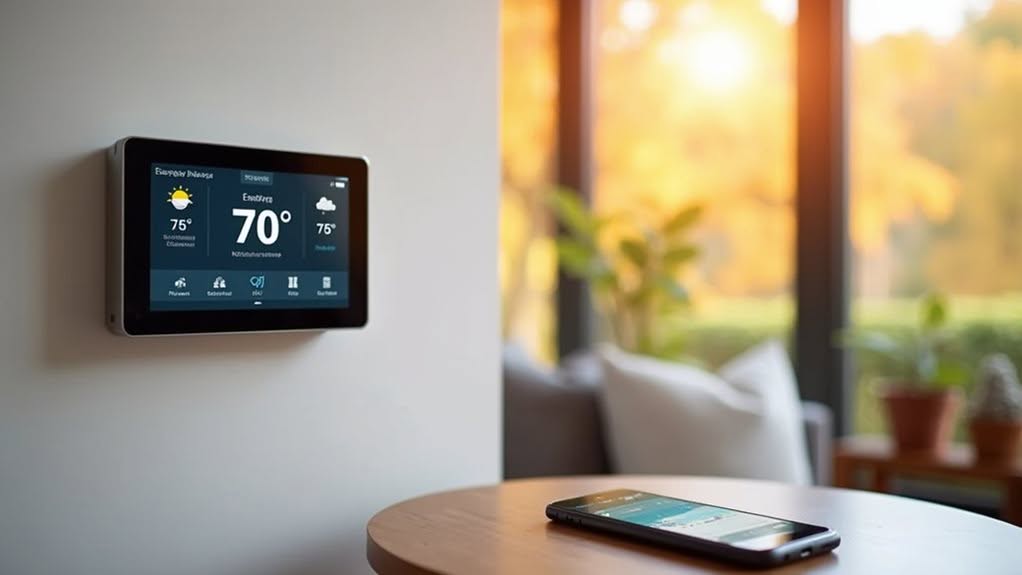
Your smart home can leverage weather forecast data to automatically adjust your heating and cooling schedules, eliminating the need for manual thermostat changes when weather patterns shift.
By connecting your smart thermostat to weather services through apps like Home Assistant or SmartThings, you’ll create temperature shifts that align with upcoming weather conditions rather than reacting after changes occur. Smart thermostats can provide severe weather alerts to help you make proactive adjustments before conditions deteriorate. The most effective systems utilize historical data alongside forecast information to optimize energy usage based on your home’s specific response patterns.
This proactive approach not solely improves comfort but also reduces energy waste during seasonal shifts when temperatures can fluctuate dramatically throughout the day.
Forecast-Driven Heating Adjustments
Modern smart thermostats have revolutionized home climate control by integrating real-time weather forecasts into their operation. Your system can now preemptively adjust heating settings hours before weather changes occur, improving both comfort and energy efficiency.
These anticipatory adjustments reduce energy consumption by up to 30% by preventing unnecessary heating during mild weather and preparing your home for temperature drops before they happen. This approach aligns with EnergyHub’s focus on demand-side flexibility to create more efficient energy systems.
- Automatically increases heat before cold fronts arrive, preventing comfort disruptions
- Reduces heating intensity when warmer weather is approaching, avoiding energy waste
- Minimizes strain on the power grid during extreme weather events
- Extends HVAC system lifespan by streamlining operational patterns
- Works with occupancy sensors to align heating with your actual home usage patterns
This proactive approach not only saves money but also contributes to grid stability during peak demand periods. The integration with broader smart home ecosystems enables coordinated responses between your thermostat and other connected devices for optimal performance.
Weather Data Automation
Smart homes equipped with weather-aware systems transform heating and cooling efficiency through automatic climate adjustments based on forecast data. Your thermostat can access real-time temperature, humidity, and precipitation information via internet connections to make proactive changes.
You can set automation rules with specific thresholds—for example, enabling cooling when forecasts predict temperatures above 78°F or activating heating when below 65°F. This prevents unnecessary HVAC operation and reduces energy waste. The integration of AI-powered analytics helps create personalized forecasts that better predict weather patterns affecting your home’s climate needs.
Even without internet, smart thermostats will function using internal sensors, though you’ll lose forecast-driven optimizations. Various factors such as sun exposure, open windows, and building insulation characteristics significantly impact how quickly indoor temperatures respond to outdoor changes. Brands like Nest, ecobee, and Honeywell each incorporate weather data differently to improve comfort while extending equipment life.
For thorough climate management, consider integrating a smart weather station that monitors local conditions and communicates directly with your home automation system.
Temperature Transition Planning
Effectively managing temperature shifts throughout the day requires integrating weather forecast data into your heating and cooling schedule.
Rather than making abrupt thermostat changes, you’ll benefit from gradual, planned adjustments that align with external weather patterns.
Smart thermostats can automatically implement these changes, reducing energy consumption while maintaining comfort. Your HVAC system will experience less strain when it doesn’t need to respond to sudden temperature demands.
- Program 2-3 degree incremental changes instead of large adjustments
- Schedule pre-cooling before predicted afternoon heat waves
- Implement pre-warming 1-2 hours before morning temperature drops
- Coordinate shifts with lower-cost electricity time windows
- Use automated blinds and fans to support gradual climate adjustments
This approach not only conserves energy but extends equipment life by avoiding thermal shock to your HVAC system during weather changes.
Maximizing Energy Savings Through Smart Thermostat Learning Algorithms
Smart thermostats learn your temperature preferences through pattern recognition algorithms, typically taking 1-2 weeks to build their initial behavioral model.
Your thermostat identifies when you prefer certain temperatures, tracking when you manually adjust settings and gradually adapting its programming to match your lifestyle.
These learning algorithms continue to refine their accuracy over time, with most premium models achieving 90% prediction accuracy after 30 days of consistent use.
Algorithm Adaptation Timeline
While the core technology behind smart thermostats continues to evolve, the timeline for algorithm adaptation remains a crucial factor in determining how quickly energy savings materialize.
Your device’s learning curve depends greatly on the computational approach and your HVAC system type.
Event-triggered learning accelerates adaptation by focusing computational resources only when meaningful changes occur, rather than processing constantly. This approach helps your thermostat optimize both comfort and energy use more efficiently.
- Older single-speed HVAC systems typically allow faster algorithm adaptation
- Newer variable-capacity systems may require longer learning periods to identify efficiency points
- Most users see 10-15% energy savings within the first heating/cooling season
- Computational limitations in embedded devices influence adaptation speed
- The balance between on-device versus cloud processing affects learning timeline
Temperature Pattern Recognition
Temperature pattern recognition serves as the foundation of modern smart thermostats‘ energy-saving capabilities.
These devices employ machine learning algorithms that analyze your historical behavior patterns, local weather data, and sensor inputs to customize heating and cooling schedules.
Your smart thermostat progressively refines its predictions to align with your preferences, striking an ideal balance between comfort and energy conservation.
When you integrate weather forecasts, the system can anticipate temperature fluctuations before they occur.
The neural network models, particularly Generalized Regression Neural Networks (GRNN), have demonstrated superior accuracy in predicting indoor temperatures.
These algorithms update their decisions selectively when specific conditions are met, rather than at fixed intervals.
Leveraging Time-Of-Use Rates With Automated Climate Control
In today’s energy environment, Time-of-Use (TOU) rate structures offer homeowners a strategic opportunity to reduce electricity costs through smart automation.
By shifting your HVAC operations to lower-cost periods, you can maintain comfort while greatly cutting your utility bills.
Smart thermostats integrated with TOU pricing can pre-condition your home during off-peak hours, avoiding expensive peak rates without sacrificing comfort. This automation creates considerable savings by reducing peak-time energy consumption by 10-30%.
- Pre-cool or pre-heat your home before peak pricing periods begin
- Pair smart thermostats with occupancy sensors for dynamic adjustments
- Combine battery storage with solar for maximum TOU benefits
- Set alerts for upcoming peak windows to shift appliance usage
- Review your energy data regularly through utility apps for optimization
Your automation system can analyze environmental patterns and pricing schedules to fine-tune temperature settings automatically, maximizing savings with minimal effort.
Optimizing Humidity Control for Better Comfort and Efficiency
Beyond temperature management, proper humidity control stands as a crucial yet often overlooked factor in creating an energy-efficient smart home.
IoT sensors continuously monitor humidity levels in your home, allowing HVAC systems to make automated adjustments based on occupancy patterns and weather forecasts. This smart approach not merely improves indoor comfort but also prevents mold growth that can damage your home’s structure.
You’ll experience improved energy efficiency as these systems operate solely when necessary, targeting specific zones rather than treating your entire home uniformly. Smart thermostats with humidity control learn your preferences and adjust accordingly.
While installation costs can be high initially, the long-term benefits include extended life for your electronics, better air quality, and reduced energy bills through optimized dehumidification strategies and ventilation control.
Using Motion Sensors to Create Occupancy-Based Climate Zones
Motion sensors represent the next evolution in smart home climate control, allowing for precise, occupancy-based energy management throughout your living space.
By dividing your home into distinct climate zones, you’ll eliminate wasted energy in empty rooms while maintaining comfort where you actually spend time.
Strategic sensor placement is vital for effective zone management, typically with one motion sensor per room and additional sensors at key entryways.
- Mount sensors at ideal heights (typically on ceilings or walls) to maximize detection coverage
- Combine motion sensors with door sensors to accurately track room usage patterns
- Integrate environmental sensors to detect CO₂ levels when motion alone isn’t sufficient
- Use smart vents or dampers to physically direct airflow only to occupied zones
- Implement pre-conditioning algorithms that warm or cool spaces just before expected use
Pairing Smart Vents With Your HVAC System for Targeted Air Distribution
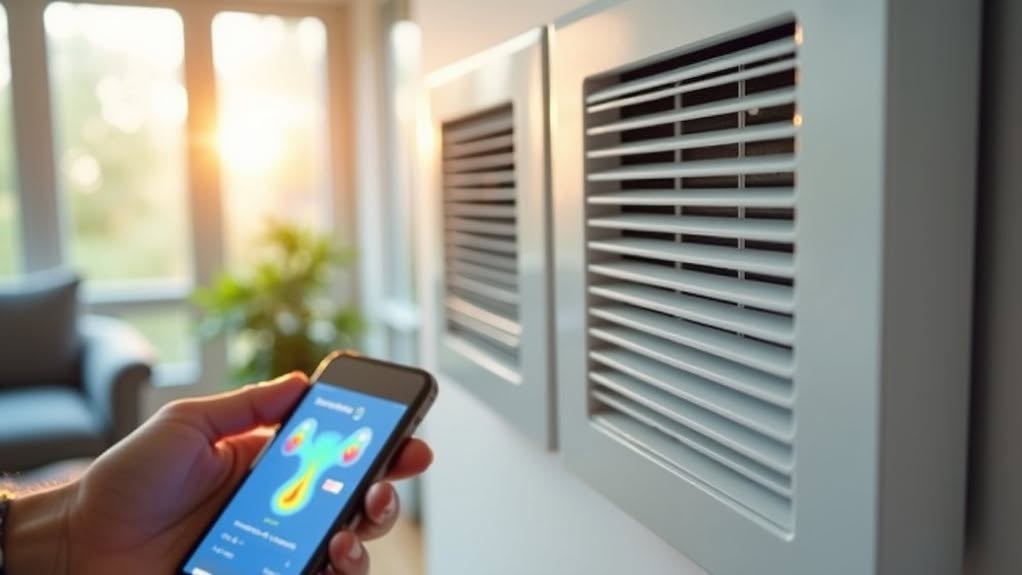
Smart vents represent a game-changing advancement in home climate control, allowing you to direct conditioned air precisely where it’s needed most.
These devices replace your existing registers and use built-in dampers to control airflow at the vent level.
Installation is typically straightforward—you’ll only need a screwdriver to swap out your current vents.
Once in place, the system connects to your home’s Wi-Fi network for remote management via smartphone.
You can integrate smart vents with platforms like Google Assistant, Ecobee, and Nest for automated temperature control.
Each vent operates independently based on real-time temperature data from sensors throughout your home.
While suppliers claim energy savings of 20-40%, realistic expectations are closer to 5% for whole-home deployment.
Your actual savings will depend on your home’s insulation, system configuration, and usage patterns.
Frequently Asked Questions
How Much Will Installing a Smart Home Climate System Cost?
You’ll spend between $800-$2,000 for a smart HVAC upgrade, plus $70-$280 for a smart thermostat. Factor in $1,500-$3,000 for professional installation, and potentially $10-$60 monthly for monitoring services.
Can Smart Thermostats Work With Older HVAC Systems?
Yes, most smart thermostats can work with older HVAC systems. You’ll need to check your wiring compatibility, and you might need a C-wire adapter if your system lacks the common wire.
Do Smart Climate Devices Work During Internet Outages?
Yes, most smart climate devices work during internet outages. You’ll maintain basic functions like manual temperature control and pre-set schedules, though you’ll lose remote access and advanced features until connectivity returns.
How Difficult Is DIY Installation for Climate Automation Devices?
DIY installation difficulty varies. You’ll find basic smart thermostats relatively simple with minimal wiring knowledge, but complex multi-device systems require professional skills. Consider your technical abilities and your specific HVAC system before attempting installation yourself.
What Privacy Concerns Exist With Smart Climate Control Systems?
Your smart climate systems collect intimate lifestyle data, risk hacking, share information with third parties, and may record guests without consent. You’ll need strong passwords and regular updates to protect your personal information.
Final Thoughts
By implementing these smart home climate automation strategies, you’ll markedly reduce your energy consumption while maintaining comfort. Your system will learn your preferences, respond to occupancy patterns, and adjust to weather changes automatically. The integration of sensors, geofencing, and time-based controls creates a responsive environment that optimizes efficiency. With proper setup and occasional fine-tuning, your smart climate system will deliver both environmental and financial benefits for years to come.