Yes, some Alexa devices have built-in Zigbee capabilities. Select models including the Echo Show 10 (3rd Gen), Echo Studio, Echo (4th Gen), Echo Plus, and certain eero routers feature integrated Zigbee hubs. These devices can directly connect to and control Zigbee smart home products without requiring a separate hub. Other Alexa models like Echo Dot or earlier Echo Show versions don’t support Zigbee natively and need external hubs for Zigbee device management. The specific technology transforms compatible Echo devices into extensive smart home control centers.
Understanding Zigbee Technology in Smart Homes
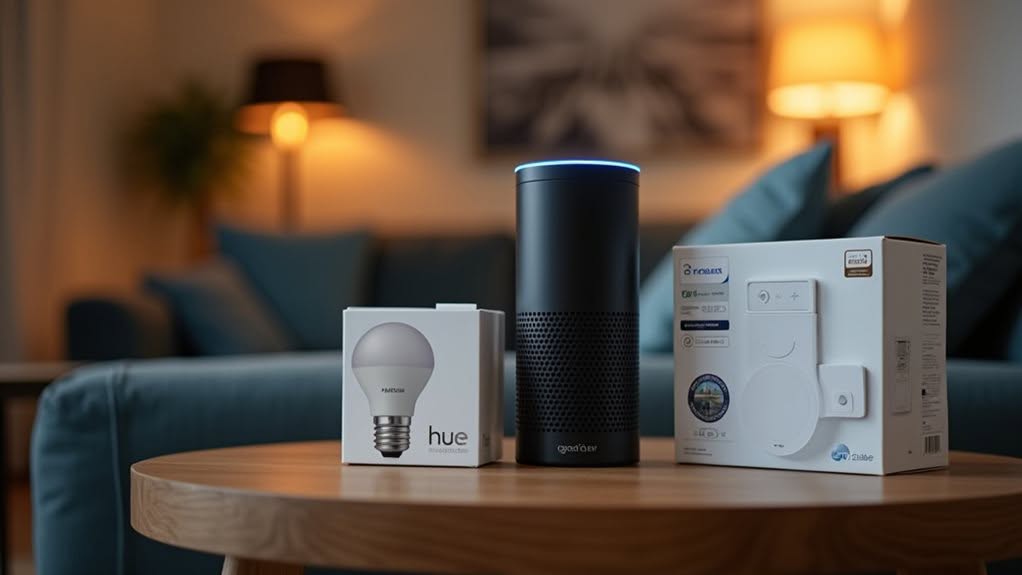
While many smart home enthusiasts focus on Wi-Fi connectivity, Zigbee technology offers a compelling alternative for home automation systems. This wireless protocol operates on the IEEE 802.15.4 standard and requires minimal energy, allowing devices to function for years on a single battery.
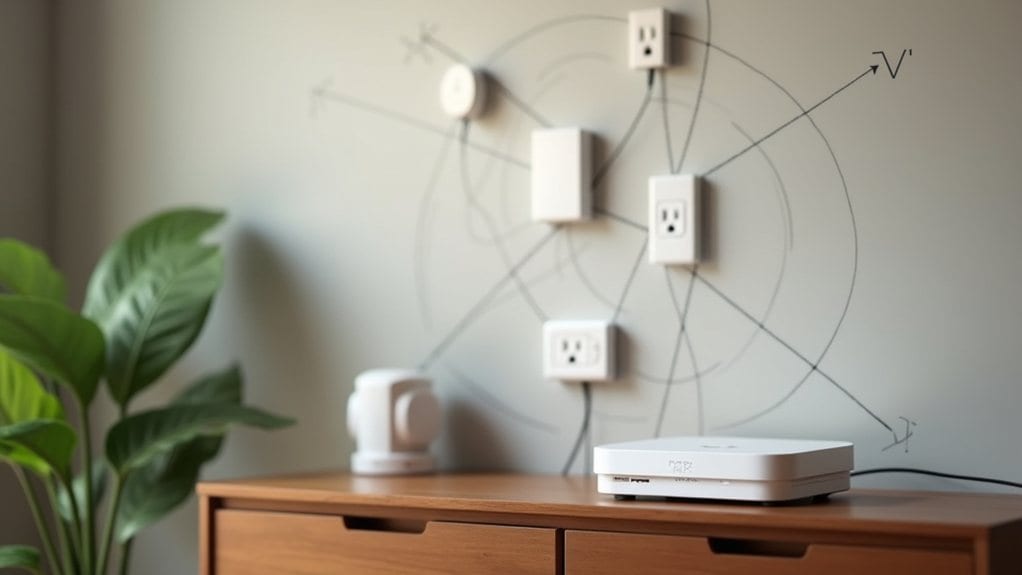
Zigbee creates a mesh network where each device can act as a signal repeater, extending coverage throughout your home. This structure includes coordinators that manage the network, routers that relay signals, and end devices like sensors that collect data. The technology operates within ISM frequency bands that include 2.4 GHz, 868 MHz, and 915 MHz.
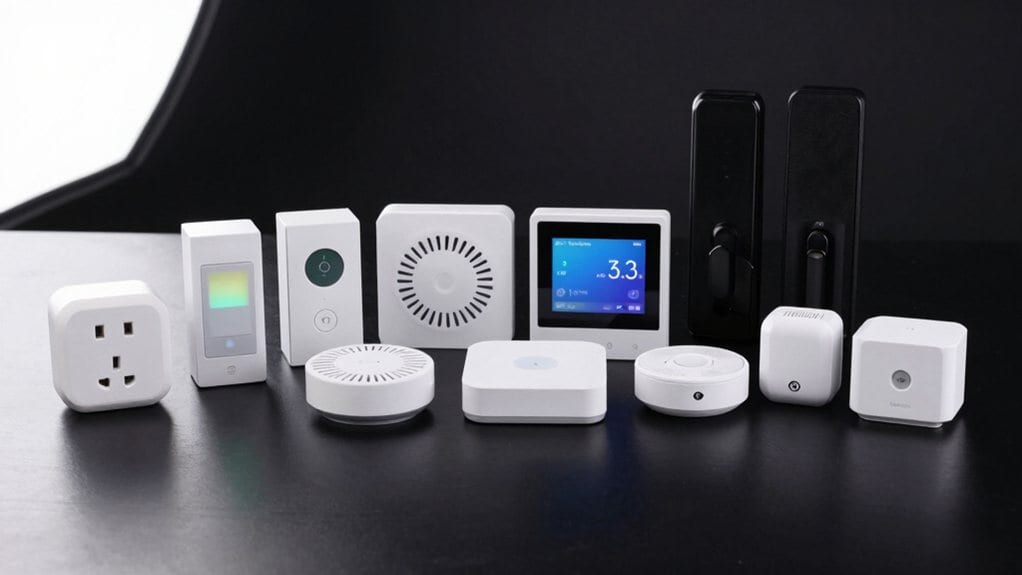
You’ll find Zigbee in various smart home products, from thermostats and lighting to door locks and motion sensors. Its 128-bit encryption guarantees your network remains secure, while its interoperability lets devices from different manufacturers work together seamlessly. The network demonstrates remarkable stability through its self-healing capability, automatically rerouting communications when a device goes offline.
Which Alexa Devices Support Zigbee Connectivity
Not all Alexa devices are created equal when it comes to smart home capabilities. Only specific Amazon devices include built-in Zigbee hubs that allow direct connection with compatible smart home products.
The Echo Show lineup features several Zigbee-enabled options, including the Echo Show 10 (3rd Gen), Echo Show 11, and Echo Show 15 (2nd Gen). These smart displays combine visual interfaces with smart home control capabilities.
For those who prefer smart speakers, the Echo Studio (both generations), Echo (4th Gen), and Echo Plus models all incorporate Zigbee technology. The Echo 4th Generation was a significant addition as it was the first Thread router in the Echo lineup. The dedicated Echo Hub also provides Zigbee connectivity.
Many popular Echo devices, however, lack built-in Zigbee support. The Echo Dot series, Echo Show 7, and first-generation Echo Show require separate hubs to control Zigbee devices.
The Amazon eero router family, including eero Max 7 and eero 6, offers built-in Zigbee hubs while also providing whole-home Wi-Fi coverage.
How to Set up and Control Zigbee Devices With Alexa
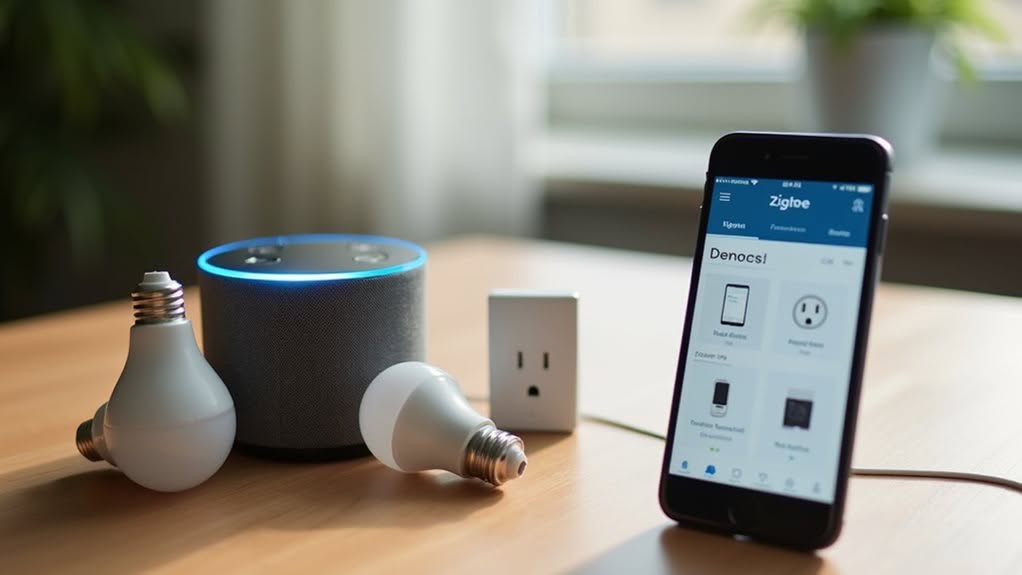
Setting up Zigbee devices with your Alexa system requires careful preparation and a systematic approach for successful integration.
First, install the Alexa app on your smartphone and verify your Zigbee device is powered on in pairing mode. Position your compatible Echo device (Echo Plus, Echo Show 2nd Gen+, or Echo Studio) within 9 meters of the Zigbee device.
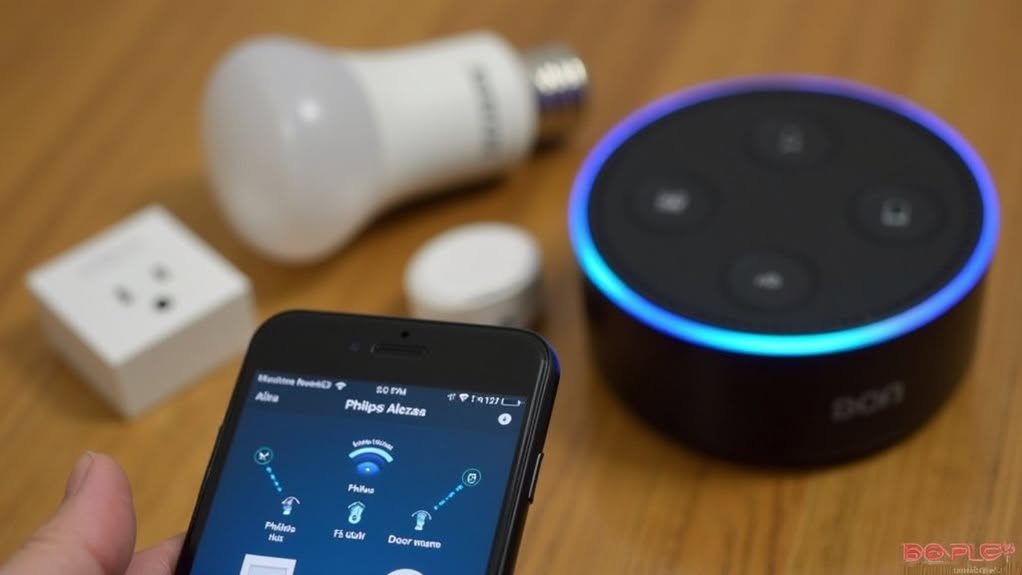
To begin pairing, open the Alexa app, tap “Devices,” then the “+” icon, and select “Add Device.” You can also use the voice command “Alexa, discover my devices.” Discovery typically takes up to one minute.
After successful pairing, rename your devices and assign them to rooms for better organization. This creates a mesh network where devices can communicate through intermediate nodes, extending range throughout your home. Alternatively, you can utilize a Hubitat smart hub for expanded device compatibility and more centralized control of your Zigbee ecosystem.
You’ll now be able to control your Zigbee devices using voice commands or through the Alexa app.
Comparing Zigbee vs. Wi-Fi Smart Home Ecosystems
When choosing a smart home ecosystem, understanding the key differences between Zigbee and Wi-Fi technologies can help you make the right decision for your needs.
Zigbee devices consume noticeably less power than Wi-Fi, making them ideal for battery-operated sensors and smart locks. These devices can operate for months or years without battery replacement. Zigbee can support thousands of nodes in a single network, making it excellent for extensive smart home setups.
Wi-Fi offers higher data transfer speeds, perfect for streaming devices and security cameras that require considerable bandwidth. However, these devices typically need to be plugged into a power source. Wi-Fi is well-suited for bandwidth-intensive applications like streaming and gaming due to its widespread adoption.
Zigbee’s mesh network allows devices to communicate with each other, extending range up to 100 meters and improving reliability. Many modern smart thermostats integrate with both technologies, offering flexibility in your home security setup.
Wi-Fi uses a star topology with devices connecting directly to a router, usually limited to about 50 meters indoors.
Key Benefits of Using Zigbee-Enabled Alexa Products
Built-in Zigbee capabilities transform compatible Alexa devices into powerful smart home hubs that eliminate the need for additional hardware.
This integration markedly reduces clutter and saves you money by avoiding separate hub purchases.
You’ll enjoy streamlined setup with simple voice commands like “Alexa, discover my devices,” allowing for immediate connection of compatible smart devices.
The system creates a robust mesh network where devices relay signals, extending range throughout your home.
Zigbee technology operates on low power, making it ideal for battery-powered sensors and switches that can last months or years between charges.
This energy efficiency supports sustainability goals while reducing maintenance.
The unified control experience lets you manage all your smart home devices—both Zigbee and Wi-Fi—through a single app, with voice commands providing convenient hands-free operation for your entire system.
Frequently Asked Questions
Can I Transfer My Zigbee Devices Between Different Alexa Hubs?
Yes, you can transfer Zigbee devices between compatible Alexa hubs, but you’ll need to factory reset each device and pair it to the new hub manually. Your automations may need reconfiguration afterward.
Does Zigbee Control Work During Alexa Service Outages?
Yes, your Zigbee devices will work during Alexa service outages if they’re paired directly to an Echo with a built-in Zigbee hub. You’ll maintain basic local control, though voice commands won’t function.
Can I Mix Zigbee 1.2 and 3.0 Devices in One Network?
Yes, you can mix Zigbee 1.2 and 3.0 devices in one network. They’re designed to be backward compatible, though you’ll need to verify specific device compatibility to guarantee all features work properly together.
How Many Zigbee Devices Can Connect to a Single Echo?
You can connect up to several hundred Zigbee devices to a single Echo hub theoretically, though practical limitations exist. For ideal performance, you’ll find 50-75 devices is a more reasonable limit for most networks.
Will Alexa Support Matter Alongside Zigbee in Future Updates?
Yes, Alexa will support Matter alongside Zigbee in future updates. You’ll be able to use both protocols simultaneously, as Amazon is positioning Alexa as a central hub for multiple smart home standards.
Final Thoughts
You’ve seen that not all Alexa devices support Zigbee, but key models like Echo Plus, Echo Studio, and Echo Show 10 offer this connectivity. By choosing Zigbee-enabled devices, you’ll enjoy simplified setup, reliable connections, and expanded smart home capabilities. These devices serve as hubs, eliminating the need for additional equipment and creating a more streamlined experience. Consider your specific needs when deciding which Alexa device is right for your smart home ecosystem.