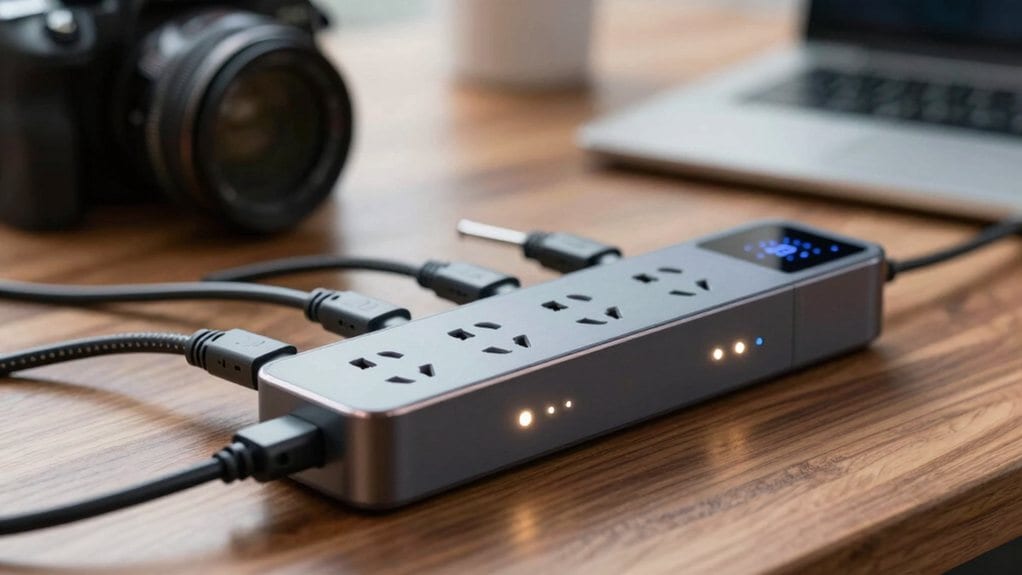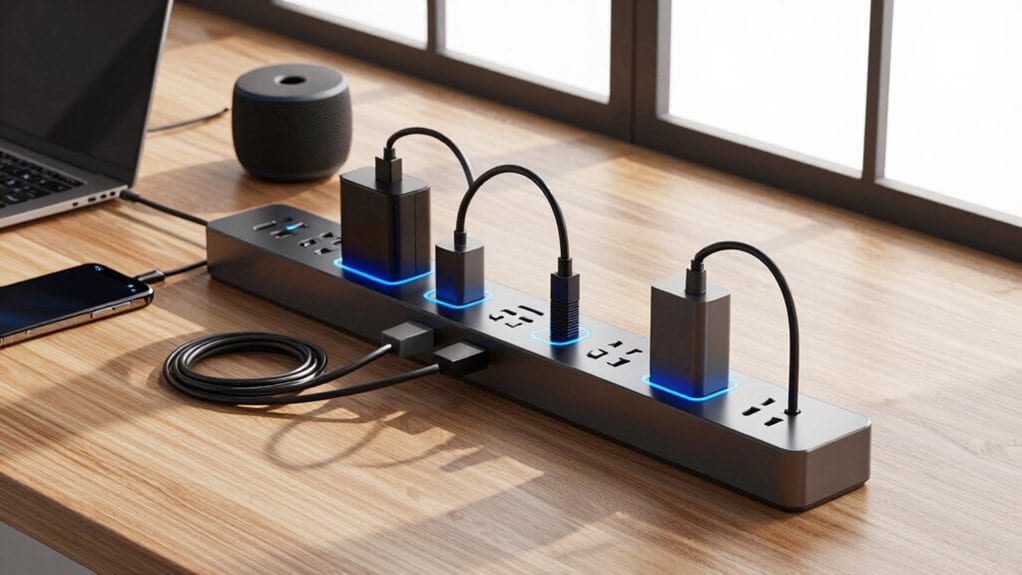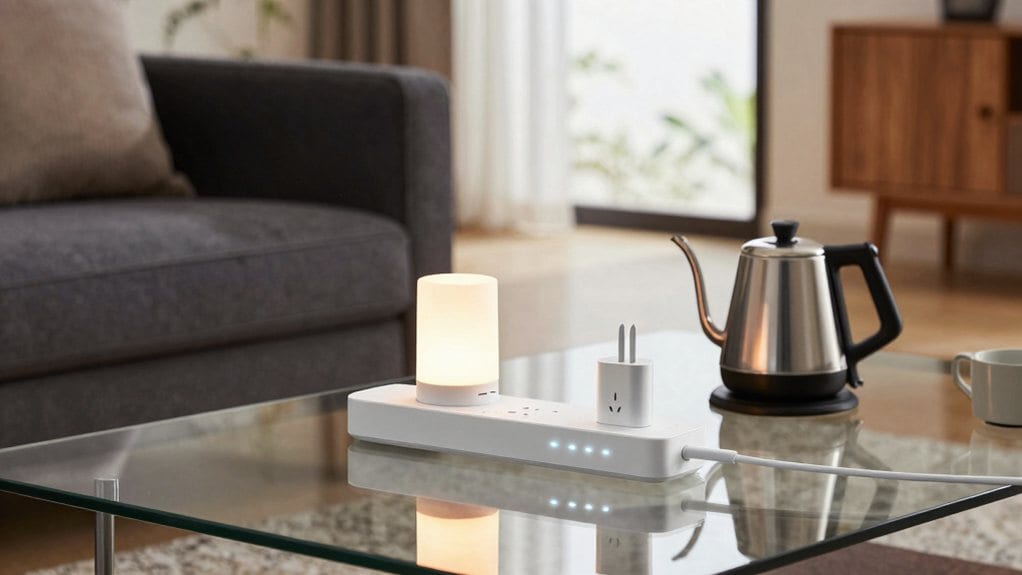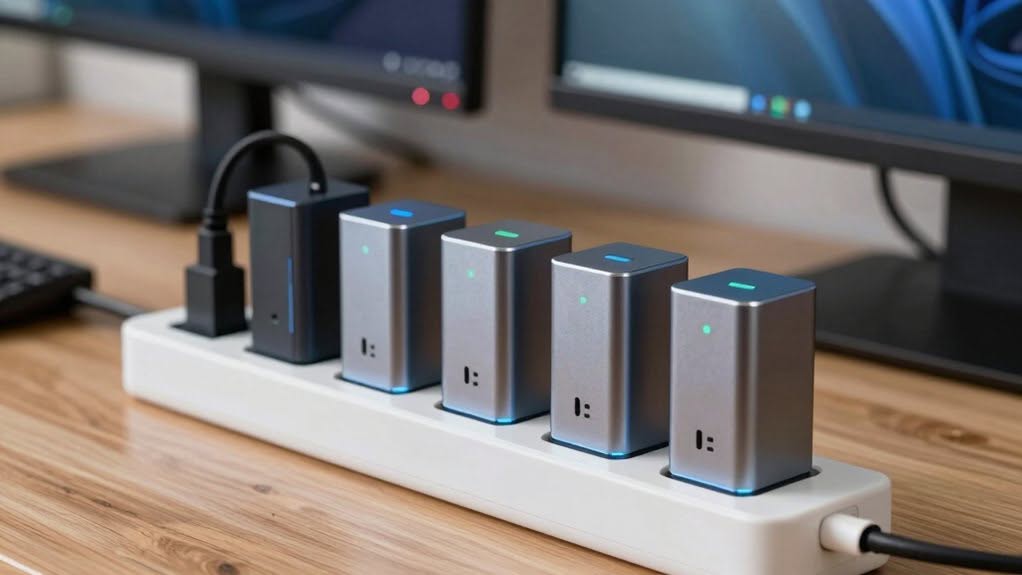
You want surge protection you can trust, more than just power extensions in disguise. Look for ETL-certified strips with multiple safeguards, fire-resistant housing, and per-outlet monitoring, then pair them with smart control and compatibility with your ecosystem. Brands like Kasa, Geeni, and GHome offer solid options with USB ports and real-time status. Ready to balance protection with convenience, you’ll want to compare joule ratings and outage alerts before you commit, because safety isn’t optional.
| Kasa KP303 Smart Power Strip with 3 Outlets |

| Best All Around | Wi-Fi Enabled: Yes (Wi-Fi enabled; remote control via Kasa app) | Surge Protection: ESTL-certified surge protection (1875W) | App Control: Kasa Smart app control | VIEW LATEST PRICE | Read Our Analysis |
| Kasa HS300 Smart Power Strip with USB Ports |
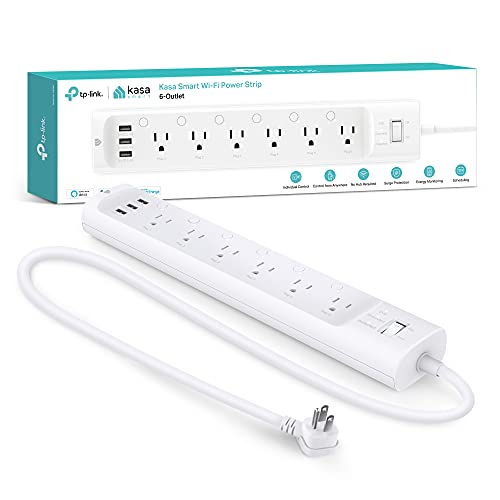
| Highest Capacity | Wi-Fi Enabled: Yes (Wi-Fi enabled; remote control via Kasa app) | Surge Protection: ETL-certified surge protection | App Control: Kasa Smart app control | VIEW LATEST PRICE | Read Our Analysis |
| Yozisital Smart Power Strip with USB and Outlets |

| Ultra Expandable | Wi-Fi Enabled: Yes (2.4 GHz Wi-Fi; Bluetooth during setup) | Surge Protection: Surge protection included | App Control: Smart Life app control | VIEW LATEST PRICE | Read Our Analysis |
| Geeni Surge Ultra Smart 8-Outlet Surge Protector |

| Balanced Power Hub | Wi-Fi Enabled: Yes (Direct Wi-Fi control via Geeni app) | Surge Protection: 1200-Joule surge protection | App Control: Geeni app control | VIEW LATEST PRICE | Read Our Analysis |
| GHome Smart Power Strip with USB Ports |

| Smart and Stable | Wi-Fi Enabled: Yes (2.4 GHz Wi-Fi; voice/app control) | Surge Protection: Surge protection included | App Control: GHome app control | VIEW LATEST PRICE | Read Our Analysis |
More Details on Our Top Picks
Kasa KP303 Smart Power Strip with 3 Outlets
If you’re looking for a smart, compact surge protector that keeps multiple devices organized, the Kasa KP303 is a strong pick for homes and small offices. It offers 3 individually controlled outlets and 2 always-on USB ports, letting you charge phones while powering critical gear. You’ll appreciate its ETL-certified surge protection and the option to manage everything from the Kasa app, or with Alexa, Google Assistant, or Cortana—no hub required. Schedule, timer, and remote control keep energy use predictable, and you can monitor up to five devices at once for safer, efficient setup. Smart, simple, and reliable daily too.
- Wi-Fi Enabled:Yes (Wi-Fi enabled; remote control via Kasa app)
- Surge Protection:ESTL-certified surge protection (1875W)
- App Control:Kasa Smart app control
- Independent Outlet Control:3 individually controlled outlets
- Remote Access:Remote access via app
- USB Ports:2 USB ports
- Additional Feature:Surface mount design
- Additional Feature:3-outlet configuration
- Additional Feature:Cortana compatibility
Kasa HS300 Smart Power Strip with USB Ports
The Kasa HS300 Smart Power Strip with USB Ports stands out for anyone juggling multiple devices at once, thanks to its six individually controlled outlets plus three built-in USB ports. You’ll appreciate the surge protection and ETL certification, plus the no-hub setup that pairs with Alexa, Google Assistant, and Cortana for hands-free control. In the Kasa app, you’ll schedule each outlet, monitor energy use per port, and even trigger automatic shutoffs during spikes. The USB trio shares a 5V/2.4A output, ideal for phones and tablets, while the overall 1875W limit keeps your gear within safe bounds, anywhere you go.
- Wi-Fi Enabled:Yes (Wi-Fi enabled; remote control via Kasa app)
- Surge Protection:ETL-certified surge protection
- App Control:Kasa Smart app control
- Independent Outlet Control:6 individually controlled outlets
- Remote Access:Remote access via app
- USB Ports:3 USB ports
- Additional Feature:Energy monitoring per outlet
- Additional Feature:Three USB ports total
- Additional Feature:15A/1875W total
Yozisital Smart Power Strip with USB and Outlets
Packed with 12-in-1 functionality, this Yozisital power strip is built for spaces that demand centralized control—featuring 6 smart outlets you can schedule and monitor, plus 2 standard outlets and 4 USB ports. You manage it through the Smart Life app, pairing over Bluetooth during setup and connecting to a 2.4GHz Wi‑Fi network for ongoing control. Schedule timers to automate lamps, aquarium gear, or printers, and monitor each smart outlet from anywhere. The 5‑ft flat cord suits desks or cabinets, and the unit ships with solid surge protection and practical, user-friendly guidance. It delivers reliable performance and solid customer support.
- Wi-Fi Enabled:Yes (2.4 GHz Wi-Fi; Bluetooth during setup)
- Surge Protection:Surge protection included
- App Control:Smart Life app control
- Independent Outlet Control:6 smart outlets (individually controllable)
- Remote Access:Remote access via app
- USB Ports:4 USB ports (2x USB-A, 2x USB-C)
- Additional Feature:Flat plug design
- Additional Feature:Bluetooth setup required
- Additional Feature:6 smart outlets
Geeni Surge Ultra Smart 8-Outlet Surge Protector
Designed for busy home setups that crave precise control, the Geeni Surge Ultra 8-Outlet stands out with six individually controllable smart outlets you can manage in the Geeni app. It offers eight total outlets, with two always-on for necessities. A 1200-joule protection shield guards your electronics from surges, keeping performance steady even when many devices run. It connects directly to your Wi-Fi, so you can remotely turn outlets on or off without a hub. Schedule automation to optimize energy use, and enjoy hands-free control with Alexa or Google Assistant for individual outlets. It’s a practical, reliable upgrade for homes.
- Wi-Fi Enabled:Yes (Direct Wi-Fi control via Geeni app)
- Surge Protection:1200-Joule surge protection
- App Control:Geeni app control
- Independent Outlet Control:6 individually controllable outlets
- Remote Access:Remote control via Geeni app
- USB Ports:No USB ports listed
- Additional Feature:No hub required
- Additional Feature:8 outlets total
- Additional Feature:Always-on outlets
GHome Smart Power Strip with USB Ports
For households that need reliable surge protection plus convenient USB charging, the GHome Smart Power Strip with USB Ports stands out as a smart all-in-one solution.
With Alexa and Google Home compatibility, you control outlets by voice or app, schedule routines, from anywhere. It offers three smart outlets, three USB ports, and three always-on outlets to keep necessities powered, like your router. The wall-mount design saves space, making it ideal for kitchens, offices, or living rooms. Safety comes first with surge, short-circuit, over-current, and over-voltage protections, plus fire-resistant PC+ABS construction. Use it to automate lights and devices for true energy efficiency.
- Wi-Fi Enabled:Yes (2.4 GHz Wi-Fi; voice/app control)
- Surge Protection:Surge protection included
- App Control:GHome app control
- Independent Outlet Control:3 individually controlled outlets
- Remote Access:Remote app control
- USB Ports:3 USB ports
- Additional Feature:Wall-mountable design
- Additional Feature:3 always-on outlets
- Additional Feature:FCC certified
Factors to Consider When Choosing Smart Surge Protectors
When you pick a smart surge protector, start with the surge protection rating and the clamping voltage so you know it can handle surges you’re likely to see. Consider outlet control flexibility, WiFi or hub requirements, and USB port availability, because matching how you plug in devices keeps your setup practical and future-proof. Finally, look at energy monitoring features to track consumption and spot phantom loads, giving you real, actionable insights without clutter.
Surge Protection Rating
How much protection do you actually get from a surge protector, and how should you read its ratings? A surge protection rating, measured in joules, indicates how much energy it can absorb before failing, and higher ratings deliver stronger defense against voltage spikes. For sensitive electronics, targets of 1000 joules or more are generally recommended to guarantee adequate protection. The rating reflects cumulative capability, meaning it diminishes over time as it absorbs repeated surges. Look for protectors labeled with a specific joule value and confirmation of protection for both line-to-neutral and line-to-ground circuits for thorough coverage. Protectors with lower joule ratings may offer minimal protection, especially in areas with frequent storms or grid fluctuations. Choose reliability, and replace old units before they fail altogether.
Outlet Control Flexibility
With a surge rating in mind, you’ll still want outlet flexibility that matches how you actually use devices in your space. Individually controlled outlets let you manage each connected device separately, enabling precise automation and energy savings for specific appliances. Some models mix smart and always-on outlets, so critical gear stays powered while others are remotely controlled or scheduled. Independent outlet control supports diverse use cases, like turning off entertainment gear while keeping your router and modem running. Remote access via mobile apps lets you toggle each outlet in real time from anywhere, boosting convenience and responsiveness. Scheduling and timer functions automate routines, cut phantom load, and lower overall electricity use. This flexibility helps you tailor protection without complicating setup or daily routines too.
WiFi And Hub Needs
Do you really need a hub for a smart surge protector? Most models connect directly to a 2.4GHz Wi-Fi network, letting you control them remotely through a mobile app without a separate hub. Some units use Bluetooth during initial setup for easier pairing before switching to Wi-Fi for ongoing access. Hub-dependent models are rare, as the majority operate independently on standard home networks. If you have a dual-band router, beware that devices supporting only 2.4GHz may not function well on 5GHz, potentially limiting compatibility. Remote access and scheduling depend on a stable Wi‑Fi connection, and the moment the network goes down or a device disconnects, features can halt. Choose models that emphasize reliability, regular updates, and clear app status indicators for peace of mind.
USB Port Availability
USB ports on smart surge protectors add a convenient charging lane that complements AC outlets, making it easier to keep phones and tablets powered without hogging wall sockets. Look for two to four ports, with a mix of USB-A and USB-C, so you can charge legacy devices and enjoy faster charging on newer gadgets. Total shared output usually ranges around 5V/2.4A to 5V/3A, so keep expectations realistic when you’re charging multiple devices simultaneously. Note that USB charging is typically independent of the smart outlet controls, meaning your devices keep drawing power even during scheduled on/off cycles for the outlets. Remember, distributed power matters: if all ports share the same wattage, one device may slow another. Plan ahead to balance speed and capacity in practice.
Energy Monitoring Features
How much power are your devices really pulling, and where is it going? Real-time energy monitoring lets you see, outlet by outlet, exactly how many watts or kilowatt-hours you’re using. With per-outlet tracking, you can spot high-draw devices and decide which ones to unplug or automate. Some models let you set thresholds and automatically shut off a circuit when power spikes, saving energy without you lifting a finger. Continuous data logging through a mobile app shows your usage patterns over days, weeks, and seasons, helping you plan efficiency upgrades. Paired with scheduling and remote control, these features curb standby power and optimize when appliances run, so you spend less on electricity and still enjoy convenience. It’s practical insight you can act on today together.
Safety Certifications
When you’re shopping for a smart surge protector, look for certifications from recognized labs like ETL or UL, and you’ll gain peace of mind about safety and reliability. Certifications verify the device meets electrical and fire safety standards and have passed rigorous tests for surge suppression, overcurrent protection, and overheating under normal and fault conditions. A certified unit typically includes protections against over-voltage, short circuits, and over-temperature, reducing the risk of fire or equipment damage. Also check for FCC certification to guarantee electromagnetic compatibility and minimal interference with other devices in your home. Always inspect the product packaging for certification labels—uncertified protectors may lack critical safety mechanisms and pose serious electrical hazards. Choose trusted brands, and prioritize documented test results and warranties for safety.
Setup And Compatibility
Why do setup requirements matter more than you think when you’re choosing a smart surge protector? You’ll want a 2.4GHz Wi‑Fi network, since most models don’t support 5GHz. Check that your phone or tablet meets the minimum OS, typically iOS 10+ or Android 4.4+, so the app installs seamlessly. Confirm the protector works with your voice assistant, such as Alexa or Google Assistant, for effortless control. Some models pair via Bluetooth during setup before joining Wi‑Fi, so be ready to enable Bluetooth if needed. Make sure your router is secure and password‑protected, because open networks are a no-go for many devices. These compatibility checks save time, headaches, and future refits. Keep a quick checklist handy for quick comparisons and seamless purchases later onward today.
Final Thoughts
When you choose a smart surge protector, you’re investing in safety and convenience. Look for ETL certification, at least 1200 joules, and per-outlet monitoring, plus Wi‑Fi, app control, and voice assistant compatibility. Prioritize fire‑resistant construction and built‑in protections against overloads and overheating. Compare models like Kasa, Yozisital, Geeni, and GHome for USB ports and extra outlets. By weighing safety specs, energy management, and smart features, you’ll pick a protector you can trust every day too.