
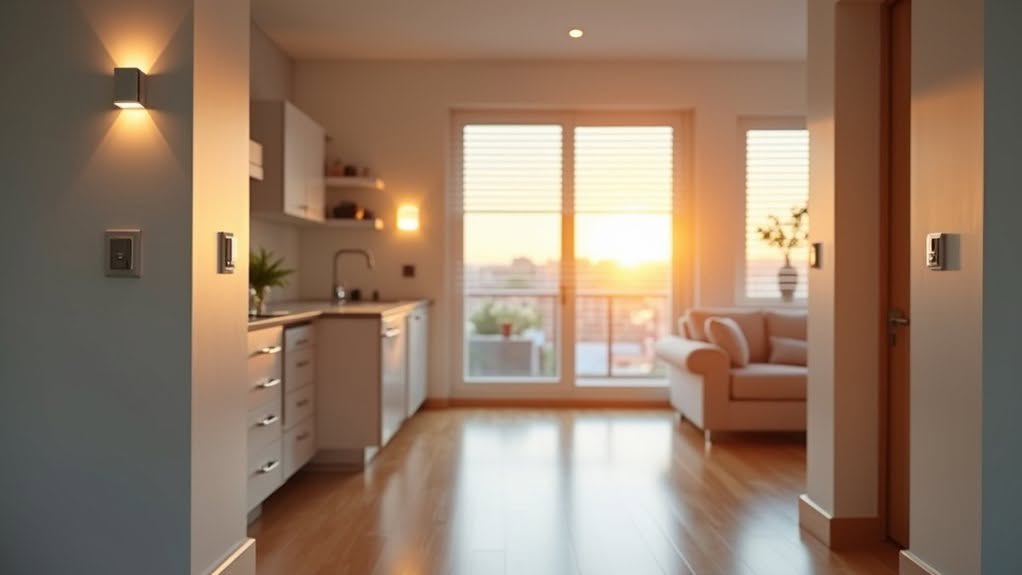
You can automate every room in your home using Home Assistant with motion sensors, smart switches, and voice controls that respond to your daily routines. Living rooms benefit from sunset-triggered lighting and entertainment system coordination, while kitchens use presence detection for hands-free operation and morning coffee automation. Bedrooms feature wake-up sequences with gradual lighting, and bathrooms employ humidity sensors for automatic exhaust fan control. Garages integrate geofencing for automatic door operation when you approach or leave your property, creating seamless whole-home intelligence that adapts to your lifestyle.
Essential Home Assistant Hardware for Every Room
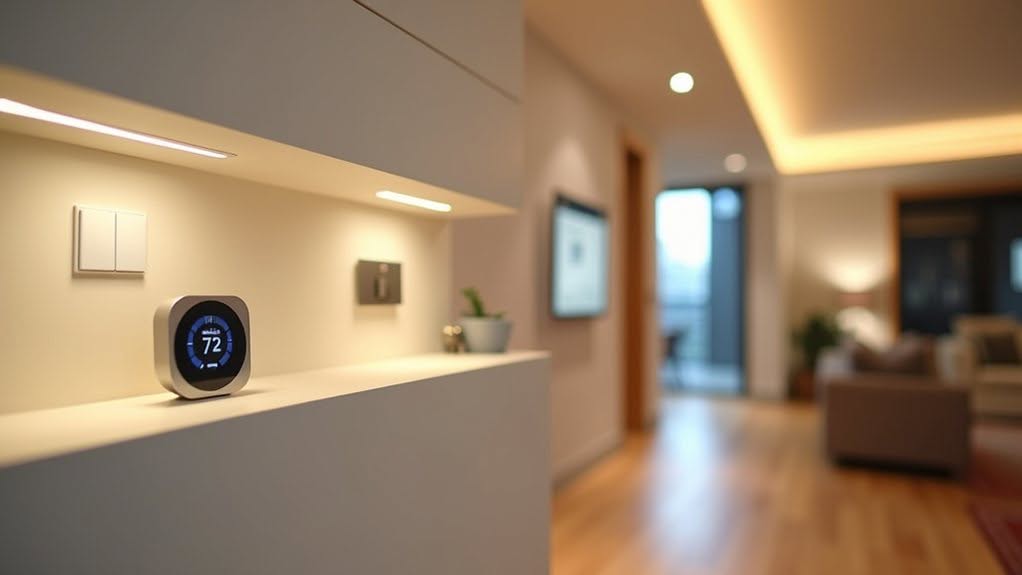
While choosing the right hardware forms the foundation of any successful Home Assistant setup, you’ll need to select components that match your specific automation goals and room requirements.
For central hubs, the Home Assistant Green at $99.95 offers 4GB RAM and 32GB eMMC storage with pre-flashed HA OS. The Raspberry Pi 5 provides advanced processing power with 8GB or 16GB RAM options for complex automations. The platform supports broad compatibility with major brands like SONOFF, Philips Hue, Nest, and Sonos for seamless device integration. A comprehensive smart hub can unlock your home’s full automation potential by centralizing control of all connected devices.
Essential sensors include temperature and humidity monitors for climate control, motion sensors like Aqara for presence detection, and door sensors for security triggers. The mmWave Human Detection Sensor Kit enables precise presence detection across rooms. This microwave technology can detect human presence through walls or glass, making it ideal for comprehensive room monitoring.
USB dongles such as the Home Assistant SkyConnect enable Zigbee and Matter protocols simultaneously. Energy-measuring power outlets allow monitoring and control of electrical devices throughout your home.
Living Room Automations for Lighting and Entertainment
You can transform your living room into a smart entertainment hub by implementing three core automation features that respond to natural lighting conditions, voice commands, and occupancy patterns.
These automations work together to create smooth shifts between different activities, from watching movies to hosting guests, while maintaining ideal lighting levels throughout the day. The adaptive lighting integration automatically adjusts your smart bulb color temperature and brightness based on the time of day, eliminating the need for manual brightness tweaking.
TV room lighting and blinds can automatically adjust based on your media player status, creating optimal viewing conditions when you start watching content. The combination of sunset-triggered lighting, voice-controlled scenes, and presence-based dimming guarantees your living room automatically adapts to your needs without manual intervention.
Sunset Lighting Activation
How can you automatically illuminate your living room as daylight fades without manually checking sunset times throughout the year? Home Assistant’s built-in Sun integration calculates sunset times based on your configured location, eliminating manual time entry requirements.
The Sun component tracks sunrise, sunset, dawn, and dusk events automatically, guaranteeing location-specific automation accuracy.
You’ll need three core elements: a sun trigger, a service call action, and target light entities. Offset parameters enable precise timing adjustments, such as activating lights 15 minutes before actual sunset time. When creating complex automations with multiple time-based triggers, Choose actions provide an organized approach to handle different activation sources within a single automation framework.
Key sunset automation features include:
- Offset values like “+00:15:00” or “-00:30:00” for customized timing
- Trigger IDs enabling multiple events within single automations
- Scene management for coordinated brightness and color temperature control
This automation adapts to seasonal sunset variations without manual adjustments throughout the year. You can enhance smart home convenience by setting these automations to run consistently throughout the week or target specific days when lighting control matters most.
Voice Controlled Scenes
Scenes capture desired states across multiple devices simultaneously, allowing you to configure specific combinations such as dimmed lights, red accent lighting, and selected media player sources.
The `scene.apply` function executes these coordinated changes through automation triggers.
Area-based targeting eliminates room-specific device naming requirements in your voice commands.
You can say “turn off all living room lights” to control entire device groups within designated areas.
Entertainment integration supports voice control of televisions, audio systems, and media players through single commands, reducing the complexity of managing multiple entertainment components during daily use. Home Assistant can also initiate conversational capabilities to ask follow-up questions about your preferences before executing scene changes.
Voice commands can incorporate delayed device control to automatically adjust your entertainment setup at specified future times, such as dimming lights or pausing media after a set duration.
Presence Based Dimming
When occupants enter or leave your living room, presence-based dimming systems automatically adjust lighting levels without requiring manual switches or voice commands.
These systems utilize binary sensors that detect human presence through motion or proximity detection, creating seamless lighting changes.
Microwave-based sensors like the LD2410 offer superior sensitivity compared to passive infrared sensors, detecting even chest movement from breathing.
The Aqara FP2 presence sensor provides zone-based detection, allowing you to configure specific areas such as seating zones. ESPHome integration provides simplified configuration and seamless connectivity with your Home Assistant platform.
Key features include:
- Time delay configuration controls how long lights remain active after presence detection, with recommended timeouts between 5-10 minutes
- Brightness levels adjust based on LUX response settings and ambient light conditions
- Multiple scenes can be assigned to different presence states for distinct lighting profiles
For comprehensive living room automation, the presence-based lights integration automatically fades in lights during sunset when people are home and turns off lights when everyone leaves the house.
Kitchen Home Assistant Setups That Streamline Daily Routines
Your kitchen becomes considerably more efficient when you implement Home Assistant automations that handle routine tasks automatically. Morning sequences can coordinate multiple appliances and lighting based on your daily schedule.
Motion sensors guarantee you’ll never fumble for light switches with wet hands. Smart monitoring systems track your dishwasher and other appliances, sending notifications when cycles complete or maintenance is needed.
Morning Automation Sequences
How can Home Assistant transform your kitchen into a fully automated morning command center? Smart plugs enable remote activation of coffee makers before you wake up, while kitchen automation triggers startup at scheduled times between 6:00 AM and 9:00 AM.
Motion detection integrates with appliance activation to start devices when you enter the kitchen. Sequential automation guarantees appliances activate in logical order as part of complete morning sequences.
Bedroom motion sensors trigger main house lighting activation, and kitchen lights activate automatically when breakfast routines begin.
Key morning automation features include:
- Voice-activated commands through Alexa serve as alternative triggers to motion-based automations
- Smart displays show weather forecasts and calendar events during morning routines
- Input helpers store completion status to guarantee routines run only once per morning cycle
Motion-Activated Smart Lighting
Motion-activated smart lighting transforms kitchen workflows by automatically illuminating spaces when you enter and diming lights after you leave.
Home Assistant’s built-in motion blueprint connects PIR sensors to lights with customizable timeouts, typically 5-10 minutes for kitchens.
You’ll configure higher timeouts in kitchens to prevent dark periods during low-movement activities like cooking or cleaning.
The system supports multiple motion sensors and lights per automation, with manual override switches acting as kill switches.
Advanced features include separate daylight and nightlight modes, adjustable lux thresholds that activate only when dark enough, and manual-friendly settings that won’t shut off user-turned-on lights.
Kitchen setups assign motion detectors, smart switches like Shelly devices, and lights to kitchen areas after Zigbee pairing for streamlined daily routines.
Appliance Status Monitoring
Appliance status monitoring creates thorough oversight of kitchen devices through multiple detection methods that track power consumption, operational states, and cycle completion.
You’ll gain real-time insights into appliance performance through integrated sensors and power monitoring systems.
Home Connect Integration connects Bosch and Siemens appliances directly through official cloud APIs.
This system monitors program status for ovens, dishwashers, and washers while providing binary sensors for connectivity tracking.
Power-based detection uses smart sockets with monitoring capabilities to trigger automations based on consumption thresholds.
Devices like Meross MSS310EU offer polling rates under 60 seconds for accurate state detection.
- Non-invasive CT monitoring clamps onto power wires for current and energy data transmission
- Template sensors combine multiple device readings into consolidated power measurements
- Appliance state blueprints track cycles and send completion notifications with historical logging
Bedroom Sleep and Wake Automations Using Home Assistant
Your bedroom can transform into a smart sanctuary where sleep and wake cycles flow seamlessly through automated routines. Enhanced bed sensors detect occupancy on left, right, or both sides, integrating with Home Assistant via Homey Pro for precise automation triggers.
Wake-up sequences activate between 5-8 a.m. using motion sensors like Aqara FP2 for desk chair zones. Sun elevation, LUX values, and time conditions customize brightness levels to prevent harsh morning lighting.
Evening wind-down automations begin after 9:45 p.m., dimming lights to warm white while playing relaxing music at low volume. Bed entry automatically turns off lights and stops music for uninterrupted sleep.
Motion sensors eliminate manual light switches, with door sensors and sunset triggers activating appropriate scenes. Home Assistant runs locally on Raspberry Pi 3B+ for reliable bedroom control.
Bathroom Motion and Humidity Controls Worth Automating
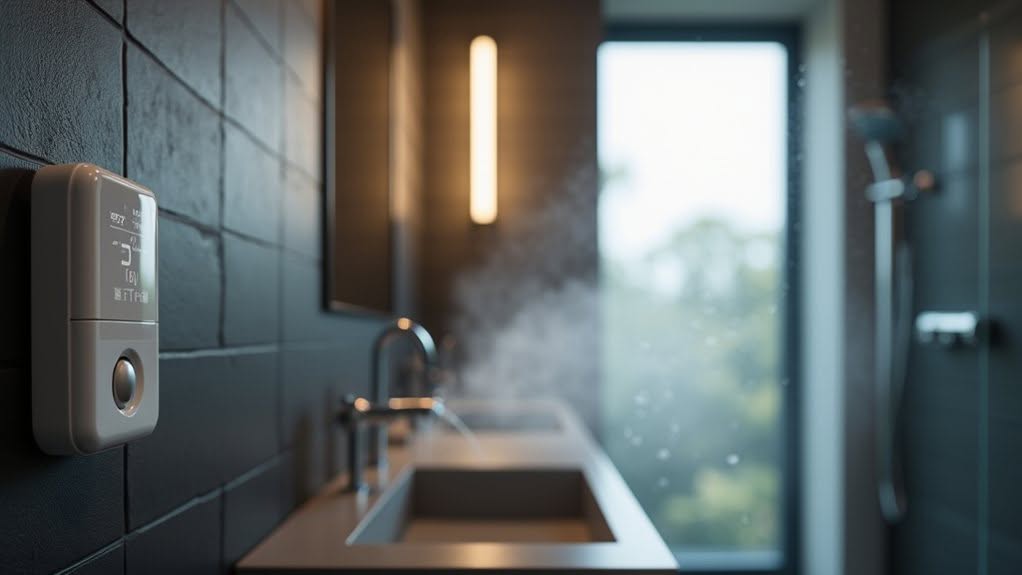
Bathrooms present unique automation challenges that require precise sensor coordination to manage lighting, ventilation, and occupancy detection effectively.
You’ll need to implement the “hornet-in-the-box” principle, where door closure plus motion detection confirms occupancy status reliably.
Motion-triggered lighting activates at 90-100% brightness during evening hours, then switches to 10% green light after 22:00 for night mode.
Your humidity sensors should trigger exhaust fans when levels rise 3 degrees within 5 minutes, maintaining operation until humidity drops 3 degrees below peak levels.
Consider these critical bathroom automation components:
- Binary motion sensors paired with RGB+CCT lights for adaptive illumination
- Hygrostat sensors with 5-10 minute delays for ventilation control
- Helper entities that track occupancy states through door and motion integration
Home Assistant Garage Door Security and Convenience Features
While conventional garage door openers rely on simple remote controls, Home Assistant transforms these basic systems into sophisticated security and convenience platforms through strategic sensor integration and automated triggers.
Dry contact relays and Zigbee door sensors provide the foundation for precise control and real-time status feedback. These components eliminate guesswork by confirming whether doors are actually open or closed, rather than assuming position based on commands sent.
Geofencing automation opens doors when you approach home and closes them when everyone leaves the defined zone.
Time-based triggers guarantee doors close at sunset for security compliance without manual intervention.
Safety features include beep warnings before closure and state verification logic that prevents unnecessary relay activation.
Local control architecture maintains functionality during internet outages, maintaining continuous access to your garage.
Cross-Room Automation Scenarios for Whole-Home Intelligence
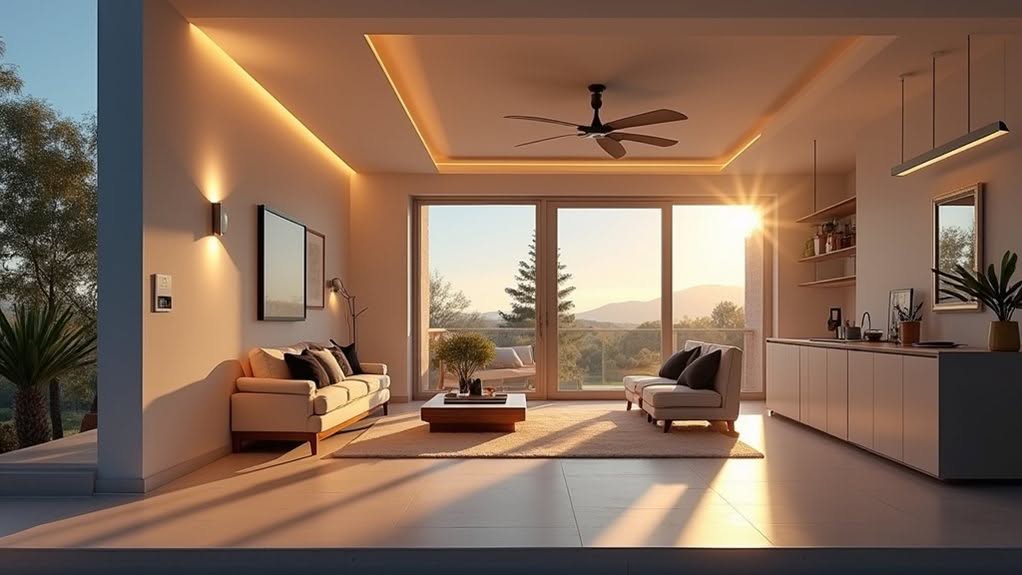
How does Home Assistant coordinate multiple rooms to create seamless whole-home intelligence that responds to your daily routines?
Cross-room automation scenarios leverage area-based organization and floor-level targeting to create coordinated responses throughout your entire home.
Your Home Assistant system can monitor the Home Zone entity to detect when everyone leaves, automatically triggering presence simulation across multiple rooms while activating security features.
Device tracker coordination enables household-wide occupancy detection, with configurable delays guaranteeing actions don’t execute prematurely when someone briefly steps outside.
Floor-level automation targets allow you to control all lights on a single level simultaneously, while hierarchical area organization enables coordinated actions across multiple interconnected rooms through centralized control points.
- Whole-home security automation that locks all doors and activates cameras when everyone leaves
- Floor-wide lighting scenes that adjust brightness and color temperature based on solar position
- Guest mode integration that modifies automation behavior when visitors are present in specific areas
Frequently Asked Questions
How Do I Prevent Automations From Triggering When I’m Cleaning or Maintaining Devices?
Create an input_boolean.maintenance_mode helper you’ll toggle before cleaning. Add `condition: state, entity_id: input_boolean.maintenance_mode, state: “off”` to your automations. They won’t trigger while you’re maintaining devices.
What Happens if My Internet Goes Down – Will Automations Still Work?
Yes, your automations will still work during internet outages. Local devices using Zigbee, Bluetooth, or LAN connections continue functioning normally. Cloud-dependent devices may lose functionality, but your core automation sequences process locally without internet.
Can I Temporarily Disable Specific Automations Without Deleting Them Completely?
Yes, you can easily toggle automations off temporarily through Home Assistant’s interface without deleting them. They’ll remain in your configuration and can be re-enabled anytime with all settings preserved intact.
How Do I Backup My Automation Configurations Before Making Major Changes?
You can backup your automation configurations by going to Settings > System > Backups and selecting “Backup now.” This creates an instant manual backup containing all your configurations before making changes.
Will Guests or Visitors Accidentally Trigger My Motion-Based Automations?
Yes, guests will trigger your motion-based automations since sensors can’t distinguish between residents and visitors. You’ll need guest modes, manual overrides, or presence detection using known devices to prevent unwanted lighting or automation activation.
Final Thoughts
You’ll transform your home into an intelligent ecosystem by implementing these room-specific automations. Start with basic lighting controls, then expand to motion sensors and smart switches throughout each space. Your investment in compatible hardware will pay dividends through reduced energy costs and improved convenience. Focus on one room at a time to avoid overwhelming complexity, and prioritize automations that address your family’s most frequent daily routines and security needs.


