
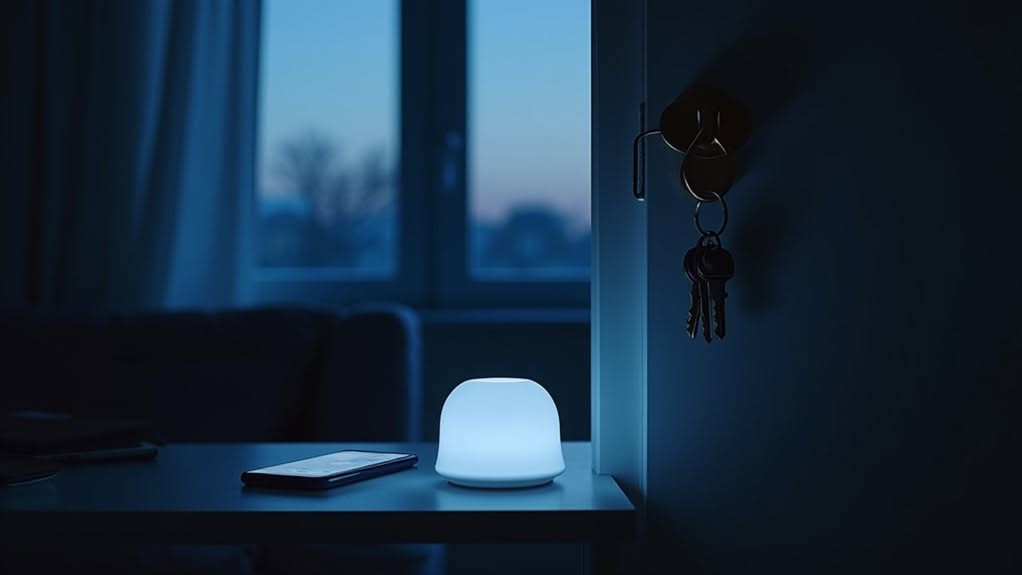
Your Home Assistant detects your presence through multiple technologies working together. It can track your smartphone via WiFi or Bluetooth, monitor movement with motion or mmWave radar sensors, and use geofencing to recognize when you enter or leave predefined areas. For reliable detection, many smart homes employ a multi-layered approach combining several methods. This reduces false readings and dead zones that single sensors might miss. The right combination of sensors creates a responsive system that accurately triggers your automations.
The Evolution of Smart Home Presence Detection
While smart homes have become a fixture in today’s connected world, their ability to detect whether someone is home has evolved dramatically over time. This technology traces back to Tesla’s 1898 remote control experiments, which laid groundwork for future automation.
Early detection systems were quite basic, using mechanical triggers and simple motion sensors for security purposes. James Sutherland’s Echo IV in 1966 represented an early integrated approach, monitoring appliance usage and temperature changes. The Echo IV’s innovative design provided homeowners with household inventory management capabilities alongside its environmental controls. Modern smart home systems can now transform your entire living space with customizable automation features.
Home detection’s humble beginnings relied on primitive mechanics before Sutherland’s Echo IV pioneered integrated environmental monitoring.
The real transformation came with wireless technologies in the late 1990s. WiFi’s introduction in 1997, followed by protocols like Zigbee and Z-Wave, eliminated wiring constraints and enabled reliable communication between sensors and smart hubs. The Internet of Things concept coined by Kevin Ashton in 1999 would eventually revolutionize how our homes understand occupancy.
Modern systems now leverage sensor networks, cloud platforms, and data analysis to accurately track your presence at home.
Selecting the Right Sensors for Your Living Spaces
Four key sensor technologies form the foundation of reliable home presence detection systems.
Each option offers unique benefits for different spaces in your home, depending on your needs for accuracy, privacy, and budget.
- Zigbee mmWave sensors like the Aqara FP1E offer reliable detection with a 120° field of view and customizable zones for targeted monitoring.
- Advanced ESPHome-compatible mmWave sensors provide premium features including breathing detection and fall monitoring for improved safety applications. These sensors operate independently of environment, ensuring consistent performance regardless of lighting or temperature conditions.
- Bluetooth detection systems using ESP32 devices track smartphones and beacons throughout your home, enabling room-level presence awareness.
- Motion and illuminance sensors work together to detect movement while accounting for ambient light conditions, though they’re less effective for static presence.
Consider the specific requirements of each room when selecting sensors to maximize detection accuracy while minimizing false triggers. The Apollo R PRO-1 with its dual mmWave radar technology offers superior zone-based detection for larger living spaces.
Building a Multi-Layered Detection System
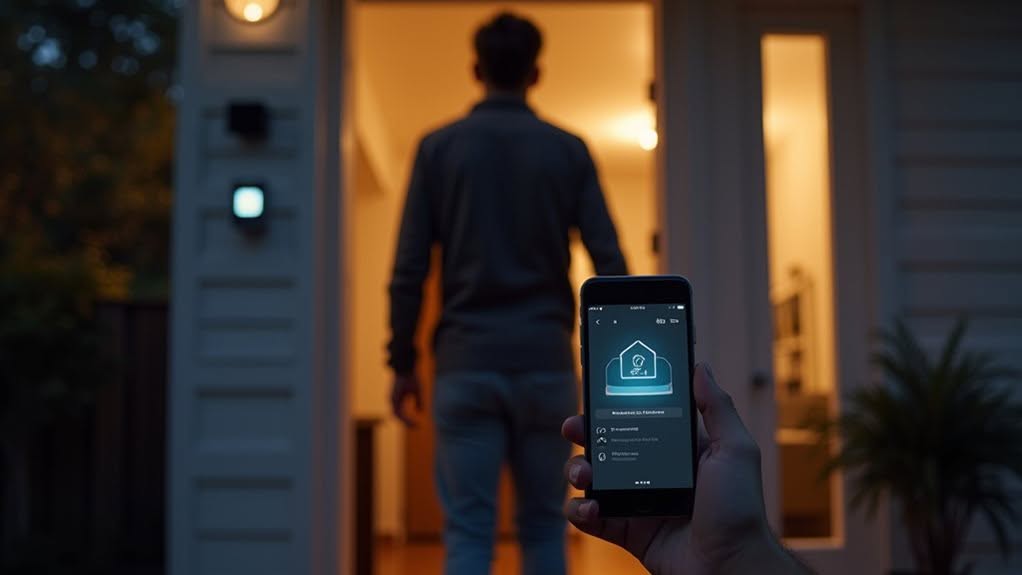
After selecting the right sensors for individual spaces in your home, you’ll need to combine them into a cohesive system that works together.
The key to reliable presence detection is using multiple methods simultaneously. You can pair smartphone tracking through Home Assistant’s app with router-based detection and Bluetooth sensing for thorough coverage. HomeAssistant acknowledges that single method reliability is low, which is why layering approaches is essential.
Distributed Bluetooth sensors work particularly well when strategically placed throughout your home. These sensors can communicate with each other through MQTT protocols, triggering scans when movement is detected in different areas. The ideal Bluetooth-based system should offer fast response time of 5-10 seconds to accurately detect presence without delays.
Strategic placement of Bluetooth sensors creates a mesh network that activates precisely when and where movement occurs.
Geofencing adds another layer by creating virtual boundaries around your property. When your GPS-enabled devices cross these zones, your system registers your arrival or departure.
For effective integration, set up automations that prioritize the most recently updated presence source. This approach minimizes false readings when one detection method temporarily fails.
Overcoming False Negatives and Dead Zones
Despite having the right sensors in place, you’ll inevitably encounter false negatives and dead zones in your home presence detection system. These issues occur when sensors fail to detect your presence despite being in the room, often due to lack of movement or sensor blind spots.
To overcome these challenges, consider these proven strategies:
- Combine multiple sensor technologies (PIR, radar, load cells) to validate presence through different detection methods.
- Create sensor groups in Home Assistant that aggregate states from multiple sensors to even out momentary detection drops.
- Adjust sensor sensitivity settings and detection delays, finding the right balance between accuracy and false triggers.
- Implement timers in your automations to prevent state switches during brief sensor signal losses.
For complex room layouts, place additional sensors strategically to eliminate dead zones and guarantee consistent detection throughout your home. Increasing the fading time to 40 seconds can significantly improve reliability by preventing unwanted HOME to AWAY transitions when brief movement pauses occur. Implementing the mmWave radar sensors can detect even minor movements like breathing, which is ideal for detecting stationary occupants in living spaces.
Setting Up Responsive Automations That Actually Work
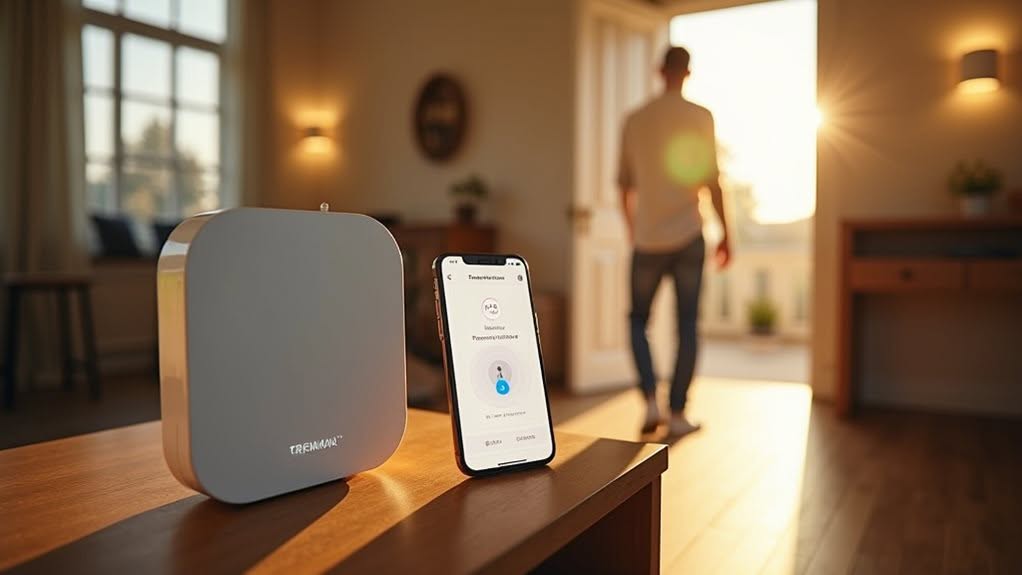
Creating responsive automations requires more than just installing sensors—you’ll need to build a system that acts intelligently on the data they provide.
The key is using occupancy-triggered automations that respond to aggregated sensor states rather than individual triggers.
Binary group helpers in Home Assistant can combine multiple sensor inputs, guaranteeing your lights stay on during static activities like watching TV. This prevents the frustrating scenario where lights turn off while you’re still in the room but not moving.
For multi-room spaces, configure sensor grids to treat connected areas as a single zone. This works particularly well for open floor plans where living, dining, and kitchen areas flow together.
Consider implementing the Area Occupancy Detection integration which provides occupancy status as a probability percentage rather than a simple on/off state, giving you more nuanced control over your automation decisions.
Implement timeout-based fallbacks to prevent automations from getting stuck. These safety measures assure your systems revert to default states if no activity is detected for a set period.
A comprehensive room presence system should combine multiple detection methods like motion sensors and Bluetooth for enhanced accuracy since no single method is perfect.
Frequently Asked Questions
How Does Presence Detection Affect My Home’s Privacy?
Presence detection tracks your devices, movements, and network connections, impacting your privacy. You’re trading some privacy for convenience, but can mitigate concerns through data minimization, encryption, and controlling what’s collected and stored.
Can Presence Detection Distinguish Between Pets and People?
Most presence sensors can’t reliably distinguish between pets and people. You’ll need advanced mmWave sensors with custom zones, height-specific mounting, or multi-sensor fusion to reduce false positives from your furry companions.
What’s the Battery Life Impact on Sensors Used Continuously?
Continuously used sensors drain batteries faster. You’ll see motion sensors last 3-6 months, temperature sensors 6-12 months. Power-saving modes help, but polling frequency greatly impacts battery life. Consider hardwiring critical always-on sensors when possible.
How Do Seasonal Temperature Changes Affect Sensor Accuracy?
Seasonal temperature extremes can cause your sensors to drift from calibration, resulting in inaccurate readings. You’ll notice outdoor sensors particularly struggle unless they’re properly rated and shielded from environmental elements like direct sunlight and precipitation.
Can Presence Detection Work During Power or Internet Outages?
No, most presence detection methods won’t work during power outages. Battery-powered Bluetooth sensors might function briefly, but you’ll need UPS systems for critical devices and backup internet to maintain reliable detection capabilities.
Final Thoughts
Your home assistant’s ability to detect your presence relies on the technologies you’ve implemented. By combining GPS tracking, Wi-Fi device detection, motion sensors, and other methods, you’ll create a reliable system that knows when you’re home. Remember to test your setup regularly and adjust sensor placement as needed. With proper configuration, you can enjoy responsive automations that improve your home’s intelligence without compromising reliability or privacy.


