

You can mix Zigbee and Z-Wave devices by using a dual-protocol hub like Samsung SmartThings, Hubitat Elevation C-8, or Home Assistant with dedicated dongles. Use Z-Wave for security devices and sensors requiring wall penetration, while deploying Zigbee for lighting automation and fast response applications. Position your hub centrally and install mains-powered repeaters first to strengthen both mesh networks. Manage 2.4 GHz interference by setting Zigbee to channels 15, 20, or 25 while keeping Z-Wave’s sub-1 GHz advantage. Proper setup activates powerful cross-protocol automations.
Understanding When Zigbee and Z-Wave Work Better Together
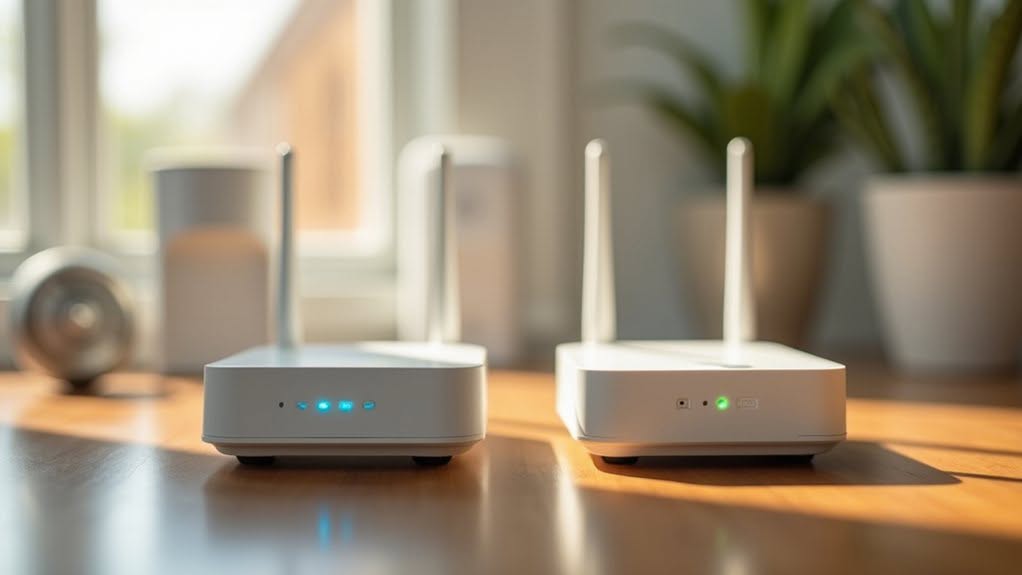
When should you combine Zigbee and Z-Wave devices in a single smart home system? You’ll benefit most when leveraging each protocol’s specific strengths for different device categories.
Z-Wave excels for security devices like smart locks and sensors that require reliable wall penetration and cross-brand compatibility. Its sub-1 GHz frequency provides superior coverage through walls and floors, while strict certification guarantees consistent performance across manufacturers. Z-Wave home security systems offer comprehensive protection with seamless integration across different device brands.
Zigbee works better for lighting automation and battery-powered sensors that need fast response times and power efficiency. Its 2.4 GHz operation enables quicker light activation in automation routines, and superior power management extends battery life in motion sensors and environmental monitors.
You’ll achieve ideal performance by using Z-Wave for structural elements requiring reliability, while deploying Zigbee for responsive automation and energy-efficient devices. Both protocols utilize mesh network architecture to extend range and improve device communication throughout your home.
Choose the Right Dual-Protocol Smart Home Hub
Your dual-protocol smart home system requires a central hub that can communicate with both Zigbee and Z-Wave devices effectively.
Several manufacturers offer reliable solutions with distinct advantages for different user types.
The Samsung SmartThings hub supports both protocols and connects to hundreds of devices across each network.
It now integrates with Nest and Matter products for expanded compatibility.
Here are three leading dual-protocol hub options:
- Hubitat Elevation Model C-8 – Features Z-Wave Plus 800 and Zigbee 3.0 with dual external antennas, plus both Wi-Fi and Ethernet connectivity
- Home Assistant – Provides integration through dedicated sticks or dongles on a centralized platform without proprietary restrictions
- SmartThings Aeotec hub – Functions as a rebranded SmartThings V3 hub supporting both wireless protocols
Each platform offers different control levels and learning curves.
For users seeking to eliminate cloud dependency, platforms like Home Assistant allow complete local control through VPN access for remote management.
Plan Your Zigbee and Z-Wave Device Layout
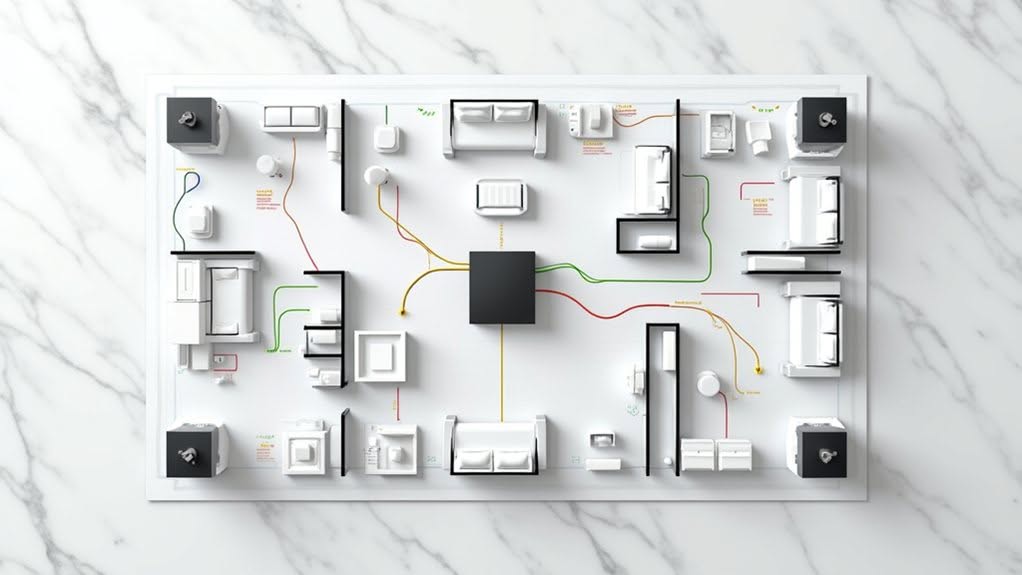
How you arrange Zigbee and Z-Wave devices throughout your home directly impacts network reliability and performance across both protocols.
Your 3,900-4,000 square foot layout requires strategic device placement to guarantee complete coverage across all areas.
Position your primary hub approximately one-third from the edges on your main floor to establish ideal baseline coverage.
Two-story homes need repeaters distributed vertically to maintain signal strength between floors.
Z-Wave coverage extends roughly 100 feet indoors, while Zigbee supports more devices in mesh configurations.
Smart plugs and dedicated repeaters strengthen network redundancy in both protocols.
Separate data cables from power lines to prevent electromagnetic interference.
Building materials and large appliances create signal obstacles that require additional repeaters for compensation.
Plan for approximately 3-4 end devices per Zigbee repeater to maintain optimal mesh performance and avoid overloading individual routers.
Test initial coverage to verify repeaters are positioned at ideal distances for reliable communication. Modern hubs with multi-protocol integration enable seamless management of both Zigbee and Z-Wave networks from a single control point.
Set Up Your Multi-Protocol Network Step-by-Step
Setting up a dual-protocol smart home network requires careful coordination between Zigbee and Z-Wave devices to guarantee peak performance.
You’ll need to select a dual-protocol hub that supports both standards simultaneously without separate coordinators.
Position your hub centrally and connect it via Ethernet to your router for stable internet connectivity.
Download the manufacturer’s app and make certain your smartphone connects to the 2.4GHz Wi-Fi network during setup.
Follow this sequence for best network establishment:
- Enable both protocols in hub settings and create your account through the setup wizard
- Install router devices like smart plugs within 10 metres of the hub to extend coverage
- Pair end devices using protocol-specific methods: five power cycles for Zigbee bulbs, device-specific button sequences for Z-Wave inclusion mode
Use high-quality batteries from trusted brands in your wireless sensors to ensure optimal performance and longevity across both protocol networks.
Consider the frequency interference potential since Zigbee’s 2.4 GHz band experiences more congestion than Z-Wave’s lower frequency range.
Select the Best Devices for Each Protocol
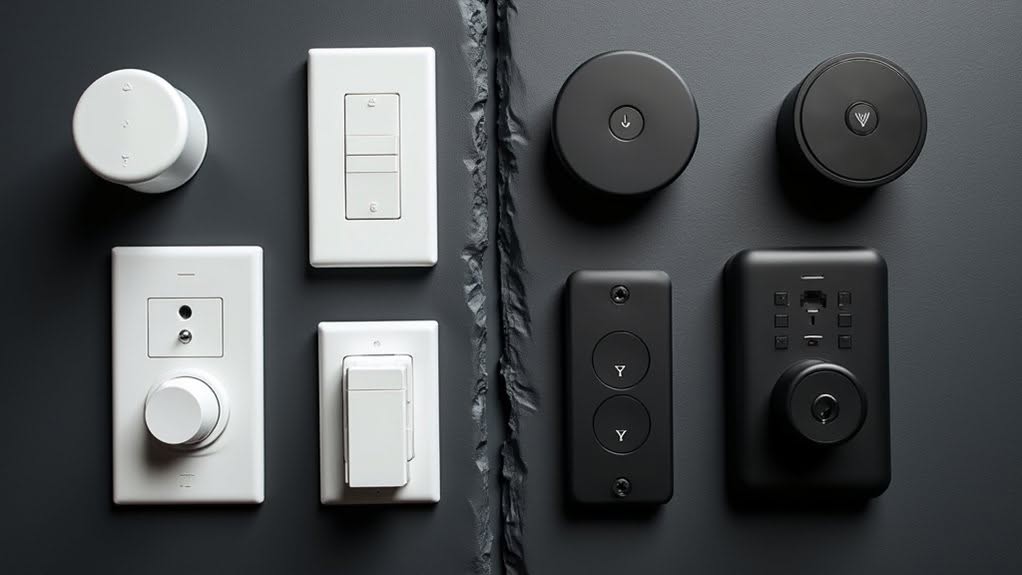
Which devices deliver the most reliable performance when building your dual-protocol smart home network?
Zigbee excels for lighting and sensors, with Philips Hue systems providing fast local control and stable scene automation.
Aqara P1 Motion and Contact sensors offer reliable presence detection for Home Assistant compatibility.
Z-Wave works best for security and entry devices that require critical automation triggers.
Door locks and security sensors benefit from Z-Wave’s mesh reliability and local control support. The Aqara Hub M2 can manage up to 128 child devices through Zigbee 3.0 connectivity.
Temperature sensors integrate well with both protocols, helping manage energy consumption across Zigbee mesh networks.
Dimmable smart bulbs enable quick automation wins in living spaces through both protocols. Nanoleaf Essentials Matter Bulbs provide local control for fast lighting automation without cloud dependency.
Choose devices based on community support and documentation to reduce implementation delays and guarantee long-term compatibility.
Build Stronger Zigbee and Z-Wave Mesh Networks
While selecting the right devices forms your foundation, proper mesh network architecture determines whether your dual-protocol smart home delivers reliable performance or frustrating failures.
Both Zigbee and Z-Wave employ mesh topology, where each device acts as a repeater to extend network range.
Strategic device placement strengthens both networks considerably.
You’ll need separate mesh networks since Zigbee and Z-Wave devices can’t communicate directly or repeat signals for each other.
Follow these steps to optimize your dual-protocol setup:
- Place mains-powered devices first – Smart plugs and powered sensors function as repeaters, directly improving mesh reliability and range
- Include Z-Wave devices progressively – Start closest to your hub and move outward to establish ideal mesh paths
- Perform network healing – Run Z-Wave repair and Zigbee heal after completing all device installations to optimize routing efficiency
Remember that excessive hop count reduces network performance, so avoid creating unnecessarily long signal paths between devices and your hub.
Z-Wave operates at lower frequencies than Zigbee, which helps reduce interference from other wireless devices in your home.
Fix Wi-Fi Interference in Mixed Protocol Setups
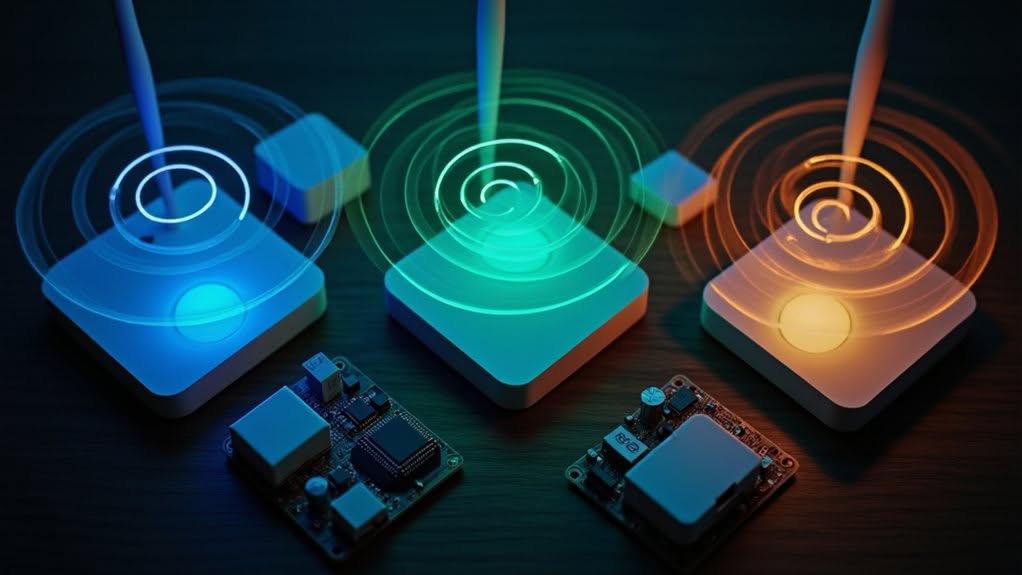
When you’re running mixed Zigbee and Z-Wave networks, Wi-Fi interference can cripple your smart home’s performance, especially since Zigbee and Wi-Fi both compete for space on the crowded 2.4 GHz band.
You’ll need to systematically identify interference sources throughout your home, from routers and access points to everyday appliances that broadcast on the same frequencies.
Strategic channel selection and careful device placement will resolve most interference issues, restoring reliable communication between your smart home protocols.
Identify Interference Sources
How can you pinpoint the exact sources disrupting your mixed smart home setup? Start by examining devices operating in the 2.4 GHz frequency range, which creates interference for Zigbee but leaves Z-Wave unaffected at 908.42 MHz.
Common interference sources include:
- Wi-Fi networks and routers – These high-power signals drown out low-power Zigbee communications, causing intermittent failures and device unresponsiveness.
- Cordless phones and Bluetooth devices – These contribute to 2.4 GHz band congestion, affecting Zigbee performance while leaving Z-Wave immune.
- Electronic appliances and computer peripherals – All electric devices produce electromagnetic interference (EMI) that degrades Zigbee adapter performance.
Check for symptoms like random performance degradation or complete communication blockage in your Zigbee devices while Z-Wave components continue functioning normally.
Optimize Channel Selection
Strategic channel selection eliminates Wi-Fi interference that cripples Zigbee performance in mixed protocol environments.
You’ll need to adjust Wi-Fi channels first to minimize network disruption. Wi-Fi channel 1 interferes with Zigbee channels 11-17, while channel 6 affects channels 13-23, and channel 11 impacts channels 18-26.
Use these proven combinations: Wi-Fi channels 1 and 6 pair effectively with Zigbee channel 24. Wi-Fi channels 6 and 11 work well with Zigbee channel 11.
Zigbee channels 15, 20, and 26 receive minimal Wi-Fi interference. However, channel 26 isn’t compatible with some devices despite offering the least interference.
Z-Wave operates at 800-900MHz, so it won’t interfere with your 2.4GHz networks. This makes channel optimization straightforward for mixed protocol setups.
Strategic Device Placement
Proper hub placement forms the foundation of interference-free dual-protocol networks, determining signal strength for both Zigbee and Z-Wave devices throughout your home.
Position your hub centrally, both horizontally and vertically, within 10 metres of primary devices to guarantee peak network establishment.
Strategic repeater distribution extends coverage across multiple rooms and floors.
Place mains-powered devices like smart plugs in hallways and high-traffic areas to function as mesh network repeaters for both protocols.
Follow this placement sequence for peak results:
- Hub positioning – Install centrally with direct ethernet connection, avoiding thick walls and metal objects
- Repeater distribution – Space mains-powered devices 10-15 metres apart in hallways and stairwells
- Device pairing order – Add mains-powered repeaters first, then battery-powered devices last
Create Seamless Zigbee and Z-Wave Automations
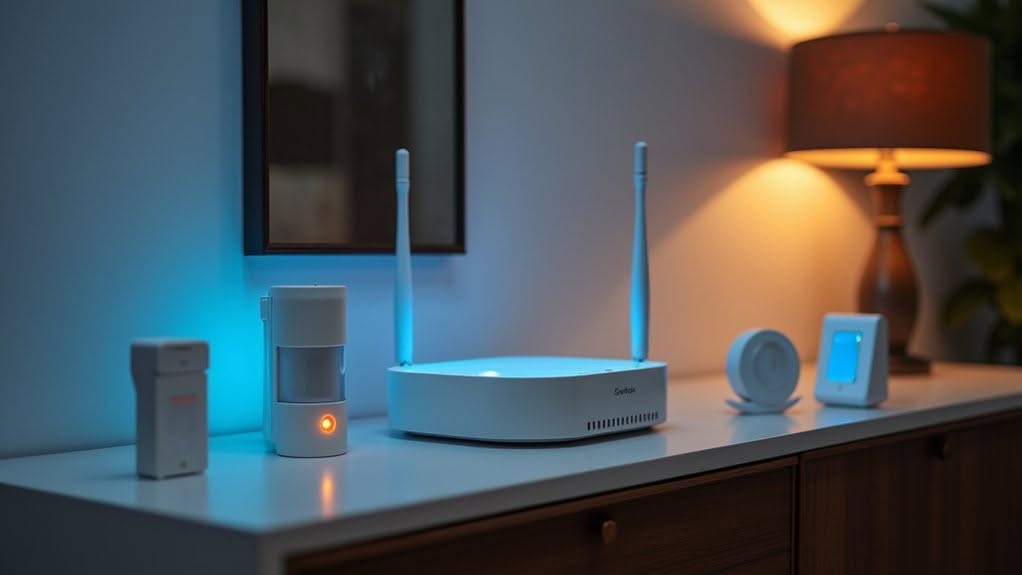
You’ll need to configure cross-protocol automation rules that bridge Zigbee and Z-Wave devices through your compatible hub’s central management system.
Your unified hub configuration should establish separate network coordinators for each protocol while enabling seamless communication between device types through automation triggers.
Smart device grouping strategies allow you to organize mixed-protocol devices by room or function, creating logical automation sequences that leverage each protocol’s specific strengths.
Cross-Protocol Automation Rules
When implementing cross-protocol automation rules, your central hub serves as the critical translator between Z-Wave and Zigbee devices that can’t communicate directly.
You’ll define these rules through your hub’s app, creating seamless connections between different protocol devices.
Your automation setup should leverage each protocol’s strengths strategically.
Z-Wave offers superior reliability and wall penetration, while Zigbee provides extensive device variety and faster response times.
Consider these key factors when creating cross-protocol rules:
- Network Range: Z-Wave extends up to 100m in open air, while Zigbee reaches 20m, both expandable through repeaters
- Device Limits: Z-Wave supports 232 devices maximum with 4 hops, Zigbee theoretically handles 65,000 devices with 15+ hops
- Interference Management: Position Zigbee repeaters strategically to avoid Wi-Fi interference on the 2.4GHz band
Test all rules thoroughly after setup to guarantee reliable cross-protocol triggering.
Unified Hub Configuration
Successfully implementing cross-protocol rules requires proper configuration of your unified hub to manage both Zigbee and Z-Wave networks simultaneously.
You’ll need a hub with multi-protocol support, such as SmartThings or Vera Edge, which can control devices from both protocols under a single controller.
For Home Assistant users, configure both ZHA integration for Zigbee devices and Z-Wave protocols through separate adapters.
Position your Zigbee coordinator away from USB 3.0 devices using USB 2.0 ports to minimize interference.
Use extension cables to distance the coordinator from potential interference sources.
Your hub must serve as the primary Z-Wave controller, managing network addresses and security keys.
Configure Zigbee channels through your hub’s device integration menu, guaranteeing separation from 2.4GHz Wi-Fi to prevent signal degradation.
Device Grouping Strategies
How can you effectively organize mixed protocol devices to create reliable automations across both Zigbee and Z-Wave networks?
Your hub serves as the central coordinator, enabling cross-protocol automations that combine Zigbee’s reliability with Z-Wave’s extended range capabilities.
Group devices through your hub’s app to establish scenes, schedules, and voice control functionality across both protocols.
Since Zigbee and Z-Wave don’t communicate natively, the hub translates commands between networks seamlessly.
Consider these fundamental grouping strategies:
- Room-based organization – Group devices by location regardless of protocol for intuitive control
- Function-based clusters – Combine security sensors, lighting, or climate devices across protocols
- Hybrid automation chains – Link Z-Wave sensors to trigger Zigbee actuators through hub logic
Direct bindings offer hub-independent operation where possible, providing backup functionality if your central hub experiences connectivity issues.
Solve Common Dual-Protocol Integration Issues
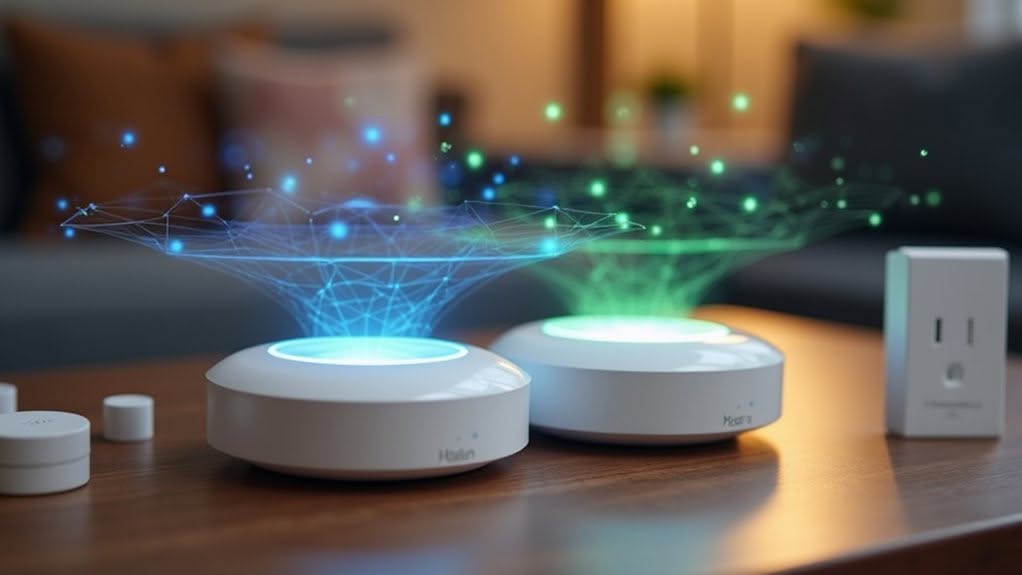
Why do smart home enthusiasts struggle with dual-protocol setups despite having the right hardware? The answer lies in compatibility mismatches, interference issues, and outdated firmware that create integration roadblocks.
Compatibility problems arise when devices don’t match their intended hubs. You’ll need to verify protocol-specific designs and check compatibility lists before making purchases to avoid mismatched gateways.
Interference presents another challenge, as Zigbee devices suffer from 2.4GHz conflicts with Wi-Fi and Bluetooth. Set your Wi-Fi to a static channel before changing Zigbee to channels 15, 20, or 25 for best performance.
Firmware management requires regular updates to improve cross-protocol compatibility. However, you’ll need a stable mesh network before attempting upgrades, as OTAU failures typically stem from poor mesh connections.
Frequently Asked Questions
Can I Use Existing Single-Protocol Devices When Upgrading to Dual-Protocol Setup?
Yes, you can integrate your existing single-protocol devices into a dual-protocol setup using compatible hubs. Your current Zigbee or Z-Wave devices will work seamlessly when you add a multi-protocol hub for unified control.
How Much Does Adding Dual-Protocol Support Typically Cost Compared to Single-Protocol?
You’ll pay 25-60% more for dual-protocol controllers compared to single-protocol hubs. Device costs increase 30-100% when incorporating both protocols, while large installations typically see 40% higher total system costs overall.
Do Firmware Updates Affect Compatibility Between Different Zigbee and Z-Wave Brands?
No, firmware updates don’t affect compatibility between different Zigbee and Z-Wave brands. However, you can’t use firmware files from one manufacturer on another brand’s device—they’re completely brand-specific and non-interchangeable.
Which Protocol Drains Battery Faster in Portable Sensors and Smart Locks?
Z-Wave drains batteries faster in portable sensors and smart locks. You’ll get longer battery life with Zigbee devices due to their optimized power management and 32-bit processors versus Z-Wave’s less efficient architecture.
Can I Backup and Restore Device Configurations When Switching Hub Platforms?
You can’t directly backup and restore device configurations when switching hub platforms. You’ll need to manually reconfigure devices, recreate automation rules, and re-pair everything since protocols don’t translate between different hub ecosystems.
Final Thoughts
You’ll achieve better smart home performance by combining Zigbee and Z-Wave protocols strategically. Choose a dual-protocol hub that supports both standards, then plan your device placement carefully. Focus on building strong mesh networks for each protocol while avoiding Wi-Fi interference. Select devices based on each protocol’s strengths, and create unified automations through your hub. This mixed approach gives you access to more device options and improved network reliability.


