
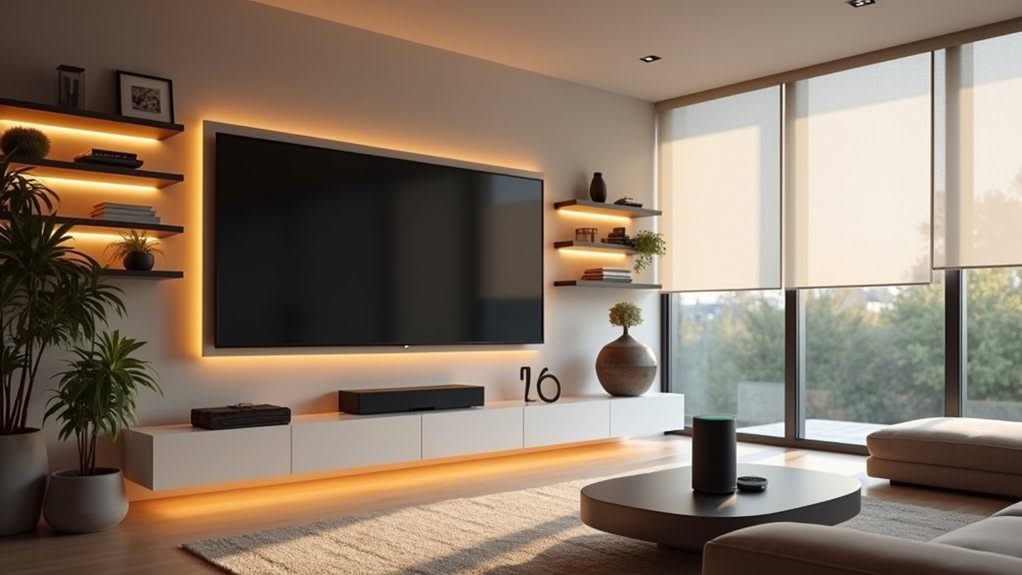
You can create a thorough smart living room by installing Phillips Hue circadian lighting that mimics natural sunlight patterns, connecting entertainment systems through Marantz receivers with Samsung Smart TV hubs, and adding motorized Smart Wave Matter blinds for automated light control. Integrate everything using platforms like Apple HomeKit, Google Home, or Amazon Alexa for unified voice commands and smartphone management. This setup typically saves 20-35% on energy costs while providing seamless automation that learns your daily preferences and routines through coordinated scenes.
Choose the Right Smart Living Room Devices for Your Space
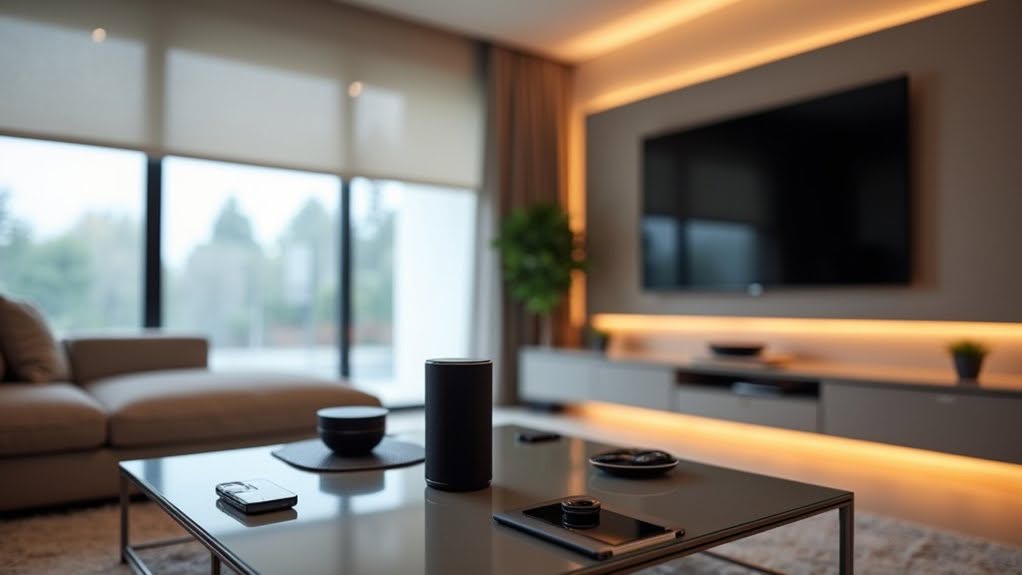
When selecting smart devices for your living room, you’ll need to take into account three core categories that form the foundation of an automated entertainment space.
Smart lighting systems like Phillips Hue White and Color bulbs provide circadian rhythm alignment through automatic sunlight pattern mimicking.
These bulbs offer customizable color temperatures and brightness levels that adjust to match your daily activities.
Systems that understand behavioral patterns eliminate the need for manual adjustments by learning your preferences over time.
Media equipment requires flagship receivers such as Marantz Cinema series models, which support multiple source compatibility including Zidoo and R_Volution players.
Three-speaker minimum configurations using quality models like JTR 210HT speakers establish your surround sound foundation.
Quality amplification systems like the WHIM Amp Ultra offer one-stop solutions for both audio streaming and speaker power management.
A comprehensive smart audio system can elevate your entire home entertainment experience beyond traditional setups.
Smart window treatments using Matter protocol compatibility, such as Smart Wave Matter Blackout Blinds, enable seamless ecosystem integration.
These motorized blinds provide complete light control through automated scheduling capabilities and smartphone operation.
Plan Your Smart Home Setup for Maximum Compatibility
You’ll need to select compatible device ecosystems and establish clear room control zones to create a seamless smart living room experience.
Matter 1.3 supports expanded device categories for cross-ecosystem compatibility, while protocols like Thread and Zigbee 3.0 guarantee your devices communicate effectively across different brands.
Planning your control zones involves mapping specific areas like entertainment centers, seating areas, and lighting groups to optimize automation and reduce conflicts between competing systems. Install hardwired smart dimmers and scene keypads to enable reliable whole-home lighting scenes that integrate seamlessly with your living room automation routines.
Consider implementing a mesh networking approach using Z-Wave or Zigbee devices to ensure reliable two-way communication and self-healing capabilities throughout your living room setup.
Choose Compatible Device Ecosystems
Which smart home ecosystem will give you the best long-term compatibility and control over your living room devices? The answer depends on your priorities and existing technology.
Apple HomeKit offers superior privacy with local processing and high encryption, making it ideal for iPhone users. However, you’ll find fewer native devices available compared to other platforms.
Google Home excels with AI-powered object detection and integrates seamlessly with Nest products, Philips Hue, and ecobee thermostats. Android users benefit most from this ecosystem’s advanced automation capabilities.
Amazon Alexa provides the widest device compatibility across brands and leads in voice control functionality. You can integrate everything from Philips Hue lights to Nest thermostats through Alexa’s extensive platform. Systems like abode uniquely support Alexa, Google Home, and Apple HomeKit, which is rare among smart home platforms.
Matter certification changes everything in 2026, enabling cross-platform compatibility and preventing ecosystem lock-in permanently. To avoid device fragmentation, it is recommended to commit to one primary ecosystem during initial setup.
Map Room Control Zones
How should you divide your living room into control zones for ideal smart home functionality? Start by conducting a thorough room-by-room analysis to identify automation opportunities and potential challenges like signal interference.
Designate your living room by mapping specific functional areas including seating zones, entertainment centers, and entry points for best device placement.
This area size assessment determines the quantity of devices needed to maintain consistent signal strength throughout the space.
Place control points at natural entry and exit points near doorframes and seating areas.
These locations serve as ideal spots for wall controllers and manual override interfaces.
Create separate zones for your entertainment center with dedicated power and network infrastructure. Select a robust gateway hub that supports multiple wireless protocols to serve as the central control point for your living room zones.
Install dimmable LED bulbs to enable granular lighting control across multiple zones simultaneously. Position Wi-Fi access points centrally within your living room layout to ensure optimal coverage and avoid signal dead zones in enclosed areas.
Install Smart Lighting That Adapts to Your Daily Routine
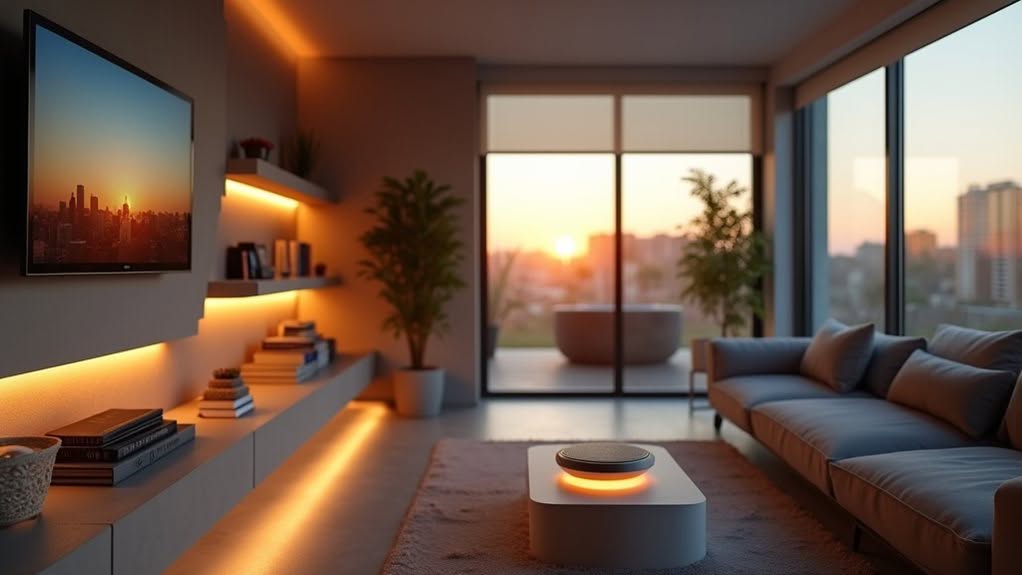
Smart lighting systems can automatically adjust brightness and color temperature throughout the day to support your body’s natural circadian rhythm.
You’ll benefit from energizing daylight tones during morning hours that gradually shift to warm, relaxing hues as evening approaches.
These automated brightness adjustments respond to both time-of-day settings and ambient light sensors, guaranteeing ideal illumination without manual intervention. Motion sensors can further enhance energy efficiency by automatically turning lights on when rooms are occupied and off when they’re empty.
Advanced systems incorporate artificial intelligence to learn your preferences and proactively adjust lighting settings without requiring manual input.
Circadian Rhythm Optimization
Your body’s internal clock depends on precise light cues throughout the day, and smart lighting systems can now replicate these natural patterns with scientific accuracy.
Modern RGBTW lighting systems adjust both intensity and spectral content automatically. Morning blue-enriched light stimulates alertness and supports natural circadian timing.
Evening light shifts to warm tones while reducing blue spectrum content to protect melatonin production.
Optimal circadian lighting follows these specifications:
- Morning activation: Blue-enriched light at 238 melanopic lux helps establish daily rhythm patterns
- Daytime maintenance: Moderate intensity between 50–500 lux strengthens circadian entrainment throughout active hours
- Evening shift: Warm spectrum lighting reduces blue content during pre-sleep preparation periods
- Night protection: Dim lighting under 3 melanopic lux prevents circadian disruption after sunset
Strategic timing produces measurable improvements in alertness and sleep quality.
Automated Brightness Adjustments
When natural daylight fluctuates throughout the day, automated brightness systems respond by adjusting your artificial lighting to maintain ideal illumination levels.
Daylight sensors gauge incoming natural light and automatically dim or brighten your fixtures accordingly.
These systems conserve energy by reducing artificial lighting when sufficient sunlight enters your living room.
The sensors continuously monitor environmental conditions and make real-time adjustments without requiring your input.
Controllers process sensor data and execute lighting commands based on programmable thresholds you’ve established.
You can customize automation logic to match your specific brightness preferences and daily routines.
Smart integration allows manual override through smartphones, tablets, or voice assistants when needed.
This flexibility guarantees you maintain control while benefiting from automated energy savings and consistent illumination throughout changing daylight conditions.
Set Up Your Smart Entertainment and Media Hub
How do you transform a collection of entertainment devices into a seamless, centralized media experience? Start by establishing your smart hub as the primary control center for all connected devices.
Your Samsung Smart TV serves as the foundation for this integrated system. Press the Smart Hub button on your remote to access the customizable interface bar, which provides direct access to On TV, For You, Trending, and Games panels.
Essential setup steps include:
- Account Configuration – Scan the QR code to set up your Samsung account through Settings > General > Smart Features
- App Installation – Download streaming applications from the Apps section or use the search function
- Device Integration – Connect HDMI cables from components to network switches for clean signal routing
- Network Optimization – Configure dedicated media VLANs to separate entertainment traffic from other network activity
Add Intelligent Window Coverings and Climate Control
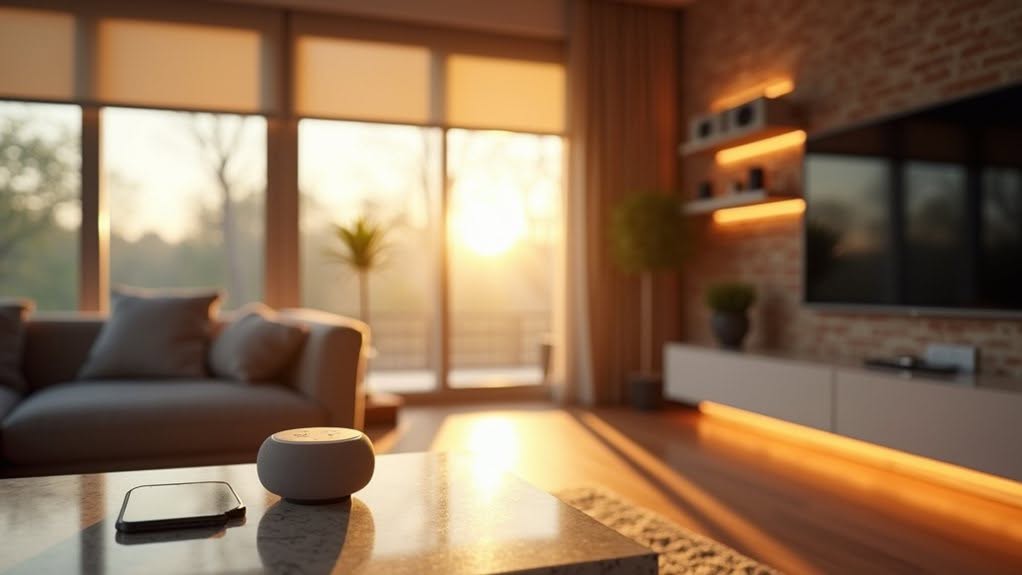
Although traditional window treatments require manual adjustment throughout the day, intelligent window coverings automatically respond to sunlight, temperature, and your daily routines.
Motorized systems replace manual cords with built-in motors that respond to remote controls, smartphone apps, or voice commands. You can choose battery-powered, plug-in, or hardwired options for effortless operation without physical effort.
Programmable schedules adjust your coverings at sunrise or sunset for maximum energy conservation. Built-in sensors detect sunlight levels and temperature changes to automate shading for consistent thermal comfort.
Smart window coverings integrate seamlessly with Amazon Alexa, Google Home, and Apple HomeKit for voice commands like “close shades to 50%.” These systems sync with your lighting and HVAC systems, creating unified scenes for movie nights or circadian rhythm support while reducing utility bills.
Connect Everything Into One Easy Control System
Smart window coverings represent just one piece of your connected home puzzle, but their true potential emerges when integrated with a central control system.
A smart home hub serves as the brain of your ecosystem, unifying all devices into one centrally-controlled unit.
Modern hubs can manage up to 128 wireless devices simultaneously through multiple communication protocols.
You’ll eliminate separate apps and isolated products by connecting everything through a single gateway controller.
Your unified control system provides these key benefits:
- Single mobile interface – Control lights, blinds, climate, and entertainment through one app
- Remote access capabilities – Manage your living room from anywhere using smartphones or tablets
- Coordinated automation – All devices work together rather than operating independently
- Streamlined daily routines – Customize settings across multiple systems with simple voice commands
Set Up Voice Control That Actually Understands You
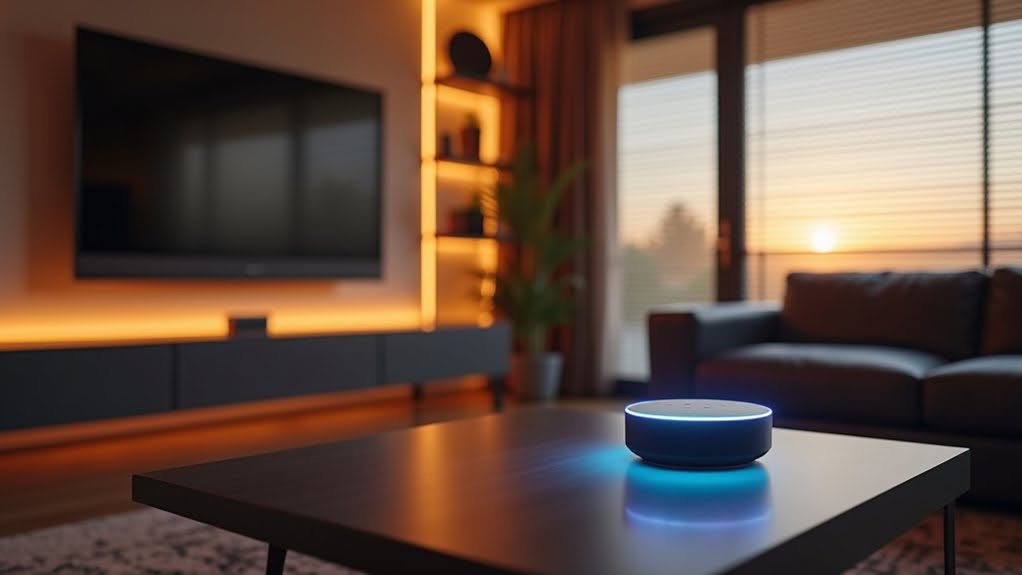
Why does your voice assistant sometimes respond to the TV but ignore your direct commands? Voice recognition accuracy depends heavily on proper setup and strategic placement throughout your living room.
Amazon Alexa, Google Assistant, and Apple Siri represent the major voice assistant options for smart home integration. You’ll need to select based on compatibility with your existing devices and appliances.
HomePod 2 optimizes audio settings in real-time based on room positioning, improving voice clarity and response accuracy.
Google Nest Hub and Amazon Echo Show 8 receive sporadic updates that affect recognition performance.
Freestanding, wall-mounted, and flat-surface-positioned speakers offer placement flexibility for best voice recognition.
Multi-room capabilities allow voice control across different areas, improving recognition consistency throughout connected spaces.
Save Money With Smart Energy Management Settings
When properly configured, smart energy management systems can reduce your household energy costs by 20-35% annually, translating to savings of £200-£600 for most UK homes.
Your living room offers several opportunities for immediate energy savings through smart technology integration:
- Smart thermostats achieve 12-15% average annual savings on heating and cooling costs, with aggressive implementations yielding up to 26% reductions
- Connected lighting systems deliver approximately 30% energy savings through automated dimming and scheduling features
- Smart plugs generate £85 annual savings with schedule-setting and occupancy-sensing capabilities for entertainment systems
- Integrated management platforms coordinate multiple devices to maximize efficiency across all connected appliances
Most smart home energy systems achieve payback within 2-3 years, after which they provide substantial ongoing savings throughout their operational lifetime.
Frequently Asked Questions
Will My Smart Home Devices Still Work During Internet Outages?
Your Zigbee and Z-Wave devices’ll work through local hubs, but Wi-Fi devices won’t function. Voice assistants like Alexa need internet, so they’ll fail. Smart switches maintain basic on/off control through electrical wiring during outages.
How Much Do Ongoing Subscription Fees Typically Cost for Smart Home Systems?
You’ll typically spend $20-60 monthly for professional monitoring, plus $5-30 for cloud storage and premium features. Annual costs range $500-1,500 depending on your system’s complexity and device count.
Can I Retrofit Smart Features Into an Older Home Without Rewiring?
Yes, you can retrofit smart features without rewiring. Smart bulbs screw into existing fixtures, wireless cameras install battery-powered, smart thermostats connect to current HVAC systems, and voice hubs control everything wirelessly—perfect for older homes.
What Happens to My Smart Home Setup if I Move Houses?
You’ll need to decide which devices you’re taking versus leaving behind. Reset and remove devices you’re leaving from your accounts, then reinstall your portable devices at the new home with fresh network settings.
How Do I Prevent Hackers From Accessing My Smart Home Devices?
Change default passwords to strong, unique ones, enable two-factor authentication, update firmware regularly, use WPA2+ encryption on your router, create a guest network for devices, and monitor for unusual network activity.
Final Thoughts
You’ve now transformed your living room into a connected smart home ecosystem. Your automated lighting, entertainment systems, and climate controls work together seamlessly through voice commands and smartphone apps. These integrated devices will reduce your energy costs while providing convenient daily automation.
Remember to update device firmware regularly and monitor your network security settings. Your smart living room setup will continue improving as you fine-tune automation schedules and add compatible devices.


