

Smart home enthusiasts are constantly seeking new ways to streamline their connected environments. The Wireless Zigbee Smart Button presents a compact solution for controlling multiple devices with minimal effort. With four buttons capable of twelve distinct commands through different press patterns, this device offers considerable functionality in a small package. Its adhesive backing allows for flexible placement throughout the home. While battery life varies based on usage frequency, the affordable price point makes this a potentially valuable addition to any smart home ecosystem. What exactly makes this button stand out from other control options?
Zigbee Button Basics
Understanding the fundamentals of Zigbee smart buttons begins with recognizing their role as compact wireless controllers in the modern smart home ecosystem.
These devices leverage Zigbee technology to create reliable connections with compatible hubs and systems.
The reviewed smart button features four buttons, each supporting multiple interaction types: single press, double press, and long press.
This design offers users twelve distinct control options within a single device.
For proper operation, the button requires connection to a Tuya Zigbee hub.
It integrates seamlessly with popular platforms including Hubitat, Zigbee2MQTT, Homey, and Home Assistant, providing flexibility for various smart home configurations.
Compact Design, Mounting Options
The Wireless Zigbee Smart Button boasts a streamlined profile that prioritizes both aesthetics and functionality in modern smart homes.
Its compact size allows for versatile placement throughout living spaces without creating visual clutter.
The device offers multiple mounting options to suit different environments. Users can attach it to walls using the included adhesive backing for permanent installation, or place it on flat surfaces as a portable remote control.
Mount it where you need it—wall-mounted with adhesive or free-standing as a portable control center.
The button’s minimalist design features four clearly defined buttons that are easily distinguishable by touch.
This thoughtful engineering enables convenient operation even in low-light conditions, improving the smart button’s practicality in bedrooms or hallways.
Battery Life Considerations
While the compact design offers placement flexibility, power management represents a vital factor in the Wireless Zigbee Smart Button‘s overall performance. The device utilizes a high-capacity lithium button battery designed to maximize operational longevity.
Battery performance depends on several important factors:
- Usage frequency – more button presses consume power faster
- Signal strength – weaker connections require more transmission power
- Temperature conditions – extreme environments affect battery efficiency
- Zigbee network configuration – mesh network quality impacts power consumption
The included battery provides months of reliable service under normal conditions.
Users should monitor battery status through their connected hub’s interface to avoid unexpected service interruptions.
Budget-Friendly Wireless Control
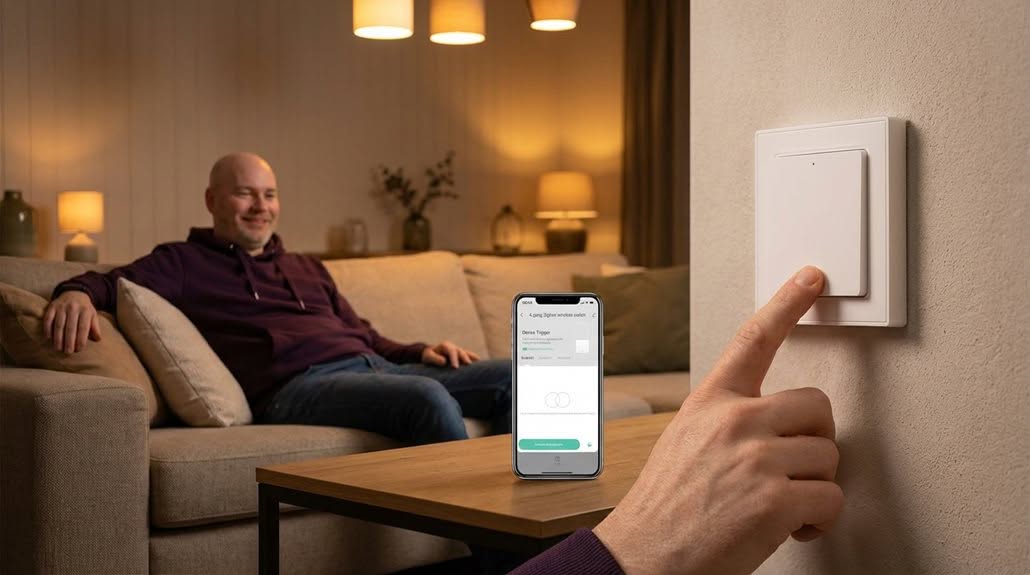
Smart home control options often come with hefty price tags, but the Wireless Zigbee Smart Button offers an affordable entry point into convenient automation.
At a fraction of the cost of premium controllers, this device delivers impressive functionality without compromising crucial features. The included lithium button battery eliminates recurring expenses, contributing to its cost-effectiveness over time.
The button’s versatility—supporting 12 different actions through its 4 physical buttons—provides exceptional value. Users can control multiple devices and scenes without investing in separate controllers for each function.
For budget-conscious consumers seeking to expand their smart home capabilities, this Zigbee button represents a practical investment in wireless convenience.
Reliability Concerns
Despite offering impressive value, certain reliability issues merit consideration when evaluating the Wireless Zigbee Smart Button.
Signal dropouts occasionally occur when the device is positioned too far from the Zigbee hub, requiring strategic placement within the home. This limitation becomes particularly noticeable in larger homes with multiple walls between the button and hub.
Battery life, while generally good, can vary considerably based on usage frequency and environmental conditions. Some users report needing replacement after just 4-5 months rather than the advertised timeline.
Connection stability during network congestion represents another potential concern, occasionally resulting in delayed response times for triggered actions.
Final Verdict: Worth Buying
After weighing both the strengths and limitations, the Wireless Zigbee Smart Button emerges as a worthwhile investment for most smart home enthusiasts.
The device’s versatility with four programmable buttons, each supporting multiple press actions, provides exceptional customization options for controlling various home devices and scenes.
Battery efficiency and wide compatibility with platforms like Hubitat, Zigbee2MQTT, and Home Assistant add considerable value to this controller.
While some users may find the required Zigbee hub an additional expense, the button’s seamless integration capabilities and reliable performance make it a practical addition to existing smart home setups.
Frequently Asked Questions
Can It Control Non-Zigbee Devices When Connected to a Hub?
Yes, the button can control non-Zigbee devices when properly connected to a compatible hub. The device enables users to trigger various smart home actions across different protocols through scene programming and automation.
What Happens if My Wi-Fi Network Goes Down?
If the Wi-Fi network goes down, the button continues functioning within the local Zigbee mesh network, controlling connected Zigbee devices. However, cloud-dependent features and non-Zigbee device control will be unavailable until connectivity resumes.
Is a Firmware Update Required After Initial Setup?
No firmware update is typically required after initial setup. The device comes with the latest firmware pre-installed, though occasional updates may become available through the compatible hub’s management interface.
Can Multiple Users Control the Same Button Functions?
Yes, multiple users can control the same button functions. The device pairs with the hub, not individual users, allowing everyone with access to the smart home system to utilize the programmed button actions.
Will It Work With Older Zigbee 2.0 Networks?
The device is compatible with Zigbee 2.0 networks. It can connect to various hubs supporting older Zigbee protocols, including Hubitat, Zigbee2MQTT, Homey, and Home Assistant through standard Zigbee communication protocols.
Final Thoughts
The Wireless Zigbee Smart Button delivers solid value for smart home enthusiasts. Despite occasional reliability issues and variable battery performance, its four-button design with twelve possible commands offers remarkable flexibility at an affordable price point. The compact form factor and multiple mounting options further improve its practical appeal. For users seeking to expand their smart home capabilities without considerable investment, this device represents a worthwhile addition.


