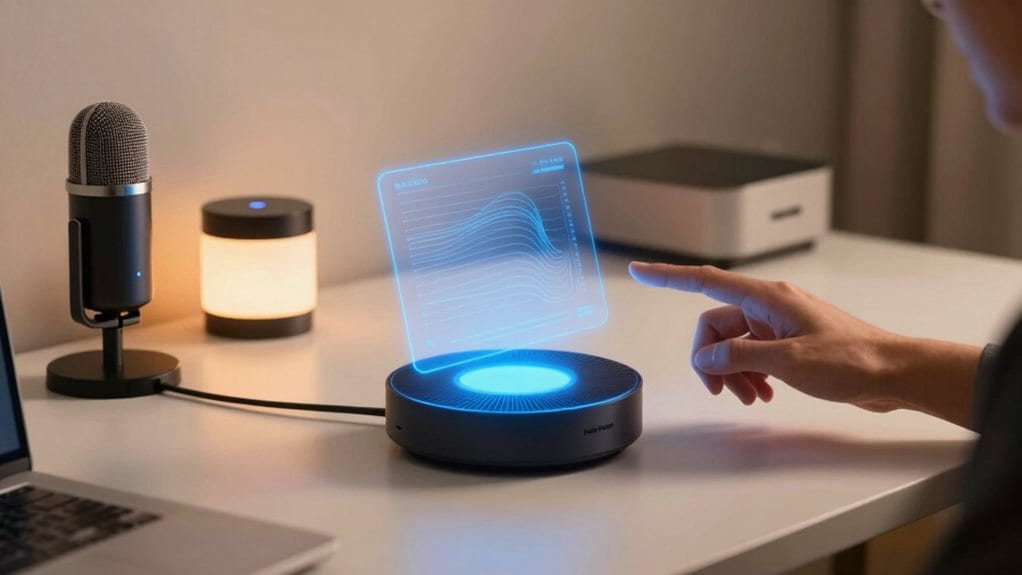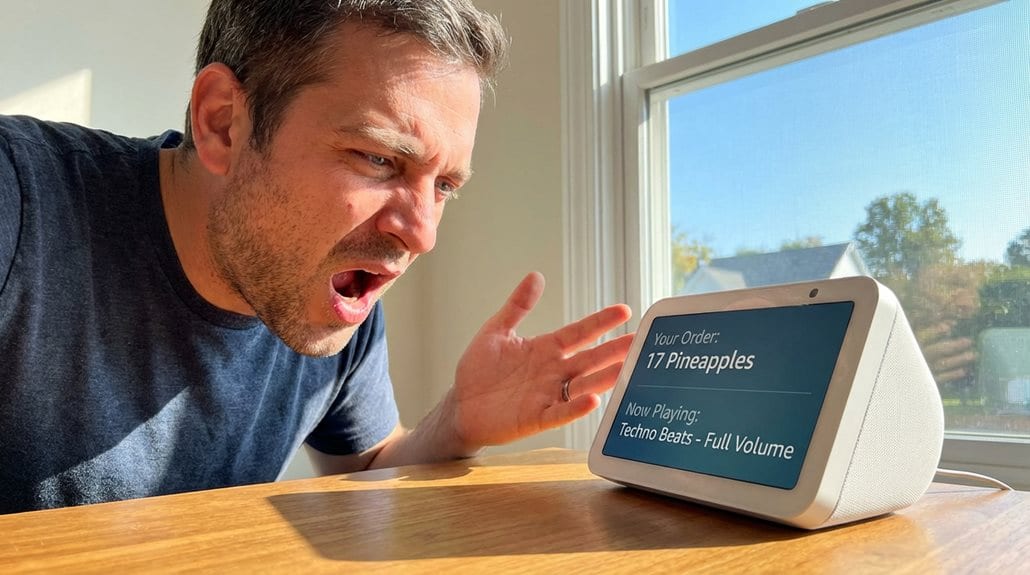
Yes, Home Assistant can speak through various voice hardware options. Your smart home system can respond to your commands, answer questions, and provide notifications through speakers connected to devices like the Voice Preview Edition, M5Stack ATOM Echo, or smartphones. Home Assistant supports multiple languages and offers customizable responses with both local and cloud processing options to maintain privacy. The system’s open-source foundation guarantees continuous improvement of its speech capabilities.
The Evolution of Voice-Enabled Smart Homes

While today’s voice assistants seem like modern marvels, their roots extend back to the early 1960s when IBM introduced the Shoebox, a primitive device capable of recognizing just 16 words and 9 digits.
The expedition continued through pre-modern attempts like Dragon’s speech recognition and Microsoft’s Clippy, which revealed early challenges in creating conversational interfaces. Modern smart voice assistants can now seamlessly elevate your home experience with intuitive controls for various household devices.
The 2000s brought notable advances in speech recognition technology, making voice assistants more accessible to consumers despite limited smart home control capabilities. This period of technological growth set the stage for the Smart Speaker revolution that would fundamentally change how we interact with our homes.
The real breakthrough came with Amazon Echo in 2014 and Google Home in 2016. These smart speakers transformed voice-enabled home automation from a niche technology to a mainstream feature. Following this success, Amazon expanded its reach in September 2016 when they announced Alexa and Echo availability in the UK and Germany, marking a significant international expansion of voice assistant technology.
Breaking Down Home Assistant Voice Hardware
As voice technology became mainstream through Amazon Echo and Google Home, Home Assistant developed its own dedicated voice hardware to give users more privacy-focused options.
The Voice Preview Edition centers around an ESP32-S3 microcontroller with 16 MB FLASH and 8 MB PSRAM, complemented by an XMOS XU316 audio processor for clear voice capture.
You’ll find dual microphones for better voice recognition and a quality TI DAC for crisp audio output through its speaker or headphone jack. The device focuses on basic home control rather than trying to match all the capabilities of Big Tech alternatives.
Physical controls include a multipurpose button, rotary dial, and a privacy-focused mute switch that physically cuts power to the microphones. The device requires indoor use only within specific temperature and humidity ranges to function properly.
The device connects via Wi-Fi and Bluetooth while offering expansion through a Grove port.
The polycarbonate enclosure houses an RGB LED ring for visual feedback, creating a compact yet functional package.
Privacy-First Speech Processing: Local vs. Cloud
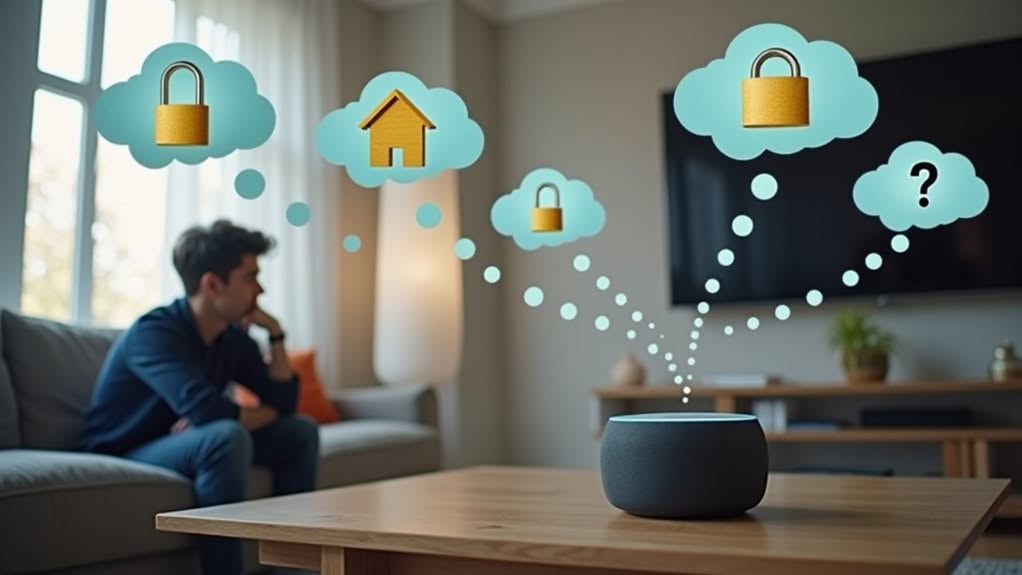
When it comes to processing your voice commands, Home Assistant gives you a choice that puts privacy front and center.
Your voice data can remain completely on your local network, never leaving your home, or you can opt for cloud processing through Home Assistant Cloud for faster responses.
Both options prioritize your privacy, but the local approach offers maximum data protection while cloud processing balances privacy with improved performance. The system requires at least an Intel N100 or higher processor to effectively handle fully local speech processing without cloud assistance. Voice satellites continuously listen for wake words and then transmit audio to Home Assistant for further processing.
On-device vs. Cloud Processing
Home Assistant offers two distinct approaches to speech processing, each with unique advantages for your smart home setup. Your choice ultimately balances privacy against performance requirements.
On-device processing keeps your data local, improving privacy and security. However, this requires more powerful hardware to run speech recognition models effectively. Local options like Speech-to-Phrase work on lower-power devices but support only predefined phrases. The fully offline voice control enables essential home commands without internet dependency. The high CPU demand often limits full speech processing capabilities on Voice Assistant Hardware.
Cloud processing offloads the computational work, delivering faster responses and broader language support without taxing your local hardware. Home Assistant Cloud provides this service while maintaining a privacy-focused approach.
You can expect better performance and language options with cloud processing, while on-device methods give you complete control over your data.
The community continues to improve both options through contributions and technological advancements.
Your Voice Stays Home
The foundation of Home Assistant Speak lies in its privacy-first approach to voice processing, reflecting a key distinction in how your data is handled. Unlike mainstream voice assistants, your commands don’t need to travel to distant servers for interpretation.
With Home Assistant’s local processing capabilities, your voice data remains within your home network. This is possible through open-source speech-to-text engines like Whisper that run directly on your device. You can choose between local processing that provides greater privacy or the Nabu Casa cloud option which offers quicker recognition and support for more languages. Home Assistant’s Speech-to-Phrase tool now supports six languages locally with plans to expand to 21 languages in the future.
Even when you opt for cloud processing through Nabu Casa, strict privacy measures guarantee your data isn’t stored or retained. The physical mute switch provides additional peace of mind by completely disconnecting the microphones when desired.
You’ll find complete transparency through the system’s open-source design, allowing you to verify exactly how your voice data is processed and protected.
Multilingual Support: Speaking Your Language
Modern smart homes often include people who speak different languages, making Home Assistant’s multilingual capabilities crucial for inclusive automation. The platform supports numerous languages out of the box, which you can change instantly through your user profile.
For multilingual households, Home Assistant offers several key features:
- Custom dashboards with language-specific text labels that adapt to each user’s language preferences.
- Voice assistant functionality across multiple languages, though currently limited to recognizing commands in your interface language.
- Community-driven translation contributions that continually improve language support for less common languages.
While some challenges exist, like inconsistent entity name translations and occasional voice menu bugs, the open-source nature of Home Assistant encourages ongoing improvements to create a truly multilingual smart home experience.
Setting Up Voice Control in Your Home Assistant

Setting up voice control in your Home Assistant system requires three vital components: compatible hardware, necessary software add-ons, and proper configuration settings.
For hardware, you can choose between the dedicated Voice Preview Edition, DIY options like M5Stack ATOM Echo, smartphones, or single-board computers with microphones. Each option offers different levels of functionality and integration capabilities.
On the software side, you’ll need to install several add-ons while in Advanced Mode: Whisper for speech-to-text, Piper for text-to-speech, openWakeWord for wake word detection, and Assist Microphone for input management.
Configuration involves enabling Advanced Mode, installing all required add-ons, pairing your device, setting up your microphone, and customizing your pipeline settings.
You can also define custom wake words and create personalized voice commands for your specific needs.
Natural Conversations With Your Smart Home
Natural conversation with your smart home extends beyond simple commands to create a more intuitive experience that feels like talking to a responsive assistant.
You’ll find that well-designed voice interactions don’t always require wake words for every command, allowing for more fluid back-and-forth exchanges with your Home Assistant system.
Modern LLM integration enables your smart home to understand context and maintain conversational threads, transforming rigid command structures into natural dialog that responds appropriately to your changing needs.
Conversational Flow Essentials
When you interact with Home Assistant Speak, the quality of your experience depends largely on how naturally the conversation flows between you and your smart home system. The conversational pipeline processes your voice commands through several stages to understand and execute them effectively.
Key elements of conversational flow include:
- Natural language understanding that interprets complex phrases like “It’s dark in the kitchen, can you help?” rather than requiring exact command syntax.
- Local processing capabilities that keep your voice data private while handling common home control commands without internet connectivity.
- Modular architecture that allows you to customize your voice experience by mixing local and cloud components based on your language needs and privacy preferences.
Your commands can be processed locally through Assist for basic functions, with LLM fallback options for more complex requests.
Beyond Wake Words
Traditional smart home systems often require precise wake words and specific command phrasing, but Home Assistant Speak moves far beyond these limitations.
You can now have natural conversations with your smart home using LLMs like Gemini and ChatGPT integrated directly into your system. These AI agents interpret your intent rather than just matching commands.
When you say, “It’s dark in the kitchen, can you help?” the system understands what you need without requiring exact phrasing.
You’ll appreciate the ability to chain commands together without restating context. The system remembers your previous requests, creating a more natural conversational flow.
Privacy remains a priority with options to run LLMs locally through platforms like Ollama, keeping your voice data secure while enjoying sophisticated language processing capabilities.
Customizing Voice Commands and Responses
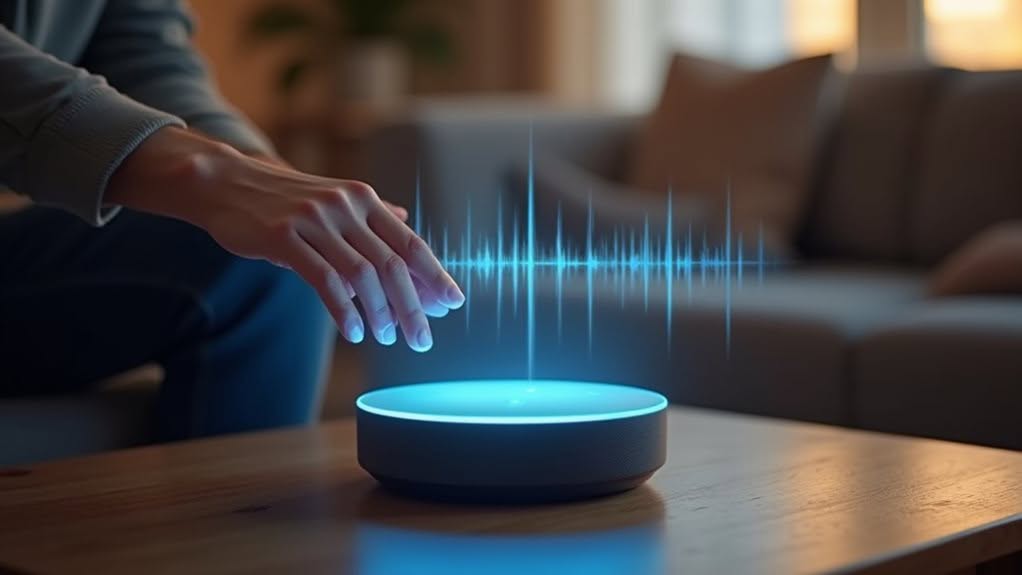
The power of Home Assistant Speak truly shines through its customizable voice command system, where you can create personalized interactions that fit your exact needs.
You can trigger automations with specific spoken phrases, even using wildcards to capture dynamic content like album names or temperature settings.
Responses can be fully customized using the “Set conversation response” action, allowing your assistant to reply with personality and context-awareness.
- Create custom trigger sentences either through the automation interface or in configuration.yaml for advanced setups.
- Customize responses using templating that incorporates captured information from your commands.
- Fine-tune voice characteristics by selecting different voices and adjusting speech parameters.
Proper entity exposure and strategic aliases guarantee your voice commands consistently reach the correct devices, regardless of how household members naturally phrase their requests.
Voice-Controlled Automations and Routines
Voice interactions work with yes/no questions or complex inputs, giving you flexible control over your smart home.
For example, you can create a routine that gently raises blinds in a teenager’s bedroom or manages garage doors to prevent them from staying open.
The 2025.9 update improved these features with fuzzy matching for better command recognition and built-in intents for volume and fan control without custom scripting.
Your voice assistant can now control diverse devices including blinds, notifications, radios, and entertainment systems simultaneously.
Multiple wake words support customized setups that match your household’s specific needs and preferences.
The Open-Source Advantage of Home Assistant Voice
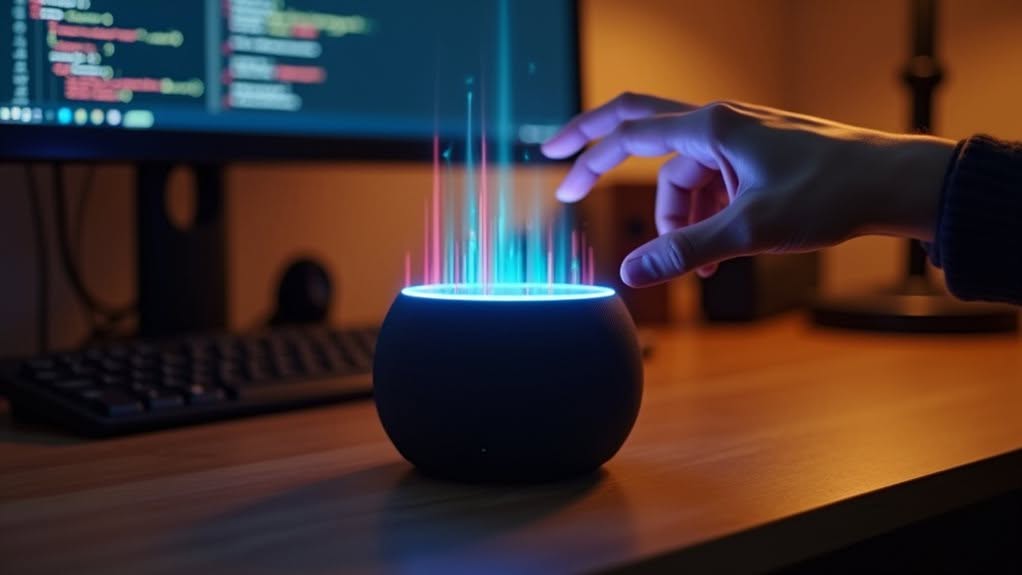
Unlike proprietary voice assistants that lock you into closed ecosystems, Home Assistant Voice offers a fundamentally different approach through its open-source foundation. This means the code is available for anyone to inspect, modify, and improve, creating a collaborative development environment where your feedback directly shapes the system.
The open-source advantage gives you:
- Complete privacy control – process your voice commands locally without sending data to the cloud
- Hardware flexibility – choose devices that match your needs, from low-power to high-performance options
- Community-driven evolution – benefit from rapid improvements as global contributors add languages and features
This approach prioritizes user needs over corporate interests, allowing for personalization and extension that closed systems simply can’t match.
You maintain ownership of your data while enjoying continuous innovation from a worldwide community of developers.
Frequently Asked Questions
Does Home Assistant Voice Work Without Internet Connection?
Yes, you can use Home Assistant voice features offline with local speech-to-text models like VOSK or Whisper. You’ll need adequate hardware to run these models, but you won’t require an internet connection for basic commands.
Can Multiple Users Have Different Voice Profiles and Permissions?
Yes, you can set up multiple voice profiles with personalized wake words, languages, and permission levels in Home Assistant. Each user can have their own AI personality, control access, and customized voice interactions.
How Does Battery Life Compare to Commercial Voice Assistants?
Your Home Assistant’s battery life depends on your hardware. Unlike commercial assistants, it doesn’t have a built-in battery, but lets you monitor and extend battery life of connected devices more effectively.
Is Voice Recognition Accuracy Affected by Regional Accents?
Yes, your regional accent considerably impacts voice recognition accuracy. You’ll experience more errors if you have an underrepresented accent, as most systems are trained primarily on dominant accents like Standard American English.
Can Home Assistant Voice Transcribe Conversations for Accessibility Needs?
Home Assistant’s voice capabilities can’t effectively transcribe conversations for accessibility. You’ll find its STT tools are designed for commands, not continuous transcription. Whisper STT offers broader transcription but with higher latency and reliability limitations.
Final Thoughts
You’ve now seen how Home Assistant can indeed speak, offering multiple ways to interact with your smart home through voice. Whether you choose local processing for privacy or cloud capabilities for advanced features, the choice is yours. As an open-source platform, Home Assistant continues to improve its voice capabilities, giving you more natural and customized control over your connected home environment.