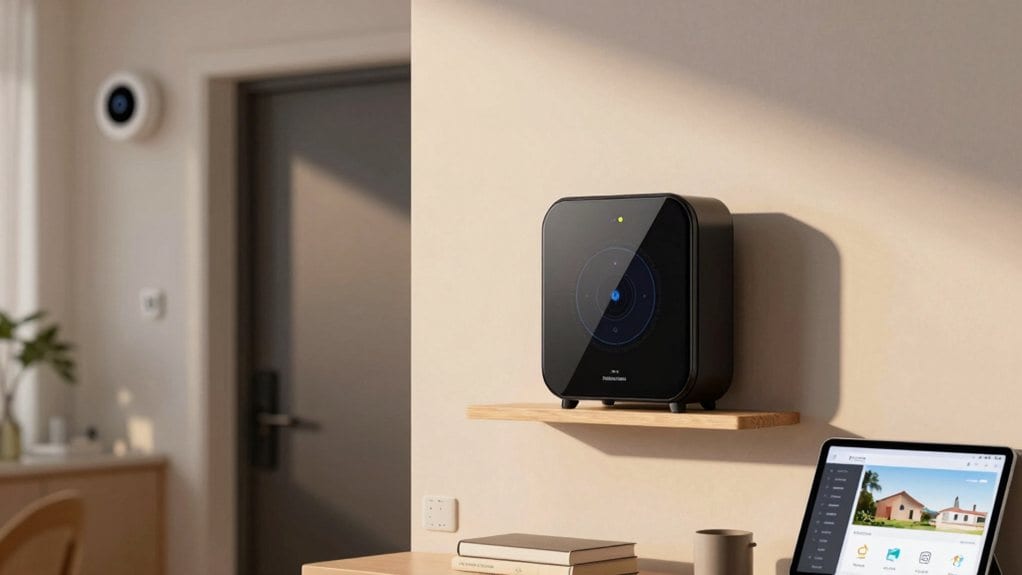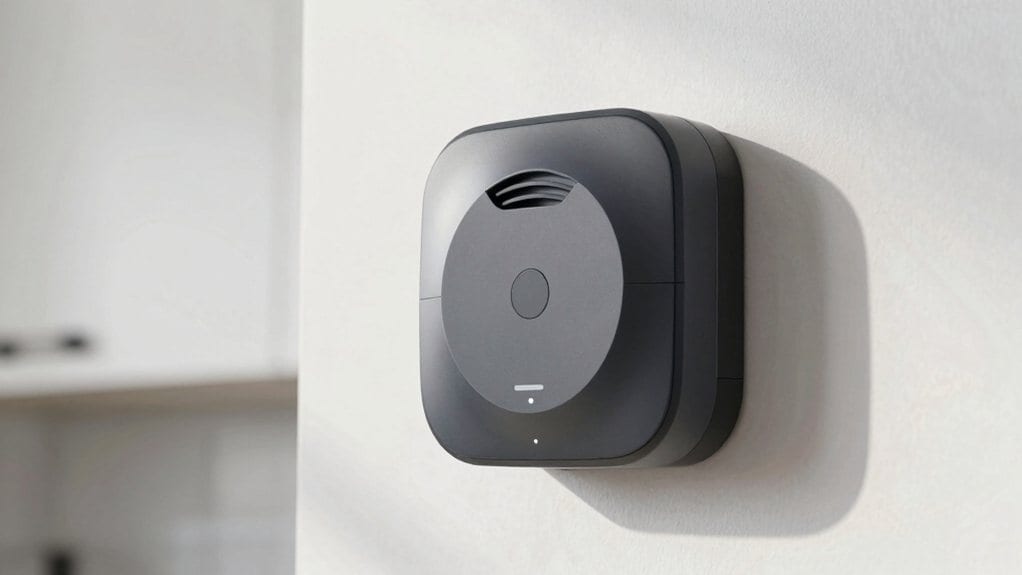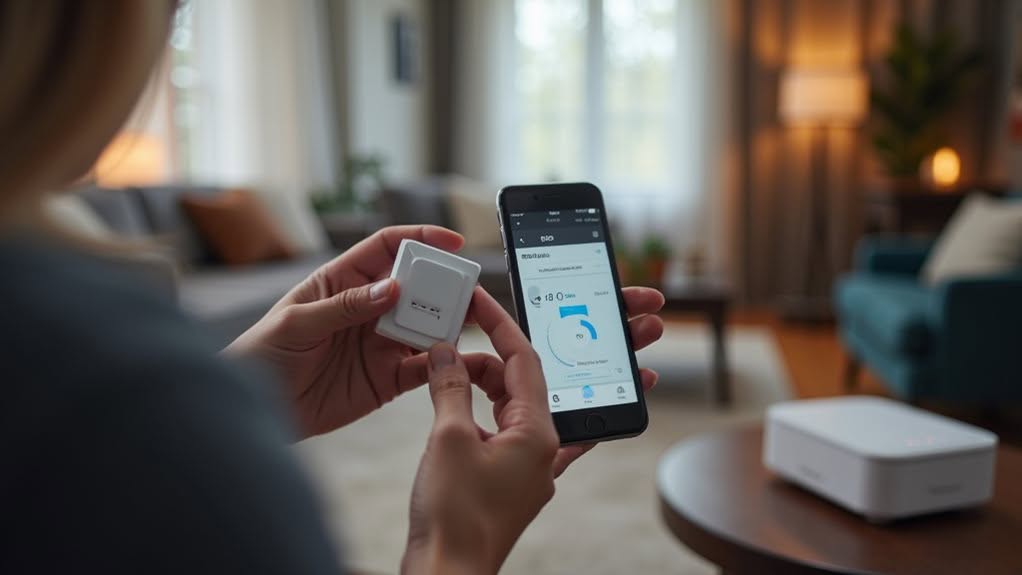
To set up Z-Wave alarms in your smart home, first select a compatible Z-Wave controller hub that will manage your network. Install the hub centrally in your home, then add devices like door sensors, motion detectors, and smart locks—keeping them within six feet during initial pairing. Position battery-powered devices after mains-powered ones for ideal routing, and run network rediscovery after installation to guarantee reliable connections. Proper placement and regular network maintenance will help you create an all-encompassing security system that responds instantly to potential threats.
Understanding Z-Wave Technology and Its Benefits
While many smart home technologies compete for market dominance, Z-Wave stands out as a reliable wireless communication protocol specifically designed for home automation. Developed in 1999, this technology uses low-power radio waves to connect devices without requiring new cabling in your home.
Z-Wave creates a mesh network where devices relay signals to each other, eliminating dead spots and extending range throughout your property. Unlike Wi-Fi, it operates in sub-1GHz frequency bands with less interference, guaranteeing more stable connections for critical security devices.
The ecosystem includes nearly 1,000 certified products from different manufacturers that work together seamlessly. You’ll find everything from alarms and sensors to locks and thermostats that can be integrated without specialized programming. Z-Wave technology transforms regular household products into intelligent devices that can be controlled remotely.
For battery-powered devices like sensors and smoke detectors, Z-Wave’s energy efficiency delivers remarkably longer battery life than Wi-Fi alternatives. The technology offers enhanced data security through encryption methods comparable to those used in internet banking, keeping your smart home protected from unauthorized access.
Essential Equipment for Your Z-Wave Alarm System
Creating a robust Z-Wave alarm system requires several essential components working together to protect your home.
At the center of your system, you’ll need a gateway or controller that manages your network, assigns IDs to devices, and handles secure connections. This primary controller is responsible for device inclusion and security settings.
Door and window sensors detect unauthorized entry, while motion detectors identify movement within your home. Both communicate wirelessly with your hub for real-time alerts.
For access control, smart locks and deadbolts offer remote operation and credential management for multiple users. These components operate on the 908.42 MHz band to ensure reliable device-to-device networking with minimal interference.
The alarm panel processes alerts from your sensors and can connect to professional monitoring services. The system utilizes CBC-MAC technique to authenticate data and ensure no unauthorized messages can trigger false alarms.
These components form a mesh network, with devices relaying signals to extend range throughout your home. Z-Wave systems provide enhanced security features that make them a popular choice for modern home security applications.
Step-by-Step Installation Guide
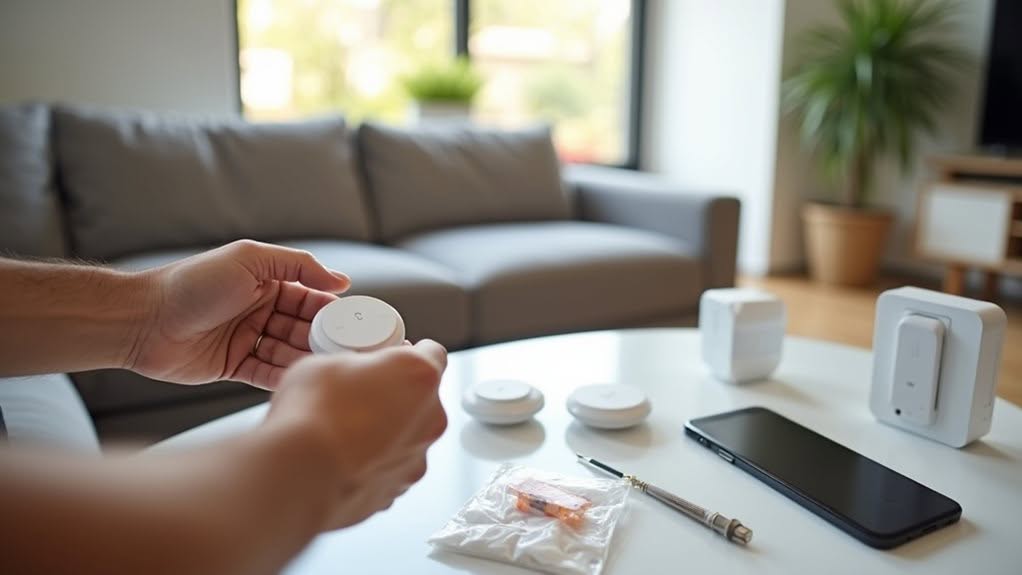
When installing your Z-Wave alarm system, you’ll need to follow specific proximity requirements, keeping devices within six feet of the control panel during the pairing process.
Start by adding your primary devices first, then work outward to sensors and auxiliary components, guaranteeing each device successfully registers in your control panel before proceeding. Remember to remove previous networks from any devices before attempting to add them to your new system.
After adding multiple devices to your network, run a Network Rediscovery operation to optimize communication paths and strengthen the overall reliability of your smart home security system. This system works with various platforms including Samsung SmartThings, Wink, Vera, ADT, and other Z-Wave compatible systems.
Proximity Requirements Matter
Successful Z-Wave device installation depends critically on understanding proximity requirements throughout the setup process.
During enrollment, non-network-wide-inclusion devices must be within 6 feet of your Z-Wave controller to establish a secure connection. This close-range requirement isn’t arbitrary—it guarantees proper initial handshaking between devices.
Once enrolled, you can move devices to their final locations, provided they remain within 25 feet of the nearest AC-powered repeater. For challenging placements, consider using an extension cord temporarily during enrollment.
Don’t skip these proximity guidelines, as they often lead to connectivity issues that may not appear immediately. When mounting door/window sensors, ensure they’re placed within 90 feet of another Z-Wave repeater or Hub for optimal connectivity.
After installation, perform a network rediscovery to optimize signal routing. This step helps identify weak points in your network before they become problematic, assuring your Z-Wave alarm system functions reliably when you need it most.
Pairing Device Sequence
The proper device pairing sequence forms the backbone of a reliable Z-Wave alarm system, building upon the proximity requirements we’ve discussed.
Begin by making sure all devices are installed and properly powered according to their respective manuals.
Next, activate your Z-Wave hub by pressing its pairing button, which typically causes the status light to blink green.
With your hub in pairing mode, trigger each alarm device to enter its own pairing sequence following the manufacturer’s instructions. This often involves specific button press patterns or power cycling.
Successful pairing is confirmed when the hub beeps and displays a solid green light.
Verify each device appears in your hub’s interface with a network node ID assigned.
For additional devices, repeat this process until your entire alarm system is connected. After pairing, remember to press and release the program button on each Z-Wave device to confirm proper connection.
If pairing fails, you may need to factory reset your hub by holding the reset button for 30 seconds as a troubleshooting measure.
Network Rediscovery Tips
As your Z-Wave network grows or changes, running network rediscovery becomes essential for maintaining optimal communication between your alarm devices. This process recalculates critical routing paths based on your current device layout.
To initiate network rediscovery, access your hub’s Z-Wave settings, enter your administrator code, and locate the “Rediscover Network” option in the advanced toolbox. The process may take several minutes as devices update their routing tables. Most modern systems support non-wiping rediscovery that preserves existing routing information while adding new paths.
- Run rediscovery immediately after adding, moving, or removing any Z-Wave device
- Avoid using Z-Wave devices during the rediscovery process to prevent irregular behavior
- Schedule regular rediscovery for flagged nodes to rebuild routing tables
- Consider adding repeater nodes if communication issues persist after rediscovery
For persistent problems, you might need to perform a wiping rediscovery, which completely rebuilds the routing table from scratch.
Pairing Devices to Your Z-Wave Network
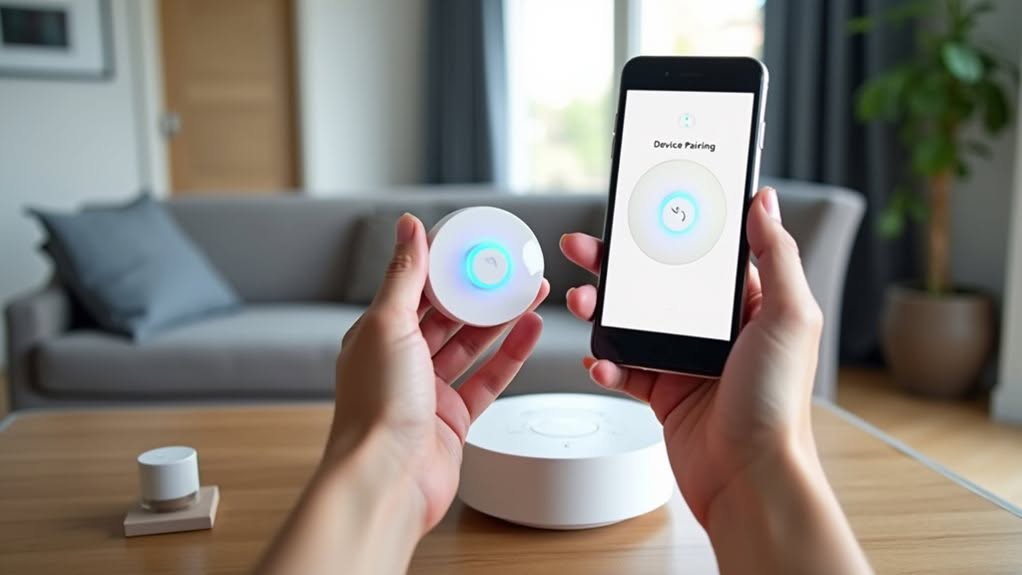
Properly pairing devices to your Z-Wave network requires careful preparation and attention to detail. Before beginning, verify your device is powered on and set to pairing mode according to the manufacturer’s instructions.
Position your device appropriately during inclusion—Z-Wave Classic devices should be paired close to the hub, while Z-Wave Plus devices can join from anywhere within range of a repeater.
Battery-powered devices are typically added after mains-powered ones for ideal routing.
If you encounter difficulties, try excluding the device first. This resets its network status and often resolves persistent pairing failures.
After successful pairing, don’t immediately relocate devices. Allow communication to stabilize, then perform a network rediscovery or repair to enhance mesh network paths for reliable operation.
Common Troubleshooting Solutions
When your Z-Wave alarm devices show connection issues, signal strength problems are often the culprit.
You’ll need to guarantee devices are within the recommended 25-foot range of your hub or another powered Z-Wave device to maintain reliable communication.
If pairing failures persist, try relocating devices away from sources of electromagnetic interference like baby monitors, cordless phones, or cellular LTE routers that can disrupt the Z-Wave signal.
Signal Strength Issues
Signal strength problems represent one of the most common challenges in Z-Wave alarm networks, potentially leaving your smart home security system vulnerable to outages.
These issues often stem from electromagnetic interference, physical obstructions, or device placement.
When troubleshooting signal problems, check your system’s diagnostics menu to identify noise floor levels and channel interference. You can also run network repair commands to restore signal paths by updating routing tables.
- Metal fixtures and appliances creating invisible barriers that block Z-Wave signals between devices
- Battery-powered sensors struggling to maintain connections as power levels decrease
- Wireless speakers and baby monitors emitting competing radio waves that disrupt alarm communications
- Range extenders positioned too far apart, creating dead zones where security alerts can’t transmit
Consider strategically placing mains-powered Z-Wave devices as repeaters to create a robust mesh network throughout your home.
Device Pairing Failures
Why do Z-Wave devices sometimes refuse to pair with your smart home hub? Often, the device is still connected to another network, requiring exclusion before joining your system.
Z-Wave devices can only belong to one network at a time for security reasons. If your device was previously paired elsewhere, you’ll need to perform an exclusion or factory reset to clear prior network information.
Security handshake failures can also prevent proper functionality. Devices may appear paired but lack full control if secure inclusion wasn’t completed correctly.
Environmental factors frequently interfere with pairing. Keep devices away from other 900 MHz wireless equipment and position them within 6 feet of your hub during setup.
Finally, check compatibility between your hub and device. Outdated firmware or incompatible Z-Wave versions may require updates before successful pairing is possible.
Expanding Your System With Compatible Devices
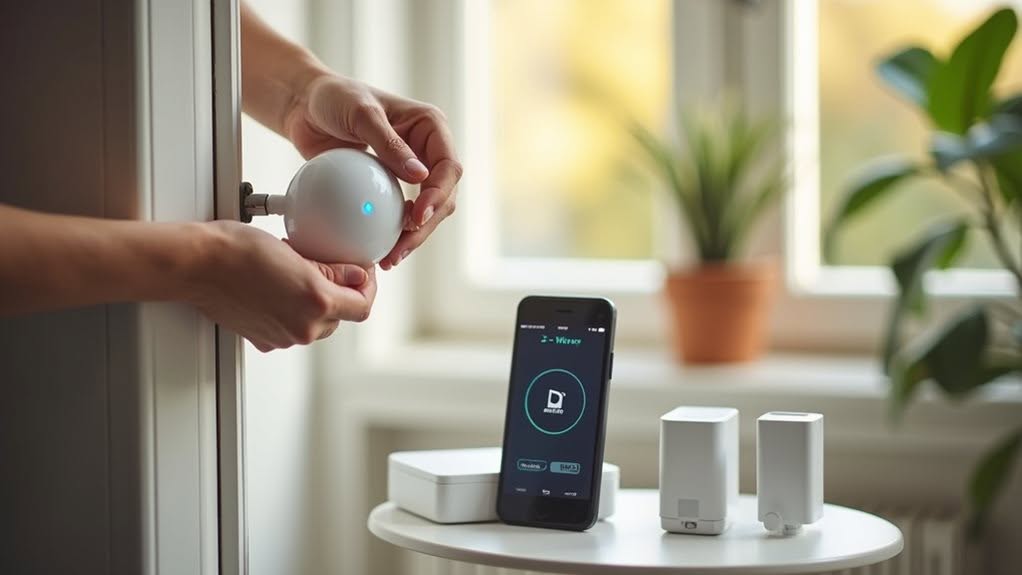
Building a robust smart home security system requires thoughtful expansion with compatible devices that work seamlessly with your Z-Wave alarm network.
Devices with Z-Wave Plus certification offer improved range, battery life, and reliability compared to basic Z-Wave products.
Most control panels like 2GIG Edge and Qolsys IQ Panel support an impressive array of devices—typically up to 80 lights, 20 locks, and 6 garage door controllers per network.
- Door/window sensors from Fibaro that instantly alert you when entry points are breached
- Water sensors that detect flooding before serious damage occurs
- Smart locks that let you control access remotely and receive notifications
- Range extenders strategically placed throughout your home to eliminate dead zones
Consider your hub’s specific limitations regarding device types and quantity before expanding your system.
Creating Advanced Automation Scenarios
Once your Z-Wave devices are in place, you’ll want to explore the true power of your smart security system through advanced automation scenarios.
By creating scenes, you can trigger multiple actions simultaneously from a single event. Set up automations that respond to various triggers like motion detection, door openings, or system status changes.
For example, when a security sensor detects movement, you can program your system to activate alarms, turn on lights, and send mobile notifications all at once.
Take advantage of device grouping and associations to coordinate multiple devices efficiently. This allows your security sensors to directly communicate with connected lights or sirens without hub intervention.
Z-Wave Long Range technology extends these capabilities to larger properties, offering reliable automation across greater distances with superior wall penetration and extended battery life.
Frequently Asked Questions
Can Z-Wave Devices Work During Power Outages?
Most Z-Wave devices won’t work during power outages as they lack battery backup. You’ll need battery-powered sensors or a UPS for your hub to maintain functionality when the power’s out.
Are Z-Wave Devices Secure Against Hacking Attempts?
Z-Wave devices have improved security with S2 encryption, but older models remain vulnerable. You’ll get better protection by upgrading to newer devices, enabling two-factor authentication, and keeping firmware updated whenever possible.
How Long Do Batteries Typically Last in Z-Wave Devices?
Batteries in your Z-Wave devices typically last 1-2 years, but newer Z-Wave Plus and LR devices can reach 5-10 years. You’ll get longer life by optimizing device placement and increasing sleep intervals.
Can Z-Wave Integrate With Voice Assistants Like Alexa?
Yes, you can integrate Z-Wave devices with Alexa, but you’ll need a compatible Z-Wave hub like SmartThings or Hubitat. The hub acts as a translator, allowing you to control your Z-Wave devices using voice commands.
What Happens to My System During Internet Outages?
Your Z-Wave alarm will continue working locally during internet outages. Door sensors and sirens function normally, but you’ll lose remote notifications unless you have cellular backup. You might need to repair your Z-Wave network after power returns.
Final Thoughts
You’ve now established a solid foundation for your Z-Wave alarm system. With proper setup, your smart home security will protect your property while offering convenient remote monitoring. Remember to test your system regularly, keep firmware updated, and explore new automation possibilities as your needs evolve. Z-Wave technology provides reliable, expandable home security that grows with you, giving you peace of mind whether you’re at home or away.