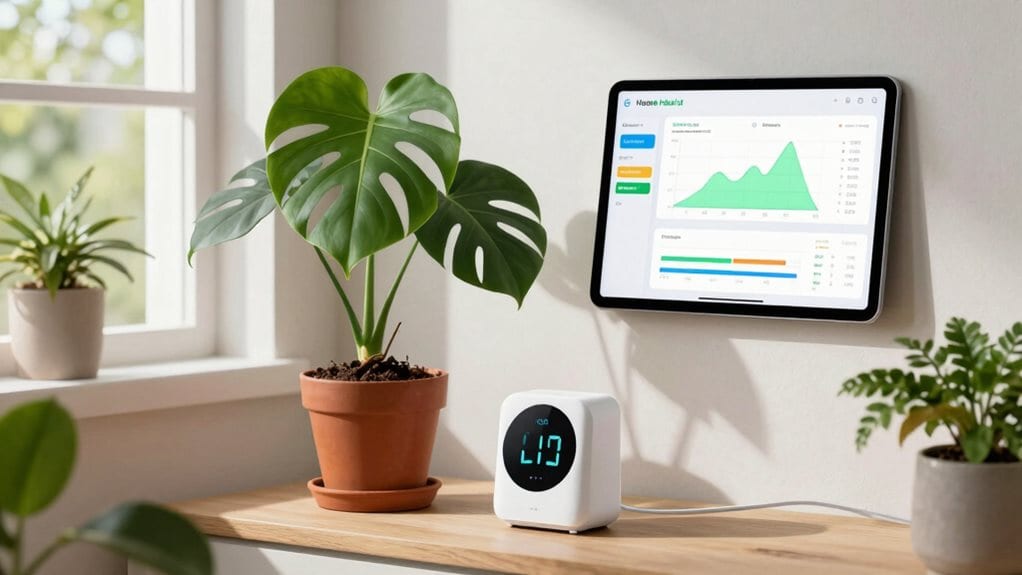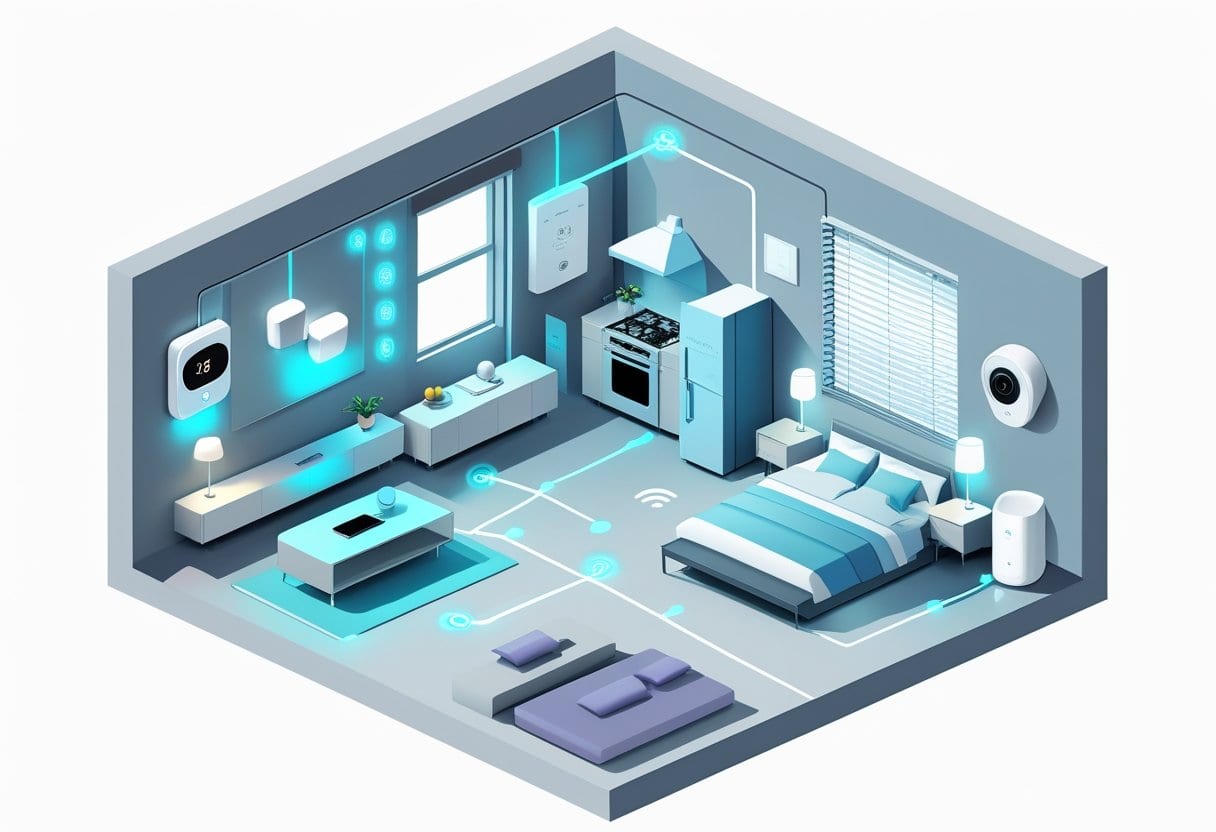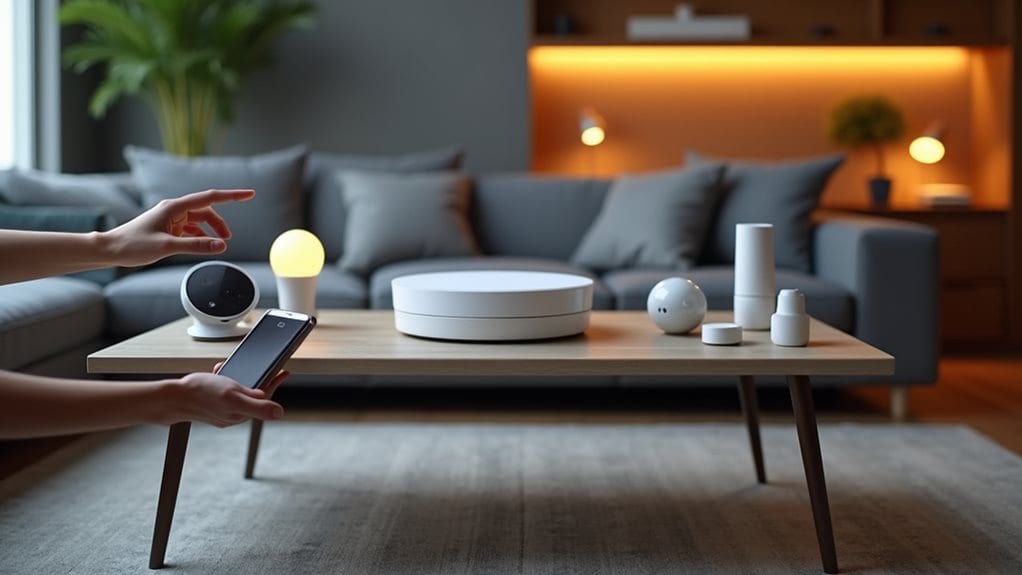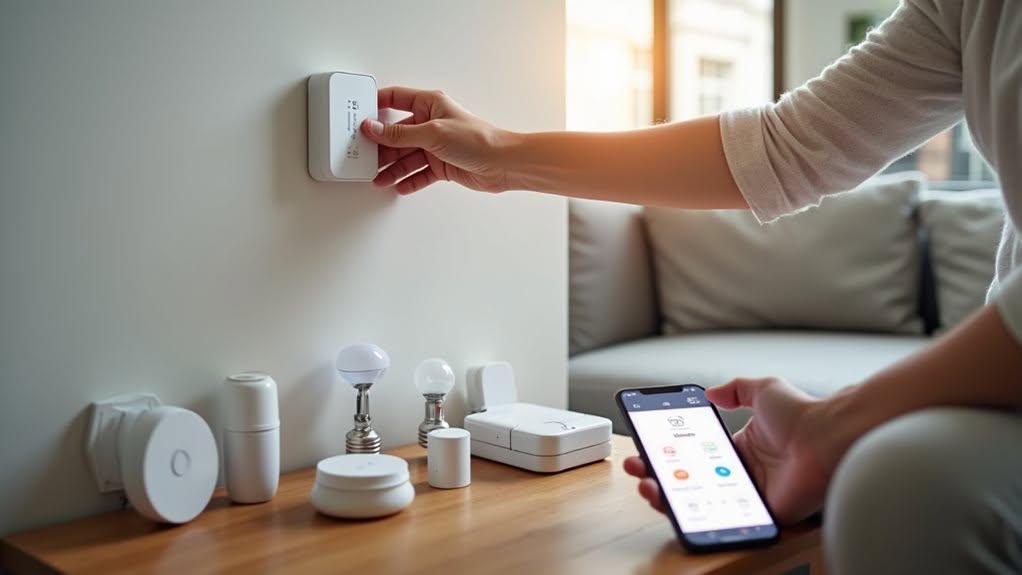
To set up a Zigbee smart home, start by selecting a central hub or coordinator like Home Assistant SkyConnect, positioning it centrally in your home away from Wi-Fi routers. Install mains-powered router devices first, placing them 10 meters apart to create a reliable mesh network backbone. Add battery-powered end devices last, making sure they’re within range of routers. Plan your device layout carefully, focusing on strategic placement for ideal coverage. The right preparation guarantees your smart home functions seamlessly and reliably.
What Is Zigbee and Why Choose It for Smart Home?
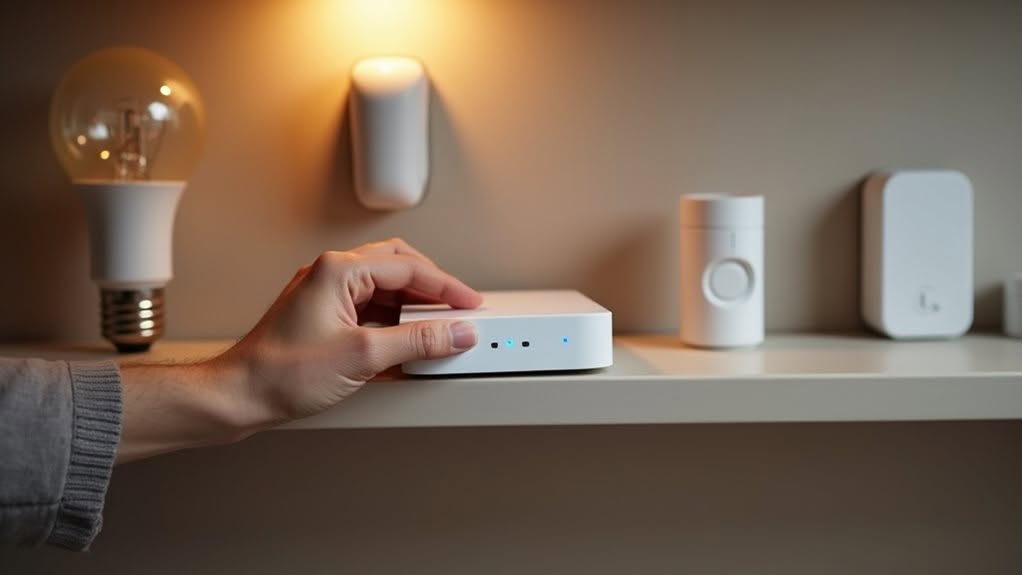
Zigbee stands as one of the most reliable wireless protocols specifically designed for smart home and Internet of Things (IoT) devices. Operating primarily on the 2.4 GHz frequency band, it strikes an excellent balance between range and interference management.
Zigbee delivers superior reliability for smart home devices through optimized 2.4 GHz operations that balance range and interference protection.
When you’re building a smart home, Zigbee offers several compelling advantages. Its mesh networking architecture allows devices to communicate with each other, extending coverage throughout your home while self-healing if a device fails. The network maintains stability through its ability to automatically reroute communications when devices go offline. With a comprehensive smart networking solution, you can seamlessly integrate all your home devices for centralized control and automation.
Zigbee devices consume minimal power, making them ideal for battery-operated sensors and locks that need to run for months or even years. The protocol also provides robust security through 128-bit AES encryption. Compared to alternatives like Z-Wave, Zigbee offers more affordable options while maintaining excellent functionality.
You’ll appreciate Zigbee’s interoperability between different manufacturers, allowing you to mix and match devices while maintaining seamless communication and control flexibility through connected hubs.
Essential Hardware Components for a Zigbee Network
Setting up a Zigbee smart home network requires three crucial hardware components working together.
You’ll need a central Zigbee coordinator or hub that establishes and manages your network, serving as the command center for all connected devices. Remember that a Zigbee network can have only one coordinator at any time.
Strategic placement of Zigbee routers, which are always-powered devices like smart plugs and light switches, extends your network’s coverage through mesh networking.
Carefully selected end devices such as sensors and locks perform specific functions throughout your home.
Coordinators and Hubs
When building a Zigbee smart home network, you’ll need to understand the critical difference between coordinators and hubs, as they form the foundation of your entire system.
A Zigbee coordinator is the vital component that forms your network, selecting parameters like channel and PAN ID. You’ll only have one coordinator per mesh network, which authenticates devices and distributes network keys. Coordinators serve as the trust center in security networks, providing essential protection for your smart home data. Common examples include the CC2531 USB dongle and Home Assistant SkyConnect.
Hubs often incorporate coordinator functionality but add extra smart home features. They can be universal or brand-specific, with universal coordinators like Zigbee2MQTT allowing mixed-manufacturer devices. Proprietary hubs typically limit you to their ecosystem. Using a single coordinator creates a more reliable network by ensuring all your devices operate within the same mesh.
When selecting coordinator hardware, consider compatibility with your preferred software, connection stability, and future expansion needs. Some coordinators support 100+ devices, though performance may vary with higher device counts.
Routers Extend Coverage
Every robust Zigbee network relies on routers to expand your smart home’s reach beyond what a single coordinator can achieve. These devices form the backbone of your mesh network by relaying signals between devices.
Most mains-powered Zigbee devices function as routers automatically, creating multiple signal paths throughout your home. For ideal coverage, place routers strategically to fill gaps between distant devices, especially across floors or through signal-blocking materials like concrete walls. Be aware that certain devices from Xiaomi and Aqara brands might have difficulty connecting through router devices. Zigbee devices have limited range compared to other protocols, making router placement even more critical.
Quality matters when selecting routers. Dedicated options like the IKEA Tradfri Signal Repeater and Aeotec Range Extender Zi work reliably, while DIY enthusiasts can repurpose USB dongles with router firmware.
Position routers away from Wi-Fi access points and other 2.4 GHz interference sources. For larger homes, distribute at least three repeaters throughout your space to guarantee thorough coverage.
End Devices Selection
With your router network established, you’ll need to select the right end devices to complete your Zigbee ecosystem. End devices are typically battery-powered sensors and controls that don’t route traffic but communicate through parent devices.
When choosing end devices, prioritize battery life and communication reliability. Motion sensors, door/window contacts, and remotes make excellent choices as they operate intermittently and conserve power by sleeping when inactive.
Popular brands like Xiaomi, Philips, and Aqara offer compatible end devices that integrate with most Zigbee coordinators. Be aware that some models, particularly certain Xiaomi devices, may require manual re-pairing if disconnected from the network. Remember that end devices can only communicate with their network through one parent device, typically the closest router or coordinator when initially paired.
Position your end devices within range of routers or coordinators since they can’t extend network coverage themselves. This strategic placement guarantees reliable communication while maximizing battery life.
Planning Your Zigbee Smart Home Layout
Before installing any devices, you’ll need to carefully plan your Zigbee smart home layout to guarantee reliable connectivity throughout your home.
Proper device placement is critical for creating a strong mesh network, with mains-powered router devices positioned approximately 10 meters apart and your coordinator located centrally.
Creating a network coverage map will help you identify potential dead zones and determine where signal repeaters might be needed, especially in larger homes or buildings with signal-blocking materials.
Consider using dedicated Zigbee repeaters in strategic locations to expand network coverage for particularly large homes where signal strength may otherwise be compromised.
Planning Your Zigbee Smart Home Layout
Creating a successful Zigbee smart home begins with thoughtful planning of your network layout. Position your Zigbee controller centrally to maximize routing options and prevent network bottlenecks.
For ideal coverage, place mains-powered router devices approximately 10 meters apart throughout your home. Hallways serve as perfect distribution areas with 10-15 meter coverage ranges, while stairwells require routers every 5-10 meters per floor.
Your Zigbee network consists of three device categories: the coordinator (hub), router devices (mains-powered), and end devices (battery-powered sensors). Make sure battery-powered end devices remain within range of router devices for reliable communication.
Prepare a thorough device inventory including model numbers and intended locations. This documentation will streamline configuration and help you plan functional scenes like “Welcome Home” for entryways or task-specific lighting for kitchens.
Strategic Device Placement
Once you’ve established your Zigbee network plan, strategic device placement becomes crucial for peak performance. Your coordinator should be centrally located, raised, and away from Wi-Fi routers to minimize interference.
Start by installing router devices like smart plugs and switches before adding battery-powered end devices. This creates a robust mesh network foundation.
- Position routers evenly throughout your home to avoid communication bottlenecks.
- Pair battery devices near their final location, not next to the hub.
- Place the coordinator away from walls and metal obstructions for maximum coverage.
- Avoid clustering multiple devices behind a single router node.
- Reset devices to factory settings before pairing to improve connection success.
For best results, configure and label all devices before final installation to simplify deployment and future troubleshooting.
Network Coverage Mapping
Effective network mapping typically forms the backbone of any successful Zigbee deployment. You’ll need to visualize how devices connect in your mesh network to optimize performance and troubleshoot issues.
Your Zigbee hub maintains information about device relationships through Neighbors and Child Tables, which store critical data about link quality and device capabilities. Tools like Hubitat’s Zigbee Map app can query this information to create visual representations of your network.
When mapping your network, focus on router device placement to guarantee proper mesh density. Position routers strategically throughout your home, avoiding overloading any single device with more than 10-20 children.
Regularly map your network after making changes to identify weak links or dead zones. Consider interference from Wi-Fi networks by selecting Zigbee channels with minimal overlap (channels 11, 15, 20, or 25).
Setting Up Your Zigbee Coordinator and Hub
The foundation of a successful Zigbee smart home system begins with properly setting up your coordinator or hub, which serves as the brain of your entire network.
Select a Zigbee 3.0-certified hub that supports enough devices for your needs, typically 100+ for most homes.
Place your coordinator in a central location, away from interference sources like thick walls and metal objects. For peak performance, position it within 10 meters of your main devices.
- Choose between Ethernet, Wi-Fi, or USB connectivity based on your home setup
- Secure a static IP address or DHCP reservation for stable integration
- Install an MQTT broker if required by your specific hub model
- Position the hub where LED indicators are visible for easy troubleshooting
- Power your coordinator continuously—avoid battery-only options
Adding and Pairing Devices to Your Network
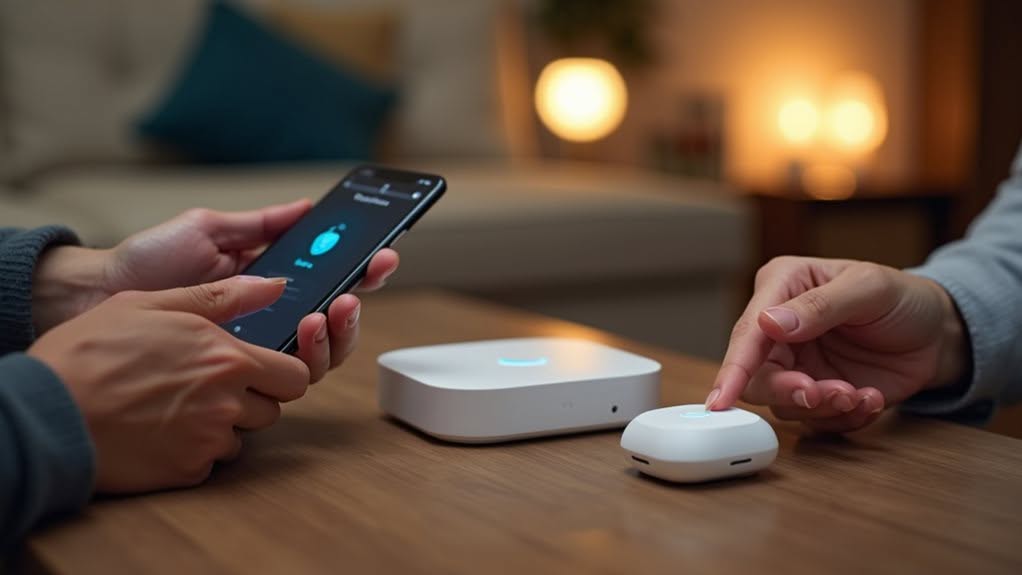
With your Zigbee hub properly positioned and configured, you’re ready to begin expanding your smart home network by adding devices.
Before pairing, reset each device to factory settings to eliminate previous configurations that might interfere with the process.
Ensure all devices are powered on and placed close to your hub during the pairing process. Familiarize yourself with each device’s specific pairing instructions, as smart switches and sensors often have different procedures.
To initiate pairing, put your devices in joining mode by pressing and holding designated buttons or using reset mechanisms. Look for flashing indicator lights that confirm devices are ready to connect.
If pairing fails, check for firmware updates or reset the device. For devices located far from your hub, consider adding Zigbee repeaters to extend your network’s range.
Creating Automations With Your Zigbee Devices
After setting up your Zigbee network and pairing devices, you’ll reveal the true potential of your smart home through automation.
Automations transform individual smart devices into a cohesive system that responds to your needs automatically.
Automations elevate your smart home from a collection of gadgets to an intelligent ecosystem that anticipates and fulfills your needs.
Your automations can be triggered by various events and configured through your hub’s interface or dedicated apps:
- Motion sensors can turn on lights when you enter a room and turn them off after inactivity
- Door/window sensors can trigger security alerts or activate hallway lighting when opened
- Time-based schedules can adjust lighting brightness or temperature at specific hours
- Button presses on wireless switches can activate preset scenes combining multiple devices
- Sensor data thresholds can initiate actions like turning on fans when temperature rises
Test each automation thoroughly before relying on it, and adjust trigger sensitivity as needed for ideal performance.
Troubleshooting Common Zigbee Network Issues
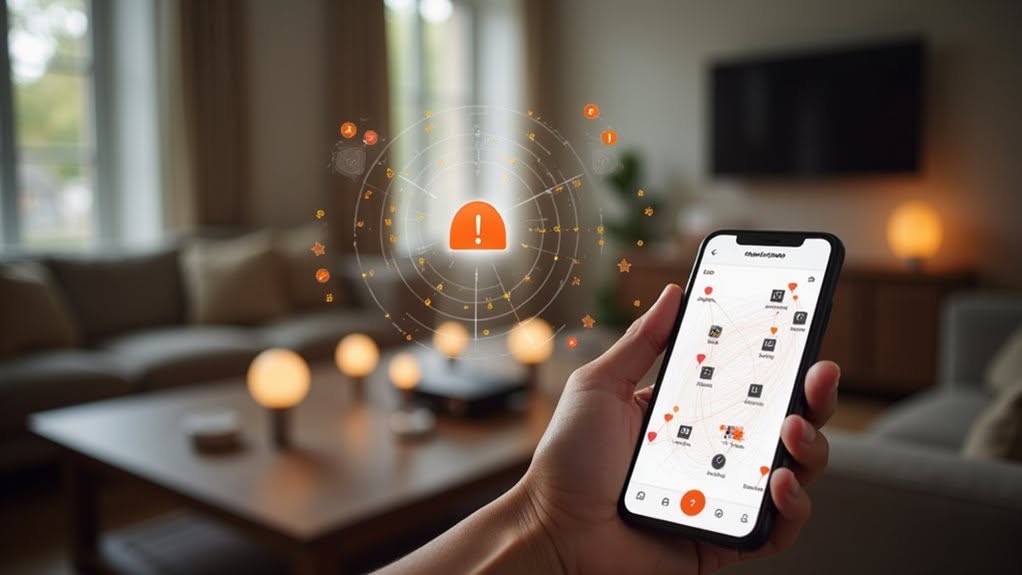
Even well-designed Zigbee networks occasionally encounter problems that can disrupt your smart home experience. When facing widespread connectivity issues, start by rebooting your Zigbee coordinator and smart home hub.
If devices keep dropping off your network, check for physical obstructions like metal, concrete, or glass that block signals. Adding plug-in Zigbee routers can extend your coverage and strengthen the mesh network.
Interference is another common culprit, as Zigbee shares the 2.4 GHz band with Wi-Fi. If you notice delayed commands or random disconnections, try changing to Zigbee channels 15, 20, or 25, which have minimal Wi-Fi overlap.
For persistent issues, identify problematic devices by checking message counts. Devices with abnormally high traffic may need firmware updates or adjusted reporting intervals to prevent network flooding.
Expanding and Optimizing Your Zigbee Smart Home
Once you’ve established a basic Zigbee network, expanding your smart home setup strategically can dramatically improve its performance and reliability.
Adding router-capable devices creates a denser mesh network, extending coverage while providing alternative communication paths.
Strategic placement of router-capable devices strengthens your mesh network, ensuring seamless connectivity throughout your smart home.
Place mains-powered devices like smart plugs and switches between your coordinator and distant end devices to strengthen the mesh. These devices automatically function as signal repeaters without requiring dedicated hardware.
For peak performance:
- Position repeaters to minimize physical barriers like walls and metal objects
- Keep Zigbee devices away from Wi-Fi routers to reduce 2.4 GHz interference
- Add USB-powered repeaters to extend coverage in dead zones
- Use dedicated signal repeaters for challenging locations
- Perform regular network scans to identify weak points in your mesh
Regular network maintenance guarantees your growing smart home remains responsive and reliable as you add more devices.
Frequently Asked Questions
Can Zigbee Devices Work With Alexa or Google Home?
Yes, your Zigbee devices can work with both Alexa and Google Home when you connect them through a compatible Zigbee hub or bridge that supports these voice assistants. This enables seamless voice control.
What Happens to Zigbee Devices if My Coordinator Fails?
Your devices will become unreachable and stop functioning when the coordinator fails. You’ll experience network disruption and may need to reconnect or reconfigure devices once you’ve replaced or restored the coordinator.
How Many Zigbee Devices Can One Network Support?
You’ll typically support 35-65 devices on a home Zigbee network, though the theoretical limit is 64,000. Adding routers like smart plugs extends beyond the coordinator’s direct limit of about 32 devices.
Do Zigbee Devices From Different Manufacturers Work Together?
Yes, Zigbee devices from different manufacturers can work together on the same network. You’ll get best results using open hubs like Home Assistant or Zigbee2MQTT, though some proprietary gateways may restrict third-party device functionality.
What’s the Average Battery Life for Zigbee End Devices?
You’ll typically get 1.5-2 years from Zigbee end devices, though some can last up to 10 years. Your device’s battery life depends on usage patterns, battery chemistry, and environmental conditions you expose it to.
Final Thoughts
Zigbee offers a reliable, low-power solution for your smart home needs. With proper planning, you’ll create a robust network that grows with your requirements. Remember to position your coordinator centrally, add devices strategically, and create meaningful automations that simplify your daily routines. When issues arise, check your mesh network’s strength and device compatibility. Your Zigbee smart home will continue to evolve, providing convenience and efficiency for years to come.