
To create sunset-triggered smart lighting, first verify your devices support protocols like Zigbee, Wi-Fi, or Matter and are compatible with your smart home ecosystem. Install your smart bulbs and connect them to your hub or app. Enable location permissions for accurate sunset detection, then create an automation that activates lights at sunset. You can add time offsets to turn lights on before or after sunset and adjust brightness levels. Additional presence sensors can further improve your system’s efficiency and functionality.
Understanding Sunset Triggers and Their Benefits
Why leave your home in darkness when smart technology can automatically illuminate it as daylight fades? Sunset triggers are automated systems that activate your lights precisely when the sun sets in your location.
Unlike traditional timers, sunset triggers use your home’s geographical coordinates to calculate exact sunset times throughout the year. This means your lights will adjust automatically with seasonal changes, turning on earlier in winter and later in summer.
These smart automations offer considerable energy savings by guaranteeing lights operate only when needed. You’ll reduce electricity consumption by eliminating the wasted energy from lights that run during daylight hours or remain on when unnecessary. Modern sunset timer systems are equipped with sophisticated algorithmic computations that factor in your specific geographical location and time zone for ultimate precision.
Beyond efficiency, sunset-triggered lighting improves security by making sure your property is never left dark, deterring potential intruders and providing safe navigation for family members. You can further refine the timing of your lighting with sunset offsets to activate lights before darkness falls completely.
Choosing Compatible Smart Lighting Devices
When choosing smart lighting devices, you’ll need to verify compatibility with your existing smart home hub or ecosystem to guarantee seamless integration.
Your selected devices should support the wireless protocols used in your home, such as Zigbee, Z-Wave, or Wi-Fi, which directly affects how well your lighting system communicates with other components.
Aligning your lighting products with your preferred voice assistants like Amazon Alexa or Google Assistant will maximize convenience and create a cohesive system that responds consistently to your commands. A dedicated smart control hub can significantly enhance your home automation capabilities by centralizing all device management. Leviton smart devices offer the advantage of operating without requiring a hub required for basic functionality while still integrating with popular voice control platforms. For outdoor lighting automation, Aqara products equipped with Mars Tech ensure smart lights remain online even after power interruptions.
Compatibility Factors Matter
Selecting smart lighting devices that work effortlessly with your existing technology ecosystem represents one of the most critical decisions you’ll make when building a smart home.
When shopping for smart bulbs, check their base type (Edison Screw, Bayonet, GU10, or G12) to guarantee proper physical fit with your fixtures. Confirm whether you need dimmable bulbs, as using non-dimmable options with dimmer switches can damage your equipment.
For more seamless integration, choose devices that support your preferred ecosystem—Amazon Alexa, Google Home, or Apple HomeKit. Products certified with Matter standards offer better cross-brand compatibility, reducing the frustration experienced by over 67% of consumers who’ve faced integration issues. With Matter-enabled lighting solutions, you’ll enjoy the benefit of simultaneous voice control across multiple assistant platforms without complex configuration.
LED bulbs provide energy savings and longevity, making them ideal for smart lighting applications.
Consider whether your chosen bulbs require a dedicated hub or connect directly via Wi-Fi, as this affects both setup complexity and ongoing operation.
Protocol Considerations Essential
Understanding the communication protocols that power your smart lighting devices forms the foundation of a reliable, secure home automation system.
When selecting protocols, consider Matter’s broad compatibility with over 300 companies including Apple, Google, and Amazon. This newer standard reduces vulnerabilities by approximately 60% compared to legacy protocols.
Zigbee offers proven reliability for lighting with its mesh network topology, supported by brands like Philips Hue and Ikea. It operates on 2.4 GHz frequency making it an efficient choice for smart lighting systems. It’s ideal for extensive lighting setups but typically requires a dedicated hub.
Thread provides low-latency performance with built-in encryption and doesn’t need a central hub, making your lighting system more robust.
Wi-Fi bulbs deliver direct cloud connectivity but consume more power, while Bluetooth options excel at short-range control with minimal energy usage. Matter RGB bulbs provide enhanced security through advanced encryption compared to traditional Wi-Fi smart bulbs.
For larger homes, mesh network protocols offer better coverage and reliability.
Ecosystem Alignment Strategy
The right ecosystem alignment forms the backbone of a truly cohesive smart lighting experience in your home.
When selecting smart lighting devices, prioritize compatibility with your preferred platforms like Apple HomeKit or Amazon Alexa.
Choose products that support multiple protocols to guarantee seamless integration. For example, Philips Hue supports Matter through software updates, making it compatible with over 300 major brands.
Look for devices capable of receiving updates, as this future-proofs your system against evolving standards. Matter-enabled devices can reduce setup time by 40% and help address the compatibility issues that plague 67% of smart home users.
Consider whether you prefer hub-based systems like Zigbee or direct Wi-Fi connections like LIFX offers. Some manufacturers like Sengled provide options that work with multiple connection types, including Zigbee, Bluetooth Mesh, and Wi-Fi connectivity for greater flexibility. Your choice should balance ecosystem flexibility with user experience for a lighting system that works reliably. When choosing smart bulbs for beginners, the Govee Wi-Fi LED Bulb offers budget-friendly options that integrate well with Amazon systems, though they may have limited brightness in color mode.
Setting Up Your First Sunset Automation
Once you’ve gathered your compatible devices, setting up a sunset automation can transform how your home responds to changing daylight conditions.
The process begins in your smart home app’s automation section, where you’ll select “Sunset” as your trigger event.
Next, choose which lights or smart plugs should activate when sunset occurs. Many platforms allow you to add a time offset, turning lights on before or after the actual sunset time.
Ensure your app has the correct location permissions and time zone settings for accurate sunset calculations. This allows the system to adjust timing as seasons change throughout the year.
Test your automation by waiting for sunset or manually triggering it to verify everything works correctly. If issues occur, check device connectivity and restart your hub if necessary.
Customizing Light Behavior With Offsets and Brightness
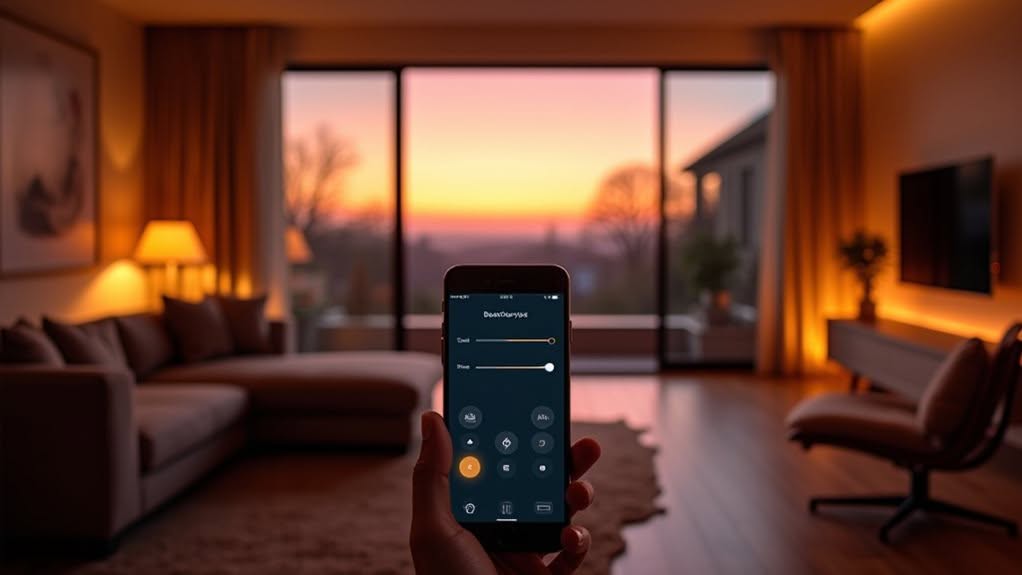
After setting up your basic sunset automation, you’ll want to refine how your lights behave through offsets and brightness settings.
These adjustments transform basic automations into personalized lighting experiences.
Offset values shift when your lights activate relative to sunset. A negative offset (-30 minutes) turns lights on before sunset, while positive values delay activation.
This customization helps adapt to seasonal changes and specific activities.
Brightness settings allow you to tailor light intensity based on time and purpose. You can program gradual increases, starting dim at sunset and brightening later for evening activities.
Combining these features creates seamless shifts that mimic natural light patterns.
Set your lights to activate at 30% brightness 15 minutes before sunset, then gradually increase to 80% over an hour for ideal comfort and energy efficiency.
Adding Presence Detection and Manual Overrides
While customizing light behavior gives you basic automation, adding presence detection takes your smart home lighting to another level of sophistication. This feature guarantees your lights respond only when someone is actually in the room.
You can implement presence detection using PIR or radar sensors like the XM122. For the best coverage, consider placing multiple sensors to create detection zones in larger or irregularly shaped spaces.
Most setups require a microcontroller such as an ESP32 or Raspberry Pi. If you’re looking for simpler programming, ESPHome integrates seamlessly with Home Assistant using YAML configurations.
Don’t forget to add manual overrides through dashboard buttons or voice commands. These overrides should temporarily suspend your automated settings when needed.
Using Home Assistant blueprints and scripts, you can create custom rules that balance your automation with the flexibility of manual control.
Optimizing Energy Efficiency With Smart Controls
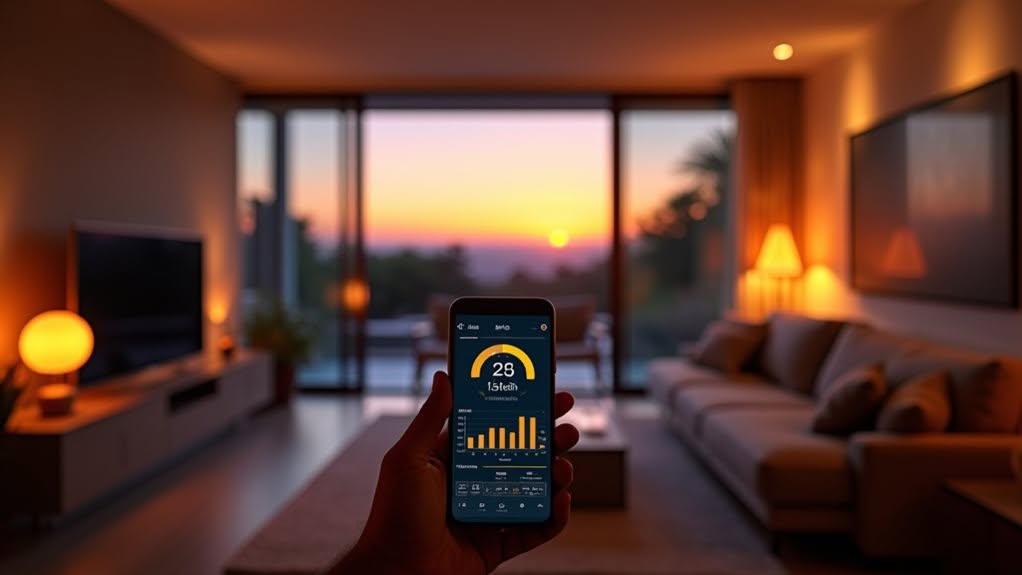
Smart lighting represents one of the most effective ways to reduce your home’s energy consumption while maintaining comfort and convenience.
LED smart bulbs alone use 70-90% less energy than traditional incandescent options, potentially cutting your lighting costs by up to 70%.
You’ll maximize these savings by utilizing your system’s automation features. Schedule lights to mimic natural daylight patterns, and implement adaptive dimming that adjusts brightness throughout the day.
Motion sensors automatically turn off lights in unoccupied rooms, eliminating waste from forgotten switches.
Many homeowners dim their smart bulbs 38% of the time, notably more than the 10% rate with manual dimmers. This behavior alone creates considerable energy savings.
When integrated with other smart home systems like thermostats and plugs, your lighting becomes part of an all-encompassing energy management solution that can reduce your utility bills by 5-22%.
Troubleshooting Common Sunset Automation Issues
Despite their convenience, sunset automations often experience issues that can frustrate even experienced smart home users. When your lights aren’t turning on at sunset, start by checking device firmware and app settings to confirm everything’s up-to-date.
Location permissions are critical for accurate sunset calculations. Grant your smart home app access to location services and enable automatic time zone settings to prevent trigger failures.
If problems persist, examine your network connections:
- Verify all devices show “online” status in your control app
- Check signal strength between your hub and problem devices
- Reboot your router and smart home hub to refresh connections
After system updates, you may need to delete and recreate automations entirely.
Platform-specific bugs can affect sunset triggers, so consider testing the same automation on a secondary platform to pinpoint the issue.
Frequently Asked Questions
Can Sunset Lighting Work With Vacation Mode or Security Features?
Yes, you can integrate sunset-triggered lighting with vacation modes to improve security by simulating occupancy. Use randomized schedules and remote monitoring to make it appear you’re home, deterring potential intruders while you’re away.
How Do Sunset Triggers Handle Cloudy Days and Unusual Weather?
Smart sunset triggers use weather APIs to detect cloud cover and adjust lighting schedules automatically. You’ll find your lights turn on earlier on cloudy days to compensate for reduced natural light, guaranteeing consistent indoor illumination.
Will My Sunset Automation Interfere With Other Smart Home Routines?
Yes, sunset automations can interfere with other routines if they have conflicting actions. You’ll need to prioritize your automations and review rule interactions to prevent unexpected behaviors in your smart home system.
How Much Internet Bandwidth Do Sunset-Triggered Systems Typically Consume?
Sunset-triggered systems consume minimal bandwidth—only kilobytes per month. You’ll use about 10-100 bytes per lighting event and occasional kilobytes for sunset time updates, well under 1MB total monthly for typical setups.
Can Multiple Users Control the Same Sunset Automation System Independently?
Yes, you can set up multiple users to control your sunset automation system independently. Each user maintains their own profile with personalized settings while sharing access to the same lighting controls and automation features.
Final Thoughts
By implementing sunset-triggered smart lighting, you’ve created a home that responds naturally to your daily rhythm. You’ll enjoy the convenience of automated illumination that adjusts with the seasons, while saving energy and improving security. With the right devices, thoughtful customization, and proper troubleshooting, your smart lighting system will continue to function reliably year-round. Remember to review your settings periodically as seasons change and your needs evolve.


