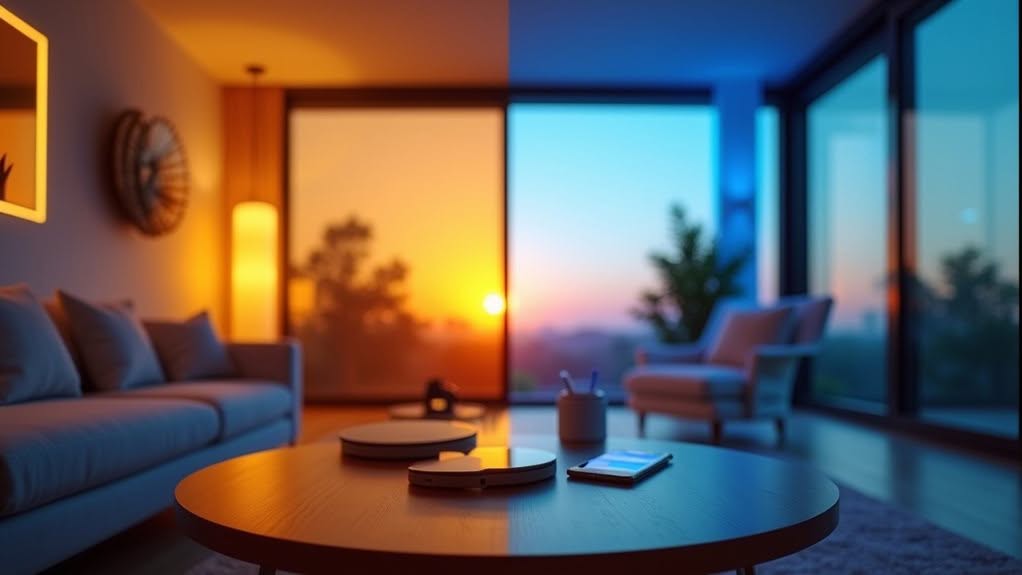
For ideal circadian rhythm support, program your smart bulbs to shift to warmer tones (2700K-3000K) at sunset and brighter, cooler light (5000K-6500K) at sunrise. Set up motion sensors in high-traffic areas to reduce energy consumption by up to 75%. Integrate your lighting with security systems for improved home protection, and use descriptive names for saved configurations to enable easy voice control. The right lighting schedule can dramatically boost both your sleep quality and home efficiency.
The Science Behind Circadian Lighting Patterns
When it comes to regulating your sleep-wake cycle, your eyes do much more than just help you see. Your retina contains specialized photoreceptors that respond differently to various light wavelengths throughout the day.
Cone photoreceptors in your eyes detect both blue light and the orange-yellow hues of sunrise and sunset, sending important timing signals to your brain. These cones are about 1,000 times more sensitive than melanopsin, another light-detecting pigment activated by blue light around 480 nm.
Blue wavelengths between 460-495 nm strongly suppress melatonin, the hormone that helps you fall asleep. This is why evening exposure to screens and bright lights can disrupt your sleep quality.
Your body relies on natural daylight patterns to maintain healthy circadian rhythms, which affect your mood, alertness, and overall well-being. Studies show that humans spend approximately 90% of time indoors under artificial lighting conditions that often fail to support proper circadian function. Recent research has identified amacrine cells in the retina that signal photosensitive ganglion cells, further influencing how light affects our circadian centers in the brain.
Selecting the Right Smart Bulbs for Your Needs
How can you find the perfect smart bulbs in today’s overwhelming market? Start by determining your lighting needs.
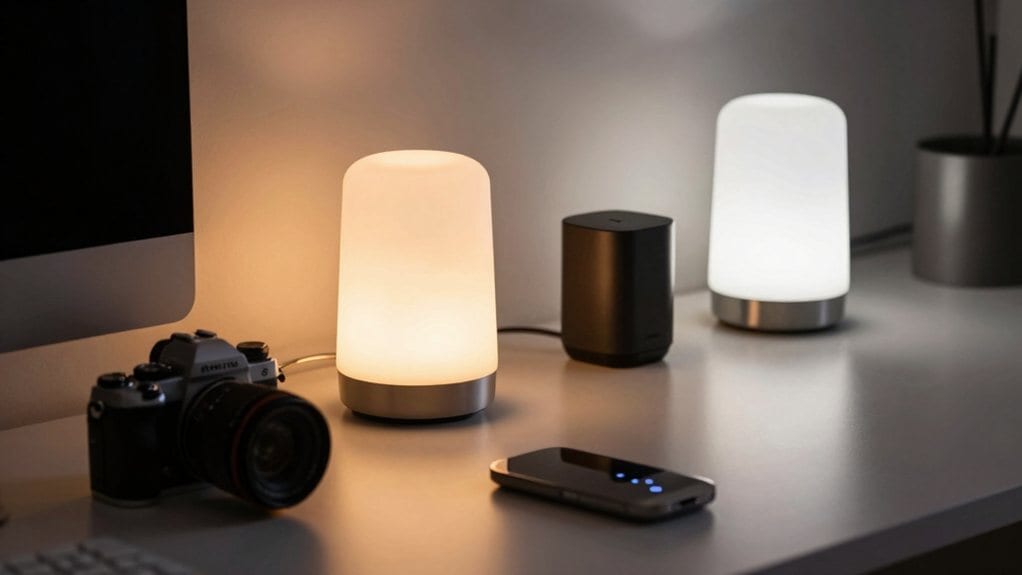
White bulbs provide basic dimmable warm light, while white ambiance options offer tunable temperatures for better circadian support.
For maximum versatility, consider white and color ambiance bulbs that offer millions of color options alongside tunable whites. These typically provide 800-1300 lumens, with premium models maintaining brightness even in colored modes. Some bulbs like LIFX deliver exceptionally bright saturated colors that outshine competitors. Coloured tunable bulbs from AduroSmart provide 16 million color combinations to create virtually any mood or atmosphere you desire.
Compatibility is essential—check if the bulbs work with your existing smart home ecosystem. Some require proprietary hubs for advanced features, while others integrate seamlessly with Google Nest, Alexa, or SmartThings.
Your budget will influence choices. Less expensive options may lack adjustable white temperature, while premium bulbs offer ultra-low dimming and accurate color tuning for sophisticated lighting experiences.
Setting Up Automated Sunset-to-Sunrise Schedules
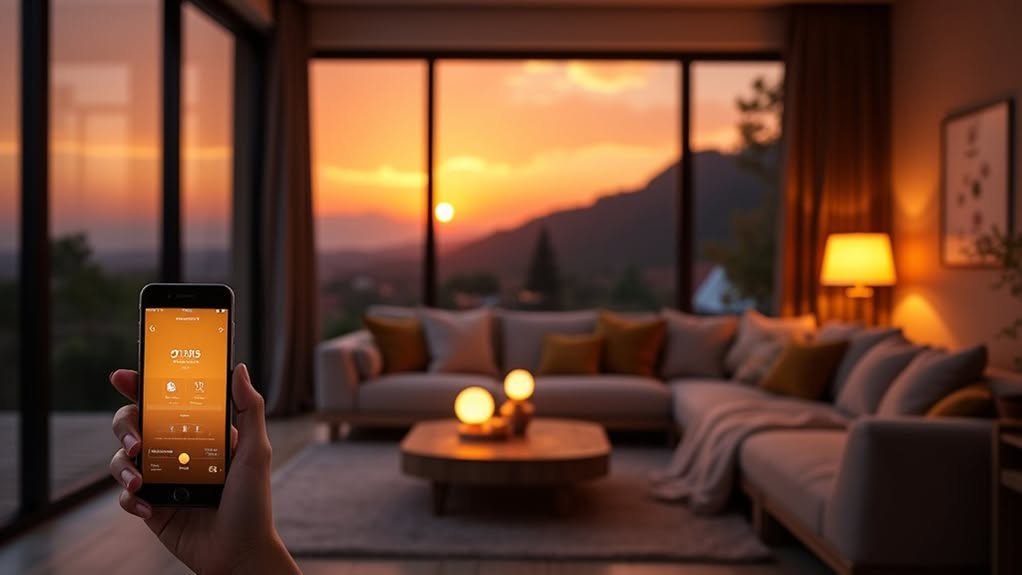
Automated sunset-to-sunrise schedules represent one of the most practical features of smart lighting systems, allowing your lights to naturally follow daily light patterns.
Start by setting your device’s precise location in the app to guarantee accurate sunrise and sunset times for your specific coordinates. Verify your time zone settings to avoid scheduling errors.
Program lights to turn on gradually at sunset and off at sunrise, maximizing both comfort and energy efficiency. This natural lighting pattern helps maintain your circadian rhythm regulation, which is essential for overall well-being. You can customize these times with offset options, shifting activation between 5 minutes and 5 hours from astronomical twilight.
Enhance your setup by integrating motion and light sensors to prevent unnecessary activation. Consider implementing dimming features after midnight to maintain safety while reducing energy consumption.
For peak results, consolidate your automations in a single platform and regularly update device firmware to verify your lighting adapts reliably to seasonal daylight changes.
Color Temperature Adjustments for Better Sleep
Beyond automated scheduling, the color temperature of your lighting plays a noteworthy role in your sleep quality. The right light color can considerably impact your body’s natural sleep-wake cycle.
Warm lighting (2700K-3000K) helps increase melatonin production, which is vital for sleep induction. You’ll want to program your smart lights to shift to these warmer tones in the evening hours. Studies have shown that exposure to warm light in the evening effectively signals the brain to wind down and prepare for sleep. Red LED lighting is particularly effective as it has minimal disruption on melatonin production compared to other light colors.
Cool lighting (5000K-6500K), while excellent for daytime alertness and focus, can disrupt your circadian rhythm when used at night. It’s best to avoid this temperature range several hours before bedtime.
Consider exploring alternative colors like green or purple, which can also promote relaxation and sleep. These colors activate the parasympathetic nervous system, helping your body prepare for rest. For optimal video calls during any lighting condition, a 4K webcam with smart lighting adjustment capabilities can automatically compensate for changing light temperatures throughout the day.
Energy-Saving Strategies With Motion Sensors
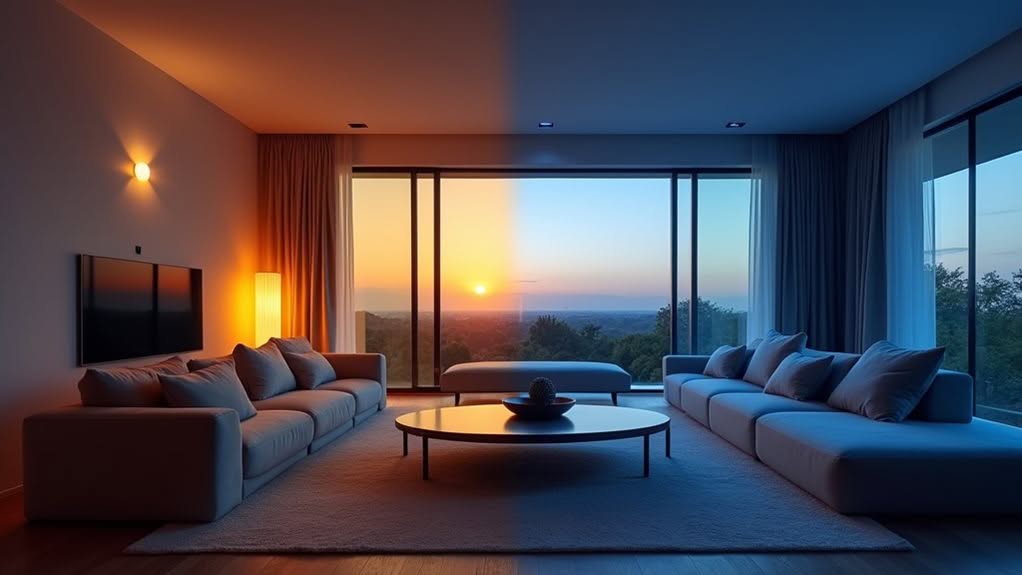
Motion sensors represent one of the most effective tools in your smart lighting arsenal for reducing energy consumption. When paired with LED technology, they can reduce your electricity use by up to 75% compared to conventional lighting systems.
The key to maximizing energy savings lies in optimizing your sensor settings:
- Adjust time delay settings – shorter delays (1-10 minutes) can increase savings by up to 46%
- Position sensors strategically in high-traffic areas for maximum efficiency
- Integrate with centralized management systems for data-driven optimization
Most homeowners find a 15-minute delay provides the best balance between energy savings and convenience. Implementing an automatic dimming system that adjusts based on ambient light levels can further enhance your lighting efficiency while maintaining proper illumination standards. Smart lighting solutions can save up to 40% of energy consumption compared to traditional lighting systems.
Creating Custom Lighting Scenes for Different Activities
Custom lighting scenes transform how you experience your home by tailoring illumination to specific activities and moods. They allow you to optimize your environment for reading, dining, relaxation, or entertaining with just one tap.
To create effective scenes, identify your frequent activities and consider the natural light patterns in each room. For example, a reading scene might include targeted lighting at 50% brightness with cooler temperatures to reduce eye strain.
Most smart lighting apps let you select specific bulbs, adjust brightness levels, and set color temperatures between 1800K-6500K depending on your needs. Save these configurations with descriptive names for easy activation.
Enhance your scenes by integrating them with routines tied to time of day, motion sensors, or voice commands. You can even synchronize lighting with other smart devices for a fully immersive experience.
Enhancing Home Security With Smart Lighting
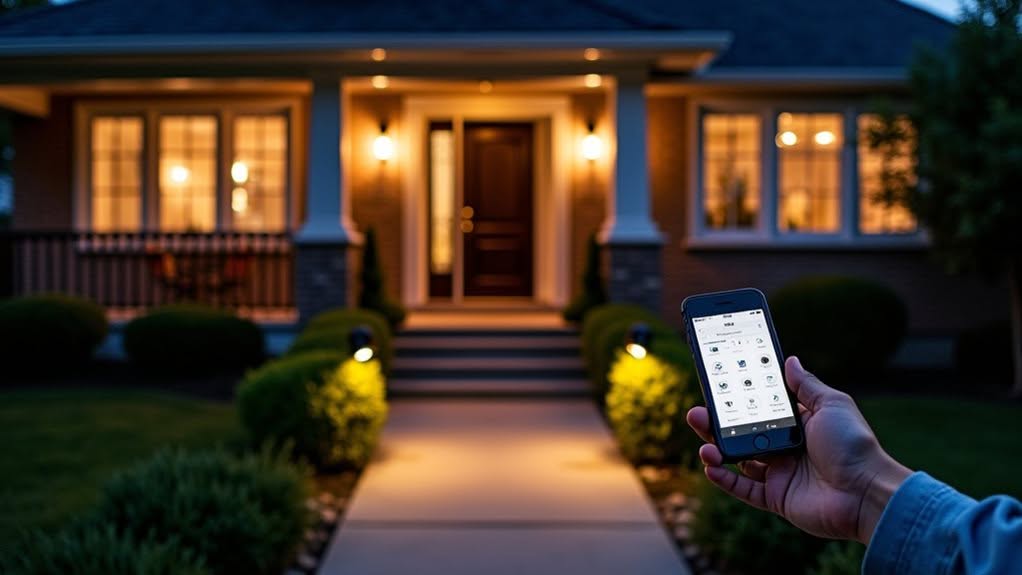
Smart lighting systems serve as a powerful yet underutilized tool in your home security arsenal, offering both protective and deterrent benefits.
Studies show that well-lit homes experience up to 30% fewer break-ins, making proper illumination a critical security measure.
When integrated with your existing security infrastructure, smart lighting creates an extensive defense system. Your lights can flash automatically when alarms trigger, alerting neighbors and deterring intruders.
Consider these security-enhancing features:
- Motion-activated lighting that illuminates potential entry points when movement is detected
- Programmable schedules that simulate occupancy while you’re away
- Remote control capabilities allowing you to adjust lighting from anywhere
These features not just improve security camera footage quality but also contribute to your peace of mind while reducing energy costs through efficient illumination management.
Integrating Your Lighting System With Other Smart Devices
While smart lighting offers substantial benefits on its own, combining it with other connected devices reveals the true potential of a complete smart home ecosystem.
Your lights can work seamlessly with thermostats, locks, and security systems through platforms like Google Home and Apple HomeKit. This integration enables powerful automation possibilities.
Create custom scenes that coordinate multiple devices simultaneously—dim lights while lowering blinds and activating your entertainment system for movie night. Motion sensors can trigger lighting changes based on occupancy, while scheduling features adjust illumination throughout the day.
Voice assistants like Amazon Alexa and Google Assistant provide convenient hands-free control of your integrated system.
Smart hubs serve as central command centers, connecting your devices on a single network regardless of their communication protocols (Wi-Fi, Bluetooth, or Thread).
Commercial Applications: Beyond Residential Solutions
Beyond the home environment, commercial spaces benefit tremendously from smart lighting technologies that drive efficiency, security, and productivity.
Smart systems can transform how businesses operate by providing actionable data while reducing energy costs.
When implementing commercial smart lighting, focus on these key benefits:
- Energy management – Occupancy sensors and daylight harvesting can reduce lighting consumption by automatically adjusting to actual usage patterns.
- Enhanced security – Motion-activated lights deter unauthorized access and enable remote monitoring of your property.
- Productivity optimization – Adaptive lighting creates comfortable workspaces that boost employee morale and performance.
Your commercial lighting system can integrate seamlessly with existing building automation systems, creating an all-encompassing approach to facility management.
The data collected helps you make informed decisions about space utilization and energy consumption patterns.
Troubleshooting Common Smart Lighting Issues
When your smart lighting fails to respond, you’ll often need to tackle three common issues: connectivity disruptions, dimming inconsistencies, and app control failures.
If your lights frequently disconnect from your network, try repositioning your router centrally or consider adding a dedicated smart home hub to improve signal reliability.
Your flickering lights might indicate incompatible dimmer switches or voltage fluctuations, while unresponsive app controls typically require reinstalling the app, checking for updates, or simply power cycling the affected bulbs.
Connectivity Disruptions Solved
Despite their convenience, smart lighting systems can experience frustrating connectivity issues that leave you fumbling in the dark. When your smart bulbs won’t connect, first check your Wi-Fi network to verify it’s operational and that your bulbs support your network frequency—most smart bulbs only work with 2.4 GHz networks.
Router settings often cause connectivity problems that are easily fixed:
- Disable AP isolation or client isolation modes that prevent device communication
- Restart both your router and smart bulbs to clear temporary glitches
- Verify your router’s firewall isn’t blocking smart device connections
If problems persist, update firmware for both hub and bulbs.
Factory reset devices that continue to malfunction, then re-add them to your system one at a time. For stubborn issues, moving bulbs closer to your router or using mesh networks can eliminate dead zones.
Dimming Inconsistency Fixes
Smart lighting systems often exhibit dimming inconsistencies that can frustrate even the most tech-savvy homeowners. These problems typically stem from compatibility issues between LED bulbs and dimmers.
First, verify your dimmer is specifically designed for LEDs. Traditional incandescent dimmers frequently cause flickering or uneven dimming with LED bulbs. Look for products meeting the NEMA SSL 7A-2013 standard for best results.
Check your electrical system for overloaded circuits, which can cause unexpected dimming when appliances run simultaneously. Older homes may require dedicated circuits for lighting.
If problems persist, inspect for loose connections or damaged fixtures. “Ghosting,” where LEDs glow faintly when switched off, usually indicates residual current issues.
For smart systems, reduce interference by confirming proper distance between your wireless devices and dimmer controls.
App Control Failures
Why do smart lighting apps sometimes fail to control your lights? Most issues stem from connectivity problems, outdated software, or device configuration errors. When your app doesn’t respond as expected, troubleshoot methodically to restore functionality.
Start with these crucial steps:
- Check your Wi-Fi connection by confirming your router is online and other smart devices connect successfully.
- Update your smart lighting app to the latest version, as outdated software often contains bugs that affect performance.
- Clear the app cache or reinstall if persistent crashes occur, then reset your smart devices to factory settings if needed.
After power outages, allow time for your router and smart devices to reconnect before attempting to control them through the app.
For persistent issues, consult manufacturer-specific troubleshooting guides.
Frequently Asked Questions
How Does Weather Affect Automatic Sunset-To-Sunrise Lighting Controls?
Weather affects your automatic lighting by altering activation times and intensity. During rain, fog, or overcast conditions, your lights will turn on earlier than sunset and stay on later, guaranteeing proper visibility and safety.
Can Smart Lighting Systems Be Used With Existing Dimmer Switches?
No, you typically need to replace existing dimmers with smart ones. They’re not compatible as overlapping systems. Instead, install smart dimmers that integrate with your home automation platform for proper functionality.
What Privacy Concerns Exist With Cloud-Connected Smart Lighting?
Your cloud-connected smart lighting collects personal data about your habits, preferences, and home activities. You’ll face risks of data breaches, unauthorized access, third-party sharing, and potential surveillance through inadequate encryption and security measures.
How Do Smart Bulbs Compare to Smart Switches for Lighting Control?
Smart bulbs offer per-light color control but require constant power, while smart switches control multiple fixtures with normal wall operation. You’ll find bulbs easier to install, but switches provide better family-friendly everyday use.
Are There Health Impacts From Long-Term Exposure to LED Lighting?
Yes, long-term LED exposure can affect your health. You’ll face potential risks from blue light disrupting sleep patterns, possible retinal damage, and circadian rhythm disruptions that might impact your mood and cognitive function over time.
Final Thoughts
Your smart lighting experience doesn’t end with these tips—it evolves with your needs. By implementing thoughtful schedules, appropriate color temperatures, and integration with other smart devices, you’ll create a home that responds naturally to your daily rhythms. Remember to update your system regularly and experiment with settings until you find what works best. Smart lighting isn’t just about convenience; it’s an investment in your comfort, health, and energy efficiency.