
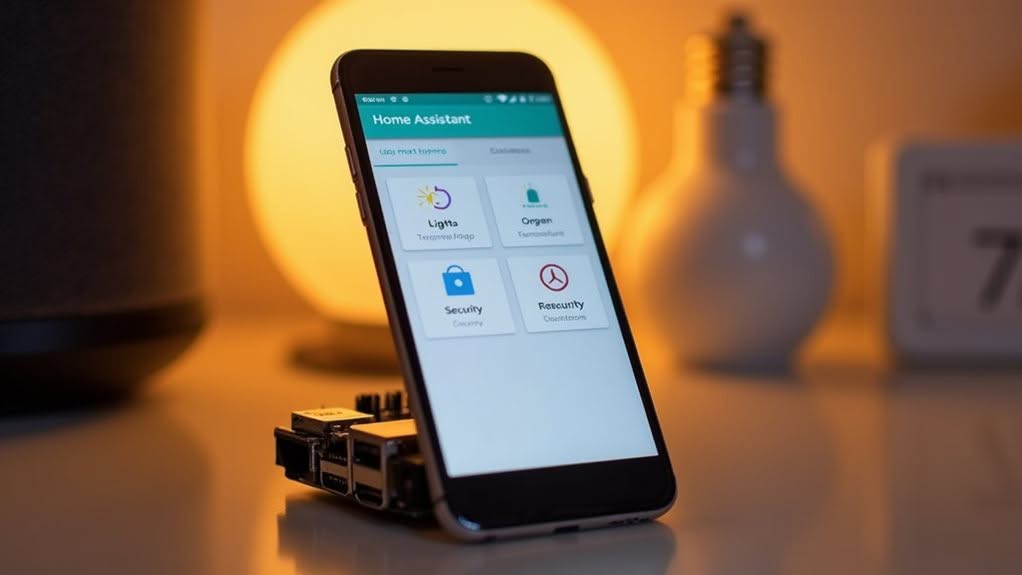
You can’t run a full Home Assistant server on your phone, but you can install the Home Assistant Companion app. This app connects to your existing Home Assistant installation, letting you control devices, view dashboards, and receive notifications remotely. Mobile devices have limitations including restricted background processes, limited resources, and battery constraints that make them unsuitable as servers. The app serves as a remote interface rather than a standalone solution. Exploring the app’s features reveals what’s possible within these constraints.
Understanding Home Assistant Companion App Functionality
While many users wonder if they can run a full Home Assistant server on their phones, the Home Assistant Companion App serves a different but complementary purpose.
It’s designed as a mobile interface that connects to your existing Home Assistant installation. The app transforms your smartphone into a powerful remote control for your smart home system.
The Home Assistant Companion App extends your smart home control to your pocket, turning your smartphone into a sophisticated remote for your entire system.
You’ll be able to view dashboards, control devices, and trigger automations from anywhere with an internet connection. Your phone becomes a valuable data source too.
The app can send sensor data from your device—including battery level, location, and even health metrics—directly to your Home Assistant server. This enables advanced automations based on your phone’s status or location. You can also create action shortcuts to trigger your favorite scripts with just a tap.
The app also receives notifications from your Home Assistant system, keeping you informed about important events at home. For seamless integration with your smart devices, consider using a universal smart hub that centralizes control of all your connected home products. For Android users, the app offers native widgets and customizable themes to enhance your user experience.
Mobile Device Limitations vs. Full Home Assistant Server
Although many smart home enthusiasts hope to run Home Assistant directly on their phones, fundamental limitations make this impractical for most users. Your smartphone simply lacks the resources and operating system capabilities needed for a complete Home Assistant server.
- Mobile OSes restrict background processes, preventing continuous automation processing.
- Phones have limited CPU, RAM, and storage compared to dedicated servers like Raspberry Pi.
- Battery constraints make persistent background operations unsustainable.
- Network connectivity fluctuations on mobile devices affect reliability and performance.
- Operating system updates can unexpectedly change permissions, breaking server functionality.
The Home Assistant Companion App serves as a client to your main server, providing sensor data and remote control capabilities. When device integration issues occur, token management often resolves recognition problems with mobile devices. However, it can’t replace a full server installation running on dedicated hardware where automations, integrations, and add-ons can operate reliably. Instead, the companion app offers useful features like notification commands that can remotely control aspects of your phone within OS constraints.
Setting Up the Home Assistant App on Your Smartphone
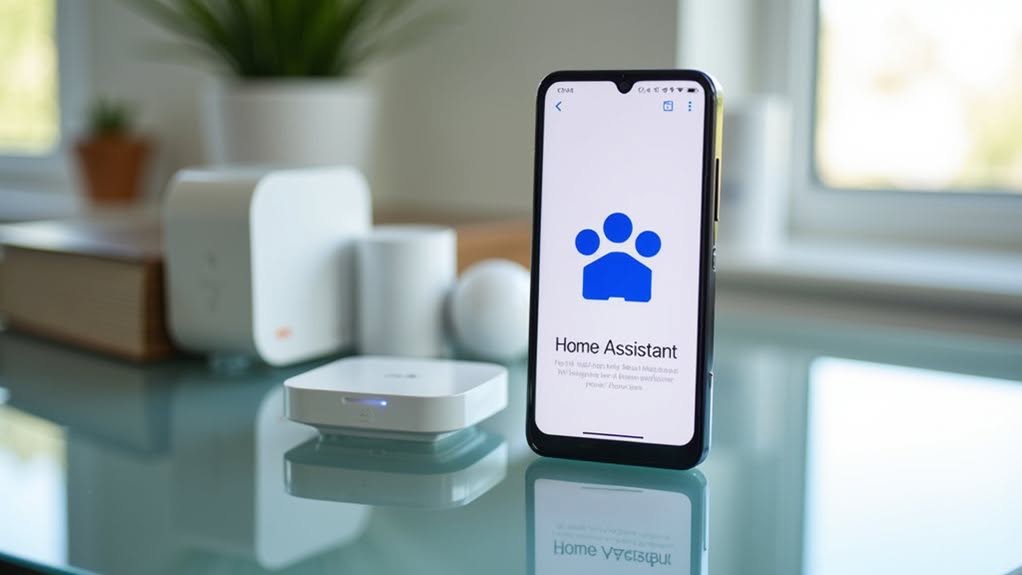
Setting up the Home Assistant Companion App involves three straightforward steps: installation, connection, and permission configuration.
Start by downloading the free app from your device’s app store or side-load the APK if you’re using Android. After installation, you’ll see the app icon on your home screen. The app requires your device to run iOS 15 or greater for iPhones or Android 5.0+ for Android devices.
When you first launch the app, it automatically scans your Wi-Fi network for existing Home Assistant instances. If no local instance is found, you can manually enter a remote address.
The app will request vital permissions like location access. Granting these allows for creating sensor entities that track your phone’s status. The app also provides options for biometric locking and session timeout settings to enhance security.
If you encounter connection issues, try reinstalling the app and clearing old tokens from your Home Assistant user profile to resolve authentication problems.
Key Mobile Features and What You Can Control
The Home Assistant Companion App offers far more than just a mobile interface for your smart home.
It transforms your phone into a powerful control center, giving you extensive management capabilities from anywhere.
With the app installed on your smartphone, you’ll gain access to:
- Remote device control for lights, thermostats, security cameras, and other connected devices
- Location tracking features that monitor the position of devices or family members
- Health data integration with options to incorporate heart rate, fitness metrics, and other health information
- Customizable notifications that alert you to important events like door openings or water leaks
- Widget support allowing you to place controls directly on your home screen for quick access
These features guarantee you’re always connected to your home ecosystem, whether you’re in the next room or across the country. The Android app has reached an impressive milestone with over 1.5 million active installations across various platforms. The community has grown tremendously with Home Assistant seeing a 45% increase in users over the past year.
Alternative Methods for Mobile Home Automation
While Home Assistant offers robust mobile functionality, several alternative solutions exist for those seeking different approaches to mobile home automation.
Major platforms like Apple HomeKit, Amazon Alexa, and Google Nest provide thorough automation options with voice control capabilities. Each integrates seamlessly within its own ecosystem, with Alexa and Google offering apps for both Android and iOS devices. Apple HomeKit emphasizes end-to-end encryption for all device communications, making it a strong choice for privacy-conscious users.
Tech giants offer comprehensive home automation solutions that work flawlessly within their respective ecosystems, with cross-platform app support.
Security-focused systems such as ADT, SimpliSafe, and Vivint combine home protection with smart automation features. Vivint stands out with its professional installation and comprehensive full-home automation options, which can significantly enhance home value. These solutions typically require less technical expertise than open-source options.
The new Matter protocol improves cross-platform compatibility, allowing devices from different manufacturers to work together. This reduces the need for ecosystem-specific solutions.
For those comfortable with technical setups, open-source software offers extensive customization but demands more expertise than commercial platforms.
Frequently Asked Questions
Does the App Drain My Phone Battery Significantly?
Yes, the Home Assistant app can drain your battery considerably. Users report 25-50% consumption from background activity. You’ll experience less drain if you disable persistent connections, high accuracy location, and limit notifications.
Can I Use the App Without Internet Connection?
Yes, you can use the Home Assistant app without internet, but with limitations. You’ll need a local network connection to control devices, and some features like notifications and sensor data updates won’t work offline.
How Much Mobile Data Does the Companion App Consume?
The companion app’s data usage varies widely. Without camera streams, it’s minimal. However, if you have camera feeds on your main dashboard, it can consume hundreds of megabytes daily or even several GB monthly.
Are There Privacy Risks When Sharing Location Data?
Yes, sharing location data poses privacy risks. When you enable location tracking, others with app access can see your exact GPS coordinates, as well as your zone status (home/away). Use access controls carefully.
Can I Control Home Assistant Devices Across Different Wifi Networks?
Yes, you can control devices across different Wi-Fi networks, but you’ll need proper network routing, mDNS reflection, or a cloud service like Nabu Casa to bridge the networks securely and reliably.
Final Thoughts
While you can’t run a full Home Assistant server on your phone, the companion app offers considerable functionality. You’ll still need a proper server for complete operation, but the mobile app lets you control devices, receive notifications, and manage your smart home on the go. For a truly mobile solution, consider cloud-based alternatives or setting up remote access to your existing Home Assistant server.


