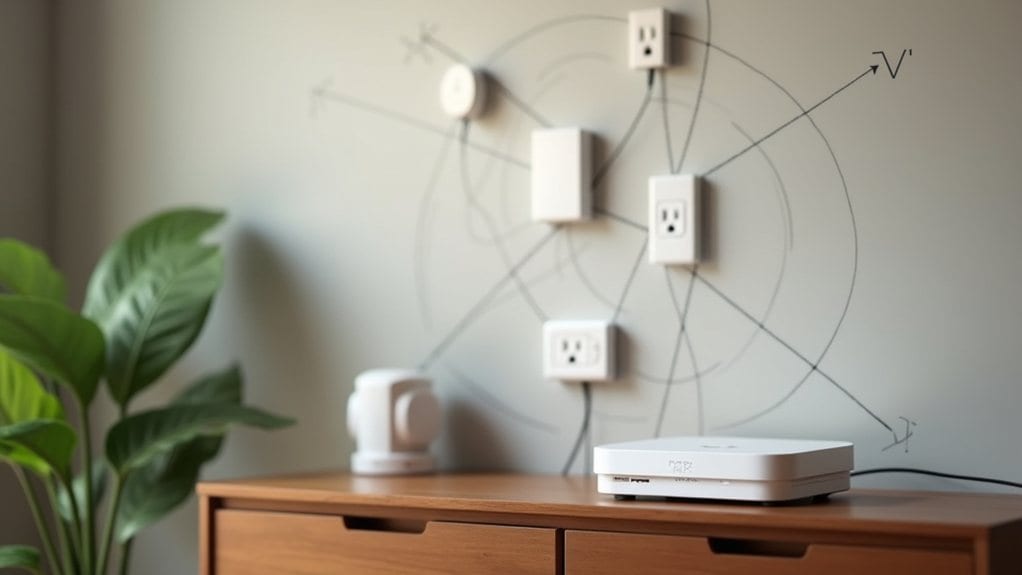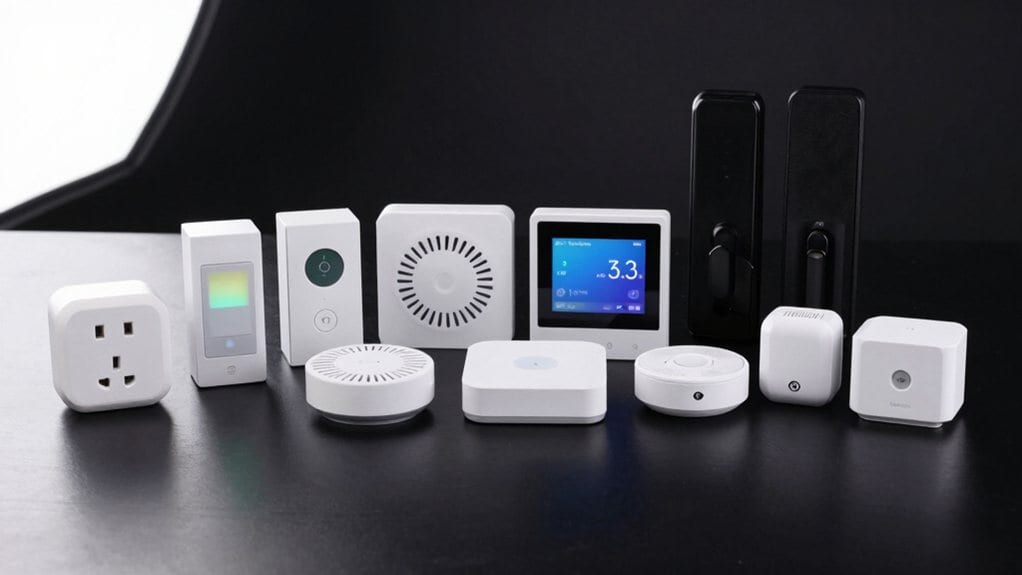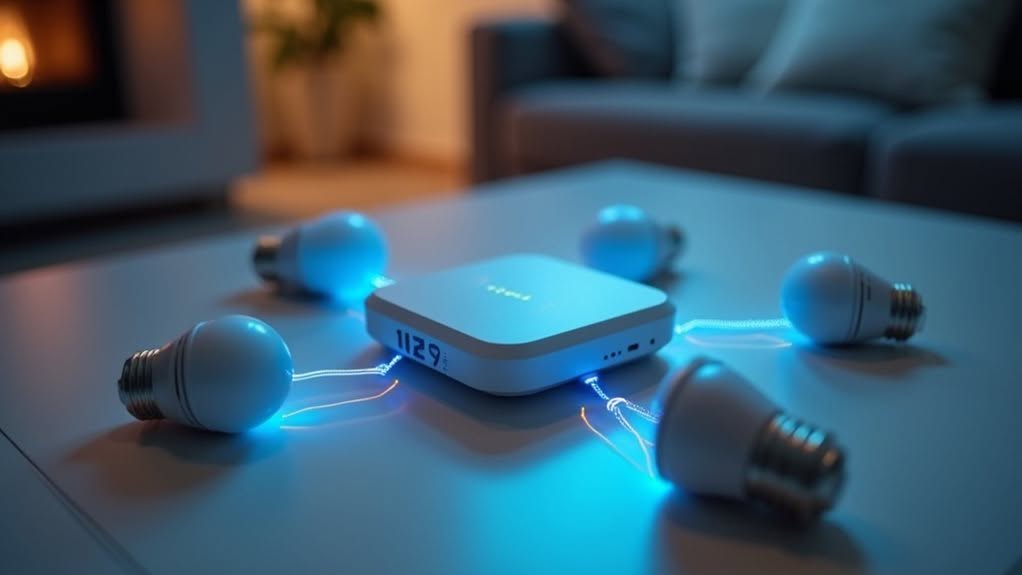
Yes, Zigbee devices require a hub (coordinator) to function properly. This central device translates the Zigbee protocol into Wi-Fi signals your smartphone can understand, manages your network’s security with 128-bit AES encryption, and enables device communication. Some smart speakers like Amazon Echo (4th gen) have built-in Zigbee hubs, while standalone options include Samsung SmartThings and Hubitat Elevation. Your hub choice affects which devices you can connect and how they’ll integrate with your existing smart home setup.
What Makes a Zigbee Hub Necessary
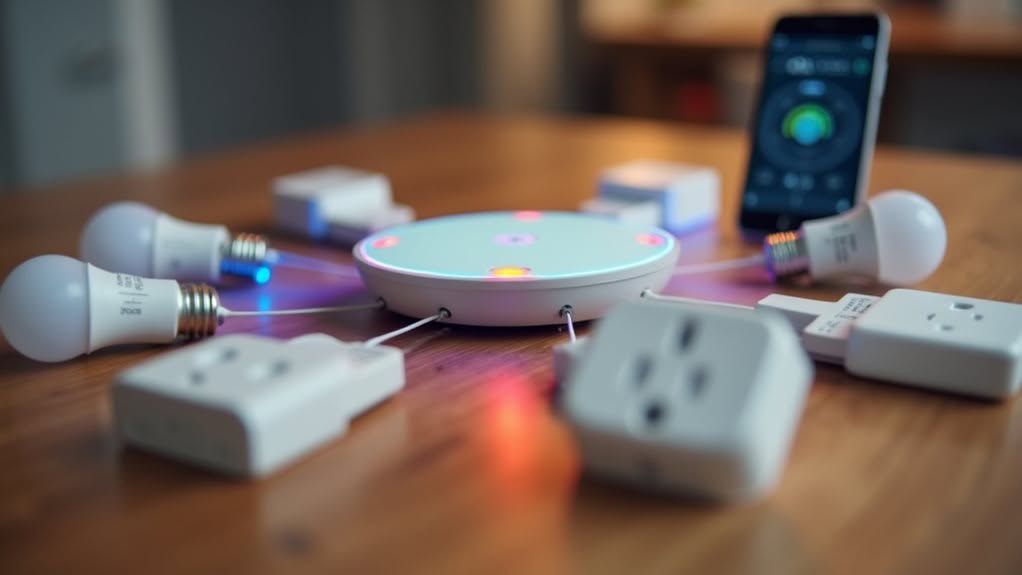
When you’re setting up a Zigbee smart home system, a dedicated hub becomes essential for basic functionality. The fundamental reason is protocol translation – your smartphone simply can’t communicate directly with Zigbee devices.
The hub serves as a translator, converting Zigbee’s wireless protocol into Wi-Fi signals your mobile devices understand. Without this intermediary, your smart home controls remain inaccessible.
Beyond basic connectivity, the hub acts as a central management point for your entire Zigbee network. It maintains device coordination even during internet outages, guaranteeing your smart home remains operational. The hub enables the creation of a mesh network design that allows devices to forward signals to one another, significantly improving coverage throughout your home.
The hub also addresses practical concerns like network congestion. By handling local device communications separately from your main Wi-Fi network, it prevents your router from becoming overwhelmed when managing numerous smart devices. The hub also provides self-healing capabilities that automatically reroute data if a device in the network fails. Many homeowners find that investing in a smart control hub unlocks their home’s full automation potential.
Core Components of the Zigbee Network Architecture
Understanding the hub’s role becomes clearer when we examine the entire Zigbee ecosystem’s architecture. This architecture consists of three primary device types working in harmony: Coordinators, Routers, and End Devices.
The Coordinator serves as the network’s foundation, initiating setup, selecting communication channels, and often functioning as the Zigbee Trust Center for security management. The Coordinator is responsible for establishing the network by selecting the appropriate PAN ID and channel.
Routers extend your network’s reach by forwarding data packets between devices, helping to form a robust mesh network. They’re considered Full Function Devices with sufficient resources for complex routing tasks.
End Devices represent the simplest components, typically battery-powered with minimal resources. They can’t route data but conserve energy by entering sleep mode when inactive. In a centralized Zigbee network configuration, these devices communicate through a Trust Center that manages device credentials and encryption keys for enhanced security.
Together, these components create a secure, efficient communication system operating primarily on the 2.4 GHz band.
Exploring Zigbee’s Hub Alternatives
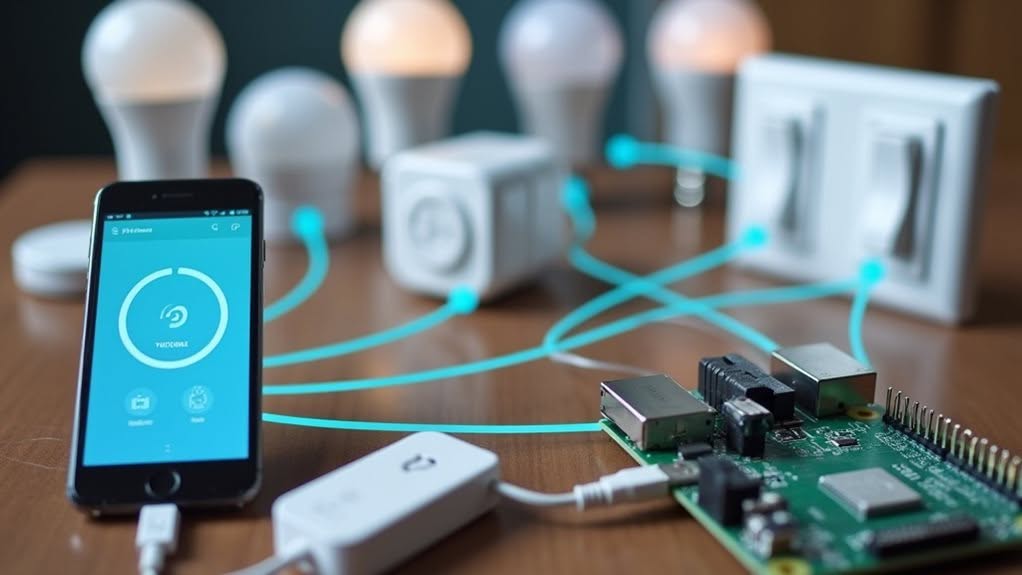
Although many consumers believe they need a dedicated smart home hub to use Zigbee devices, several alternatives exist that can serve as the required coordinator. These options provide flexibility while maintaining the crucial network management functions.
The Amazon Echo (4th generation) and Echo Studio both feature built-in Zigbee coordinators, allowing direct connection to compatible devices without purchasing a separate hub. These smart speakers handle device pairing, routing commands, and storing automation rules.
It’s important to understand that all Zigbee networks require some form of coordinator. The difference is whether you use a standalone hub like Samsung SmartThings or a device with integrated hub functionality. Users transitioning from Wink have reported that SmartThings offers excellent integration with Zigbee devices while providing intuitive controls.
When selecting your coordinator, consider which smart home ecosystem you prefer, as this will determine your device compatibility and control options. The Aeotec Smart Home Hub is particularly suitable for users seeking deeper integration and more complex automation routines within their Zigbee network.
How Zigbee Hubs Connect Your Smart Home Ecosystem
A well-functioning Zigbee smart home ecosystem relies on the central coordinator—typically a hub—that serves as the command center for your entire network. This coordinator manages device addresses and handles network initialization.
Your hub works with router devices like smart plugs and mains-powered lights to extend network coverage throughout your home. These routers form the backbone of your mesh network, relaying signals between devices.
When you add more router devices, you’re creating multiple paths for data to travel, allowing your network to “self-heal” if one device fails. This redundancy guarantees your battery-powered end devices (sensors, remotes) remain connected even without direct hub access.
During setup, your hub discovers new devices through a pairing process, integrating them into your smart home app for centralized control and automation. The practical indoor range for router devices is typically 5-10 meters, which should be considered when planning device placement. Zigbee devices can only connect to one coordinator simultaneously, making it impossible to use the same device with multiple hubs or bridges at once.
Popular Zigbee Hub Options on the Market
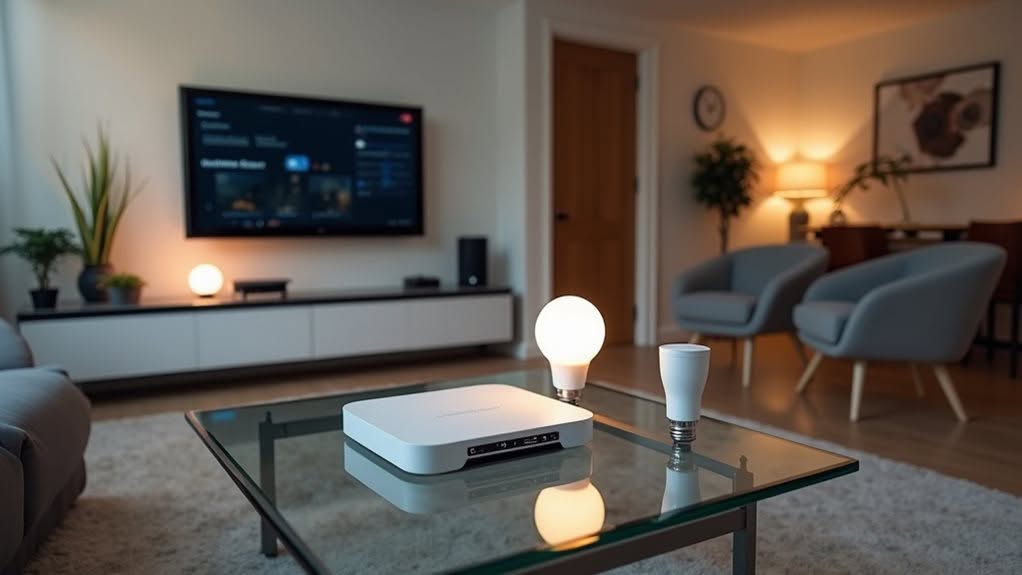
With the right Zigbee hub at the center of your smart home network, you’ll find setup and management become considerably easier.
Today’s market offers several standout options that cater to different needs and expertise levels.
The Amazon Echo (4th Gen) provides integrated Zigbee support, making it perfect for beginners who want simplicity without sacrificing functionality.
Perfect for beginners, the Amazon Echo (4th Gen) combines simplicity with functionality through its integrated Zigbee support.
More advanced users might prefer the Hubitat Elevation with its Zigbee 3.0 capabilities and powerful local control options. Many Zigbee hubs also support Z-Wave protocol for broader device compatibility across your smart home. Choosing a hub that supports multiple protocols like Wi-Fi 6, Zigbee, Z-Wave, and Thread is essential for compatibility with future smart home updates and device integration.
Some popular options include:
- SmartThings Hub – Versatile platform that works with various smart home devices
- Home Assistant Green – Open-source solution with extensive customization options
- Aqara M3 Hub – Specializes in seamless integration with other smart devices
- Hubitat Elevation – Offers granular control with strong privacy features through local processing
Setting Up Your First Zigbee Network
Setting up your first Zigbee network requires careful selection of a compatible hub that matches your home automation needs and planned device ecosystem.
You’ll need to follow a strategic pairing process, starting with your coordinator hub, then adding mains-powered routers before finishing with battery-operated end devices.
Planning your network coverage is essential for success, so position router devices strategically throughout your home to guarantee all areas have strong mesh connectivity for reliable communication.
Hub Selection Fundamentals
When establishing your first Zigbee network, choosing the right hub serves as the foundation for your entire smart home ecosystem.
Consider which smart home platforms you’re already using, as compatibility will determine how effortlessly your devices integrate.
The coordinator type greatly impacts your network’s flexibility and performance. While dedicated hubs offer broad device compatibility, multi-purpose options like Echo Plus combine Zigbee control with additional features to reduce device clutter.
- Select a hub compatible with your preferred smart home ecosystem (Google Home, Apple HomeKit, etc.)
- Consider transmit power adjustability for ideal range and stability
- Check if the hub allows channel selection to minimize Wi-Fi interference
- Evaluate whether a brand-specific bridge or universal coordinator better suits your needs
Position your hub centrally in your home to maximize coverage before adding any devices.
Device Pairing Process
Creating a functional Zigbee network begins with proper device pairing, which establishes the foundation for your smart home’s communication infrastructure.
To begin setup, you’ll need to initialize one device as the coordinator or gateway. This device creates your network and manages communication between all connected devices.
Enable pairing mode on your coordinator first, then activate pairing on each device you wish to add. The devices will discover each other and establish connections automatically.
Position router devices strategically throughout your home to build a strong mesh network before adding end devices. This approach maximizes signal strength and network reliability.
If you encounter connection issues, try power cycling the problematic devices.
For simplified setup, some Zigbee products support touchlink technology, allowing for easier pairing without extensive configuration.
Network Coverage Planning
Now that your devices are paired, thoughtful network coverage planning will determine the reliability and performance of your Zigbee system. Evaluating your space for potential signal challenges will help prevent connectivity issues before they occur.
Start by identifying all areas requiring coverage, including difficult spots like basements or garages. Consider how walls, floors, and metal objects might block signals between devices.
- Place Zigbee routers strategically throughout your home to extend network range
- Choose channels 15, 20, or 25 to minimize interference with Wi-Fi networks
- Add dedicated signal repeaters like IKEA Tradfri or Aeotec Range Extenders
- Test device communication in final locations before permanent installation
For ideal performance, position routers in central locations where they can connect to multiple devices.
Remember that only mains-powered devices typically function as network repeaters.
The Security Advantages of Hub-Based Zigbee Systems
Your Zigbee hub serves as the nerve center for your network’s security system, controlling authentication and encryption for all connected devices.
With centralized security management, you’ll benefit from consistent security policies and simplified management of encryption keys across all your smart home products.
The hub’s improved encryption controls leverage 128-bit AES encryption, making your network considerably more resistant to unauthorized access while providing a single point for monitoring security events and enforcing permissions.
Centralized Security Management
While wireless connectivity brings convenience to smart homes, it also introduces potential security vulnerabilities that must be addressed through robust protocols. Zigbee’s hub-based approach offers important security advantages through centralized management.
Your Zigbee hub serves as the Trust Center, authenticating devices and distributing encryption keys throughout your network. This centralized authority allows for dynamic security management that’s simply not possible in hubless configurations.
- Trust Center validates device credentials during joining, preventing unauthorized access
- Unique encryption keys are assigned to each device, limiting vulnerability if one device is compromised
- Network keys can be automatically rotated on a schedule, reducing exposure over time
- Compromised devices can be quickly identified and removed from the network
Without a hub acting as Trust Center, your network would lack these vital security mechanisms.
Enhanced Encryption Controls
When it comes to securing your smart home, Zigbee’s hub-based architecture provides encryption controls that greatly outperform hubless alternatives. The hub serves as a Trust Center that manages the 128-bit AES encryption required for all Zigbee communications.
Your hub handles sophisticated key management, distributing both network keys for broadcast messages and link keys for private device-to-device communication. This centralized approach allows for more robust authentication protocols and access control lists that restrict which devices can join your network.
With a hub, you’ll benefit from advanced security features like frame counters that prevent replay attacks and mutual authentication that verifies device identities.
Some hubs even support certificate-based authentication and the latest Dynamic Link Key technology from Zigbee PRO 2023, which regularly refreshes encryption keys to protect against compromise over time.
Maximizing Range and Reliability in Zigbee Networks
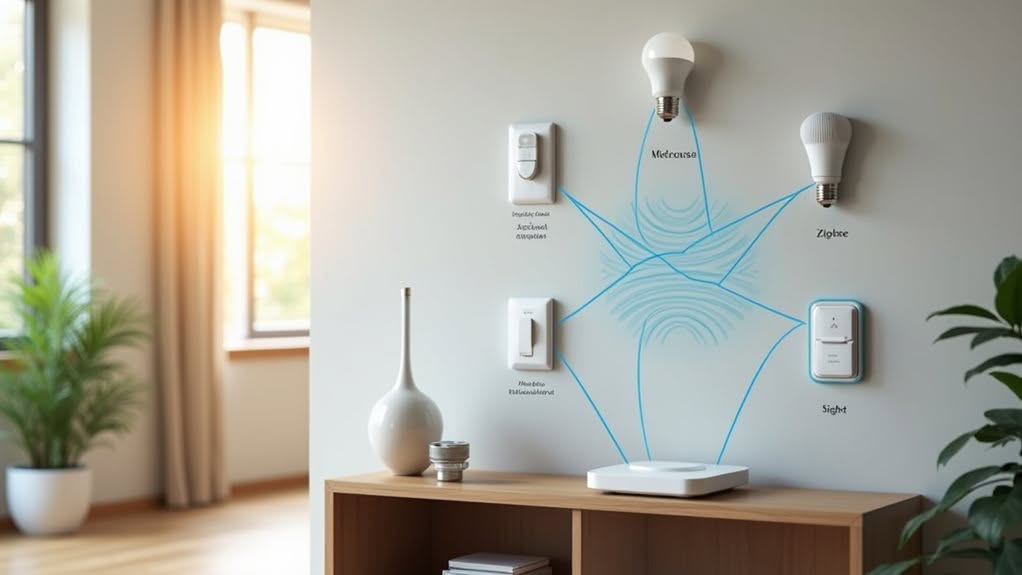
To create a robust Zigbee network, you’ll need to understand how the mesh topology works and implement strategic device placement. Mains-powered devices like smart bulbs and plugs serve as routers, extending your network’s reach by relaying signals between devices.
Building a strong Zigbee network requires understanding mesh topology and strategic placement of mains-powered devices that act as signal relays.
Position your Zigbee hub centrally to maximize coverage and distribute router devices throughout your home. For multi-story buildings, place routers on each level to maintain consistent connectivity.
- Use dedicated repeaters like IKEA Trådfri Signal Repeater to boost signals in dead zones.
- Minimize interference by separating Zigbee devices from Wi-Fi routers and other 2.4 GHz sources.
- Change Zigbee channels if you experience persistent connectivity issues.
- Install mains-powered devices strategically to create an extensive mesh network.
Physical barriers like concrete walls can greatly impact signal strength, so adjust device placement accordingly.
Comparing Zigbee to Other Hub-Dependent Smart Home Protocols
Zigbee represents just one of several hub-dependent protocols powering today’s smart homes, each with distinct advantages and limitations.
Like Zigbee, Z-Wave also requires a dedicated hub to coordinate device communications within its mesh network.
Thread offers a slightly different approach, using border routers instead of traditional hubs while still maintaining mesh network functionality. These border routers often appear in smart speakers or similar devices that connect Thread devices to your internet.
In contrast, Wi-Fi devices connect directly to your home network without needing a dedicated hub, but they consume more power than Zigbee devices.
Bluetooth typically operates with direct device-to-device connections over short ranges, limiting its effectiveness for whole-home coverage.
Your choice between these protocols depends on your specific needs for range, power consumption, and ecosystem compatibility.
Frequently Asked Questions
Can Zigbee Hubs From Different Manufacturers Work Together?
Zigbee hubs from different manufacturers don’t typically work together directly. You’ll need to choose one primary hub, but you can connect devices from various brands to it, especially with open-source solutions like Zigbee2MQTT.
How Many Zigbee Devices Can One Hub Support?
Your hub’s capacity varies widely—typically 20-100 devices directly. You’ll get better results by adding mains-powered routers, which expand your network. Most stable home setups handle 64-200 devices total before performance issues arise.
Will Zigbee Still Work During Internet Outages?
Yes, your Zigbee network will continue working during internet outages. All local device communication, automations, and scheduled controls stored in your hub operate independently of internet connectivity, maintaining full functionality within your home.
Can I Migrate Zigbee Devices Between Different Hubs?
Yes, you can migrate Zigbee devices between different hubs. You’ll need to exclude devices from your old hub first, then pair them with your new hub. Compatibility varies by manufacturer and device type.
Does Zigbee Interfere With Wi-Fi Networks in My Home?
Yes, Zigbee can interfere with your Wi-Fi as both share the 2.4 GHz band. You’ll notice this when devices become unresponsive. Separate your Wi-Fi router from Zigbee hubs and use non-overlapping channels for better performance.
Final Thoughts
While Zigbee technically doesn’t require a hub for basic device-to-device communication, you’ll need one for practical smart home use. A hub (coordinator) creates your network, enables remote access, and allows integration with other platforms. It’s the central component that manages your devices, improves security, and extends your network’s range. Consider your specific needs when choosing between dedicated hubs, smart speakers, or hub-free alternatives for your Zigbee system.