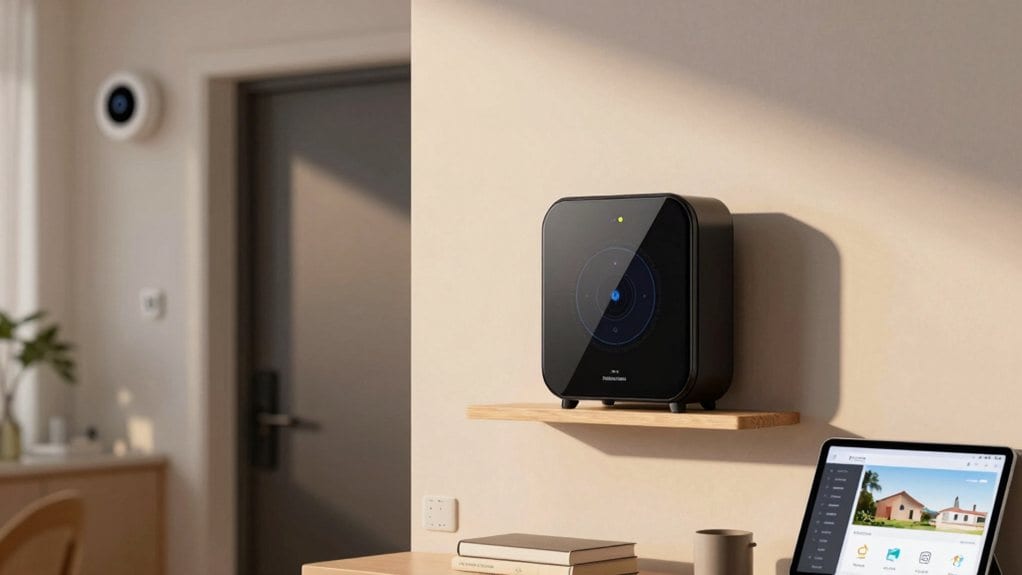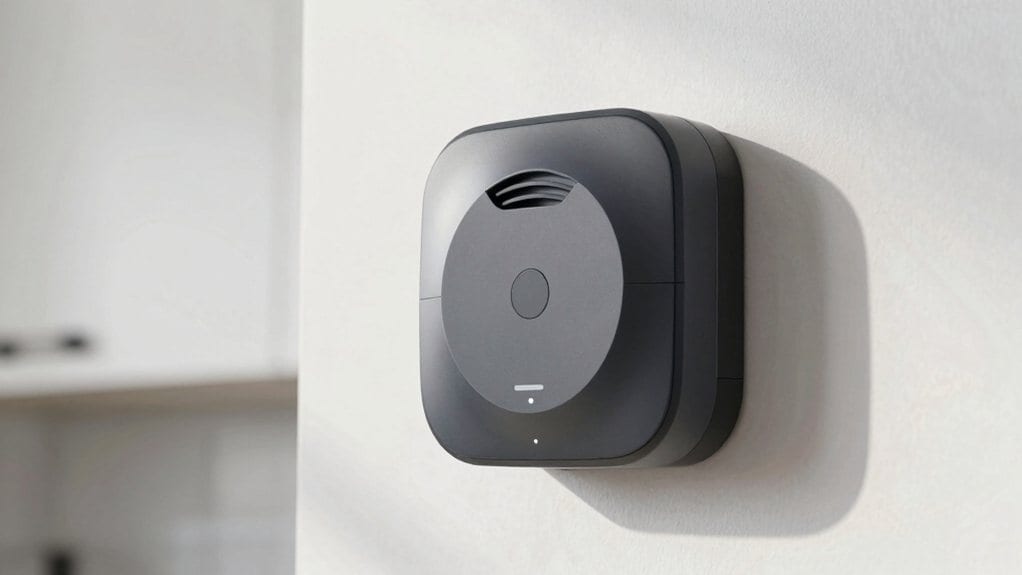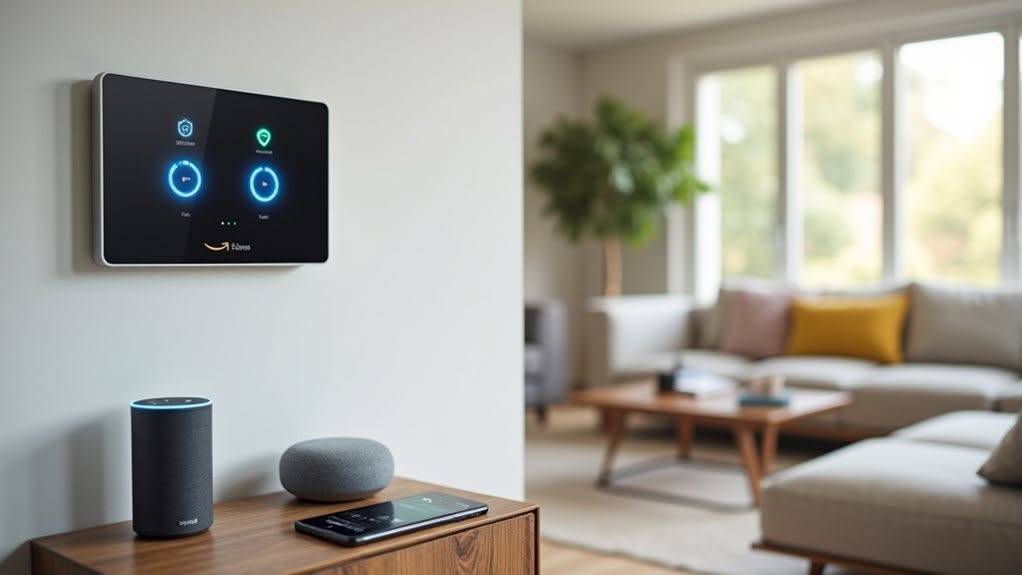
Smart home alarms connect to Alexa and Google Assistant through their respective apps, allowing you to arm, disarm, and check your security system with voice commands. You’ll need to download both the voice assistant and alarm manufacturer apps, connect devices to the same Wi-Fi network, and enable the specific alarm skill. Popular compatible systems include SimpliSafe, Ring, Abode, ADT, and Vivint. For ideal security, use voice PINs and strong passwords to protect against unauthorized access.
Voice Command Capabilities for Smart Home Security
While traditional security systems require physical interaction, modern smart home alarms offer hands-free control through voice commands. You can arm or disarm your security system simply by speaking to your voice assistant, improving both convenience and safety.
Smart locks integrate seamlessly with voice assistants, allowing you to lock or secure doors without reaching for keys or your phone. This feature proves particularly valuable when you’re carrying groceries or managing children. Smart home security solutions provide comprehensive protection for your property while offering intuitive user interfaces.
Camera management becomes effortless as you can activate surveillance with commands like “turn on the backyard camera.” You’ll also receive real-time alerts for suspicious activities, guaranteeing prompt awareness of potential security concerns. The integration with natural language processing allows these systems to understand complex commands and respond appropriately to your specific security needs.
The customization options extend to routines, where phrases like “Goodnight” can simultaneously lock all doors, arm the alarm system, and adjust lighting for ideal security. Using voice PINs provides an additional layer of security to prevent unauthorized users from disabling your alarm system.
Setting Up Alexa and Google Assistant With Your Alarm System
Setting up Alexa or Google Assistant with your smart home alarm system involves five essential steps that guarantee seamless voice control of your security features.
First, download the Alexa or Google Home app along with your alarm system’s manufacturer app on your mobile device. You’ll need to create accounts and grant necessary permissions for both.
Next, connect all devices to the same Wi-Fi network, preferably using a 2.4 GHz band for better compatibility and range.
Enable the skill or service for your specific alarm brand within the voice assistant app, then authenticate by entering your alarm system credentials. When using Alexa specifically, you’ll need to enable the Alarm.com skill and complete verification with a code to access security features. This integration allows for hands-free voice commands that make controlling your security system more convenient.
Use the “Add Device” feature to discover and connect your alarm components to the voice assistant.
Finally, test the integration with basic commands and customize settings for best performance.
Key Features of Voice Assistant Security Integration
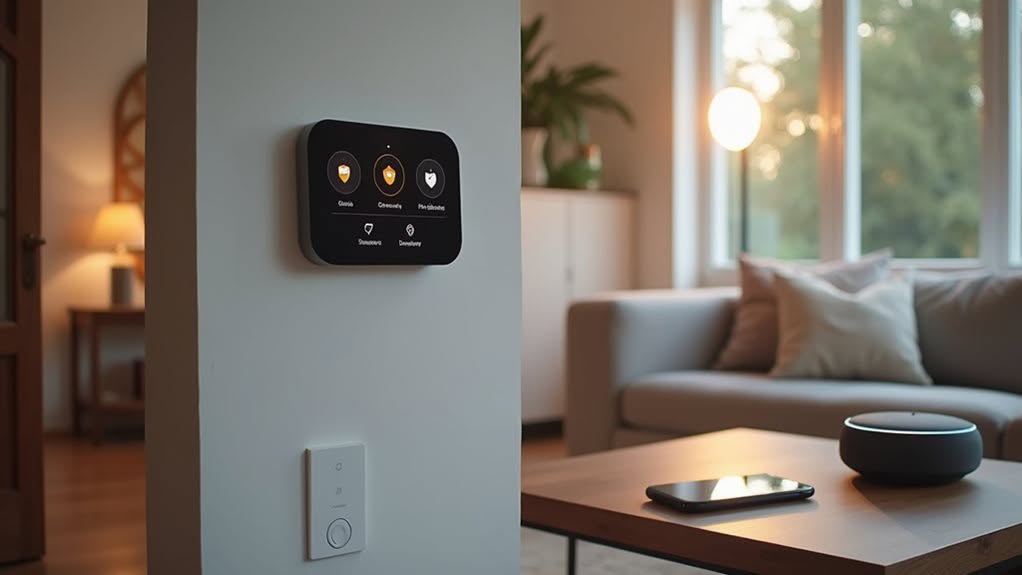
Modern voice assistants improve smart home security through powerful features that transform how you interact with your alarm system.
These integrations add crucial layers of protection while improving convenience. Family members with mobility issues can benefit greatly from voice-controlled smart locks that eliminate the need to physically operate traditional locks.
Voice PINs and passcodes prevent unauthorized access, guaranteeing only approved users can disarm systems or open doors.
You’ll appreciate the ability to check status with simple questions like “Is the front door locked?” for immediate peace of mind.
Multi-factor authentication provides robust protection for critical security commands, combining voice recognition with additional verification steps.
The convenience of hands-free control lets you manage multiple devices simultaneously, perfect when your hands are full.
Custom routines enable you to create commands that trigger several actions at once—locking doors, turning off lights, and arming your alarm with a single phrase.
Amazon’s Alexa offers extensive compatibility with security systems through its wide range of skills and Echo device options.
Popular Smart Home Alarm Systems With Voice Control
Several top-rated smart alarm systems now offer seamless voice control through Alexa and Google Assistant, making security management more intuitive than ever.
SimpliSafe ranks 2nd among home security systems with a 9.2 SecureScore™, offering DIY installation and smart live monitoring with voice control through both Alexa and Google Assistant.
Abode stands out with exceptional compatibility, supporting Alexa, Google Assistant, and Apple HomeKit, while requiring no subscription for basic smart home features.
Vivint Smart Home, ranked 3rd with a 9.1 SecureScore™, delivers professionally installed, fully integrated systems controllable via voice commands to manage cameras, locks, lighting, and thermostats.
Ring Alarm provides a budget-friendly option with native Alexa support, while Frontpoint excels with third-party integrations including both major voice assistants.
ADT, currently rated as the top home security system with a 9.3 SecureScore™, features advanced technologies like Google Nest Cams and facial recognition that enhance its voice assistant compatibility.
Users cite equipment included as their top priority when choosing a security system, with 66.45% ranking it as the most important consideration.
Privacy and Security Considerations for Voice-Controlled Alarms
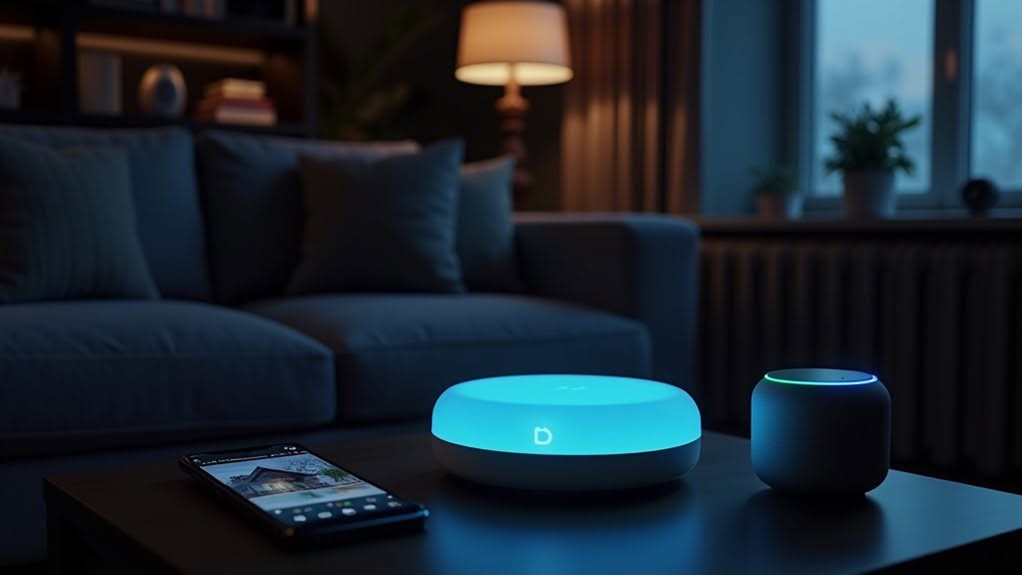
Voice-controlled alarm systems create considerable privacy and security vulnerabilities that users must comprehend and address.
Weak passwords and default credentials offer attackers easy access to control your alarm through voice assistants. Always set strong, unique passwords and enable two-factor authentication to prevent account hijacking.
Voice assistants continuously listen for wake words, potentially recording private conversations that may be stored on cloud servers. The growing integration of digital assistants makes them increasingly attractive targets for malicious actors seeking to compromise home security systems. Regularly review your privacy settings and disable continuous listening when not needed.
Smart homes integrate devices from multiple manufacturers with varying security standards, creating weak links in your security chain. Implement network segmentation and keep all firmware updated to patch vulnerabilities.
Communication between devices can be intercepted if encryption is weak. Verify your system uses end-to-end encryption to prevent signal interception and unauthorized control. Voice AI systems are vulnerable to voice spoofing attacks where attackers can mimic your voice commands to disable security features.
Frequently Asked Questions
Can Alexa or Google Assistant Trigger Silent Alarms?
Neither Alexa nor Google Assistant directly trigger silent alarms. You can create custom routines that activate alert-only responses through compatible security systems, but these typically involve notifications rather than true silent alarms.
Will Voice Assistants Work During Internet or Power Outages?
No, your voice assistants won’t work during power outages unless they have battery backup. During internet outages, they’ll lose cloud connectivity, preventing them from processing commands or controlling your smart alarm system.
Can Children’s Voices Accidentally Disarm My Security System?
Yes, children’s voices can potentially disarm your system if you don’t enable PIN protection. Always set up voice PINs and additional authentication to prevent accidental disarming by anyone, including kids, in your home.
Do Voice-Controlled Alarms Increase My Home Insurance Discount?
No, voice control won’t increase your home insurance discount. Insurers focus on monitoring services and sensor capabilities rather than control methods. Your discount depends on system features like professional installation and 24/7 monitoring.
Can I Use Conditional Automations With Voice Assistants and Alarms?
Yes, you can create conditional automations. Both Alexa and Google Assistant support routines that connect your alarm system with triggers like time, location, or sensor states for customized security scenarios.
Final Thoughts
You’ve now seen how voice assistants transform home security through convenient control options. Whether you choose Alexa or Google Assistant, you’ll enjoy hands-free management of your alarm system with simple commands. Remember to balance convenience with proper security measures by using voice PINs and keeping your firmware updated. As smart home technology continues to evolve, voice control will remain a fundamental feature in modern security solutions.