
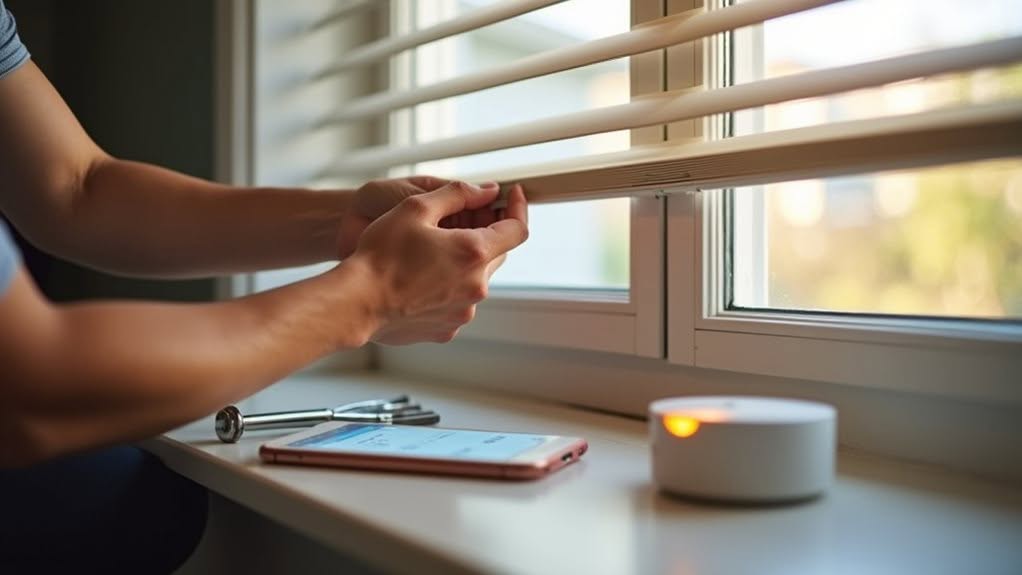
Setting up Home Assistant-compatible smart blinds involves five key steps. First, choose suitable hardware considering protocols like Zigbee or Z-Wave and motor strength. Second, prepare your Home Assistant environment with necessary add-ons and network configurations. Third, properly install motors and manage wiring connections. Fourth, configure automation based on time, light, or temperature triggers. Finally, troubleshoot common issues like connectivity problems or network configurations. The following guide explores each step with detailed implementation strategies.
Choosing the Right Smart Blind Hardware for Your Windows
When selecting smart blinds for your home, understanding the various communication protocols can profoundly impact your overall experience. Zigbee remains popular in mid-range options like IKEA Fyrtur and Zemismart, offering reliable connectivity without excessive power consumption.
For larger windows, consider premium brands like Somfy with stronger motors or Smartwings with Z-Wave support for improved reliability. Zemismart motors provide sufficient power capabilities for heavier roller blinds while maintaining smooth operation. Motorized window blinds can transform your space by adding convenience and a modern aesthetic to your home. Battery life varies greatly across protocols, with Wi-Fi options typically requiring more frequent charging than Zigbee or Z-Wave alternatives.
Installation requirements remain similar across brands, with most using bracket-mounted motors. However, cable length on budget models like Zemismart might need extension for certain setups. Leviosa stands out as an open system compatible with multiple home automation platforms, making it versatile for different setups.
If precise positioning matters to you, Smartwings and Somfy offer superior control compared to basic open/close functionality found in more affordable options.
Preparing Your Home Assistant Environment for Smart Blinds
Before connecting your smart blinds to your home automation system, you’ll need to properly configure your Home Assistant environment for seamless integration.
First, update your Home Assistant to the latest stable version to guarantee compatibility with smart blind integrations. Confirm that your system has reliable power and network connectivity to prevent communication drops.
Verify that your Home Assistant and smart blinds are on the same local network segment, as this allows proper UDP multicast communication. Many blinds require specific network settings—disable IGMP snooping if you experience discovery issues.
Install crucial add-ons like MQTT broker for DIY or servo-driven blinds. For proprietary systems, add the manufacturer’s integration through Settings → Devices and Services. When using the recommended solution, smart blinds will appear automatically in Home Assistant via MQTT auto-discovery after their first power-up.
Configure Lovelace dashboards to display cover entities, making blind control and status monitoring intuitive and accessible. You can use a Shelly1 smart relay to control your blinds directly by wiring it into the toggle button for centralized control through Home Assistant.
Installing and Connecting Your Smart Blinds
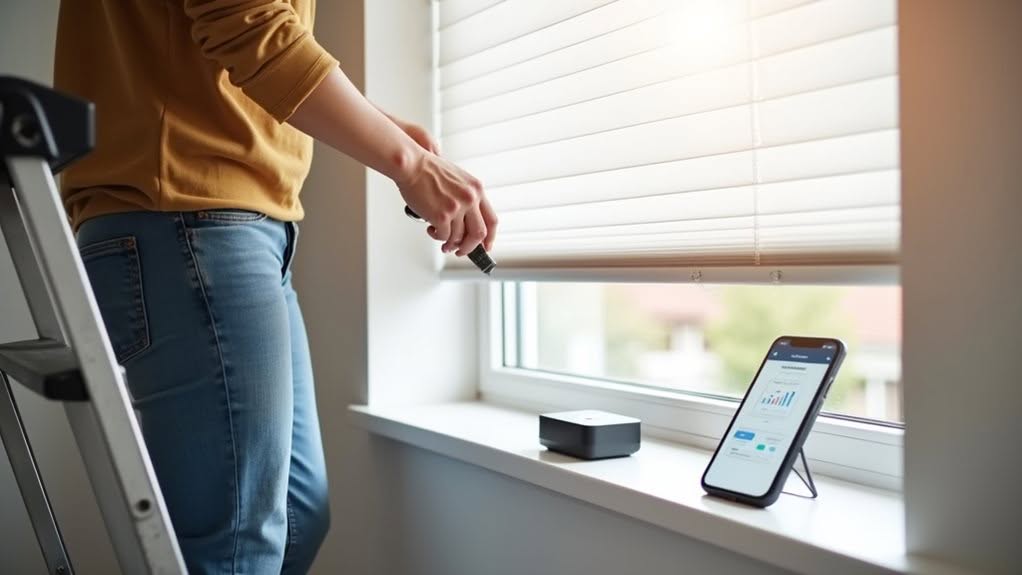
Before connecting your smart blinds to your home automation system, you’ll need to properly configure your Home Assistant environment for seamless integration. This guarantees that your devices will communicate effectively once installed. For Sunsa blinds specifically, install the integration through HACS repository for the most straightforward setup experience.
When installing the hardware, secure your ESP8266 module and power supply in a safe location near your blinds.
Mount servo motors using the 3D printed case, making sure they’re properly aligned with your existing roller blinds.
Manage cables carefully to prevent stretching or damage when windows are opened. Use screws and clips to mount the smart blind devices securely to the wall.
For connectivity, choose the appropriate protocol for your setup.
Matter-compatible motors work with a border router, while Bluetooth motors require a Wi-Fi bridge.
MQTT commands offer another integration option through Home Assistant, especially when using HACS for certain brands.
Your smart blinds can be controlled through voice commands using smart speakers that are compatible with Google or Alexa devices.
Configuring Automation and Control Options
Once your smart blinds are installed, you’ll need to set up automation rules to improve their functionality.
You can configure time-based settings that adjust blinds at sunrise or sunset, or implement light-based automation using sensors that detect ambient brightness levels.
Temperature-based rules help conserve energy by closing blinds when rooms get too warm.
For hands-free operation, integrate your blinds with voice assistants like Google Assistant, Alexa, or Siri to control them with simple commands.
Most smart blind systems offer smartphone apps for remote control, while physical remotes provide direct manual operation when needed.
You can create custom scenes to coordinate multiple blinds simultaneously or write advanced scripts for complex automation.
Consider integrating sensors like motion detectors or temperature monitors to further improve your system’s responsiveness to environmental conditions.
For Lego enthusiasts or collectors, you can create specialized automations that protect Lego from direct sunlight damage by adjusting blinds based on sun position throughout the day.
When selecting smart blinds, consider the different connectivity protocols available, as Zigbee and Z-Wave options typically provide more reliable local control without cloud dependencies.
Troubleshooting Common Smart Blind Integration Issues
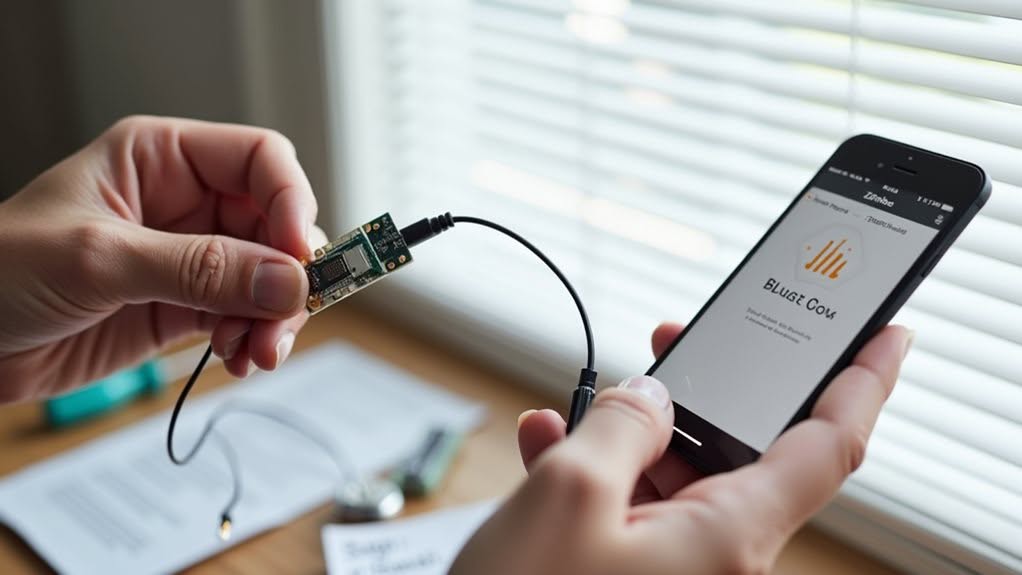
Despite their convenience, smart blinds can experience frustrating integration issues that prevent ideal functionality. Connection problems often manifest when devices appear in Google Home but don’t respond to commands.
Network configuration issues commonly cause connectivity failures. Confirm your gateway is physically close to blinds and that UDP multicast communication is properly configured (specifically ports 238.0.0.18:32100 and 238.0.0.18:32101). For problematic connections, try disabling the IGMP snooping on your router.
If using VLANs, verify devices share the same network segment.
Status reporting inconsistencies may occur with certain integrations like Tuya, where blinds show incorrect positions in Home Assistant. This can disrupt automations that rely on accurate position data.
Voice control might fail when devices report as “not set up” despite appearing in apps. Implementing a cover template configuration can significantly improve blind control functionality where direct integration fails. Try unlinking and re-linking accounts to resolve these integration problems.
Frequently Asked Questions
Can Smart Blinds Be Installed on Skylights or Angled Windows?
Yes, you can install smart blinds on skylights and angled windows. They’re designed with specialized motors and mounting hardware that accommodate sloped installations, though you’ll need minimum inclines (typically 5%) for proper operation.
Do Smart Blinds Continue to Work During Internet Outages?
Yes, smart blinds can continue working during internet outages if they’re connected to a local network like Zigbee or Z-Wave. You’ll still have basic on/off functions, but you’ll lose remote access and voice commands.
How Do Battery-Powered Smart Blinds Perform in Cold Weather?
Battery-powered smart blinds struggle in cold weather. You’ll experience faster battery drain, sluggish motors, and possible mechanical issues. Switch to lithium batteries, reduce usage during extreme cold, and check charge levels more frequently for better performance.
Can Different Brand Blinds Be Grouped Together in Home Assistant?
Yes, you can group different brand blinds in Home Assistant using template covers, automations, or dashboard groups. All blinds appear as “cover” entities regardless of brand, making mixed-brand control straightforward.
Are There Child-Safe Options for Smart Blinds?
Yes, most smart blinds are inherently child-safe with cordless designs that eliminate strangulation hazards. You’ll find options with secure mounting systems and obstacle detection features specifically designed to protect children and pets.
Final Thoughts
You’ve now successfully set up your smart blinds with Home Assistant. By following these five steps, you’ve added convenient automation to your home that responds to your schedule, voice commands, or mobile controls. If you encounter any issues, refer to the troubleshooting section or check the manufacturer’s support resources. With your new smart blinds properly configured, you’ll enjoy both practical functionality and improved energy efficiency in your home.


