
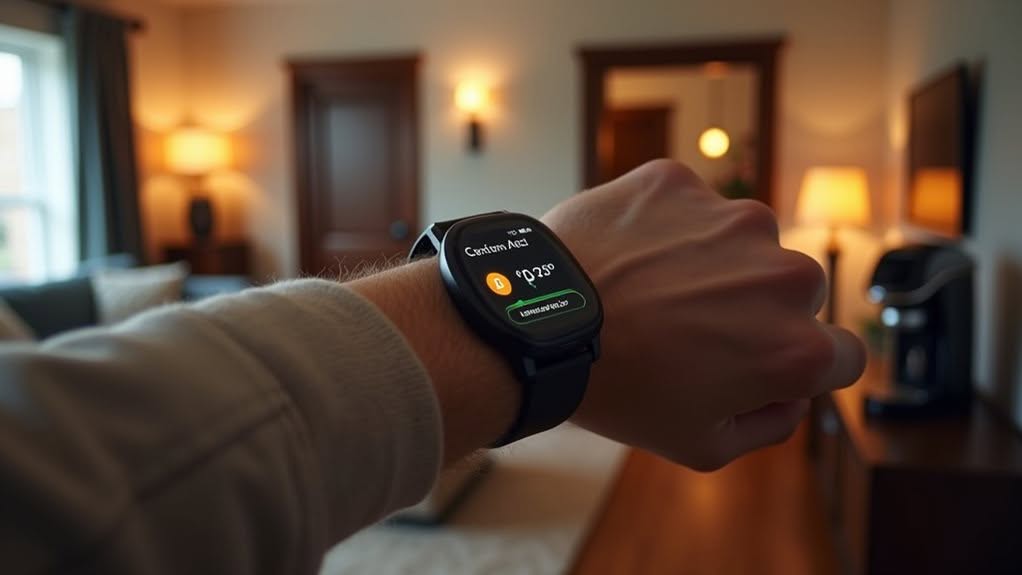
You can integrate your smartwatch with Home Assistant in five practical ways. Connect it directly for device monitoring, use the Wear OS companion app for controls, set up health-based automations that respond to your metrics, receive real-time notifications on your wrist, and enable presence detection for location-aware automations. These integrations transform your watch from a simple timepiece into a powerful smart home control center that improves your daily routines.
Direct Device Monitoring With Watch Platform Integrations
When you’re looking to connect your smartwatch with Home Assistant, private Bluetooth Low Energy (BLE) integration offers a secure and effective approach.
This method uses Identity Resolving Keys (IRK) to identify your device securely while tracking proximity and signal strength.
Your smartwatch’s Bluetooth advertisements are detected automatically, updating your location approximately every 5 minutes to balance accuracy and battery life.
This enables presence detection and distance estimation throughout your home.
For better coverage, you can place Bluetooth proxies (dongles) in different rooms to increase detection range and improve location granularity.
With this integration, you’ll be able to create automations based on your watch’s proximity.
For example, you can trigger lights to turn on when you enter a room or adjust your thermostat when you’re nearby. Apple devices like the Apple Watch utilize resolvable private addresses that continuously shuffle MAC addresses for enhanced privacy. Home Assistant’s open-source platform makes it easy to expand your smartwatch integration with additional community-developed add-ons.
Control Your Smart Home With Wear OS Companion App
Beyond direct Bluetooth monitoring, the Home Assistant Companion app for Wear OS offers a robust solution for controlling your smart home directly from your wrist.
The app works best on Wear OS 8+ devices and can automatically detect your Home Assistant instance when connected to the same network.
You can create entity state complications on your watch face to display important information like temperature or device status.
The Assist feature lets you interact with Home Assistant through voice commands for quick control without reaching for your phone.
Your watch can also provide sensor data to Home Assistant, enabling advanced automations based on your wearable’s inputs.
For remote access when you’re away from home, you can set up Home Assistant Cloud for secure connections. Setting up requires Home Assistant version 0.104.0 or newer and the inclusion of default_config or mobile_app in your configuration.yaml file.
The app supports notifications, keeping you informed of important events in your smart home ecosystem. The companion app provides user-friendly interface that makes navigating through various features seamless even on the small watch screen.
Health-Based Automations and Data Visualization
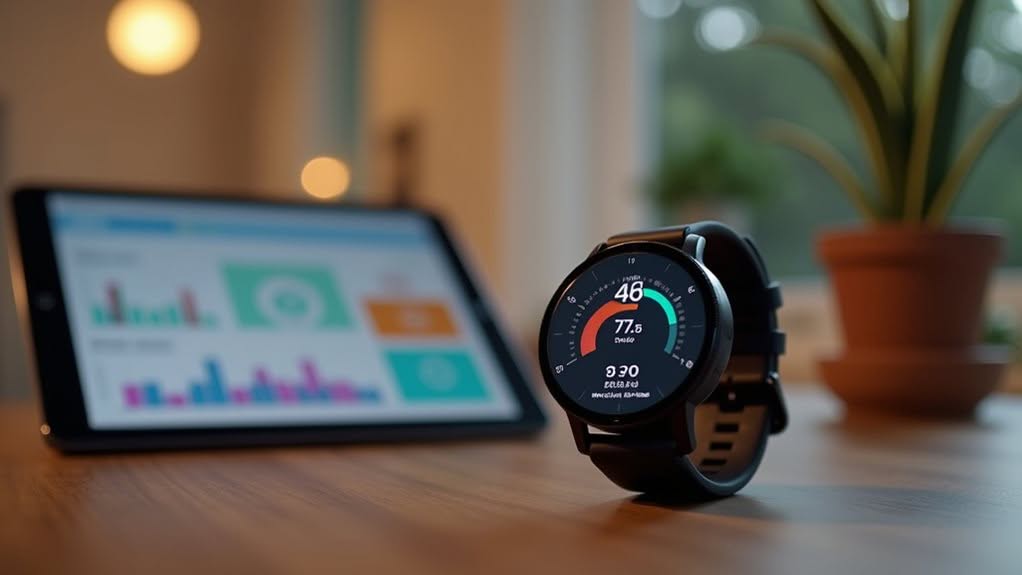
Smart watches offer tremendous potential for health-based automations in your Home Assistant setup. Your wearable’s health metrics can trigger smart home responses customized to your wellbeing.
You can create custom dashboards displaying heart rate, step counts, and sleep patterns collected from your watch. This data visualization helps you track health trends over time and set up meaningful automations.
When your watch detects you’ve fallen asleep, Home Assistant can automatically dim lights and adjust your thermostat. If your heart rate exceeds a threshold during exercise, your smart home might turn on fans or play motivational music.
Voice announcements through smart speakers can remind you to move when your watch detects extended inactivity. The Google Pixel Watch provides excellent fitness tracking capabilities that sync perfectly with a Pixel 4A phone. Services like Google Fit provide access to comprehensive health metrics including deep sleep duration, hydration levels, and calories burned.
For thorough health monitoring, integrate services like Google Fit to create daily health briefings with your collected data.
Real-Time Notifications and Smart Alerts
Transforming your smartwatch into a real-time alert system amplifies your Home Assistant’s connectivity beyond health tracking.
With proper configuration, your watch becomes a command center for immediate home notifications.
Android users can leverage the Companion app to pull notifications from mobile apps directly into Home Assistant.
iOS users have more limited functionality due to system restrictions but can still receive actionable notifications with interactive buttons.
The Wear OS app supports sending notifications directly to your watch, bypassing your phone for faster delivery.
These notifications can include interactive elements like buttons that trigger specific automations when tapped.
You can customize alerts using Home Assistant’s notify integration, allowing for targeted notifications with custom titles and messages that appear on your watch.
Critical notifications can be prioritized for immediate attention, while also enabling text-to-speech functionality to have your smart speakers announce important alerts.
For troubleshooting notification delivery issues, you can check the entity state which shows when a message was last successfully sent.
Presence Detection and Location-Aware Automations
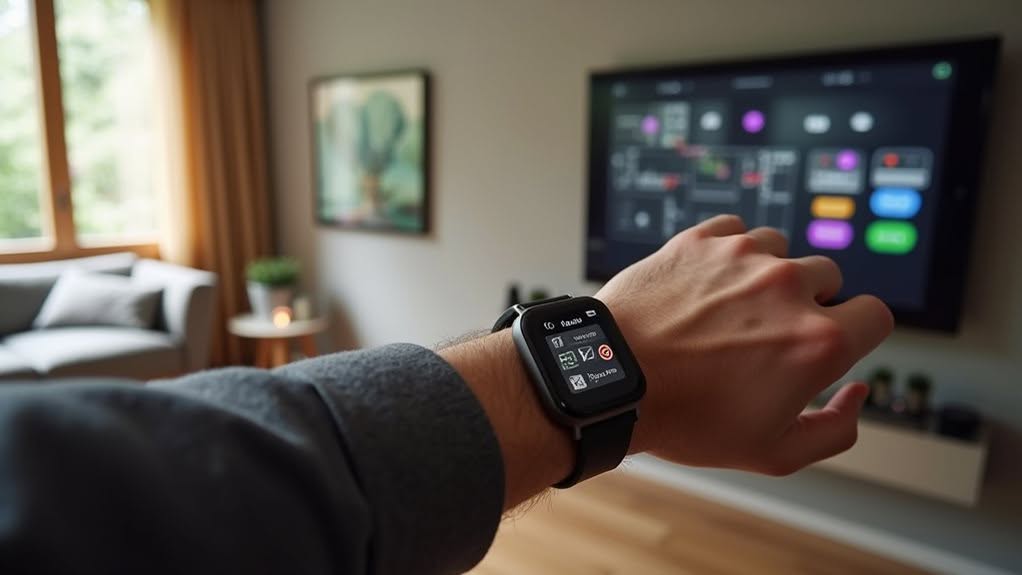
Your smart watch can serve as a powerful presence detection device when properly integrated with Home Assistant, enabling your smart home to respond intelligently to your location.
Both Apple Watch and Wear OS devices connect through the Private BLE Device Integration, creating reliable presence tracking.
You can improve accuracy by combining BLE tracking with GPS and network-based methods. This multi-layered approach compensates for BLE’s occasional signal fluctuations.
Home Assistant’s Proximity Integration lets you create sophisticated automations based on your watch’s location. These automations can trigger heating adjustments automatically when you approach or leave your home. Set up geofencing zones to trigger specific actions when you enter or leave designated areas.
For maximum effectiveness, create device groups that combine all your tracking devices. This strategy provides more consistent presence detection and helps your home respond precisely to your movements throughout different zones. Implementing Apple Watch tracking uses Resolvable Private Addresses to enhance privacy while enabling useful home automations.
Frequently Asked Questions
Can Apple Watch Users Access Home Assistant Without Additional Hardware?
Yes, you can access Home Assistant on your Apple Watch through the Companion app. You’ll see complications on your watch face and receive notifications, though some features require your iPhone to be nearby.
How Much Battery Life Impact Does Watch Integration Have?
Your watch’s battery impact varies: minimal with indirect integration via phone, moderate with optimized BLE beacons, and higher with companion apps running continuously. You’ll see best results by limiting update frequency and sensor polling.
Are Smartwatch Integrations Secure for Controlling Sensitive Home Devices?
Smartwatch integrations pose real security risks. You’ll need to use strong authentication, keep all components updated, and limit sensitive device control to mitigate vulnerabilities from IoT communication and custom integration weaknesses.
Can I Integrate Samsung Galaxy Watches With Home Assistant?
Yes, you can integrate your Samsung Galaxy Watch with Home Assistant using the Companion app. You’ll need an Android phone for initial setup, but afterward, your watch can work independently over WiFi or cellular.
Do Non-Gps Watches Work for Room-Level Presence Detection?
Non-GPS watches can work for room-level presence detection, but you’ll need BLE proxies in each room. Accuracy depends on signal interference, wall materials, and device privacy features. Expect approximate rather than precise positioning.
Final Thoughts
Your smart watch can be a powerful extension of your Home Assistant system. By implementing these five integration methods, you’ll transform your wearable into a control center for your smart home. The seamless connection between your watch and Home Assistant enables device control, health monitoring, alert management, and location-based automation. You don’t need extensive technical knowledge to get started—just your smart watch and willingness to explore these practical integration options.


