
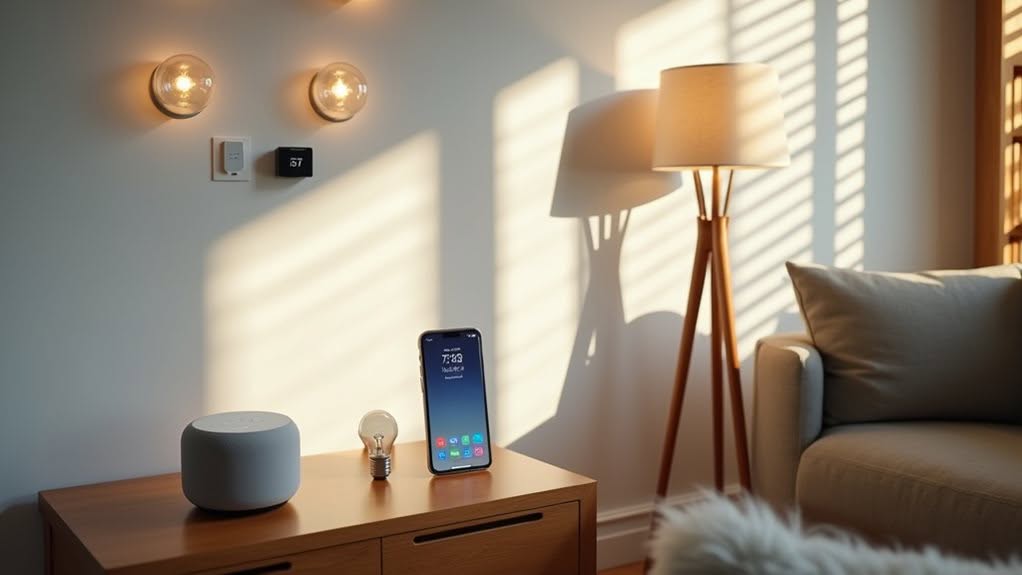
To build an effective HomeKit smart home, focus on these fundamentals: smart locks (Yale Assure or Kwikset Premis), connected lighting systems (Philips Hue or LIFX), environmental sensors (Eve Room), smart thermostats (ecobee), and water leak detectors. Add security cameras, motion sensors, and smart plugs to expand functionality. A HomePod or Apple TV serves as your hub for remote access and automations. These core devices create a foundation for more advanced home automation possibilities.
Smart Locks: Convenient Security at Your Fingertips
The integration of smart locks with Apple HomeKit has transformed how homeowners secure and access their properties.
These devices enable you to lock or gain access to doors using your iOS devices or simply asking Siri.
Popular options include the Yale Assure Lock 2 Plus, which supports Apple’s Home Key technology, and the Kwikset Premis with its secure touchscreen and scheduling features.
Most HomeKit locks offer auto-locking capabilities, activity monitoring, and virtual key sharing for guests.
You’ll need a home hub device like HomePod or Apple TV for remote access functionality.
Installation is straightforward, with models like Nuki Smart Lock 2.0 and Danalock designed to retrofit existing deadbolts without replacing hardware.
This preserves your original keys while adding smart features.
The VOCOlinc smart lock provides easy access with its LED-backlit panel that enhances visibility in dark conditions.
For enhanced security, consider models with fingerprint recognition that provide quick access without needing to remember codes or carry keys.
The Ava Deadbolt Plus is an excellent compact option with a customizable keypad and Home Key support for unlocking your door with just a tap of your iPhone or Apple Watch.
Creating a Connected Lighting System for Your Home
You’ll transform your home’s atmosphere with HomeKit’s ability to create distinct ambient lighting zones in different rooms, each controlled separately or together.
HomeKit enables you to set up and manage multiple light scenes like “Movie Night” or “Morning Routine” that activate with a single tap or voice command. You can easily control your Philips Hue bulbs through the Apple Home app for a seamless lighting experience. LIFX smart bulbs integrate directly with your system without requiring additional hubs, making installation straightforward while providing tunable lighting for various moods.
With motion sensors integrated into your HomeKit setup, you can program lights to automatically illuminate hallways, bathrooms, or entryways when someone enters, improving both convenience and safety.
Ambient Lighting Zones
Creating a connected lighting system begins with understanding ambient lighting zones, which form the foundation of a cohesive HomeKit automation experience.
Proper zone setup guarantees your lighting adapts seamlessly throughout your home, supporting both functionality and wellbeing.
HomeKit-compatible devices like Philips Hue, Nanoleaf, and Meross offer the color temperature control needed for effective ambient lighting zones.
To establish effective ambient lighting zones:
- Group lights logically by rooms first, then combine related rooms into zones
- Use descriptive naming conventions that work well with voice commands
- Install a HomeKit hub (HomePod, Apple TV, or iPad) to enable automations
- Set up Adaptive Lighting to automatically adjust color temperature throughout the day, supporting your natural circadian rhythms
Confirm your network provides reliable coverage for all connected lights to maintain consistent performance across zones. You can customize your lighting experience by creating automations that switch between Adaptive Lighting mode and specific colors based on your daily routines. The feature requires compatible smart bulbs that have received firmware updates from manufacturers like Philips Hue.
Light Scenes Management
Managing light scenes effectively transforms your HomeKit setup from a collection of smart devices into a cohesive, responsive lighting system.
You can create customized scenes in the Home app by selecting multiple accessories and setting their desired states. Name your scenes intuitively, like “Reading” or “Good Night,” for easy voice control through Siri.
Set up automation triggers to activate scenes automatically at specific times, locations, or when other accessories change state. For instance, your “Arrive Home” scene can trigger when you pull into the driveway.
Beyond basic on/off functions, your scenes can adjust brightness, color temperature, and RGB colors on compatible bulbs. These advanced adjustments are perfect for implementing encrypted data transmission that protects your smart home information from potential security breaches.
You’re not limited to lighting—scenes can integrate with other HomeKit accessories like blinds or speakers for a complete environment change. With iOS 18, you can enhance your scenes by adding multiple conditions to create more sophisticated automations that respond intelligently to your environment.
Motion-Triggered Illumination
Motion-triggered illumination represents one of the most practical applications of HomeKit technology, seamlessly combining convenience with energy efficiency. This setup requires HomeKit-compatible smart bulbs or switches, a certified motion sensor, and an Apple TV, HomePod, or iPad to serve as your hub.
To create an effective motion-triggered lighting system:
- Install motion sensors in strategic locations like entryways, hallways, and staircases.
- Add sensors to your Home app and assign them to appropriate rooms.
- Adjust sensitivity settings within manufacturer apps for customized detection.
- Create automations with specific conditions (time of day, light level).
For outdoor security, consider the Philips Hue Motion Sensor with its weather resistance and light-level detection. These sensors provide instant notifications when motion is detected, allowing you to take immediate action if necessary.
The Eve Motion sensor excels indoors with Thread support and versatile placement options. Setting the automation to trigger At Night ensures your lights will automatically adjust based on seasonal changes and your specific location.
Environmental Monitoring With Homekit Sensors
Environmental monitoring with HomeKit sensors transforms how you track and respond to your home’s conditions.
These devices measure vital factors like particulate matter (PM1, PM2.5, PM10), VOCs, CO2, and other pollutants that affect indoor air quality.
Models like Eve Room and Netatmo Smart Weather Station provide real-time data on your iPhone or Home app.
They feature E Ink displays and support Thread or Zigbee protocols for stable, efficient connectivity.
Temperature and humidity sensors utilize metal capacitors to deliver accurate readings within ±0.3°C and ±3% respectively.
Their compact, wireless design allows placement anywhere in your home.
You can create automations that trigger air purifiers or adjust HVAC systems when readings cross your set thresholds.
For extensive monitoring, HomeKit-compatible brands include Eve, Netatmo, Kaiterra, and QingPing, with HomeBridge enabling integration of additional devices.
Smart Thermostats for Energy Efficiency and Comfort
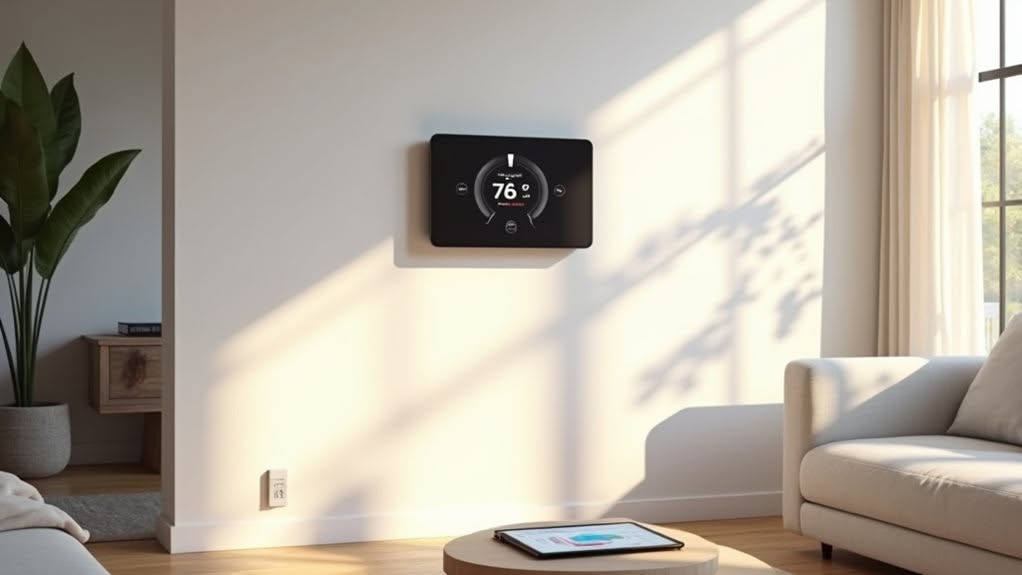
Smart thermostats offer you impressive climate scheduling options that learn your patterns and adjust temperatures automatically, saving up to 26% on heating and cooling costs.
You’ll enjoy the convenience of changing your home’s temperature using simple voice commands through Siri integration on devices like the ecobee Smart Thermostat Premium.
For larger homes, multi-zone heating solutions with room sensors guarantee balanced temperatures throughout different areas, eliminating uncomfortable hot and cold spots.
Climate Scheduling Optimization
While traditional thermostats maintain fixed temperatures throughout the day, modern smart thermostats revolutionize home climate control through intelligent scheduling that maximizes both comfort and efficiency.
These HomeKit-compatible devices analyze your occupancy patterns and automatically adjust heating and cooling when you’re away.
Smart thermostats optimize your home’s climate through:
- Machine learning algorithms that adapt to your schedule, potentially saving 10-25% on energy costs
- Real-time adjustments based on weather forecasts, indoor humidity, and room occupancy
- Remote control via smartphone apps for immediate temperature changes from anywhere
- Energy monitoring that provides detailed consumption reports to identify savings opportunities
ENERGY STAR-certified models deliver average annual savings of $50, with higher amounts possible in variable climates.
Voice-Controlled Temperature Adjustments
Voice commands transform how you interact with your home’s climate control system, offering convenience while maintaining energy efficiency. With HomeKit-compatible smart thermostats, you can adjust temperatures using Apple’s Siri, Amazon Alexa, or Google Assistant without touching a device.
These voice-activated thermostats typically reduce heating and cooling energy consumption by 8-23%, saving you approximately $50 annually on energy bills. Energy Star-certified models deliver the most consistent savings.
Voice control particularly benefits those with mobility limitations and enables immediate comfort adjustments without disrupting your automated schedule. You can request temperature changes during unexpected weather shifts or when your hands are occupied.
Smart thermostats also provide maintenance alerts through voice notifications, helping identify system inefficiencies before they become costly problems. This preventive approach extends your HVAC system’s lifespan while optimizing performance.
Multi-Zone Heating Solutions
Multi-zone heating solutions take temperature control to the next level, building upon voice commands with customized comfort for different areas of your home.
HomeKit-compatible options like ecobee SmartThermostat and Honeywell T9 integrate seamlessly with your Apple devices, offering convenient control through your iPhone or via Siri.
These smart systems divide your home into separate zones, each with independent temperature management that reduces energy waste and improves comfort.
- Save 10-23% annually on energy costs by heating only occupied rooms
- Control temperatures room-by-room through the Home app on iPhone or iPad
- Receive notifications about temperature changes and detailed energy reports
- Combine with smart sensors for more precise zone control and automation
Installation requirements vary based on your existing system, with central HVAC needing zone dampers while electric heating offers simpler setup options.
Water Leak Detection: Preventing Home Damage With Homekit
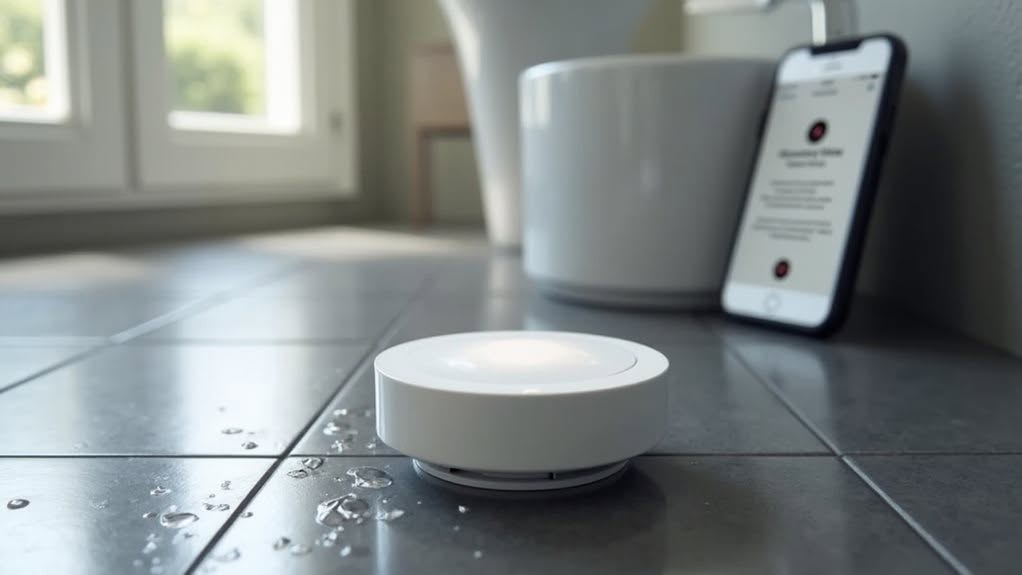
Water leaks pose one of the most common and costly threats to homeowners, with damage accounting for nearly 29% of U.S. home insurance claims.
HomeKit-compatible water sensors offer powerful protection through wireless connectivity and real-time alerts. When these compact devices detect moisture, they’ll immediately send notifications to your Apple devices and trigger an 85-decibel alarm at the location.
You can place them easily under sinks, behind toilets, or near appliances. The true power lies in automation capabilities. Your sensors can trigger smart routines that automatically shut off compatible water valves when leaks occur.
This integration works with various protocols including Zigbee and Z-Wave. For extensive protection, consider multi-sensor packages, which provide cost-effective coverage throughout your home while offering remote monitoring even when you’re away.
Voice-Controlled Smart Plugs and Outlets
Transforming ordinary appliances into smart devices is remarkably simple with HomeKit-compatible smart plugs and outlets.
These devices integrate seamlessly with Apple’s Home app and respond to Siri voice commands, allowing you to control lamps, fans, and other electronics hands-free.
Several quality options include Eve Energy with Thread support, Satechi’s dual-outlet design, and the budget-friendly Meross Matter Smart Plug Mini.
Many operate on local networks for improved privacy without requiring internet connectivity.
- Set up requires only scanning a QR code and pairing through the Home app
- Energy monitoring features help track electricity usage and potentially lower utility bills
- Voice commands work through Siri for convenient hands-free operation
- Thread and Matter protocols boost response time and cross-platform compatibility
A Home Hub device like Apple TV or HomePod is necessary for remote access when you’re away.
Gesture Controls and Smart Buttons for Enhanced Interaction
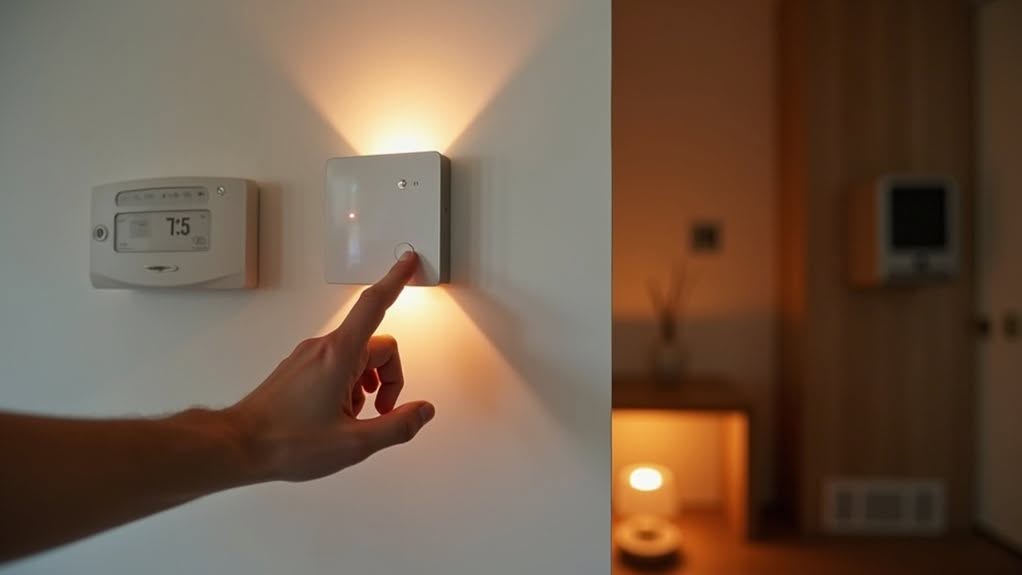
While voice commands offer convenient hands-free control, HomeKit’s ecosystem extends beyond spoken interaction with gesture controls and smart buttons.
Devices like the Nanoleaf Remote use infrared sensors to detect hand movements, translating specific gestures into HomeKit actions.
Smart buttons provide tactile control options, with popular choices including the Flic 2 and Eve Button.
These devices support multiple functions through different press patterns—single press, double press, or long press—to trigger scenes or control individual devices.
Both control methods integrate seamlessly with HomeKit automations, offering customizable feedback through LEDs or haptics.
They’re particularly valuable in kitchens or bathrooms where hands may be occupied, and they provide accessibility alternatives for those who can’t use voice controls.
Most smart buttons now support Thread connectivity, improving reliability while extending battery life.
Robotic Cleaning Devices: Automation for Daily Chores
Robotic cleaning devices have become an important component of the HomeKit ecosystem, as Apple finally accepts vacuum automation through the Matter standard. Several major brands now offer HomeKit compatibility, including Ecovacs, Roborock, SwitchBot, Eufy, and Dreame.
With iOS 18.4 and later, you can control these smart vacuums through the Home app or Siri commands, though advanced features still require manufacturer apps.
Four key benefits of HomeKit-compatible robot vacuums:
- Unified control of cleaning alongside other smart home devices
- Voice activation through Siri for hands-free operation
- Automation based on time of day or presence detection
- Integration with broader home automation scenes
While functionality is still evolving, Matter 1.2 standard guarantees secure, local device communication without cloud dependence.
Building a Comprehensive Home Security System
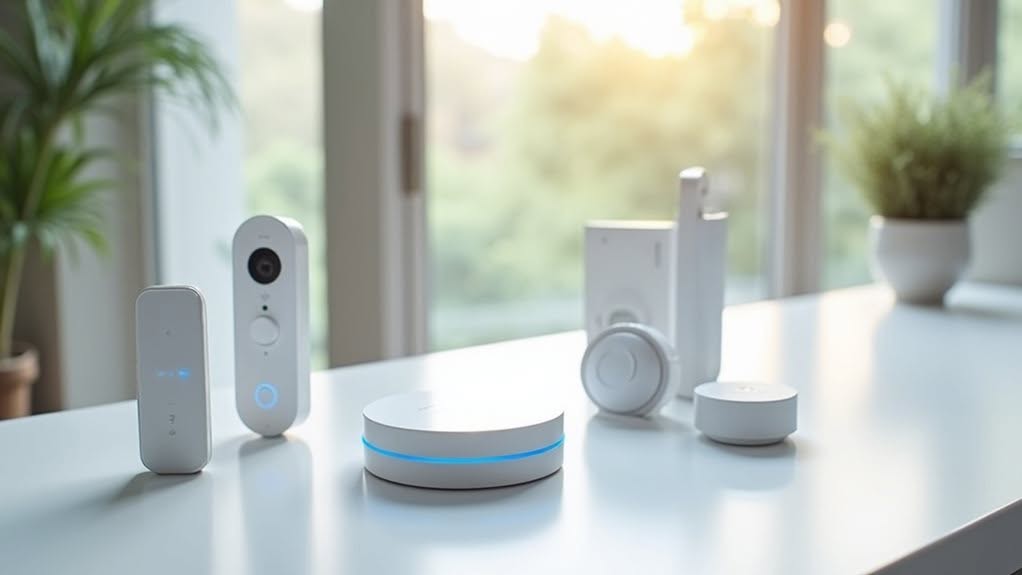
Home security represents another significant dimension of HomeKit automation that moves beyond convenience into personal safety. Creating an effective system requires several vital components working in harmony.
Start with security cameras like the Logitech Circle View or Eufy Indoor Cam C120, which provide visual monitoring through HomeKit Secure Video’s end-to-end encryption.
Add motion sensors and door/window sensors to detect potential intrusions. Smart locks offer remote access control, while alarms and sirens provide audible alerts to deter intruders.
For improved functionality, consider features such as facial recognition and activity zones. Privacy remains fundamental in any security setup.
Look for devices with local processing capabilities and regular software updates. Integration with other HomeKit devices allows for automated responses, such as turning on lights when motion is detected outside your home.
Integrating Multiple HomeKit Devices for Seamless Automation
When you connect multiple HomeKit devices, you’ll create a unified ecosystem where products from different manufacturers work together through Apple’s Home app.
You can establish cross-device triggers that allow one device’s status to initiate actions in others, such as motion sensors turning on lights or temperature changes adjusting your thermostat.
The Home app serves as your control center, providing a single interface for managing all connected devices, creating scenes, and setting up automations that respond to your daily routines.
Connected Device Ecosystems
Creating a fully integrated smart home ecosystem requires thoughtful planning and strategic device selection. When building your HomeKit environment, consider how devices will work together across protocols and platforms.
Your HomeKit ecosystem benefits from:
- Native compatibility – Choose “Works with HomeKit” certified devices for secure, local processing and seamless integration.
- Strategic connectivity – Utilize Wi-Fi for high-bandwidth devices, Thread for low-power needs, and consider Matter-certified products for cross-ecosystem flexibility.
- Centralized management – Organize devices into rooms and zones in the Home app for intuitive control and automation.
- Layered security – Maintain Apple’s end-to-end encryption standards by minimizing third-party bridges that may bypass security measures.
For mixed ecosystems, Matter protocol offers promising interoperability, allowing HomeKit, Alexa, and Google devices to communicate through a certified hub without compromising privacy.
Cross-Device Trigger Systems
Building powerful HomeKit automations requires understanding how multiple devices can interact through cross-device triggers. HomeKit supports complex local automations with if/then/else logic that run directly on your Apple TV or HomePod hub, guaranteeing reliability without cloud dependency.
You can create sophisticated workflows incorporating timing delays and condition checks. For example, you might set up an automation that waits 15 minutes after a window opens before sending an alert if it remains open.
Virtual switches serve as excellent coordination tools, allowing you to control multiple automations with a single toggle. This approach simplifies management of complex routines like vacation modes or party settings.
Note that HomeKit restricts automations to a single home environment. For cross-location control, consider integrating with Home Assistant to overcome these limitations while maintaining HomeKit’s intuitive interface.
Unified Control Center
HomeKit’s Unified Control Center stands as the cornerstone of Apple’s smart home ecosystem, allowing users to integrate and manage multiple devices through a single interface.
You’ll experience streamlined control of your entire smart home without juggling multiple apps from different manufacturers.
The Home app organizes your connected devices into intuitive categories for quick access and management:
- Centralized management – Control lights, thermostats, locks, and cameras from your iPhone, iPad, Apple Watch, or Mac
- Scene creation – Set up customized environments like “Good Morning” or “Movie Night” with a single tap
- Automation setup – Program devices to respond automatically to triggers like time, location, or sensor activation
- Real-time monitoring – Track device status and review a 30-day history of activity for security-related accessories
Frequently Asked Questions
Do Homekit Devices Work During Internet Outages?
Yes, HomeKit devices work during internet outages if you have an Apple hub (HomePod, Apple TV, iPad) on your network. Your smart home devices will maintain local control even when internet connectivity fails.
Can Homekit Devices Connect With Non-Apple Smart Home Ecosystems?
No, native HomeKit devices don’t directly connect with non-Apple ecosystems. You’ll need bridging solutions like Homebridge or Home Assistant to make your HomeKit devices work with Google Home, Alexa, or other smart home systems.
What Happens to Homekit Devices if I Switch From Iphone?
You’ll lose direct control through Apple Home unless you have another Apple device like iPad or HomePod. Your automations may stop working, and you’ll need bridges like Homebridge or Home Assistant to manage devices.
How Do I Share Homekit Access With Family Members?
Open the Home app, tap the home icon, go to “People,” then “Invite People.” Enter their Apple ID email, choose “Resident” for full access, and tap “Send Invite.” They’ll receive notification instantly.
Are Homekit Devices Secure Against Hacking Attempts?
HomeKit devices are relatively secure with Apple’s end-to-end encryption, but they’re not hack-proof. You’ll stay safer by using strong passwords, enabling two-factor authentication, and keeping your devices updated with security patches.
Final Thoughts
You’re now equipped with crucial HomeKit devices that can transform your home into a smart, efficient living space. These technologies work together to improve security, comfort, and convenience in your daily life. As you build your smart home ecosystem, you’ll appreciate how these interconnected devices save time, energy, and money while giving you greater control over your environment through Apple’s reliable HomeKit platform.


