
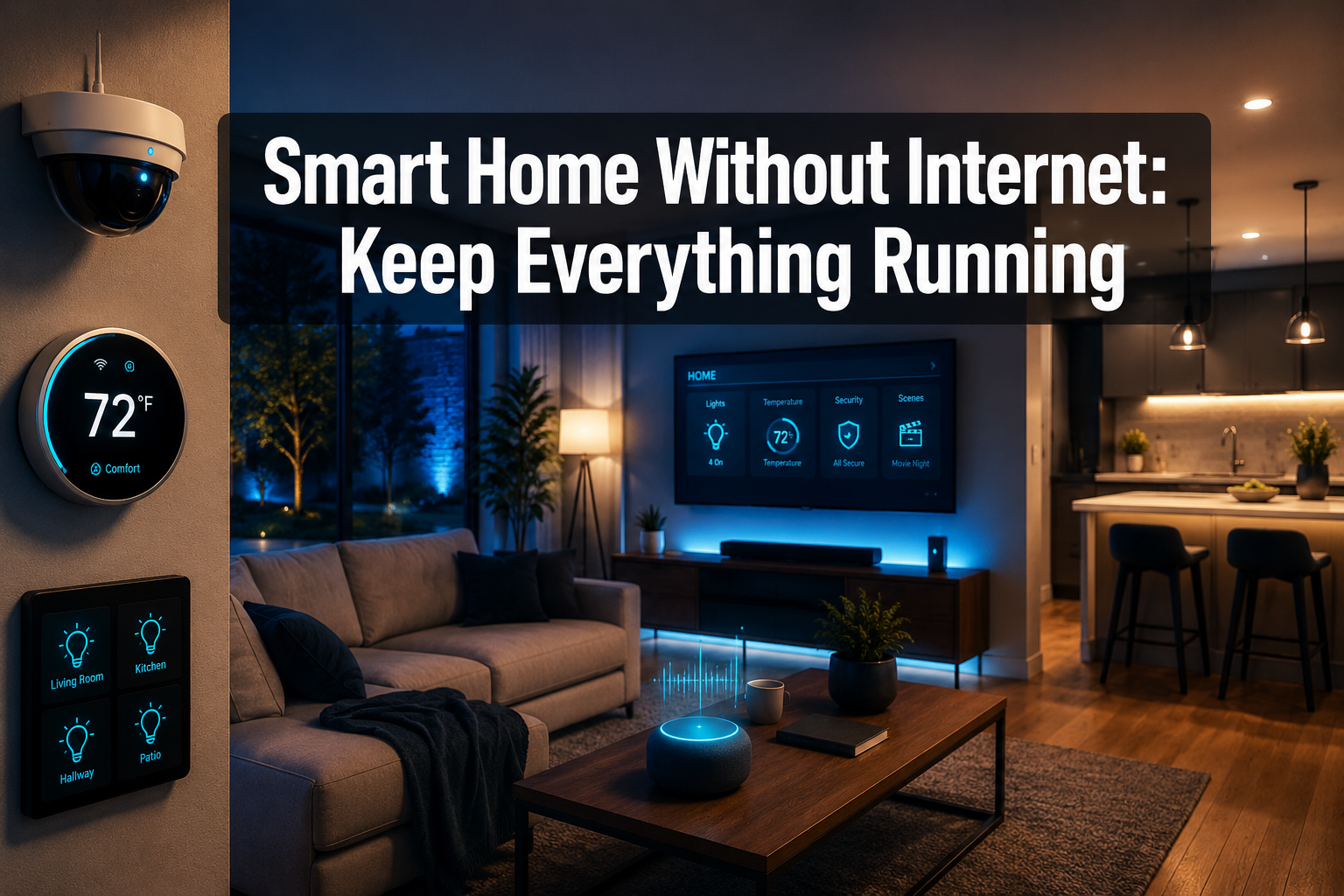
Your internet goes down — and suddenly your smart lights won’t respond, your thermostat is stuck, and your security cameras are offline. Sound familiar? A 2023 Ofcom report found that UK households experience an average of 1.5 broadband outages per month, each lasting up to 90 minutes. For a home that depends entirely on cloud connectivity, that’s a serious problem.
The good news? Running a smart home without internet is not only possible — it’s becoming the smarter choice. With the right setup, your automations keep running, your devices stay responsive, and your home stays secure, even when your broadband connection drops out entirely.
Key Takeaways
- Many smart home devices can operate locally without needing a cloud connection or active internet.
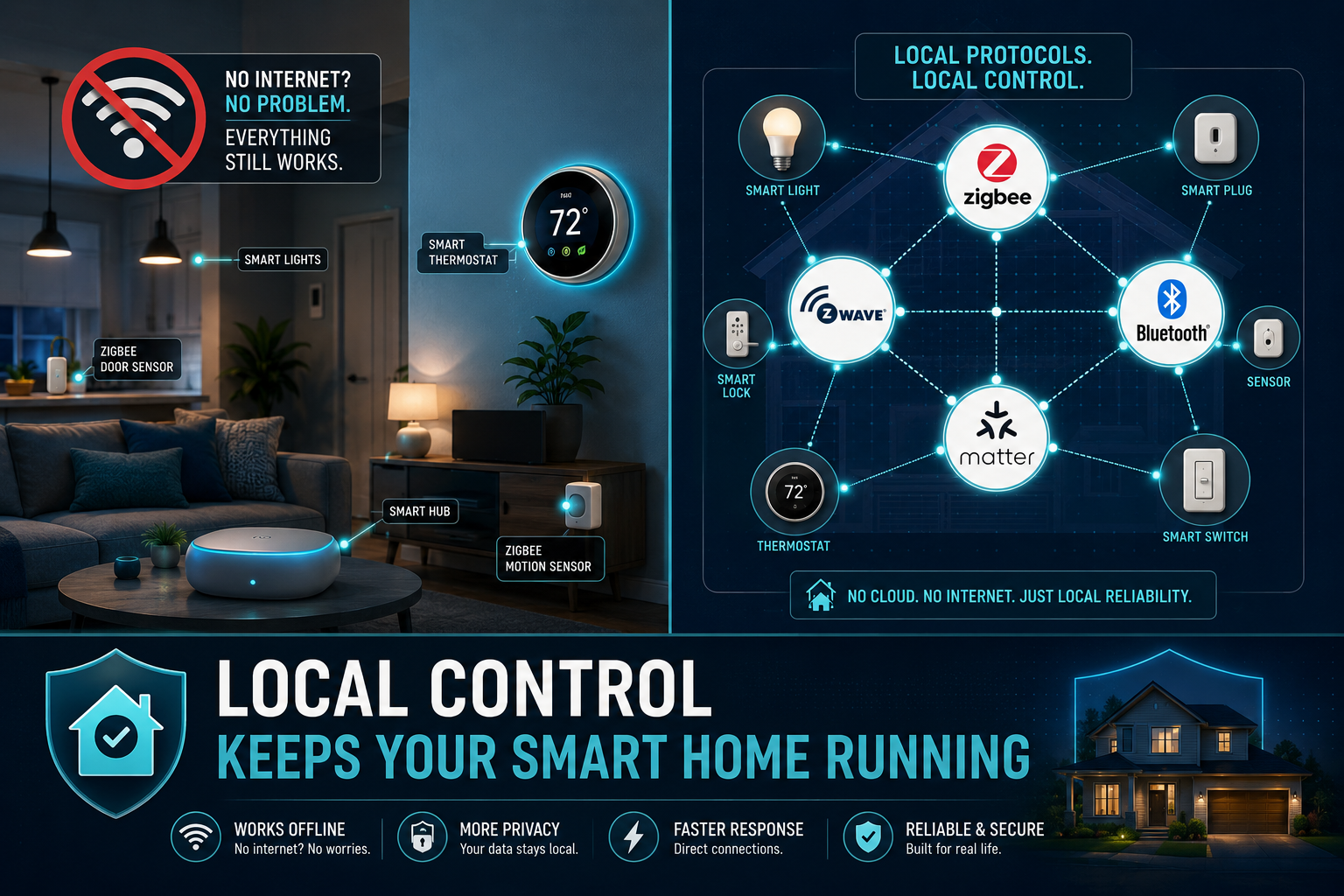
- Protocols like Zigbee, Z-Wave, Matter, and Bluetooth allow devices to communicate directly without Wi-Fi.
- A local smart home hub is the backbone of an internet-independent setup.
- Scheduling and automation routines stored locally continue to run during outages.
- Choosing the right devices and hub from the start makes offline resilience much easier to achieve.
Why Your Smart Home Loses Its Mind When the Internet Goes Down
Most entry-level smart home products — think budget smart plugs, Wi-Fi bulbs, and voice assistants — rely on cloud servers to process commands. When you tap a button in an app, that signal travels to a server, gets processed, and comes back to your device. No internet? No response.
This cloud dependency is the Achilles heel of many popular setups. It also raises privacy concerns that more homeowners are waking up to in 2026 — your usage data is constantly being sent to third-party servers.
The fix is to move intelligence into your home, not into the cloud.
How a Smart Home Without Internet Actually Works
A truly resilient smart home without internet uses local processing. Instead of sending commands to a remote server, your hub or controller handles everything on your home network — or even directly between devices.
Here’s the key difference:
| Setup Type | Requires Internet? | Speed | Privacy |
|---|---|---|---|
| Cloud-based (e.g. Wi-Fi bulbs) | ✅ Yes | Slower | Lower |
| Local hub (e.g. Home Assistant) | ❌ No | Faster | Higher |
| Direct device-to-device (Zigbee/Z-Wave) | ❌ No | Fastest | Highest |
When devices talk directly to each other — or through a local hub — response times are faster, reliability improves, and your smart home control stays in your hands, not a corporation’s server farm.
💡 Smart living made simple: Think of a local hub as the brain of your home. It doesn’t need to phone anyone — it just gets things done.
The Best Protocols for Local Smart Home Control
Choosing the right communication protocol is the foundation of any offline-capable setup. Here are the top options:
Zigbee
One of the most popular choices for local control. Zigbee devices create a mesh network — each device boosts the signal for others. No internet required. Works with hubs like Home Assistant, SmartThings, and Homey Pro.
Z-Wave
Similar to Zigbee but operates on a different radio frequency, which reduces interference. Excellent for smart home sensors, locks, and security devices.
Matter
The newest standard, backed by Apple, Google, Amazon, and Samsung. Matter devices are designed to work locally first, with cloud as an optional layer. Expect wider adoption throughout 2026.
Bluetooth
Ideal for short-range, direct device control — no hub needed. Works well for smart locks and lighting when you’re at home.
Choosing the Right Hub for Offline Automation
Your smart home hub is the command centre. Choose one that processes automations locally, not in the cloud.
Top picks for 2026:
- 🏠 Home Assistant — Open-source, highly customisable, and fully local. Runs on a Raspberry Pi or dedicated hardware. The gold standard for privacy-first automation.
- 🔵 Homey Pro — User-friendly, supports Zigbee, Z-Wave, Matter, and Bluetooth locally. Great for beginners who want offline resilience without deep technical knowledge.
- 🔶 SmartThings Hub — Works with Zigbee and Z-Wave locally, though some features still require Samsung’s cloud.
- 🍎 Apple HomeKit — Local control via a HomePod or Apple TV as a home hub. Reliable offline performance for HomeKit devices.
⚙️ Pro tip: Whichever hub you choose, check that automations are stored and executed locally — not just synced to a cloud server.
Which Devices Work Without Internet?
Not all smart devices are created equal. Here’s a quick guide to what typically works offline:
✅ Usually works without internet:
- Zigbee and Z-Wave smart lights and switches
- Local-hub-connected smart thermostats
- Smart locks with Bluetooth or Z-Wave
- Motion sensors and contact sensors on a local hub
- Smart plugs connected via Zigbee
⚠️ Partial functionality without internet:
- Smart cameras (local storage works; remote viewing doesn’t)
- Voice assistants (local commands limited; cloud features unavailable)
- SmartThings-connected devices (local automations run; app remote access may drop)
❌ Typically requires internet:
- Wi-Fi bulbs without a local hub
- Cloud-only devices (many budget brands)
- Remote access to any device from outside the home
Setting Up Automations That Run Locally
The real power of a smart home without internet comes from well-designed automations. When routines are stored locally on your hub, they execute on schedule — no cloud check-in needed.
Practical examples of local automations:
- Morning routine — Lights gradually brighten at 7am, heating adjusts to your wake-up temperature, all triggered by time-based rules on your hub.
- Motion-activated lighting — A smart sensor detects movement and triggers lights instantly, with zero cloud latency.
- Security alerts — Door and window sensors trigger a local alarm or smart siren without needing an internet connection.
- Energy management — Smart energy monitors track usage locally and trigger devices to switch off during peak hours.
These automations are tailored to your routine and run reliably whether your broadband is up or not. That’s smarter everyday living in action.
Smart Home Security Without Internet
Security is where offline resilience matters most. The last thing you want is for your smart home security to fail the moment your internet drops — which is exactly when a burglar might cut your line.
How to keep security running locally:
- Use Z-Wave or Zigbee door/window sensors connected to a local hub
- Choose smart cameras with local SD card or NAS storage — footage saves even without cloud access
- Install a local alarm panel that doesn’t depend on cloud processing
- Use smart locks with Bluetooth or Z-Wave so you can still lock and unlock without internet
- Set up local push notifications via apps like Home Assistant’s companion app on your home Wi-Fi
🔒 Safer home, smarter setup: A locally controlled security system doesn’t have a single point of failure in the cloud. It’s always on, always watching.
FAQ
Can I control my smart home without internet using voice commands? Partially. Most voice assistants like Alexa and Google Home rely on cloud processing, so full voice control requires internet. However, Apple’s Siri with HomeKit and some Home Assistant integrations support limited local voice commands.
Do Zigbee devices need Wi-Fi? No. Zigbee devices communicate directly with each other and with a Zigbee hub using their own radio frequency — completely separate from your Wi-Fi network. This makes them ideal for an internet-independent setup.
What happens to my smart home automations during an internet outage? If your automations are stored and processed on a local hub (like Home Assistant or Homey Pro), they will continue to run normally. Cloud-dependent automations will pause until connectivity is restored.
Is Matter the future of offline smart homes? Matter is a strong step in the right direction. It prioritises local control and interoperability between brands. As adoption grows through 2026 and beyond, it should make offline-capable setups much easier to build.
Can I still use my smartphone to control devices without internet? Yes — as long as your phone is connected to your home Wi-Fi network and your hub supports local API access. Apps like Home Assistant allow full local control via your home network, even without broadband.
Is a local smart home setup more expensive? The upfront cost can be slightly higher due to hub hardware, but you save on subscription fees and gain far better reliability and privacy. For most homeowners, it pays for itself quickly.
Conclusion
A smart home without internet isn’t a compromise — it’s an upgrade. By choosing local-first protocols like Zigbee, Z-Wave, or Matter, pairing them with a capable hub like Home Assistant or Homey Pro, and building automations that run entirely on your home network, you get a setup that’s faster, more private, and far more resilient.
Actionable next steps:
- ✅ Audit your current devices — identify which ones are cloud-dependent
- ✅ Choose a local hub that suits your technical comfort level
- ✅ Replace cloud-only devices with Zigbee, Z-Wave, or Matter alternatives
- ✅ Rebuild your key automations as local routines on your hub
- ✅ Test your setup by switching off your router — everything essential should still work
Control at your fingertips, hands-free convenience, and a safer home that never goes offline. That’s smart living made simple — and it starts with taking back local control.
🏠 Offline Readiness Checker
Answer 3 quick questions to see how well your smart home will cope without internet.


