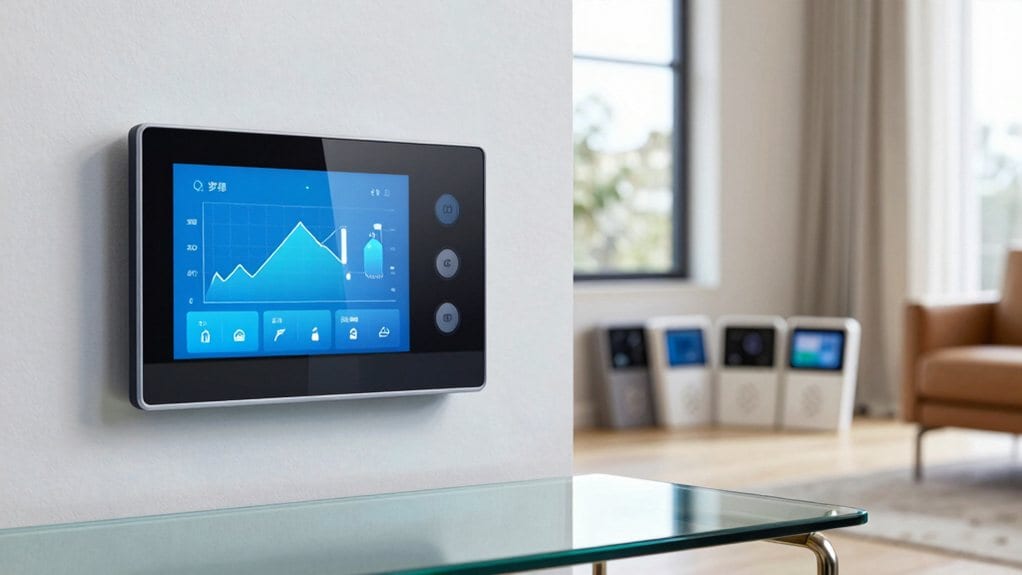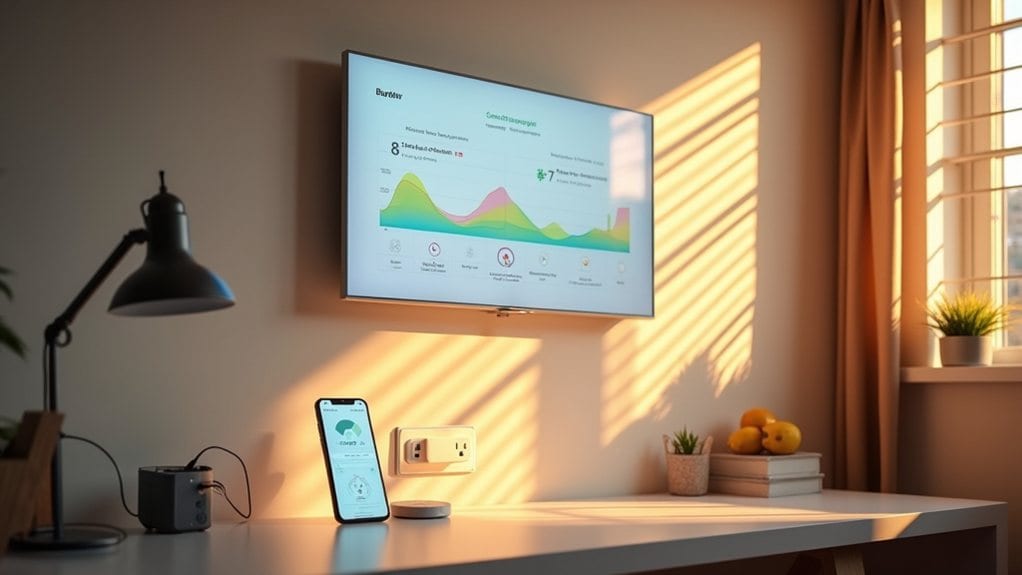
You’ll set up energy monitoring with Homey by connecting the Energy Dongle to your smart meter’s P1 port using the RJ12 connector, then create automated flows using “when…and…then…” logic to control devices based on energy thresholds, solar generation, and electricity prices. The system tracks your household’s consumption patterns, identifies phantom loads that waste 9-16% of electricity, and optimizes solar energy usage up to 91% efficiency. This thorough approach reveals advanced strategies for maximizing your energy savings.
Setting Up Your Homey Energy Dongle
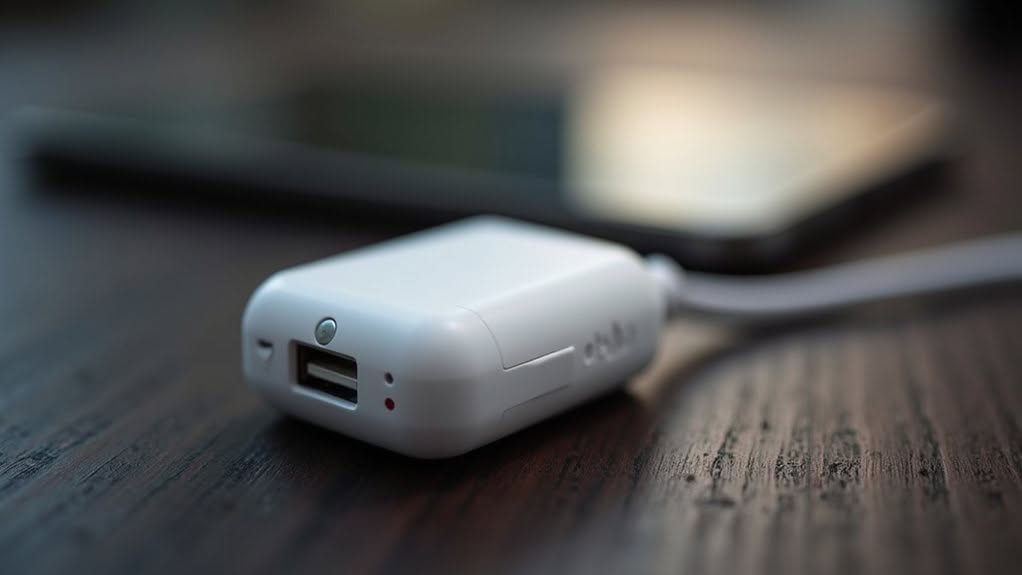
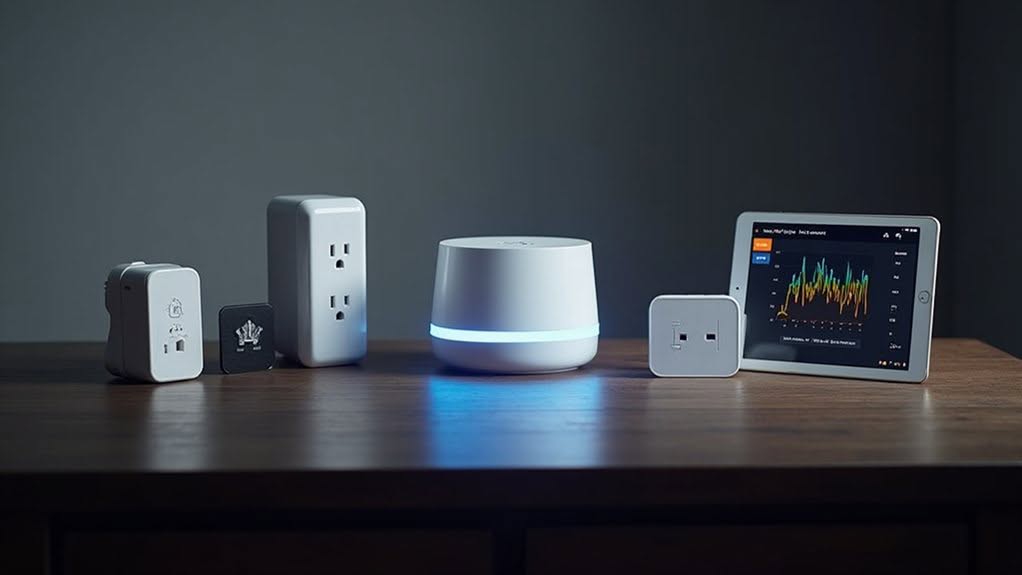
Setting up your Homey Energy Dongle requires specific hardware components and follows a straightforward installation process. The compact device measures 0.021 x 0.145 x 0.021 meters and weighs 19 grams.
You’ll connect the RJ12 connector directly into your smart meter’s P1 port first.
Check the LED indicator after connection—breathing blue signals pairing mode is active.
If the LED shows red or remains off, you’ll need to connect the USB-C cable to an external power source. The smart meter may not provide sufficient power for operation.
The device includes a thru connector that allows additional P1 devices to connect.
A USB-C port supports PC or Mac connections for firmware updates when needed. For advanced users seeking local control, the dongle supports ESPHome re-flashing to enable independent operation without the Homey ecosystem. These smart energy monitoring capabilities provide real-time insights into your household’s power consumption patterns. If the LED shows unexpected behavior, reset the device by inserting a pin into the pinhole next to the USB-C port for 30 seconds.
Remember to unplug the dongle from your meter before performing any firmware tasks.
Reading Your Home’s Energy Usage Patterns
When you begin monitoring your home’s energy usage patterns, you’ll discover that your household likely consumes around 877 kWh monthly, matching the typical American home’s electricity needs.
Your Homey system will reveal that air conditioning accounts for 19% of your electricity consumption, while space heating and water heating each represent 12%.
Appliances and electronics now comprise 31% of usage, doubling from previous decades.
You’ll notice distinct daily patterns, with peak usage occurring between 10 AM and 4 PM on weekdays.
Your consumption patterns depend heavily on home size, occupant count, and whether you work from home. The average household consumed 90 million Btu in 2009, continuing a 30-year downward trend despite homes being built larger. Understanding your individual energy consumption helps you benchmark against national averages tracked by energy surveys.
Regional factors also influence your readings.
If you live in the South with electric heating and cooling, you’ll see higher consumption than Northeast apartment dwellers who typically show the lowest annual usage.
Finding and Eliminating Energy Wasting Devices
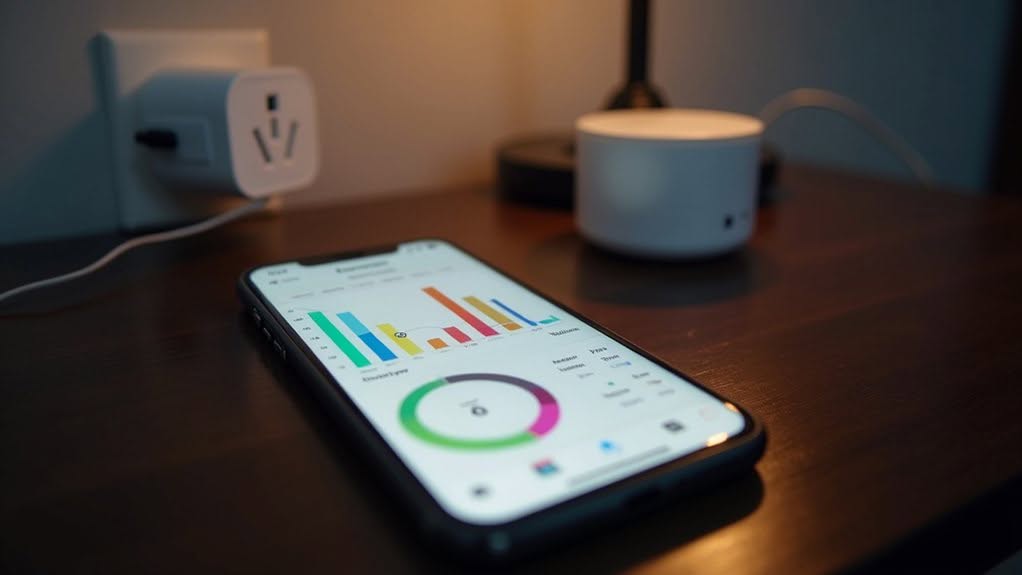
Why does your electricity bill remain high even when you’re consciously trying to reduce energy consumption? The culprit is often phantom power draw from devices that consume electricity even when not actively in use.
Energy vampire devices include TVs with continuous displays, game consoles in standby mode, and kitchen appliances with digital clocks. These devices draw power constantly while waiting for remote signals or maintaining internal timers.
You can identify these power drains using Kill-A-Watt meters, which cost approximately $30 and plug between devices and outlets. To calculate the annual impact, multiply the standby wattage by 24 hours and 365 days, then divide by 1,000 to determine annual kWh consumption.
Many libraries offer free borrowing of these meters for testing multiple appliances.
Eliminate phantom loads by using power strips with on/off switches or smart power strips that automatically disconnect peripheral devices when main equipment powers down. These vampire appliances can contribute 9–16% of your total household electricity bill, making their elimination a significant money-saving opportunity.
Creating Homey Energy Automation Rules
You can transform your energy monitoring data into actionable cost savings by creating automated rules that control when devices operate.
Homey’s flow system uses straightforward “when…and…then…” logic to build both simple schedules and complex multi-device scenarios that respond to real-time conditions.
These automation rules range from basic timer controls for smart plugs to advanced triggers that activate based on energy prices, solar generation levels, or occupancy detection. Pool pumps and irrigation systems benefit from automatic cutoff features that prevent manual oversight and enhance safety during unattended operation.
The system enforces 5-second delays between consecutive commands to maintain stability and prevent device conflicts during automated sequences.
Basic Flow Setup
How do you transform raw energy data from your Homey Energy Dongle into actionable automation rules that respond to your household’s consumption patterns?
The process begins by creating custom flows that trigger based on energy consumption spikes or threshold breaches detected by your smart meter.
Start by opening the Homey app and exploring the Flows section.
Select “Create New Flow” and choose your energy trigger conditions, such as electricity usage exceeding specific watt limits or gas consumption reaching predetermined levels.
Configure your flow’s actions to respond automatically when these thresholds activate.
You can set up real-time notifications that alert you when consumption patterns change unexpectedly. For enhanced automation accuracy, configure your system to monitor voltage, amperage, watts, and kWh measurements simultaneously from your energy meter. The system utilizes MQTT protocol to ensure reliable data transmission between your smart meter and Homey platform for seamless automation execution.
Daily energy reports generate automatically through proper flow configuration, providing consistent monitoring without manual intervention required.
Advanced Trigger Conditions
Advanced energy automation requires sophisticated trigger conditions that go beyond simple threshold monitoring to create truly responsive smart home systems. You’ll need to combine multiple conditions using AND logic to refine your triggers and guarantee actions execute only when all specified conditions are met.
Effective energy monitoring flows incorporate several key elements:
- Power thresholds with time delays – Set triggers like power >4800W, then verify the condition persists after 20 seconds before taking action
- Temperature and time combinations – Use conditions like “higher than 23°C AND after 9AM” to prevent unnecessary heating cycles
- Zone-based logic with presence detection – Combine occupancy sensors with energy thresholds to avoid shutting off heating in occupied rooms
These layered conditions prevent false triggers while maintaining energy efficiency and safety throughout your home automation system.
Optimizing Solar Panel and EV Charging Performance
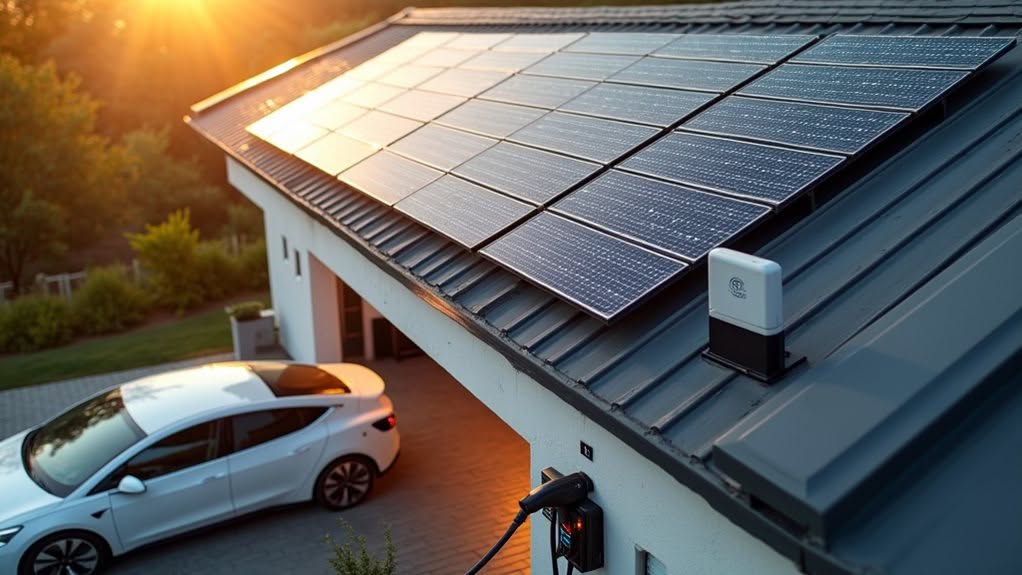
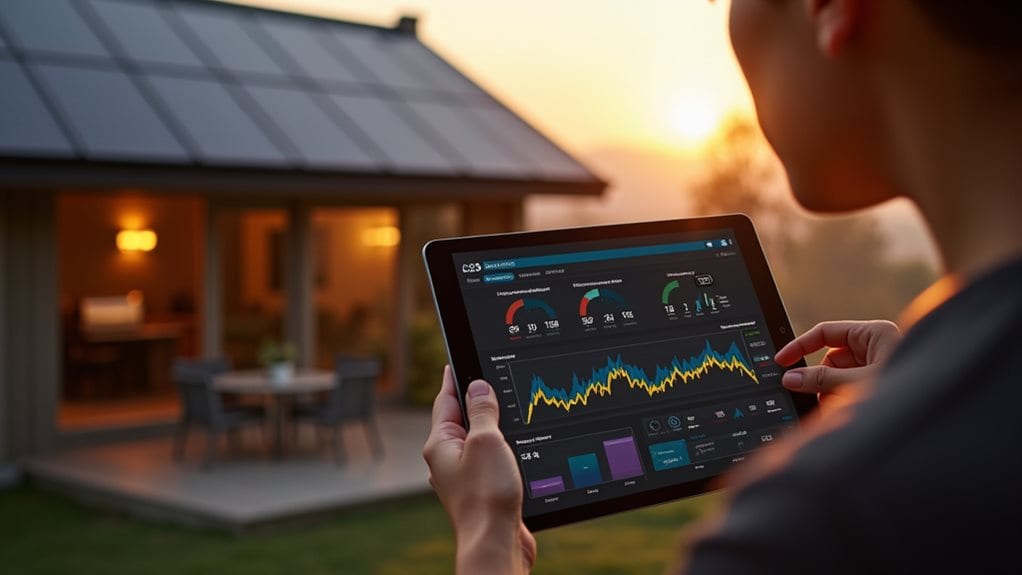
When solar panels generate excess energy during peak sunlight hours, intelligent automation can redirect this surplus power to charge your EV or activate energy-intensive appliances like heat pumps and boilers.
Homey Energy automatically aligns EV charging schedules with solar generation, maximizing your renewable energy utilization while reducing grid dependency.
The system integrates compatible inverters including EnPhase, Growatt, SolarEdge, SMA, and Huawei to monitor power output, battery levels, and daily energy yield.
Real-time data from 3-phase meters like Eastron enables precise solar generation tracking and creates automated triggers based on current production levels.
Advanced users achieve up to 91% solar energy utilization through strategic automation.
Weather predictions help estimate battery charging capacity, while dynamic tariff integration optimizes cost-effective energy storage and discharge timing for maximum efficiency.
Troubleshooting Common Homey Energy Issues
Despite Homey Energy‘s powerful automation capabilities, users frequently encounter calculation errors, connectivity issues, and device compatibility problems that can disrupt their energy monitoring systems.
Energy calculation problems plague many installations. Pulse reports export negative consumption incorrectly in Homey Energy overview, while solar inverters display individual production accurately but combine erroneously as consumption.
Recent Homey updates altered the energy model, breaking previously accurate summaries.
Common connectivity issues include:
- Energy dongles going offline after initial setup, requiring complete Homey unplugging and dongle reconfiguration
- Inverter WiFi disconnections causing inflated daily production totals through duplicate readings
- Smart meters like Aidon 7410P failing plug-and-play despite open HAN ports
You’ll recognize dongle problems through LED indicators. Solid red means insufficient power, while breathing red shows setup without WiFi connection.
Rate limiting delays can extend up to twelve hours despite official two-hour estimates.
Frequently Asked Questions
Can Homey Energy Work With Older DSMR 4.X Smart Meters?
Yes, you can use Homey Energy with DSMR 4.x meters, but you’ll need external USB-C power since these older meters only provide 5V at 100mA, which isn’t sufficient to power the dongle.
Does the Energy Dongle Require a Separate Subscription or Monthly Fee?
No, you don’t need a subscription for basic energy monitoring. However, you’ll need a €2.99/month premium subscription to access advanced energy flows, detailed dashboards, and thorough insights on your Homey system.
How Much Wi-Fi Bandwidth Does the Energy Dongle Consume During Operation?
The energy dongle consumes minimal Wi-Fi bandwidth during operation. You’ll find it has low hardware demands since it only transmits small data packets every 1-10 seconds, making it equivalent to other basic IoT devices.
Can Multiple Energy Dongles Be Used in Homes With Separate Meters?
Yes, you can use multiple energy dongles in homes with separate meters. Homey Energy’s architecture supports simultaneous connections of various meter types through different protocols, letting you monitor multiple metering systems independently within one household.
Is the Energy Dongle Compatible With Non-European Smart Meter Standards?
No, you can’t use the Homey Energy Dongle with non-European smart meters. It’s designed exclusively for European P1 ports and doesn’t support North American, Australian, or Asian meter standards.
Final Thoughts
You’ve now mastered Homey’s energy monitoring capabilities through proper setup, usage analysis, and automation creation. These tools help you identify wasteful devices, optimize renewable energy systems, and reduce monthly utility costs markedly.
Regular monitoring and rule adjustments guarantee maximum efficiency over time. When issues arise, systematic troubleshooting resolves most common problems quickly.
Your smart home energy management system will continue providing valuable insights and savings for years ahead.