
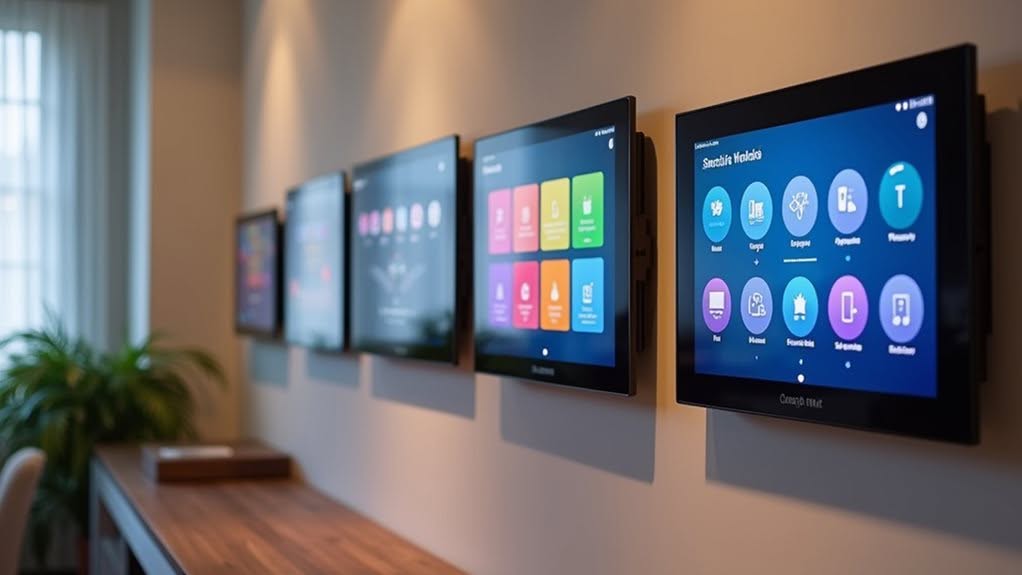
Home Assistant offers several excellent control panel options for your smart home setup. The entry-level Green provides local control with a quad-core processor, while Yellow adds advanced Zigbee and Thread integration. Seeed Reterminal E-Paper displays offer exceptional battery life for monitoring. The plug-and-play Sky dongle supports both Zigbee and Thread protocols. DIY enthusiasts can customize Raspberry Pi installations for maximum flexibility. Each option balances different needs for complete smart home management without cloud dependence.
Home Assistant Green: Entry-Level Local Control Hub
When you’re looking for a streamlined entry point into local smart home control, the Home Assistant Green offers impressive capabilities in a compact package.
This fanless device runs on a 1.8 GHz quad-core ARM processor with 4GB of RAM, guaranteeing responsive performance for your automation needs.
You’ll appreciate the energy efficiency, as it consumes just 3 watts under load and 1.7 watts when idle.
The polycarbonate enclosure houses a large aluminum heatsink that eliminates the need for noisy cooling fans.
The pre-installed Home Assistant OS works right out of the box, with no cloud connection required. Regular backups are essential for quick recovery from issues without rebuilding your smart home configuration.
Two USB 2.0 ports allow you to add Z-Wave and Zigbee adapters, while the Gigabit Ethernet port provides reliable connectivity for your smart home ecosystem. The included universal power supply provides 12 V DC and 1 A of power to keep your device running smoothly at all times.
This versatile hub helps unlock your home’s potential by centralizing control of all your smart devices in one user-friendly interface.
Home Assistant Yellow: Advanced Zigbee & Thread Integration
Unlike its entry-level counterpart, Home Assistant Yellow takes smart home integration to new heights with its sophisticated wireless capabilities.
With built-in Zigbee 3.0 and OpenThread radio support, you’ll connect directly to compatible devices without extra dongles.
The device features a powerful 2.4 GHz radio with up to +20 dBm transmit power, guaranteeing reliable communication with your smart home ecosystem. Some users report range limitations issues with the built-in Zigbee radio, particularly for devices positioned farther from the hub.
For storage expansion, it includes an M.2 socket supporting various NVMe SSD sizes.
You can manage thousands of Zigbee devices through the mature ZHA integration, while Thread support continues to evolve. While Thread functionality requires a border router configuration, this can be achieved through your existing Nest Hub or other compatible devices without disrupting your current setup.
The modular design appeals to advanced users and tinkerers.
Be aware that using Thread may require disabling Zigbee functionality, which could complicate setups if you’ve already established a Zigbee network in your home.
Seeed Reterminal E-Paper Displays: Energy-Efficient Monitoring
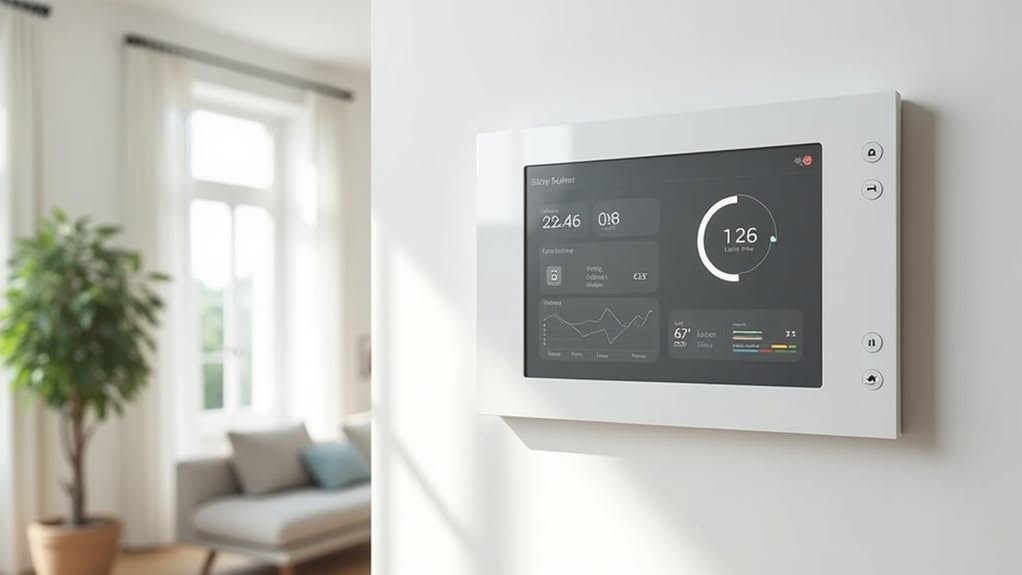
Smart home enthusiasts seeking power-efficient display solutions will find Seeed’s reTerminal E-paper displays particularly compelling. Available in two models, the E1001 (7.5-inch monochrome) and E1002 (7.3-inch 6-color), these displays are powered by ESP32-S3 microcontrollers with built-in WiFi and Bluetooth LE.
What sets these displays apart is their impressive battery life—up to three months on a single charge of the 2,000 mAh battery. This efficiency comes from ePaper technology that only consumes power during screen refreshes. The displays are designed with ultra-low power consumption specifically for extended battery performance in information display applications.
You’ll appreciate the compatibility with Home Assistant and the SenseCraft HMI platform, which enables no-code UI creation. The expansion interfaces include an 8-pin GPIO header, microphone, and buttons. These compact devices measure just 176 x 120 x 53mm with the stand attached, making them ideal for various mounting locations.
Mount these versatile displays on your wall or desktop to monitor temperature, humidity, and smart home status with minimal power consumption.
Home Assistant Sky: Plug-and-Play Appliance for Seamless Setup
While ePaper displays offer energy-efficient monitoring solutions, the Home Assistant SkyConnect (also known as Connect ZBT-1) provides a powerful connectivity foundation for your smart home.
This compact USB device leverages Silicon Labs EFR32MG21 technology to simultaneously support both Zigbee 3.0 and Thread protocols.
You’ll appreciate the true plug-and-play experience, as Home Assistant automatically detects the SkyConnect without additional configuration. With its USB 2.0 compatibility, this device ensures reliable connectivity for all your smart home integration needs.
The included USB extension cable helps minimize interference issues common with 2.4 GHz signals. Using the extension cable is highly recommended as USB 3.0 ports can cause significant interference and connectivity problems.
With transmit power up to +20 dBm, the SkyConnect guarantees reliable communication throughout your home.
The device receives regular over-the-air firmware updates through Nabu Casa services, making it future-proof as smart home standards evolve.
The SkyConnect’s multi-protocol capabilities will become increasingly valuable as Matter-compatible devices enter the market, reducing your need for multiple proprietary hubs.
DIY Options: Customizing Raspberry Pi & Virtual Machine Installations
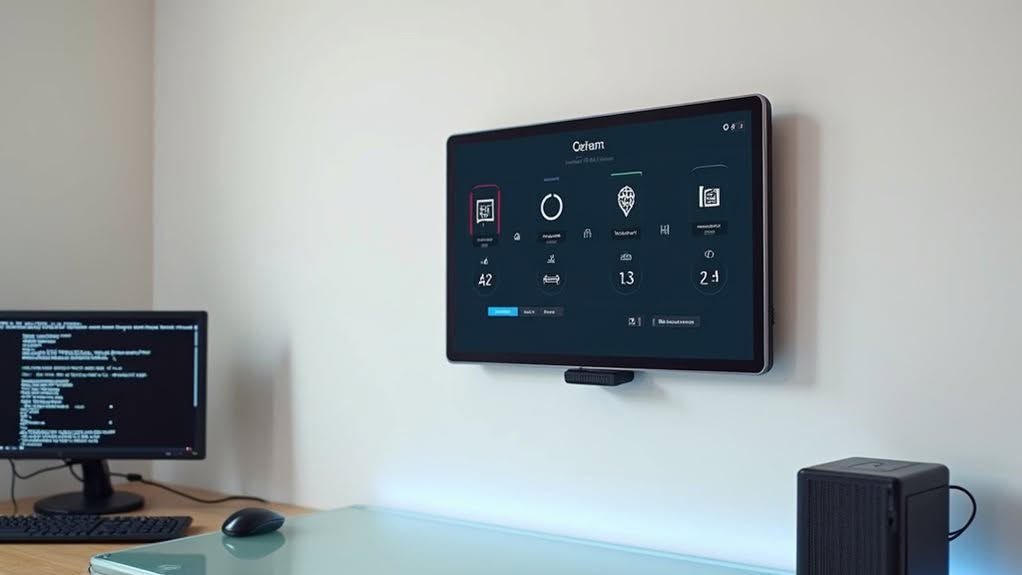
For homeowners who prefer a hands-on approach to their smart home setup, Home Assistant offers robust DIY installation options through both Raspberry Pi and virtual machine configurations.
You’ll need a Raspberry Pi (models 3, 4, or 5), a minimum 32GB micro SD card, and the Raspberry Pi Imager to flash Home Assistant OS. After connecting your Pi to power and ethernet, you’re ready to customize your system. The installation process requires an internet connection during initial setup to download necessary components.
Virtual machine installations provide an alternative using VirtualBox or VMware, allowing for easier backups and snapshots. Confirm you allocate sufficient resources to maintain performance.
Using a Raspberry Pi with Home Assistant provides enhanced privacy benefits compared to cloud-based smart home systems.
DIY installations deliver cost-effective, flexible solutions compared to commercial options. The open-source nature of Home Assistant, backed by an active community, provides extensive support for troubleshooting and customization while offering valuable learning experiences.
Frequently Asked Questions
Can I Use Voice Control With Home Assistant Wall Panels?
Yes, you can use voice control with Home Assistant wall panels. Many support the built-in Home Assistant Voice Assistant that processes commands locally, guaranteeing privacy while letting you control your smart home devices.
How Do Home Assistant Panels Work During Power Outages?
During power outages, your Home Assistant panels won’t function unless connected to a UPS. You’ll need backup power solutions and proper automation to maintain control and guarantee accurate device states when power returns.
Do Control Panels Require Professional Installation or Electrical Wiring?
No, you don’t need professional installation for most Home Assistant panels. They typically use PoE or DC power supplies with minimal wiring. DIY setup is common, though complex wall-mounting might benefit from professional help.
Can These Panels Control Non-Smart Legacy Appliances?
Yes, you can control legacy appliances through your panels by adding IR blasters, X10 controllers, or MQTT adapters that serve as bridges between your modern interface and older devices lacking smart capabilities.
Are Monthly Subscriptions Required for Any Control Panel Features?
No, you don’t need monthly subscriptions for basic control panel features in Home Assistant. Some advanced features like remote access or Google Assistant integration may offer optional subscriptions, but core functionality remains free.
Final Thoughts
You’ve now explored five excellent options for controlling your Home Assistant smart home system. Whether you’re just starting with the Green model, need advanced connectivity with Yellow, prefer energy efficiency with e-paper displays, want simplicity with Sky, or enjoy the customization of DIY setups, there’s a solution for your needs. Consider your technical comfort level and specific requirements when selecting the right control panel for your smart home ecosystem.


