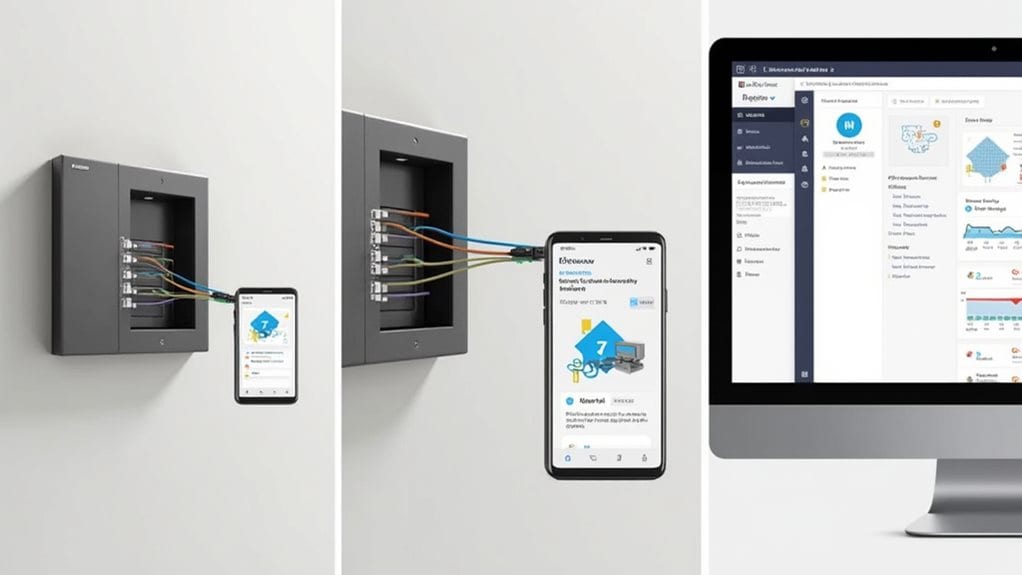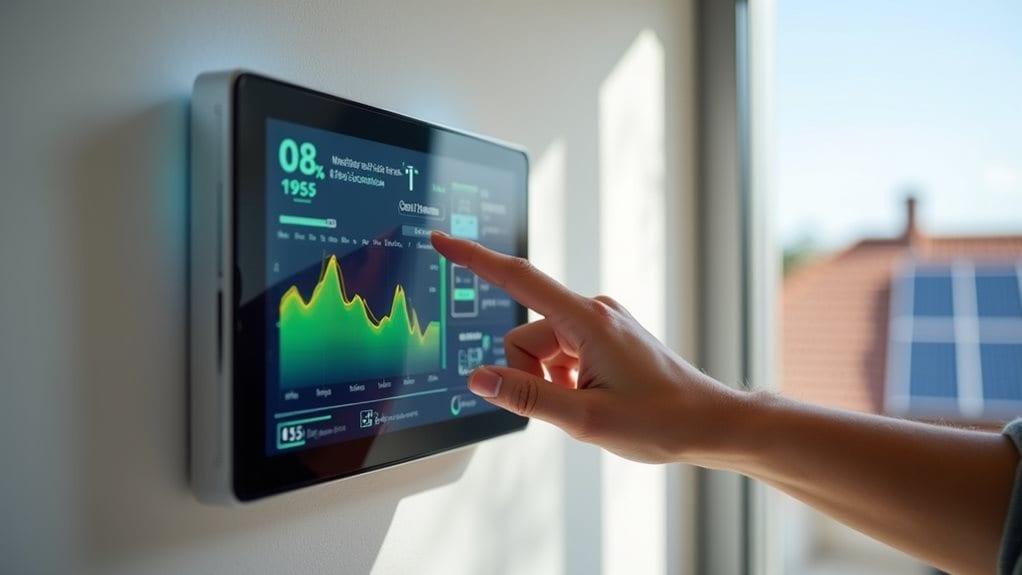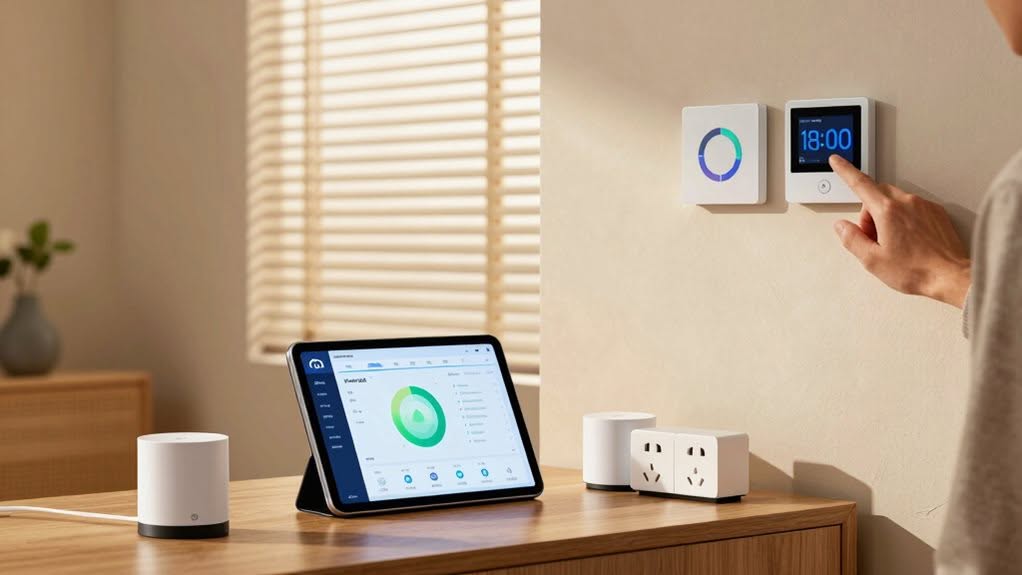
Home Assistant offers extensive tools for smart energy management. You can monitor electricity usage with various hardware options, visualize consumption patterns through custom dashboards, and implement automations that reduce costs. The platform enables peak-shaving, optimizes solar production with battery storage, and supports advanced scheduling of appliances based on electricity rates. By integrating forecasting and applying linear programming techniques, you’ll maximize self-consumption while minimizing expenses. The following guide explores these capabilities in greater detail.
Setting up Energy Monitoring With Home Assistant
When you’re ready to track your home’s energy usage, Home Assistant provides a powerful platform for thorough monitoring.
You’ll need to choose appropriate hardware based on your specific needs and budget.
ESP32-based DIY meters offer a customizable, low-cost solution when programmed with ESPHome firmware. Commercial smart plugs provide convenient device-level consumption tracking, while whole-home monitors like Emporia Vue 2 deliver circuit-level insights. The dashboard visualizes individual device consumption for better analysis of energy patterns throughout your home. These solutions help you identify high energy-consuming appliances and unnoticed energy draws throughout your home.
In Home Assistant, configure your devices using proper sensor entities with correct device classes and measurement units. The built-in Energy Dashboard allows you to define electricity meters, set up tariff periods, and track costs effectively.
For more granular monitoring, utility meter sensors can segregate consumption by time periods, while device-level tracking helps identify specific energy usage patterns throughout your home. Installing a comprehensive smart home system can transform your living space while optimizing energy efficiency.
Visualizing and Analyzing Your Home’s Energy Usage
Visibility transforms raw energy data into actionable insights through Home Assistant’s powerful visualization tools.
Real-time dashboards display live power usage in kilowatts for both your entire home and individual devices, helping you immediately identify energy hogs.
Custom cards like Sankey Diagrams clearly show energy flows between sources—grid imports, solar production, battery storage, and household consumption. You can analyze these relationships across different time periods. The diagram displays power flow from left to right, with energy sources like batteries and solar on the left side and consumption devices on the right for intuitive understanding.
With time-based analysis features, you’ll track consumption patterns by day, week, month, or year. The dashboard allows you to view data over different timeframes including daily, weekly, monthly, and yearly views. Hover over graphs to see exact usage values for specific devices or timeframes.
Device-level breakdowns rank your appliances by energy consumption, allowing you to prioritize optimization efforts. This granular view helps you make informed decisions about when to run high-demand devices or charge batteries.
Creating Smart Automations for Energy Cost Savings
Peak-shaving automations can drastically reduce your electricity bills by automatically shifting power-hungry tasks away from expensive peak periods.
You’ll benefit from battery-grid tariff arbitrage, where your Home Assistant system charges batteries when electricity costs are low and discharges them during high-rate periods.
These smart energy strategies work in the background to maximize savings while maintaining your comfort, requiring minimal intervention once properly configured. Setting up dimming lights during peak energy hours can further enhance your energy savings while reducing strain on the power grid.
Utilizing non-invasive CT sensors allows you to monitor specific appliance energy consumption without complex electrical work, providing the detailed data needed for creating effective energy management automations.
Peak-Shaving Automations
Although energy costs continue to rise, implementing peak-shaving automations in Home Assistant can considerably reduce your electricity bills.
These automations monitor your power consumption and take action when usage exceeds predefined thresholds.
Setting up effective peak-shaving requires configuring utility meters to track peak and off-peak consumption separately, allowing you to optimize energy usage during lower-cost periods.
- Configure automations to force battery discharge when imported power exceeds your threshold (e.g., 4 kW)
- Create device priority lists that automatically turn off non-essential appliances during peak usage
- Implement hysteresis in your automations to prevent rapid cycling of devices and maintain system stability
- Schedule device operations to avoid peak tariff periods, such as water heating or EV charging
For maximum system reliability, it’s important to maintain a minimum state of charge in your battery to ensure power availability during outages while still supporting peak-shaving operations.
These strategies help you maintain control over energy costs while maximizing the benefits of your smart home system. The integration’s ability to handle different tariff structures makes it particularly valuable for households with variable electricity pricing throughout the day.
Battery-Grid Tariff Arbitrage
Battery-Grid Tariff Arbitrage represents one of the smartest ways you can leverage Home Assistant to reduce energy costs.
This strategy works by charging your home batteries when electricity prices are low and using that stored energy when prices peak.
To implement this, you’ll need to set up a Time-of-Use (TOU) tariff with your utility provider. Your Home Assistant system can then automate the charging process during off-peak hours and discharge during high-cost periods.
Modern Battery Energy Storage Systems integrate seamlessly with Home Assistant, allowing you to create customized automation rules based on price forecasts.
These systems monitor electricity rates in real-time and optimize your battery‘s charge-discharge cycles accordingly. The implementation of smart meters enables more precise Time of Use billing and improves the effectiveness of your energy arbitrage strategy.
The financial benefits depend on the price spread between peak and off-peak periods, as well as your battery’s round-trip efficiency. Most quality battery systems include basic energy management functionality that can be enhanced when integrated with Home Assistant.
Maximizing Solar Production and Battery Storage
To maximize your solar energy investment, you’ll need effective strategies for using the power you generate while it’s available.
You can configure Home Assistant to intelligently direct excess solar production to battery storage during peak generation hours, creating reserves for evening use when panels aren’t producing.
With solar forecasting integration, your system can automatically adjust battery charging targets based on predicted generation, guaranteeing optimal self-consumption while maintaining sufficient reserves for nighttime needs.
Solar Self-Consumption Strategies
When your solar panels generate more electricity than your home consumes, that excess energy often goes back to the grid with minimal financial benefit. Maximizing self-consumption keeps this valuable energy working for you instead.
Home Assistant allows you to monitor real-time solar production through direct connections with WiFi-enabled inverters. Proper sensor configuration distinguishes between production, grid import, and export for accurate self-consumption tracking.
- Set up automations that activate heat pumps or water heaters when solar production exceeds your defined threshold.
- Schedule deferrable loads like EV charging or pool pumps to coincide with peak solar hours.
- Use forecast integrations like forecast.solar to predict production and plan energy usage accordingly.
- Implement threshold-based triggers that start devices when solar power reaches specific kWp levels.
These strategies help you consume what you produce while reducing reliance on grid electricity.
Battery Scheduling Tactics
Effective battery scheduling forms the backbone of any advanced home energy management system. Your Home Assistant setup can optimize battery usage through time-based strategies that align with utility rate patterns.
Set your system to charge batteries during early morning hours when electricity rates are lowest, typically before peak periods begin. Program discharge windows for late afternoon and evening peaks to reduce grid consumption and associated charges.
Incorporate solar forecasts and load predictions to dynamically adjust charging patterns. Implementing a “pessimism factor” helps balance between likely and conservative solar production scenarios, preventing charge shortfalls.
For homes with EVs, configure your system to prioritize vehicle charging when connected, then revert to optimized home energy management afterward. This coordination between battery, solar inverter, and EV charger maximizes efficiency while minimizing costs.
Integrating Smart Devices for Whole-Home Energy Control
Creating an extensive energy management system requires connecting multiple smart devices to monitor and control power usage throughout your home.
Home Assistant provides a flexible platform where you can incorporate various energy data sources into a thorough management system.
You can configure individual devices with power sensors to track their specific consumption in the Energy dashboard. This provides detailed insights into which appliances consume the most electricity.
- Use smart plugs with energy monitoring firmware like Tasmota to track multiple devices
- Configure power sensors with Riemann sum integration to convert readings to kWh
- Implement hierarchical device grouping to avoid double-counting linked devices
- Combine grid data, solar output, and battery status for complete energy visualization
This integration enables you to identify consumption patterns and optimize your home’s energy efficiency.
Advanced Optimization With EMHASS and Linear Programming
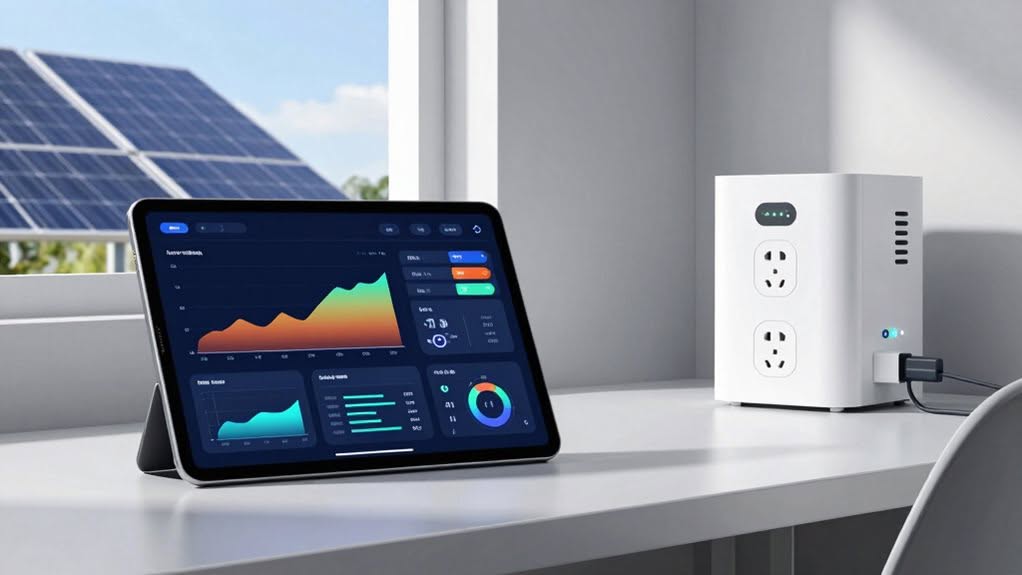
Home Assistant’s basic energy monitoring capabilities can be considerably improved with EMHASS (Energy Management for Home Assistant), a sophisticated Python-based enhancement module.
This powerful tool uses Linear Programming to create ideal schedules for your household devices based on electricity prices, solar generation, and battery storage.
EMHASS analyzes inputs including tariff structures, solar forecasts, and battery states to generate 24-hour plans that maximize self-consumption and minimize costs.
It seamlessly integrates with Home Assistant through an official add-on or manual installation.
You’ll benefit from automated management of EV charging, battery cycles, and non-critical loads like pool pumps and water heaters.
The system can shift these loads to off-peak periods or times of excess solar production.
Configuration is file-based and customizable to your specific household energy profile and management objectives.
Frequently Asked Questions
Can Home Assistant Detect Energy Theft or Meter Tampering?
Yes, you can detect energy theft with Home Assistant by monitoring for anomalies using CT clamp sensors, Energy Dashboard analysis, and automation alerts when consumption patterns deviate from your established baselines.
How Does Home Assistant Handle Power Outages and Data Continuity?
Home Assistant can detect outages via NUT integration with your UPS, send notifications, and continue monitoring via backup power. You’ll need state restoration helpers to maintain device states when power returns.
Can Energy Data Be Exported for Tax Credits or Rebates?
Yes, you can export your energy data from Home Assistant in CSV format for tax credits or rebates. Configure automation scripts to generate detailed monthly or annual reports with consumption and generation statistics for official documentation.
What’s the Environmental Impact Calculation Capability of Home Assistant?
You can track your environmental impact through real-time carbon intensity monitors, grid emissions data, air quality sensors, and energy usage reports. These tools help you optimize energy consumption and reduce your carbon footprint automatically.
Is Energy Data Secure From Third-Party Access or Breaches?
No, your energy data isn’t fully secure. Home Assistant has had XSS vulnerabilities in the energy dashboard, authentication issues with webhooks, and third-party integration risks that could potentially expose your energy consumption information to attackers.
Final Thoughts
You’ve now gained the tools to transform your home into an energy-efficient ecosystem. With Home Assistant’s monitoring capabilities, visualization tools, and automation potential, you’re equipped to make data-driven decisions that reduce costs and environmental impact. By integrating smart devices, solar systems, and advanced optimization techniques, you’ll continue to refine your energy management strategy for years to come, achieving the perfect balance of comfort, efficiency, and sustainability.